1. Úvod
The REVASRI R50 Laser Distance Meter is a precision measuring tool designed for accurate distance, area, and volume calculations. It offers a range of up to 165 feet (50 meters) with an accuracy of ±1/16 inch. This manual provides essential information for the safe and effective use of your device.

Image 1.1: The REVASRI R50 Laser Distance Meter displaying its 165 feet range and 1/16 inch accuracy capabilities.
2. Bezpečnostní informace
Please read and understand all safety instructions before operating the device. Failure to follow these instructions may result in laser radiation exposure, electric shock, or injury.
2.1 Bezpečnost laseru
- This device uses a Class II laser with an output of less than 1mW.
- Nedívejte se přímo do laserového paprsku.
- Nemiřte laserovým paprskem na lidi nebo zvířata.
- Zabraňte přímému vystavení očí laserovému paprsku.
- Do not disassemble the device; laser radiation can be harmful.
2.2 Obecná bezpečnost
- Udržujte zařízení mimo dosah dětí.
- Do not operate the device in explosive environments or near flammable materials.
- Use only specified batteries (2 x AAA Alkaline).
- Chraňte zařízení před vlhkostí a přímým slunečním zářením.
3. Nastavení
3.1 Instalace baterie
- Vyhledejte kryt přihrádky na baterie na zadní straně zařízení.
- Posuňte kryt dolů a otevřete přihrádku.
- Insert two (2) AAA 1.5V Alkaline batteries, ensuring correct polarity (+/-).
- Zavřete kryt přihrádky na baterie posunutím nahoru, dokud nezacvakne.
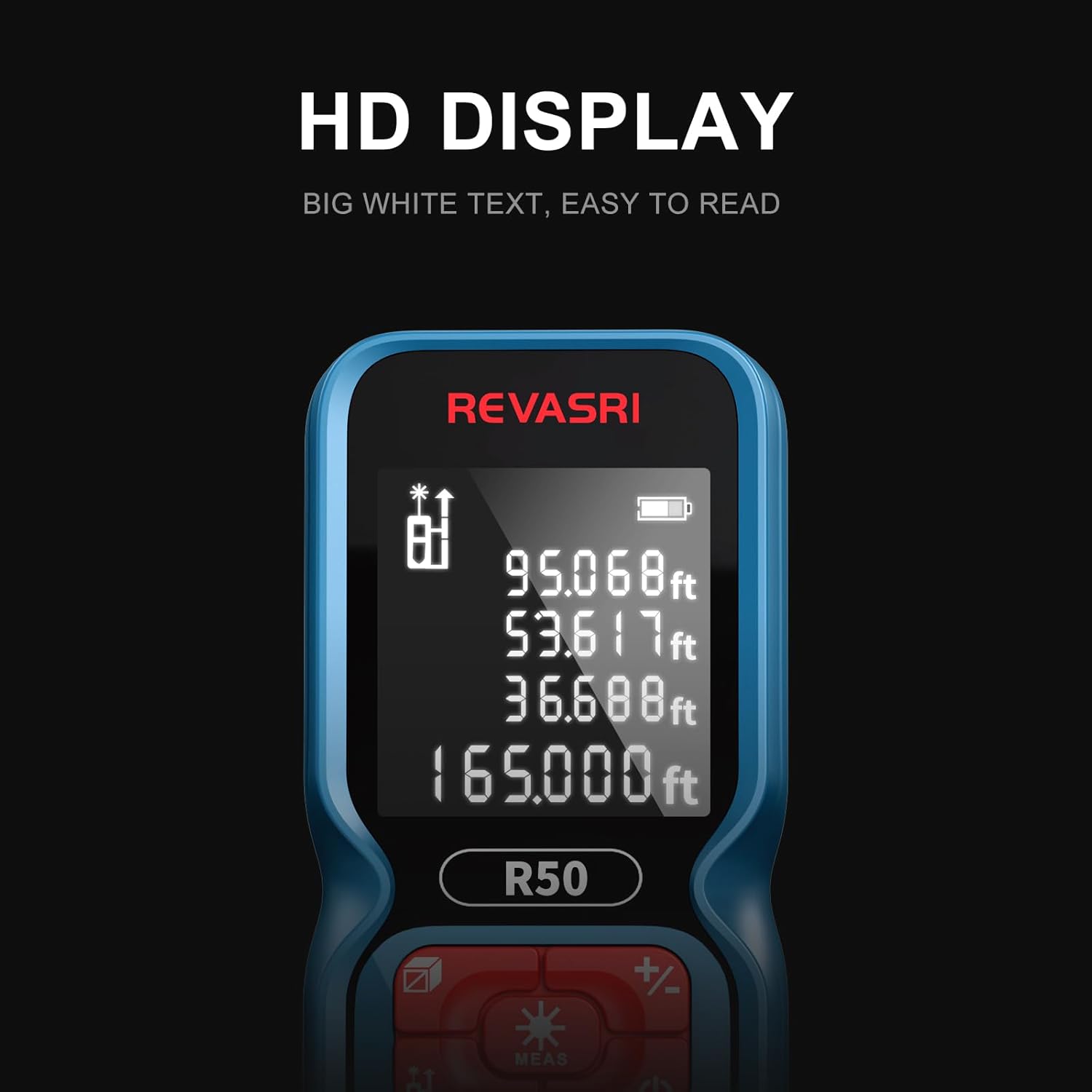
Image 3.1: Illustration of inserting two AAA batteries into the REVASRI R50 Laser Distance Meter's battery compartment.
4. Návod k obsluze
4.1 Zapnutí/vypnutí
- Zapnutí: Stiskněte tlačítko MEAS Jedním stisknutím tlačítka zapněte zařízení. Laser se aktivuje.
- Vypnout: Stiskněte a podržte Moc tlačítko () for approximately 3 seconds to turn off the device. The device will also automatically power off after 45 seconds of inactivity.
4.2 Přepínání jednotek
To change the measurement unit (Meters, Feet, Inches, Feet+Inches), press the Jednotka tlačítko () repeatedly until the desired unit is displayed on the screen.
4.3 Režimy měření
The REVASRI R50 offers various measurement functions. Press the Režim tlačítko () procházet dostupné režimy.

Obrázek 4.1: Konecview of the different measurement modes available on the REVASRI R50 Laser Distance Meter.
- Jednorázové měření: Stiskněte MEAS once to activate the laser, then press MEAS again to take a single distance measurement.
- Průběžné měření: In this mode, the device continuously measures the distance as you move it, displaying the current, maximum, and minimum values. Press MEAS začít a znovu zastavit.
- Měření plochy: Follow the on-screen prompts to measure two sides (length and width). The device will automatically calculate and display the area.
- Měření objemu: Follow the on-screen prompts to measure three sides (length, width, and height). The device will automatically calculate and display the volume.
- Pythagorean Measurement (I, II, III): Used to calculate indirect distances based on two or three other measurements, useful for inaccessible points. Follow the on-screen prompts for each specific Pythagorean mode.
- Sčítání/odčítání: Použijte +/- button to add or subtract measurements.
4.4 úložiště dat
The device can store up to 99 groups of measurement data. To recall stored data, press the Dějiny tlačítko () and use the arrow keys to navigate through the records.

Image 4.2: The REVASRI R50 Laser Distance Meter's data storage capability, showing up to 99 groups of measurements.
4.5 Čitelnost displeje
The REVASRI R50 features an HD display with white text on a dark background, enhancing visibility in various lighting conditions.

Image 4.3: The clear HD display of the REVASRI R50, designed for easy readability.
5. Údržba
5.1 Čištění
- Otřete zařízení měkkým, damp tkanina. Nepoužívejte abrazivní čisticí prostředky nebo rozpouštědla.
- Clean the laser lens carefully with a soft cloth, similar to cleaning camera lenses.
5.2 Výměna baterie
When the battery indicator on the display shows low power, replace both AAA batteries as described in Section 3.1. The device is designed for approximately 8000 measurements on a new set of batteries.
5.3 Skladování
- Přístroj skladujte na chladném a suchém místě, mimo dosah přímého slunečního záření a extrémních teplot.
- Pokud skladujete po delší dobu, vyjměte baterie, abyste zabránili vytečení.
6. Řešení problémů
| Problém | Možná příčina | Řešení |
|---|---|---|
| Zařízení se nezapne | Low or dead batteries; incorrect battery polarity | Vyměňte baterie za nové alkalické baterie typu AAA a dbejte na správnou polaritu. |
| Nepřesná měření | Obstruction in laser path; unstable measuring surface; extreme environmental conditions | Ensure clear laser path. Measure from a stable surface. Avoid measuring in strong sunlight or highly reflective surfaces. |
| Displej je slabý nebo nečitelný | Low battery; display issue | Vyměňte baterie. Pokud problém přetrvává, kontaktujte podporu. |
| Laser se neaktivuje | Device not powered on; malfunction | Press the MEAS button to activate. If still no laser, contact support. |
7. Specifikace
| Funkce | Specifikace |
|---|---|
| Rozsah měření | 0.05 m - 50 m (0.2 stopy - 165 stop) |
| Přesnost měření | ±1/16 palce |
| Jednotky vzdálenosti | m, ft, in, ft+in |
| Vlnová délka laseru | 620~690nm |
| Třída bezpečnosti laseru | Třída II, <1 mW |
| Single Measurement Time | 0.25s |
| Typ baterie | 2 x AAA 1.5V Alkaline |
| Životnost baterie | Cca. 8000 měření |
| Hmotnost (bez baterie) | 80 g (2.9 oz) |
| Rozměry | 10.8 x 5.25 x 2.5 cm (4.25 x 2.1 x 1 palce) |
| Materiál | Plast |
| Hodnocení IP | IP54 |
| Voděodolnost | Vodotěsný |
8. Záruka a podpora
8.1 Informace o záruce
Konkrétní záruční podmínky naleznete v dokumentaci dodané při nákupu nebo se obraťte přímo na prodejce. Záruka se obvykle vztahuje na vady materiálu a zpracování při běžném používání.
8.2 Zákaznická podpora
If you encounter any issues not covered in this manual or require further assistance, please contact the seller or manufacturer through their official support channels. Have your product model (R50) and purchase details ready when contacting support.


