OurlUživatelská příručka k akční kameře ife 5K
Model: AT-M41TR
1. Úvod
This user manual provides comprehensive instructions for the Ourlife 5K Action Camera. It covers product features, setup, operation, maintenance, and troubleshooting. Please read this manual thoroughly before using your camera to ensure proper operation and to maximize its capabilities.
2. Bezpečnostní informace
- Nevystavujte fotoaparát extrémním teplotám ani přímému slunečnímu záření po delší dobu.
- Uchovávejte fotoaparát a příslušenství mimo dosah dětí.
- Používejte pouze originální nebo certifikované kompatibilní příslušenství.
- Před ponořením fotoaparátu do vody se ujistěte, že je vodotěsné pouzdro řádně utěsněno.
- Zabraňte pádu fotoaparátu na zem nebo jeho vystavení silným nárazům.
- Nepokoušejte se fotoaparát rozebírat ani upravovat.
3. Co je v krabici
Ourlife 5K Action Camera package includes the following items:
- OurlAkční kamera ife 5K
- 32GB SD karta
- 2 x 1050mAh dobíjecí baterie
- Vodotěsné pouzdro
- Dálkové ovládání
- Externí mikrofon
- Nabíjecí dok se dvěma sloty
- Various Multifunctional Mounting Kits
- USB kabel
- Čisticí hadřík
- Uživatelská příručka

Image: All accessories included with the OurlAkční kamera ife 5K.
4. Konec produktuview
Ourlife 5K Action Camera is designed for capturing high-quality video and photos in various environments. It features dual screens for versatile framing, a wide-angle lens, and robust waterproofing.

Obrázek: Ourlife 5K Action Camera and its primary components.
Klíčové vlastnosti:
- Snímání ve vysokém rozlišení: Records video at 5K/30FPS, 4K/30FPS, 4K/60FPS, 1080P, and captures photos from 8MP to 50MP.
- Dual Screen Design: Front and rear screens for easy framing, especially for selfies or vlogging.
- Nastavitelný View Úhel: Selectable angles including 170°, 140°, 110°, and 70°.
- Bezdrátové dálkové ovládání: Conveniently control recording and photo capture from a distance.
- Vestavěné Wi-Fi: Connects to the XDV App for wireless photo/video sharing and remote control.
- Podpora externího mikrofonu: Improves audio quality by reducing ambient noise.
- Vodotěsnost: Submersible up to 140ft (40m) with the included waterproof case.
- Pokročilé režimy snímání: Includes time-lapse, loop recording, slow motion, and 5x zoom.
- Anti-Shake stabilizace: Built-in template performs vibration correction for smoother footage.

Obrázek: Overview of the camera's features and touch screen usage.
5. Nastavení
5.1. Instalace baterie
- Otevřete kryt přihrádky na baterie na spodní straně fotoaparátu.
- Insert one of the two included 1050mAh batteries, ensuring the correct orientation.
- Bezpečně zavřete kryt bateriového prostoru.
5.2. Instalace SD karty
- Vyhledejte slot pro SD kartu na boku fotoaparátu.
- Insert the included 32GB SD card with the metal contacts facing the front of the camera until it clicks into place.
- Chcete-li kartu vyjmout, jemně ji zatlačte, dokud nevyskočí.
5.3. Nabíjení baterií
Use the provided dual slot charging dock and USB cable to charge the batteries. Connect the USB cable to a power source (e.g., computer USB port or USB wall adapter). The indicator lights on the dock will show charging status.
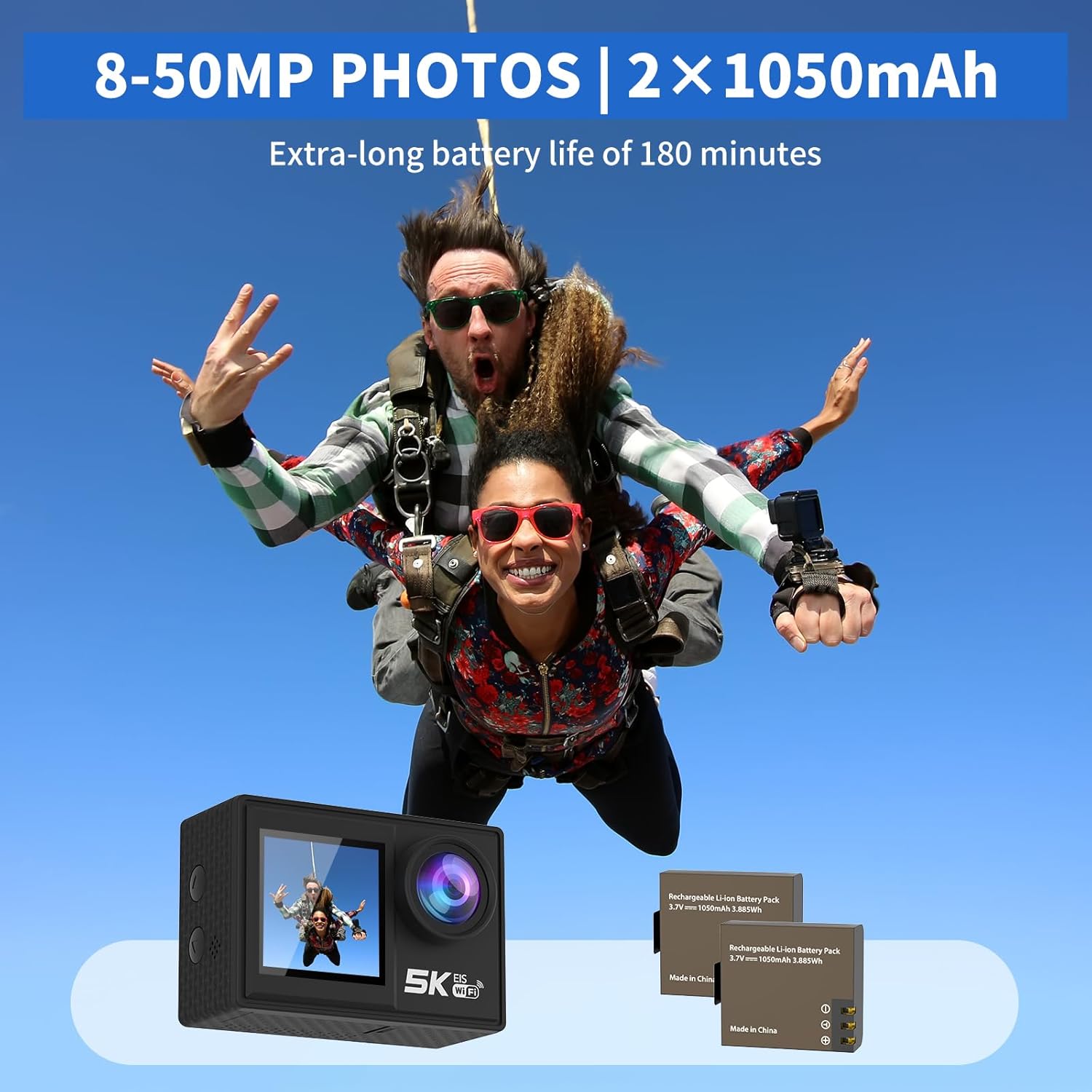
Image: The camera and its two rechargeable batteries.
5.4. Použití vodotěsného pouzdra
The waterproof case allows the camera to be used underwater up to a depth of 140 feet (40 meters). Ensure the camera is dry before placing it inside the case. Close the latch securely and perform a dry test before submerging with the camera inside.
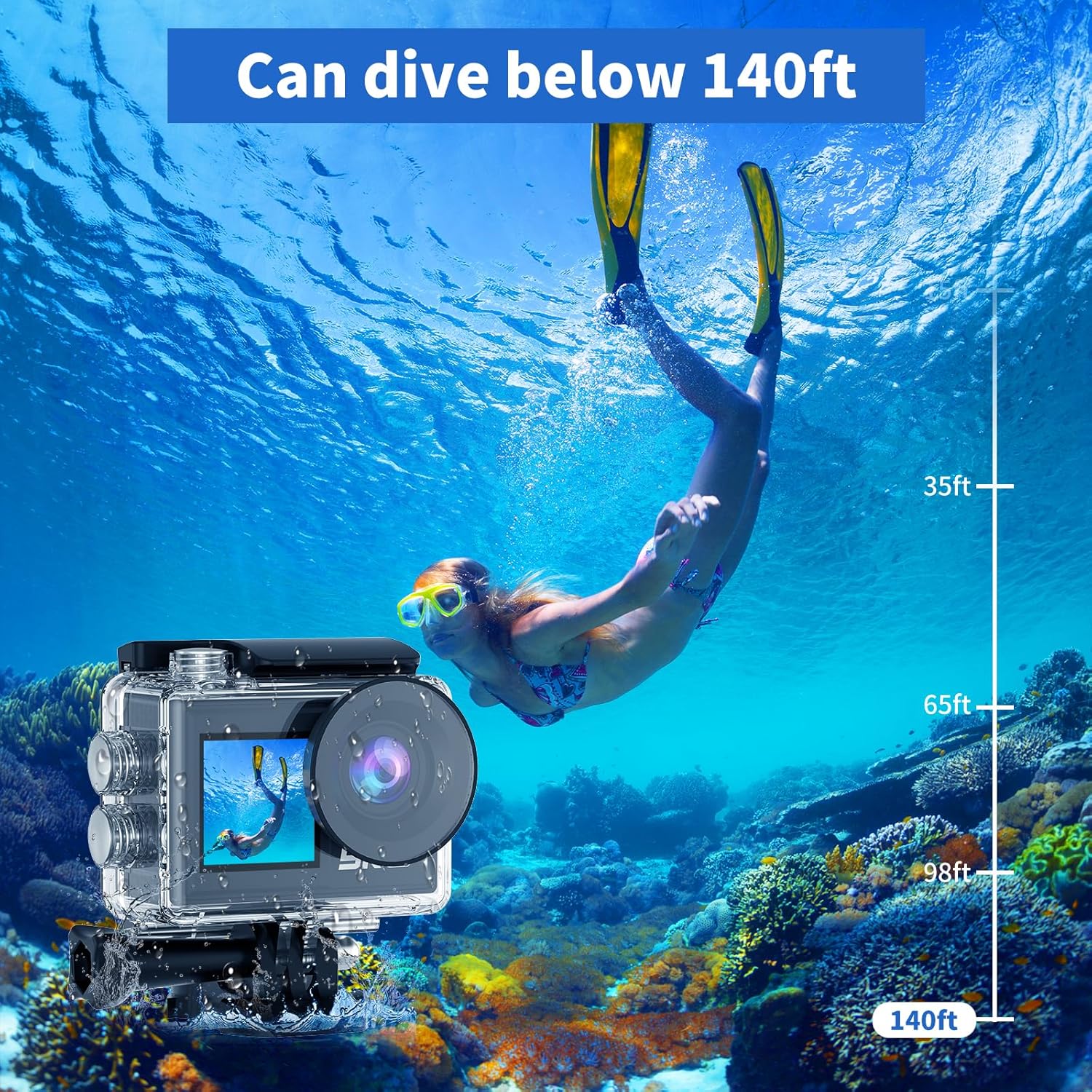
Image: The camera in its waterproof housing, suitable for diving.
6. Ovládání fotoaparátu
6.1. Zapnutí/vypnutí
- To power on, press and hold the Power/Mode button until the screen lights up.
- To power off, press and hold the Power/Mode button until the screen turns off.
6.2. Výběr režimu
Press the Power/Mode button repeatedly to cycle through different modes: Video Recording, Photo Capture, Playback, and Settings.
6.3. Nahrávání videa
- In Video Recording mode, press the Shutter/OK button to start recording.
- Stiskněte tlačítko Spoušť/OK znovu pro zastavení nahrávání.
- Supported resolutions include 5K/30FPS, 4K/30FPS, 4K/60FPS, 2.7K/30FPS, and 1080P/30FPS.
6.4. Fotografování
- In Photo Capture mode, press the Shutter/OK button to take a photo.
- Photo resolutions range from 8MP to 50MP.
6.5. Dual Screen Usage
The camera features both a rear main screen and a front screen. You can switch between screens by pressing a dedicated button (refer to camera diagram for exact button location) or through the settings menu. The front screen is ideal for framing self-portraits or vlogs.
6.6. Seřizování View Úhel
Navigate to the settings menu to adjust the camera's view angle. Options include 170°, 140°, 110°, and 70°, allowing you to choose between a wide field of view or a narrower perspective.
6.7. Pomocí dálkového ovládání
The included wireless wrist remote control allows for convenient operation from a distance. Pair the remote with the camera via the settings menu. Once paired, you can start/stop recording or take photos without touching the camera.
6.8. Wi-Fi Connectivity and XDV App
The camera supports Wi-Fi connectivity with a range of up to 10 meters. Download the "XDV" app on your smartphone or tablet. Enable Wi-Fi on the camera and connect your device to the camera's Wi-Fi network. Through the app, you can view živé footage, control the camera, and transfer photos/videos wirelessly.

Image: Wireless sharing of content via the XDV app.
6.9. Použití externího mikrofonu
Connect the external microphone to the camera's designated port to enhance audio recording quality, especially in noisy environments. The external microphone helps to eliminate unwanted background noise.
6.10. Speciální režimy snímání
- Časová prodleva: Captures a series of photos at set intervals and combines them into a video.
- Nahrávání ve smyčce: Records video continuously, overwriting the oldest footage když je paměťová karta plná.
- Zpomalený pohyb: Records video at a higher frame rate to allow for slow-motion playback.
- 5násobný zvětšení: Digitally zoom in on your subject during recording or photo capture.
- Anti-Shake: Activates electronic image stabilization to reduce blur from camera movement.

Image: Demonstration of the camera's anti-shake feature.
7. Údržba
7.1. Čištění fotoaparátu
- Use a soft, lint-free cloth to clean the camera body and lens.
- Pro odolnou špínu lehceampOpláchněte hadřík vodou. Nepoužívejte agresivní chemikálie.
- Ensure the camera is dry before storing or using the waterproof case.
7.2. Péče o baterie
- Pokud baterie nepoužíváte, skladujte je na chladném a suchém místě.
- Avoid fully discharging batteries before recharging them.
- Pokud skladujete baterie delší dobu, nabijte je přibližně na 50 % jejich kapacity.
7.3. Skladování
When not in use, store the camera in a protective case or bag to prevent scratches and damage. Remove the battery if storing for a long duration.
8. Řešení problémů
| Problém | Možná příčina | Řešení |
|---|---|---|
| Fotoaparát se nezapne. | Baterie je vybitá nebo není správně vložena. | Nabijte baterii nebo ji znovu správně vložte. |
| Nelze nahrávat video/fotit. | SD card is full, corrupted, or not inserted. | Insert SD card, format it, or delete old files. |
| Problémy s připojením k Wi-Fi. | Incorrect password, too far from camera, or app issue. | Ensure correct password, stay within 10m range, restart camera/app. |
| Špatná kvalita zvuku. | External microphone not connected, or high ambient noise. | Ensure external microphone is connected properly. Use in quieter environments if possible. |
| Fotoaparát se zasekne nebo přestane reagovat. | Závada softwaru nebo vybitá baterie. | Remove and reinsert the battery to reset. Ensure battery is charged. |
9. Specifikace
| Funkce | Detail |
|---|---|
| Číslo modelu | AT-M41TR |
| Rozlišení videa | 5K/30FPS, 4K/30FPS, 4K/60FPS, 2.7K/30FPS, 1080P/30FPS |
| Rozlišení fotografie | 8MP - 50MP |
| Technologie fotosenzoru | CMOS |
| Velikost obrazovky | 2 Inches (Dual Screen) |
| Konektivita | Wi-Fi |
| Vodotěsná hloubka | Up to 140ft (40m) with waterproof case |
| Typ baterie | Lithium-iontová baterie (2 x 1050 mAh součástí balení) |
| Skladování | Supports SD card (32GB included) |
| Hmotnost položky | 2.82 unce |
| Rozměry produktu | 0.96 x 2.31 x 1.57 palce |
| Maximální ohnisková vzdálenost | 16 milimetrů |
| Maximální clona | 3.5 f |
| Formát záznamu videa | MP4 |
| Podporovaný formát zvuku | MP4 |
10. Záruka a podpora
OurlVýrobky ife jsou vyráběny podle vysokých standardů kvality. Informace o záruce, technickou podporu nebo servisní dotazy získáte na kontaktních informacích uvedených na obalu produktu nebo navštivte oficiální webové stránky O.urlife webstránky. Uschovejte si prosím doklad o koupi pro případ reklamace.
Pro další pomoc se můžete také obrátit na OurlObchod ife na Amazonu.


