1. Konec produktuview
The MRSCOZ White Noise Machine & Alarm Clock (Model TCR-001) is designed to assist children and adults with sleep and wake-up routines. It combines a white noise machine, an alarm clock with sleep training features, and a night light, all in a compact, cat-shaped design. This device aims to help users establish healthy sleep habits through visual and auditory cues.

Image 1.1: The MRSCOZ White Noise Machine and Alarm Clock showcasing its multi-color night light capabilities.
2. Obsah balení
- MRSCOZ White Noise Machine & Alarm Clock (Model TCR-001)
- Nabíjecí kabel USB (typu C)
- Uživatelská příručka
3. Nastavení
3.1 Zapnutí a nabíjení
The device is powered by a built-in rechargeable battery. Before first use, fully charge the device using the provided USB Type-C cable. Connect the cable to the charging port on the device and a compatible USB power adapter (not included).
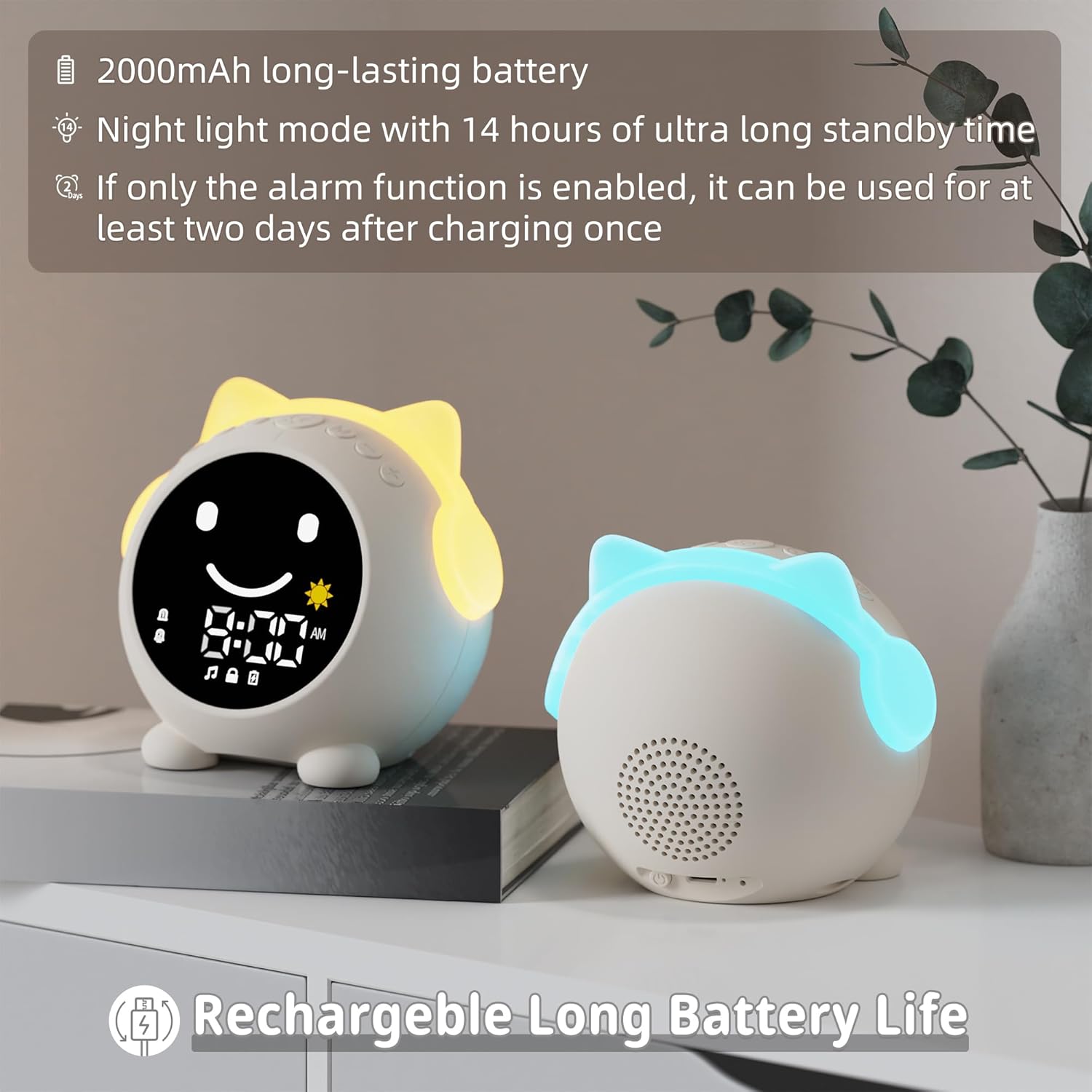
Image 3.1: Information regarding the 2000mAh long-lasting rechargeable battery.
A full charge provides approximately 14 hours of standby time in night light mode. If only the alarm function is enabled, the device can operate for at least two days on a single charge.
3.2 Nastavení času
To set the current time, connect the device to your phone via Bluetooth. The time will automatically synchronize with your phone's time.
- Dlouze stiskněte M (Bluetooth) button to enter Bluetooth pairing mode. The alarm screen will display a pairing indicator.
- On your phone, search for the device named "C1" and connect.
- Once connected, the time will synchronize.
To switch between 12-hour (AM/PM) and 24-hour formats, double-click the M Tlačítko (Bluetooth).
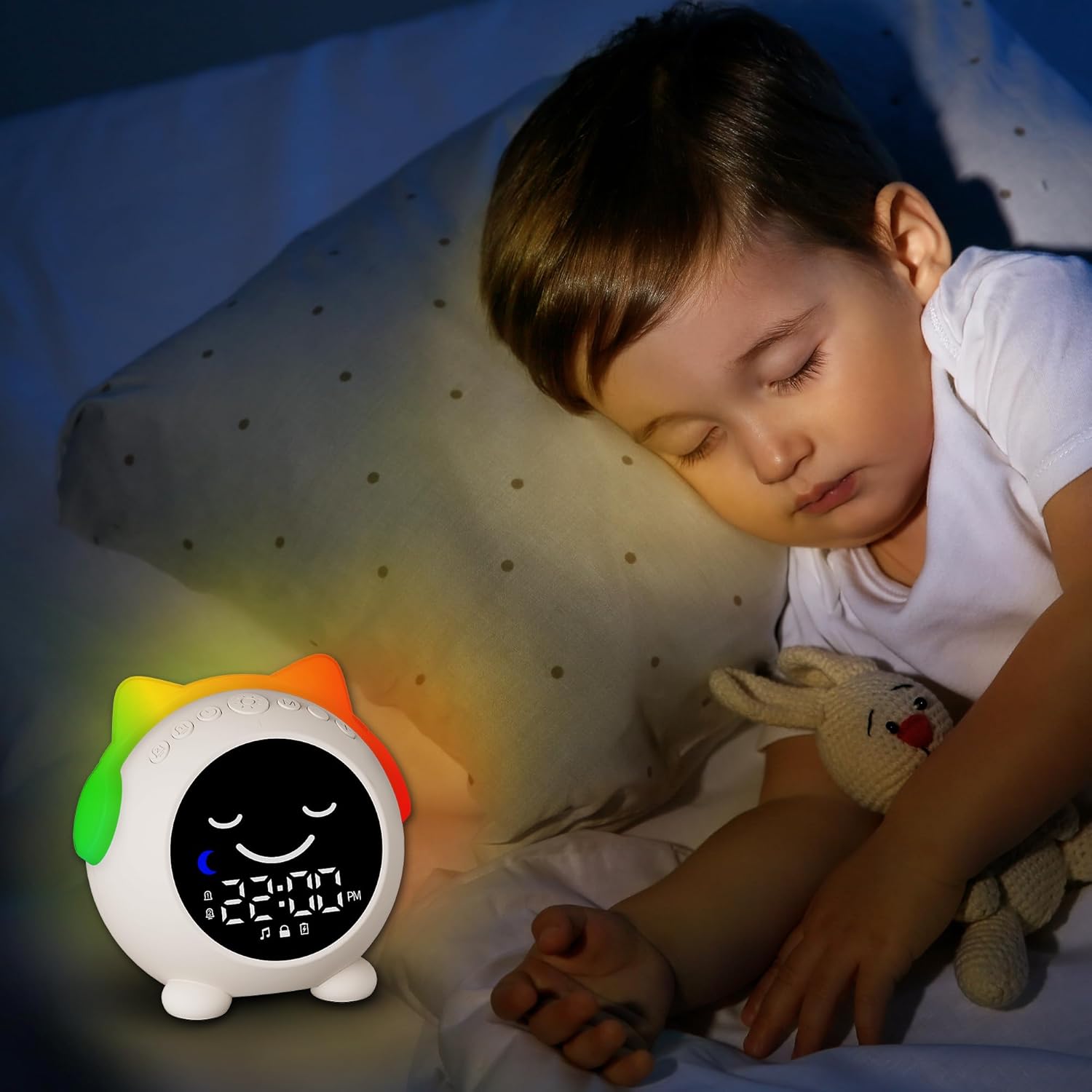
Image 3.2: Visual guide for setting time and customizing sleep/wake periods.
4. Návod k obsluze
4.1 Sleep Training Function (Time to Wake Up / Time to Sleep)
This feature uses visual cues to help distinguish between day and night, guiding users to wake up and sleep independently.
- Time to Wake Up: Indicated by a yellow light and an open-eye icon (simulating the sun).
- Time to Sleep: Indicated by a blue light and a closed-eye icon (simulating the moon).
To customize the sleep time period:
- Dlouze stiskněte Hodiny button to enter custom time slot settings.
- For the wake-up time (daytime period), long press the Slunce icon to enter the 'hour' setting, then click the Slunce icon again to enter the 'minute' setting.
- For the sleep time (nighttime period), long press the Měsíc icon to enter the 'hour' setting, then click the Měsíc icon again to enter the 'minute' setting.
- After setting the desired time period, click the Hodiny button again to finish the setting.

Image 4.1: 'Time to Wake Up' indication.

Image 4.2: 'Time to Sleep' indication.
4.2 Dual Alarm Clock & Snooze Function
The device features two independent alarm modes, allowing for different wake-up times for weekdays and weekends.
- Budík 1: Typically set for school days or weekdays.
- Budík 2: Can be set for weekends or a secondary wake-up time.
When an alarm sounds, you can activate the snooze function. The alarm will ring again after 9 minutes. This can be repeated up to 3 times.
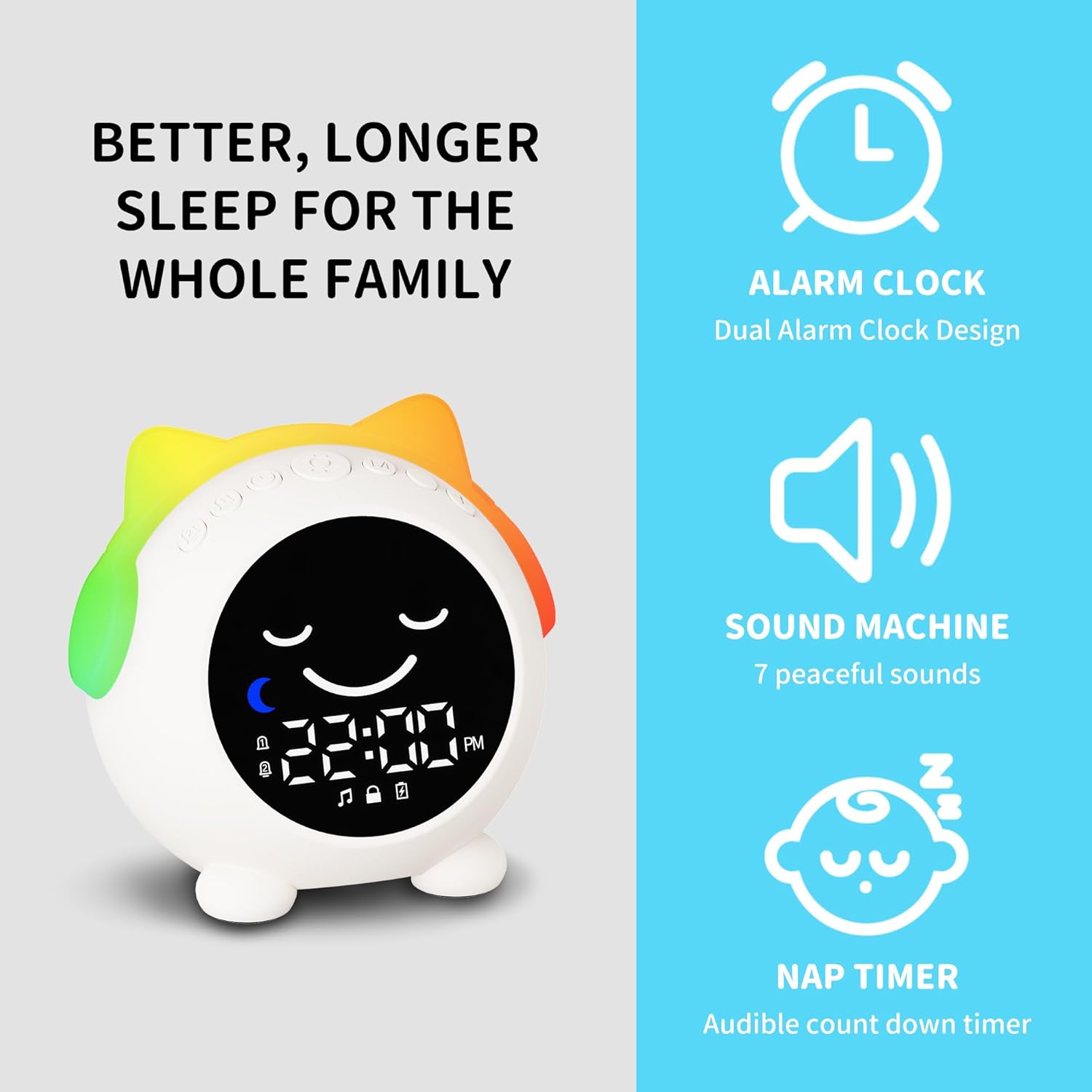
Image 4.3: Illustration of the dual alarm clock design.
4.3 režimů nočního osvětlení
The alarm clock offers 9 different night light colors and 4 adjustable brightness levels. To change the night light color, press the top button. Each color has adjustable brightness levels to create a suitable sleep environment.
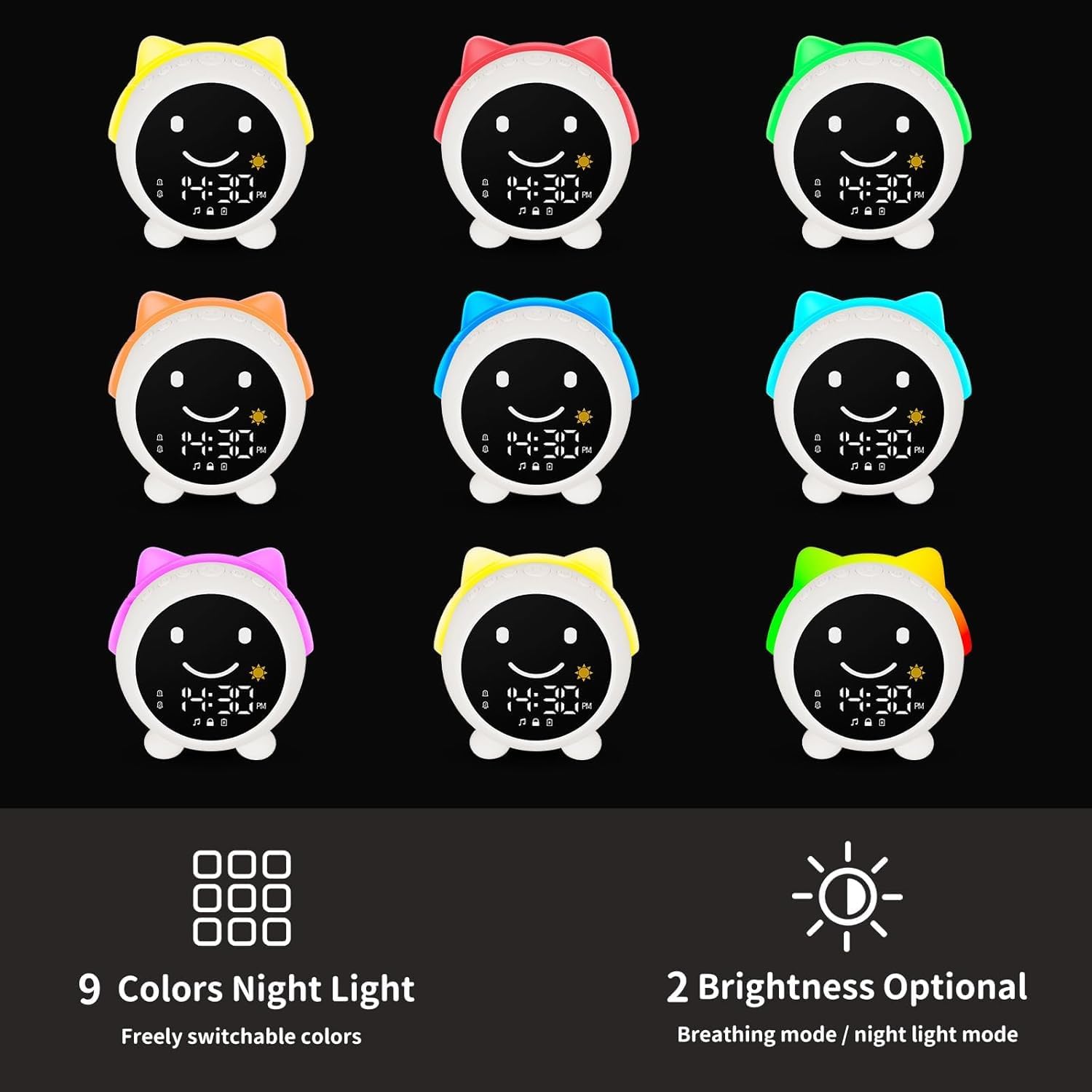
Obrázek 4.4: Konecview of the 9 night light colors and brightness options.
4.4 Sound Machine & Bluetooth Speaker
The device includes 7 built-in sleep sounds, such as lullabies and natural sounds, to aid relaxation. It also functions as a Bluetooth speaker, allowing you to play your preferred music or white noise from a connected device.
- To turn white noise ON/OFF, press the M (Bluetooth) button briefly.
- Chcete-li upravit hlasitost, použijte + a - tlačítka.
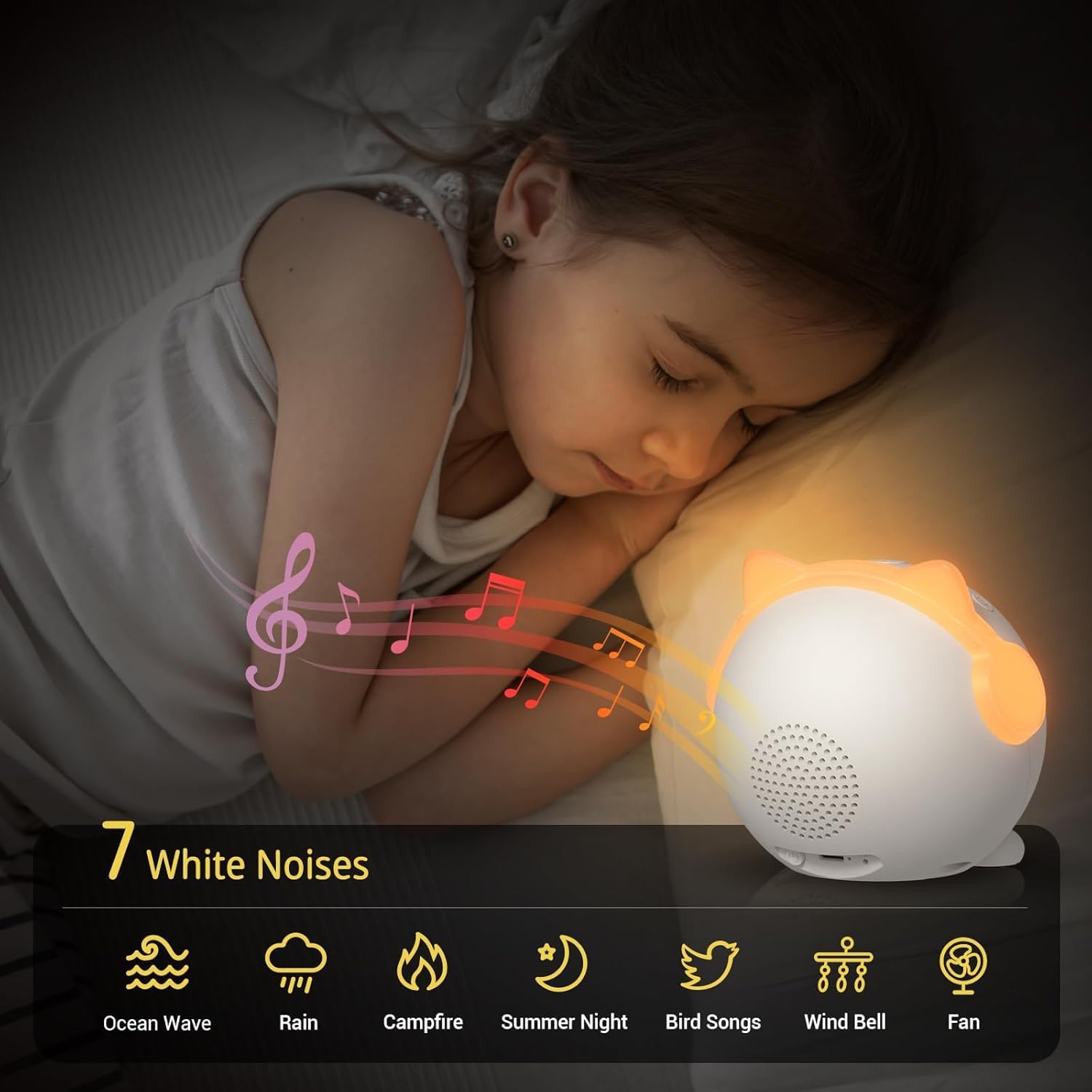
Image 4.5: The 7 available white noise options for relaxation.
For Bluetooth music playback, follow the pairing instructions in Section 3.2.
5. Údržba
To ensure the longevity and proper functioning of your MRSCOZ White Noise Machine & Alarm Clock, follow these maintenance guidelines:
- Čištění: Zařízení otřete měkkým, suchým hadříkem. Nepoužívejte abrazivní čisticí prostředky, rozpouštědla ani zařízení neponořujte do vody.
- Skladování: Pokud zařízení delší dobu nepoužíváte, skladujte jej na chladném a suchém místě mimo dosah přímého slunečního záření a extrémních teplot.
- Péče o baterie: To maintain battery health, avoid fully discharging the battery frequently. Charge the device regularly, even if not in constant use.
6. Řešení problémů
| Problém | Možná příčina | Řešení |
|---|---|---|
| Display shows 24-hour format, cannot switch to 12-hour (AM/PM). | Incorrect time format setting. | Dvakrát klikněte na M (Bluetooth) button to toggle between 12-hour and 24-hour formats. |
| Display is not working or partially visible. | Low battery, software glitch, or hardware issue. |
|
| Difficulty connecting via Bluetooth. | Device not in pairing mode, incorrect device name, or interference. |
|
| Výdrž baterie se zdá kratší, než se očekávalo. | Frequent use of night light or sound machine, or high brightness/volume settings. |
|
7. Specifikace
| Funkce | Detail |
|---|---|
| Značka | MRSCOZ |
| Číslo modelu | TCR-001 |
| Typ zobrazení | Digitální |
| Zdroj napájení | Napájení z baterie (dobíjecí) |
| Typ baterie | 1 x 12V battery (built-in) |
| Materiál | Akrylonitrilbutadienstyren (ABS) |
| Rozměry produktu | 3.94 cm Š x 3.94 cm V |
| Hmotnost položky | 320 gramů (11.3 unce) |
| Speciální funkce | Built-in Bluetooth for music playback, Dynamic LED lights and time-responsive UI interface, Sleep training function, Dual alarms, 9 Night light colors with 4 brightness levels, 7 Soothing sounds. |
| Vnitřní/venkovní použití | Krytý |
8. Záruka a podpora
8.1 Informace o záruce
The MRSCOZ White Noise Machine & Alarm Clock comes with a 24-month limited product service warranty od data nákupu. Tato záruka se vztahuje na výrobní vady a problémy vzniklé běžným používáním. Nevztahuje se na škody způsobené nesprávným použitím, nehodami, neoprávněnými úpravami nebo nesprávnou údržbou.
Uschovejte si prosím doklad o koupi pro uplatnění záruky.
8.2 Zákaznická podpora
For any questions, technical assistance, or warranty claims, please contact MRSCOZ customer support through the retailer where you purchased the product or visit the official MRSCOZ brand store online.
MRSCOZ Brand Store: Visit MRSCOZ Store on Amazon


