1. Úvod
Thank you for choosing the LENGSUM Portable Charger Power Bank P88. This high-capacity 32000mAh power bank is designed for efficient and safe charging of your electronic devices on the go. Featuring 22.5W fast charging, built-in cables, and multiple output/input options, it ensures your devices stay powered when you need them most.
This manual provides essential information on how to properly use and maintain your power bank. Please read it thoroughly before use.

Figure 1: LENGSUM Portable Charger Power Bank P88
2. Konec produktuview
2.1 Klíčové vlastnosti
- Vysoká kapacita: 32000mAh with new high-density polymer battery.
- Rychlé nabíjení: Up to 22.5W output (USB-A QC3.0) and 20W PD in/out (USB-C).
- Vestavěné kabely: Integrated USB-C and iOS (Lightning) output cables for convenience.
- Více portů: 5 outputs (including built-in cables) and 3 inputs (iOS, USB-C, Micro-USB).
- Digitální displej: Clear LED percentage display for remaining power.
- Široká kompatibilita: Supports iPhone, iPad, Samsung, Google Pixel, and other Android devices.
2.2 Komponenty
The power bank features a sleek design with an LED display and various ports for versatile charging.

Figure 2: Power Bank with LED Display showing 32000mAh capacity.

Figure 3: Diagram illustrating the 5 output ports and 3 input ports, including built-in cables.

Obrázek 4: Detail view of the integrated USB-C and iOS (Lightning) cables.
3. Nastavení
3.1 Nabíjení powerbanky
Before first use, fully charge your power bank. The LED display will show the charging progress. You have three options to recharge the power bank:
- USB-C vstup: Use a USB-C cable and a compatible power adapter (not included) to charge via the USB-C port. This port supports up to 20W PD input.
- Micro-USB vstup: Use a Micro-USB cable and a compatible power adapter (not included) to charge via the Micro-USB port. This port supports up to 18W input.
- iOS (Lightning) Input: Use an iOS (Lightning) cable and a compatible power adapter (not included) to charge via the iOS input port.
The LED display will show '100%' when fully charged.
4. Návod k obsluze
4.1 Nabíjení vašich zařízení
The power bank offers 5 output options to charge your devices simultaneously:
- Vestavěný kabel USB-C: Vytáhněte integrovaný kabel USB-C a připojte jej k zařízení kompatibilnímu s USB-C.
- Built-in iOS (Lightning) Cable: Pull out the integrated iOS (Lightning) cable and connect it to your Apple device.
- Výstupní porty USB-A (x2): Use your device's USB-A charging cable and plug it into either of the two USB-A output ports. USB-A supports up to 22.5W QC3.0 output.
- Výstupní port USB-C: Use your device's USB-C charging cable and plug it into the USB-C port. This port supports up to 20W PD output.
The power bank will automatically detect and begin charging your connected device(s). The LED display will show the remaining power percentage.

Figure 5: Illustrates fast charging capabilities for various devices.
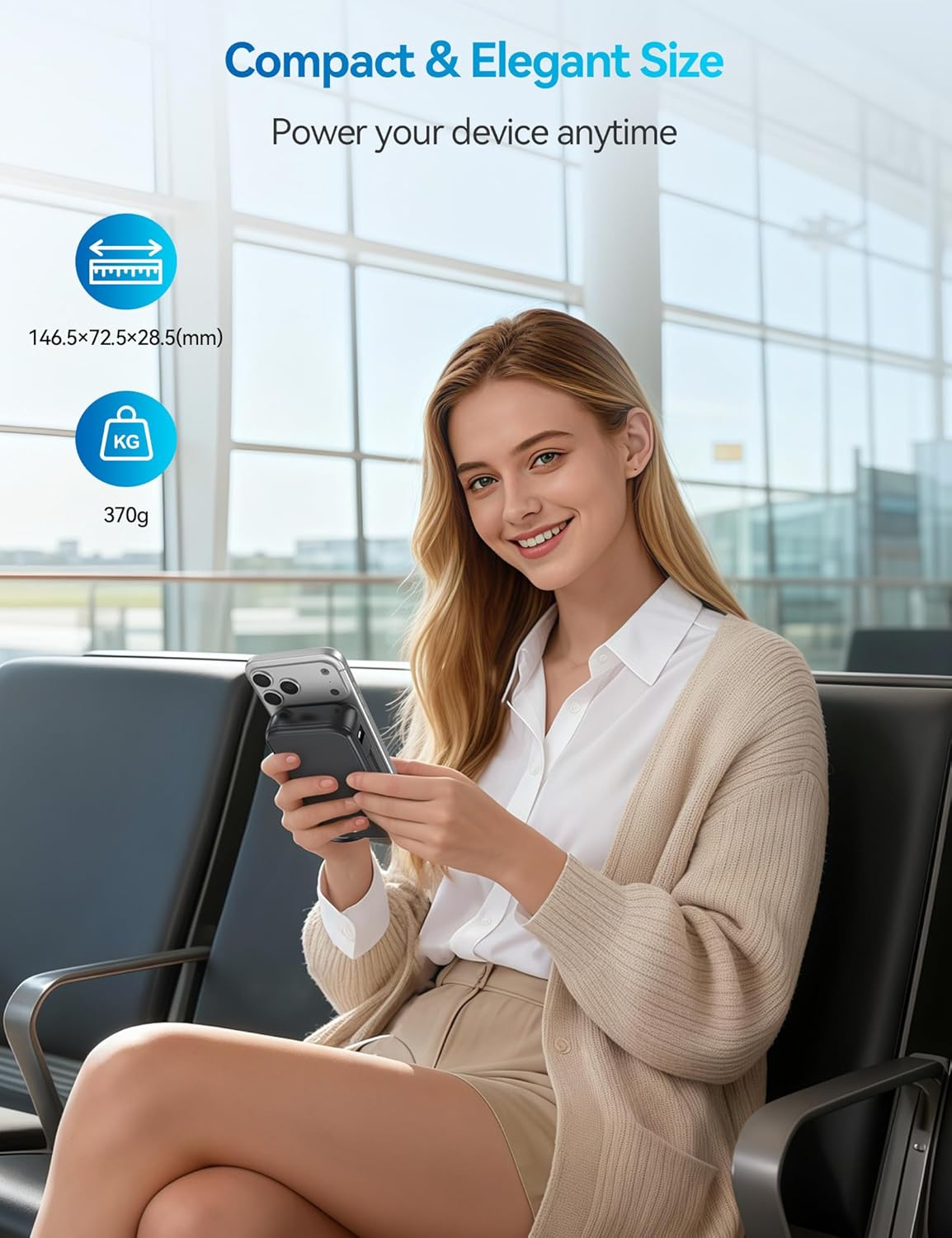
Obrázek 6: Přample of charging multiple devices using the power bank's various outputs.
4.2 Široká kompatibilita
The LENGSUM P88 is compatible with a broad range of devices, including:
- iPhone series (16/15/14/13/12/11 and older)
- iPad series (iPad Pro, Air, Mini)
- Samsung Galaxy series (S24/S23/S22/S21)
- Google Pixel and other Android smartphones
- Tablets, AirPods, and more.

Figure 7: Visual representation of the power bank's compatibility with different phone and tablet models.
5. Bezpečnostní prvky
The LENGSUM P88 is equipped with multiple protection technologies to ensure the safety of your devices and the power bank itself:
- Ochrana proti přebití
- Ochrana před vybitím
- Přes Voltage Ochrana
- Ochrana proti vysoké teplotě
- Over Power Protection
- Obnovit ochranu
- Ochrana proti zkratu
- Magnetic Field Protection

Figure 8: Icons representing the various safety protection features of the power bank.
6. Specifikace
| Funkce | Detail |
|---|---|
| Číslo modelu | P88 |
| Kapacita baterie | 32000 XNUMX mAh |
| Výstupní výkon | 22.5W (max.) |
| Port USB-C | 20W PD In/Out |
| Porty USB-A | 22.5W QC3.0 Output |
| Micro-USB vstup | Příkon 18W |
| Vestavěné kabely | USB-C, iOS (Lightning) |
| Rozměry produktu | 5.76 x 2.85 x 1.12 palce |
| Hmotnost položky | 1.12 libry |
| Typ baterie | Lithium Polymer |
7. Údržba
To ensure the longevity and optimal performance of your LENGSUM Power Bank P88, please follow these maintenance guidelines:
- Skladování: Powerbanku skladujte na chladném a suchém místě mimo dosah přímého slunečního záření a extrémních teplot.
- Čištění: K čištění povrchu powerbanky používejte měkký, suchý hadřík. Nepoužívejte agresivní chemikálie ani abrazivní materiály.
- Nabíjecí cykly: Pro nejlepší stav baterie powerbanku plně nabijte a vybijte alespoň jednou za tři měsíce, pokud ji nepoužíváte pravidelně.
- Vyhněte se kapkám: While designed to be durable, avoid dropping the device to prevent internal damage.
- Vystavení vodě: Uchovávejte powerbanku mimo dosah vody a vysoké vlhkosti.
8. Řešení problémů
Pokud narazíte na jakékoli problémy s vaší powerbankou, podívejte se na následující běžná řešení:
- Zařízení se nenabíjí:
- Ensure the power bank is sufficiently charged (check LED display).
- Ověřte, zda je nabíjecí kabel bezpečně připojen k powerbankě i k vašemu zařízení.
- Zkuste jiný nabíjecí kabel nebo port na powerbankě.
- Stiskněte tlačítko napájení na powerbance pro aktivaci nabíjení.
- Pomalé nabíjení:
- Ensure your device supports fast charging and you are using a compatible cable and port (e.g., USB-C PD or USB-A QC3.0).
- Pokud potřebujete maximální rychlost pro jedno zařízení, vyhněte se nabíjení více zařízení současně.
- Powerbanka se nenabíjí:
- Check if the charging cable and wall adapter are functioning correctly.
- Ensure the input cable is connected to the correct input port (iOS, USB-C, or Micro-USB).
- LED displej nefunguje:
- Stisknutím tlačítka napájení aktivujte displej.
- Pokud problém přetrvává, může být nutné provést servis powerbanky.
9. Záruka a podpora
Your LENGSUM Portable Charger Power Bank P88 comes with a 365-day replacement promise. If you encounter any issues or have questions about your product, please do not hesitate to contact us for assistance.
For support, please contact the seller, Lengsum-US, through your purchase platform.


