1. Úvod
Thank you for choosing the WamGra Open Ear Headphones T18. These headphones are designed to provide a comfortable and safe listening experience, especially during sports and outdoor activities, by allowing you to remain aware of your surroundings. This manual will guide you through the setup, operation, and maintenance of your new headphones.
2. Obsah balení
Zkontrolujte prosím balení, zda neobsahuje následující položky:
- 1 × WamGra Open Ear Bluetooth Headphones T18
- 1 × nabíjecí kabel USB
- 1 × Uživatelská příručka

3. Konec produktuview
The WamGra Open Ear Headphones T18 feature an innovative open-ear design utilizing air conduction technology, ensuring comfort for extended wear and maintaining environmental awareness. They are lightweight, weighing only 18 grams, and are built with IPX5 water resistance, making them suitable for various activities including sports.


4. Nabíjení sluchátek
Before first use, fully charge your headphones. The headphones are equipped with a magnetic fast charging port.
Postup nabíjení:
- Connect the magnetic end of the provided USB charging cable to the charging port on the headphones.
- Připojte konec kabelu USB-A ke standardnímu napájecímu adaptéru USB (není součástí balení) nebo k portu USB počítače.
- The indicator light on the headphones will show the charging status. Refer to the LED indicator section for details.
- Plné nabití trvá přibližně 1.5 hodin.
Once fully charged, the headphones provide up to 10 hours of continuous music or talk time.

5. Nastavení: Párování Bluetooth
Follow these steps to pair your WamGra Open Ear Headphones T18 with your device:
- Zapnutí: Press and hold the power button on the headphones until the LED indicator flashes blue and red, indicating they are in pairing mode.
- Aktivujte Bluetooth: Na smartphonu, tabletu nebo jiném zařízení s podporou Bluetooth přejděte do nastavení Bluetooth a ujistěte se, že je Bluetooth zapnutý.
- Vyberte zařízení: In the list of available Bluetooth devices, locate and select "WamGra T18" (or similar name).
- Potvrdit spárování: Once selected, the headphones will connect, and the LED indicator will typically show a solid blue light or flash blue slowly. A voice prompt may also confirm the connection.
- Znovu připojit: The headphones will automatically attempt to reconnect to the last paired device when powered on. If reconnection fails, repeat the pairing steps.
6. Návod k obsluze
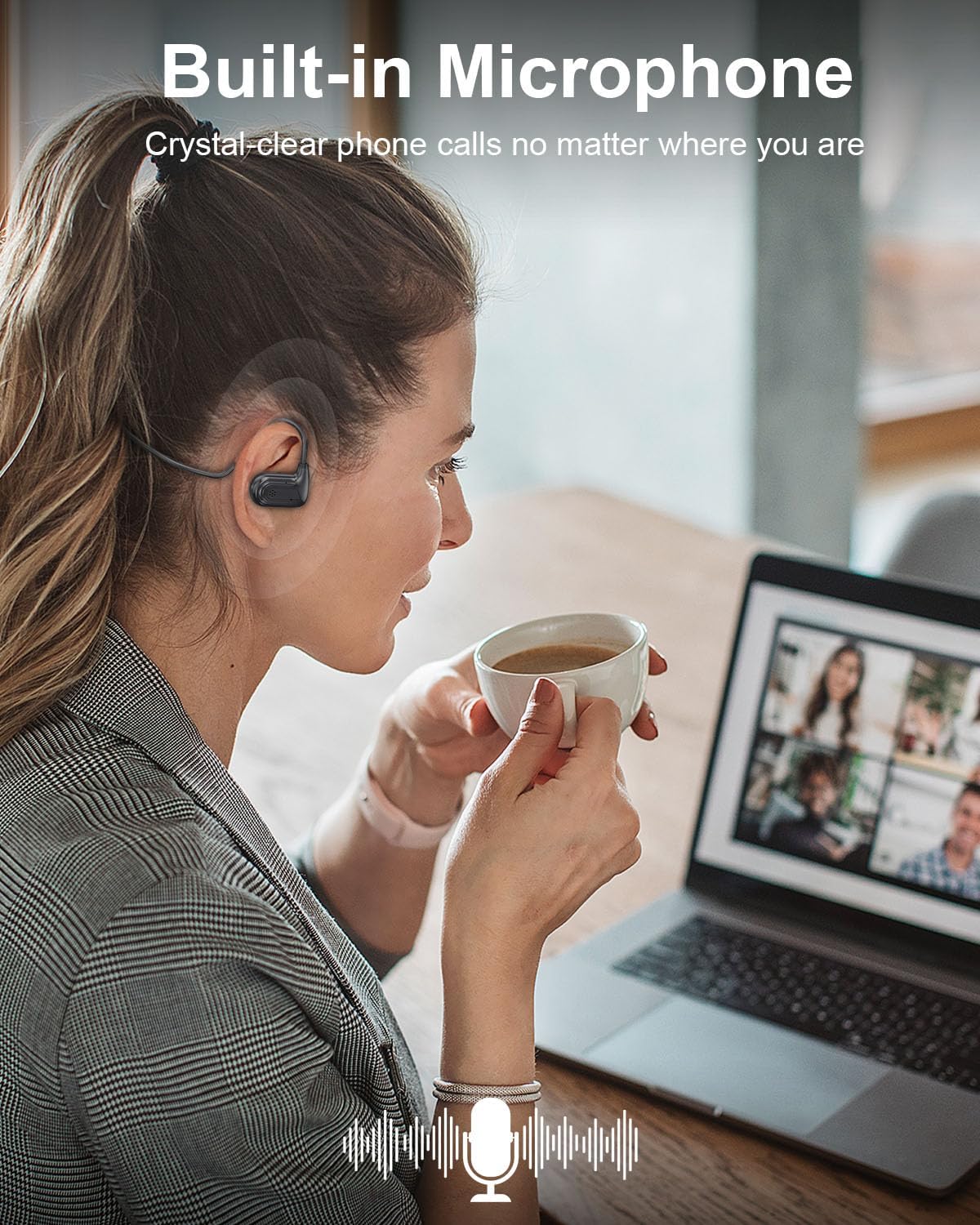
The WamGra Open Ear Headphones T18 feature intuitive touch and button controls for managing music playback and calls.
Ovládání přehrávání hudby:
- Přehrát/pozastavit: Tap the touch area once.
- Další skladba: Poklepejte na dotykovou oblast.
- Předchozí skladba: Triple-tap the touch area.
Správa hovorů:
- Přijmout hovor: Tap the touch area once.
- Zavěsit: Tap the touch area once during a call.
- Odmítnout hovor: Stiskněte a podržte tlačítko.
Ovládání hlasitosti:
- Zvýšit hlasitost: Stiskněte tlačítko jednou.
- Snížit hlasitost: Double-press the button quickly.

7. Údržba
Správná péče prodlouží životnost vašich sluchátek.
Čištění:
- Sluchátka otřete měkkým, suchým nebo lehce navlhčeným hadříkem.amp tkanina.
- Nepoužívejte agresivní chemikálie, čisticí rozpouštědla ani silné čisticí prostředky.
Skladování:
- Sluchátka skladujte na chladném a suchém místě mimo dosah extrémních teplot.
- Vyhněte se přímému slunečnímu záření a vysoké vlhkosti.
Voděodolnost (IPX5):
The headphones are IPX5 rated, meaning they are resistant to splashes and sweat. They are suitable for workouts and light rain. Do not submerge the headphones in water or expose them to strong jets of water.
8. Řešení problémů
Pokud se se sluchátky setkáte s problémy, podívejte se na následující běžné problémy a jejich řešení:
| Problém | Možná příčina | Řešení |
|---|---|---|
| Sluchátka se nezapínají | Slabá baterie | Plně nabijte sluchátka. |
| Nelze spárovat se zařízením | Bluetooth not enabled, headphones not in pairing mode, device too far | Ensure Bluetooth is on, put headphones in pairing mode (flashing blue/red), keep devices within 10 meters. |
| Žádný zvuk nebo nízká hlasitost | Volume too low, headphones not connected, incorrect audio output selected | Increase headphone and device volume, re-pair headphones, check device's audio output settings. |
| Přerušované připojení | Interference, device too far, low battery | Move closer to the device, avoid strong Wi-Fi or other Bluetooth signals, charge headphones. |
9. Specifikace
| Funkce | Detail |
|---|---|
| Název modelu | T18 |
| Verze Bluetooth | 5.3 |
| Technologie připojení | Bluetooth, bezdrátové připojení |
| Tvar sluchátka | Open-Ear (Air Conduction) |
| Životnost baterie | Až 10 hodin |
| Doba nabíjení | Přibl. 1.5 hodin |
| Hmotnost položky | 18 gramů (0.635 unce) |
| Úroveň odolnosti proti vodě | IPX5 (vodotěsný) |
| Frekvenční rozsah | 20 Hz - 20,000 XNUMX Hz |
| Typ zvukového ovladače | Dynamický ovladač |
| Materiál | Plast, silikon |
| Rozměry produktu | 5.12 x 1.38 x 5.51 palce |
10. Záruka a podpora
WamGra products are designed for reliability and performance. For any issues, questions, or assistance with your WamGra Open Ear Headphones T18, please contact our customer support team through the Amazon support system. Our team is available to help resolve your concerns and ensure your satisfaction.
Uschovejte si prosím doklad o koupi pro účely záruky.


