Zavedení
The Dekala PlaySmart Kids Phone is a multifunctional device designed to provide a safe, educational, and entertaining experience for children aged 3 to 12 years. This device combines the fun of a toy phone with educational games, a camera, music player, and parental control features, making it an ideal tool for children to explore technology responsibly.
This manual provides comprehensive instructions on how to set up, operate, and maintain your PlaySmart Kids Phone, ensuring a smooth and enjoyable experience for both children and parents.
Bezpečnostní informace
Please read all safety instructions before using the PlaySmart Kids Phone. Failure to follow these instructions may result in injury or damage to the device.
- Doporučený věk: Tento produkt je vhodný pro děti od 3 let.
- Nabíjení: Always use the original data cable for charging. Supervise children during charging.
- Vystavení vodě: The device is not waterproof. Avoid exposure to water or other liquids.
- Čištění: Zařízení čistěte měkkým, suchým hadříkem. Nepoužívejte agresivní chemikálie.
- Bezpečnost baterie: Do not attempt to replace the battery. Do not expose the battery to extreme temperatures or dispose of it in fire.
- Péče o obrazovku: Avoid pressing the screen with sharp objects.
Co je v krabici
Po otevření balíku se prosím ujistěte, že jsou všechny položky přítomny a v dobrém stavu:
- Dekala PlaySmart Kids Phone
- Nabíjecí kabel (USB)
- Uživatelská příručka (tento dokument)
- Silicone Protective Case (pre-installed or included)
Nastavení
1. Počáteční nabíjení
Before first use, fully charge the PlaySmart Kids Phone. Connect the provided charging cable to the phone's charging port and plug the other end into a compatible USB power adapter (not included) or a computer's USB port.
- Plné nabití obvykle trvá přibližně 2–3 hodiny.
- Indikátor baterie na obrazovce bude ukazovat průběh nabíjení.
2. Zapnutí/vypnutí
To power on the device, press and hold the Power button (usually located on the side) for a few seconds until the screen lights up. To power off, press and hold the Power button again, then select "Power Off" on the screen.

Figure 1: The PlaySmart Kids Phone displaying its main interface with various educational and entertainment applications.
Návod k obsluze
Navigace v rozhraní
The PlaySmart Kids Phone features a user-friendly touchscreen interface. Swipe left or right to navigate between screens, and tap on icons to open applications.

Figure 2: A child engaging with the PlaySmart Kids Phone, highlighting its full-featured capabilities including creative and utility apps.
Kamera a videozáznam
The phone is equipped with a 180° rotatable camera, allowing children to take photos and record videos. Tap the "Camera" icon to open the camera application.
- Fotit: Klepnutím na tlačítko spouště na obrazovce pořídíte snímek.
- Záznam videa: Switch to video mode within the camera app and tap the record button to start/stop recording.
- ViewMédia: Access captured photos and videos through the "Gallery" application.
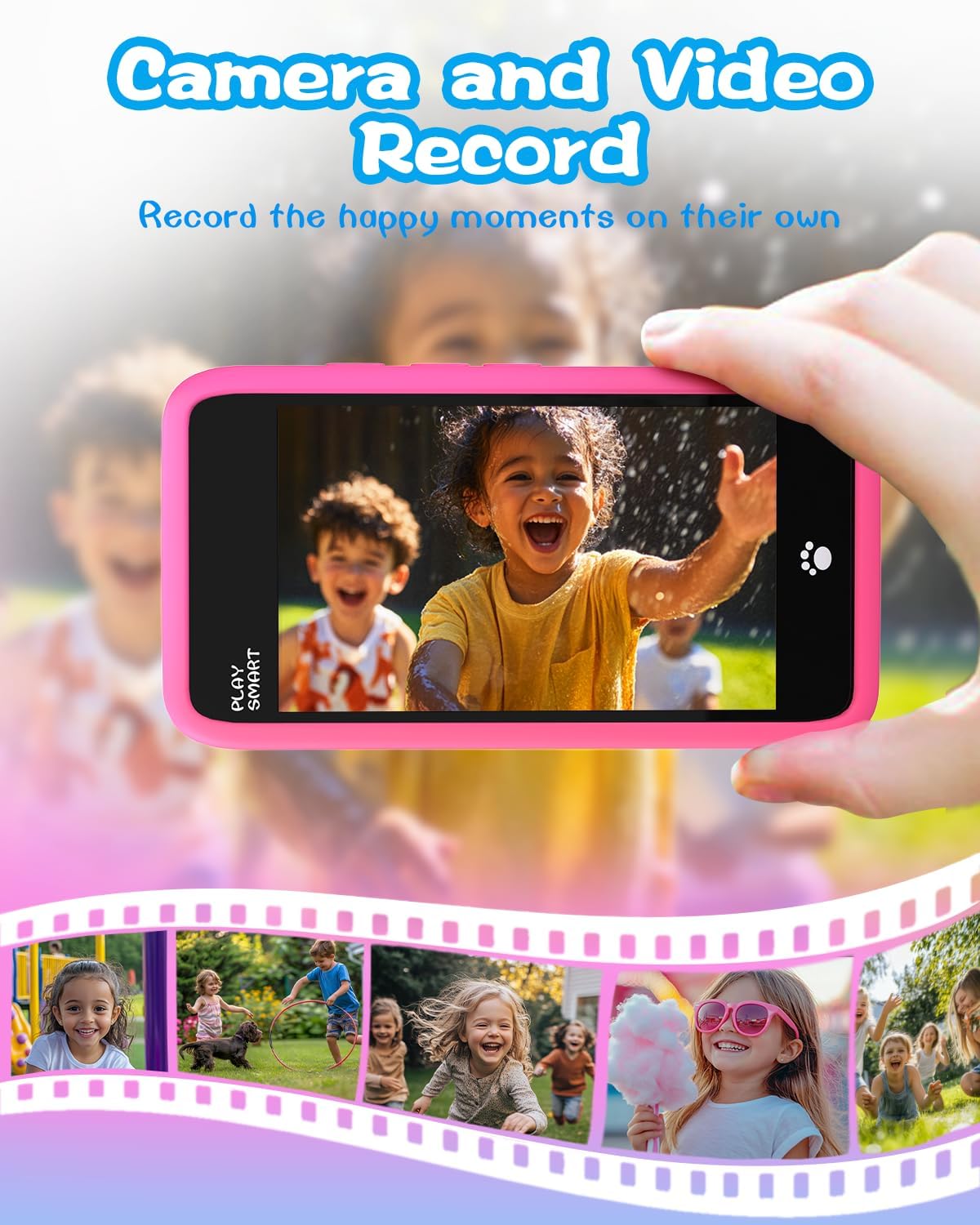
Figure 3: Demonstrating the camera and video recording feature, allowing children to capture their own moments.
Vzdělávací hry
The PlaySmart Kids Phone comes preloaded with over 200 educational games designed to enhance learning in various subjects like numbers, colors, and animals. Tap the "Games" or specific learning app icons to start playing.
- Games are categorized into areas such as Montessori, Art and Craft, First Learning, Brain Training, and STEM.
- Each game offers interactive challenges suitable for different age groups within the recommended range.

Figure 4: A visual representation of the diverse range of educational games available on the PlaySmart Kids Phone.
Music Player and Stories
The device includes a music player with 21 preloaded soothing music tracks and white noise, ideal for relaxation or sleep aid. It also features audio storybooks.
- Hudba: Tap the "Music" icon to access the music player. You can adjust volume and select track duration.
- Příběhy: Explore interactive stories through the "Story" application.

Figure 5: The PlaySmart Kids Phone's features for captivating music and engaging stories, promoting relaxation and learning.
Režim rodičovské kontroly
The PlaySmart Kids Phone offers robust parental control features to ensure a safe and managed environment for your child. Access parental controls through the settings menu.
- Ochrana heslem: Set a password to prevent unauthorized access to settings.
- Správa aplikací: Control which applications your child can access.
- Správa času: Set daily usage limits or specific time windows for play.
- Vytvoření účtu: Create and manage multiple child accounts.
Údržba
- Čištění: Use a soft, lint-free cloth to gently wipe the screen and body of the phone. Do not use abrasive cleaners or sprays.
- Skladování: Telefon skladujte na chladném a suchém místě mimo dosah přímého slunečního záření a extrémních teplot.
- Péče o baterie: Chcete-li prodloužit životnost baterie, vyvarujte se častého úplného vybíjení. Zařízení pravidelně nabíjejte, i když jej delší dobu nepoužíváte.
- Ochranné pouzdro: Keep the silicone protective case on the phone to shield it from accidental drops and impacts.
Odstraňování problémů
| Problém | Možná příčina | Řešení |
|---|---|---|
| Zařízení se nezapne. | Slabá baterie nebo úplně vybitá. | Connect the phone to the charger and allow it to charge for at least 30 minutes before attempting to power on again. |
| Obrazovka nereaguje. | Dočasná softwarová závada. | Perform a soft reset by pressing and holding the Power button for about 10-15 seconds until the device restarts. |
| Games or apps are slow/lagging. | Too many applications running in the background or low storage. | Close unused applications. Check available storage and delete unnecessary files v případě potřeby. |
| Cannot connect to Wi-Fi or make calls. | The PlaySmart Kids Phone does not support Wi-Fi or calling functions. | This is by design. The device is intended for offline play and learning. |
Specifikace
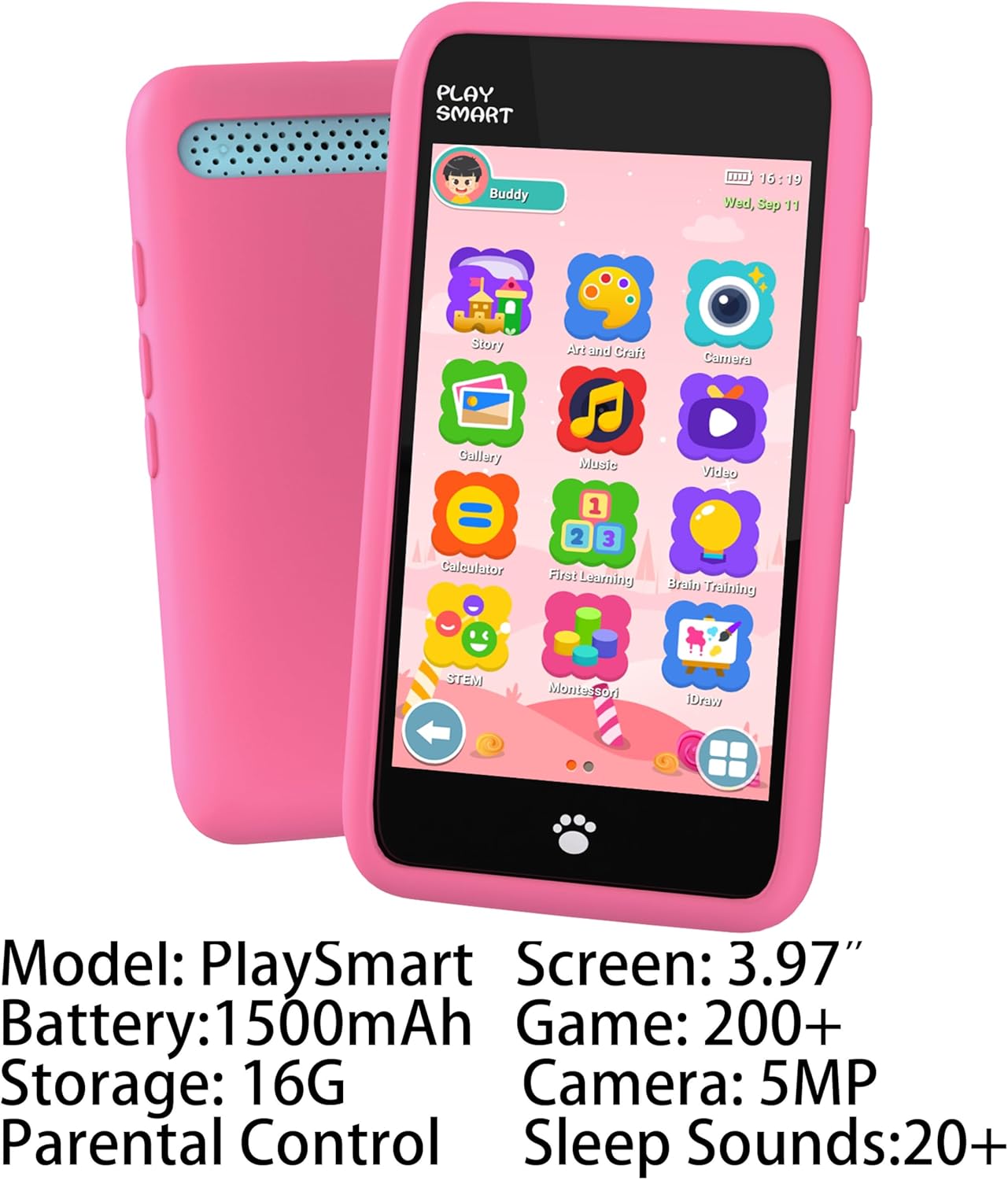
Figure 6: Key specifications of the PlaySmart Kids Phone.

Figure 7: A comparative overview of the PlaySmart Kids Phone's specifications against other similar products.
- Model: PlaySmart
- Velikost obrazovky: 3.97palcový HD dotykový displej
- Kapacita baterie: 10 000 mAh (nestandardní baterie, součástí balení)
- Interní úložiště: 16 GB
- Rozlišení fotoaparátu: 5MP (180° rotatable)
- Preloaded Games: 200+ educational games
- Preloaded Music/Sounds: 21 soothing music tracks and white noise
- Konektivita: No Wi-Fi, No Calling Function
- Rozměry produktu: 0.32 x 0.19 x 0.04 palce
- Hmotnost položky: 5 unce
- Doporučený věk: 36 měsíců - 12 roky
- Výrobce: Dekala
Záruka a podpora
For warranty information and customer support, please refer to the contact details provided on the product packaging or visit the official Dekala webUschovejte si účtenku jako doklad o koupi pro případné reklamace.
For further assistance or technical support, please contact Dekala Customer Service.


