Zavedení
Děkujeme, že jste si vybrali Blackview AirBuds 7 Wireless Earbuds. This manual provides essential information for setting up, operating, and maintaining your earbuds. Please read it carefully before use to ensure optimal performance and longevity of your device.
Obsah balení
Ověřte, zda jsou v balení obsaženy všechny níže uvedené položky:
- Černýview Sluchátka AirBuds 7 (levá a pravá)
- Nabíjecí pouzdro
- USB nabíjecí kabel
- Uživatelská příručka
Video: Rozbalení a konecview Černéhoview AirBuds 7, showing the package contents including the earbuds, charging case, USB cable, and user manual.
Konec produktuview
Černýview AirBuds 7 feature a compact design with a charging case that includes an LED display for battery status. The earbuds are designed for comfortable in-ear fit and deliver clear audio.
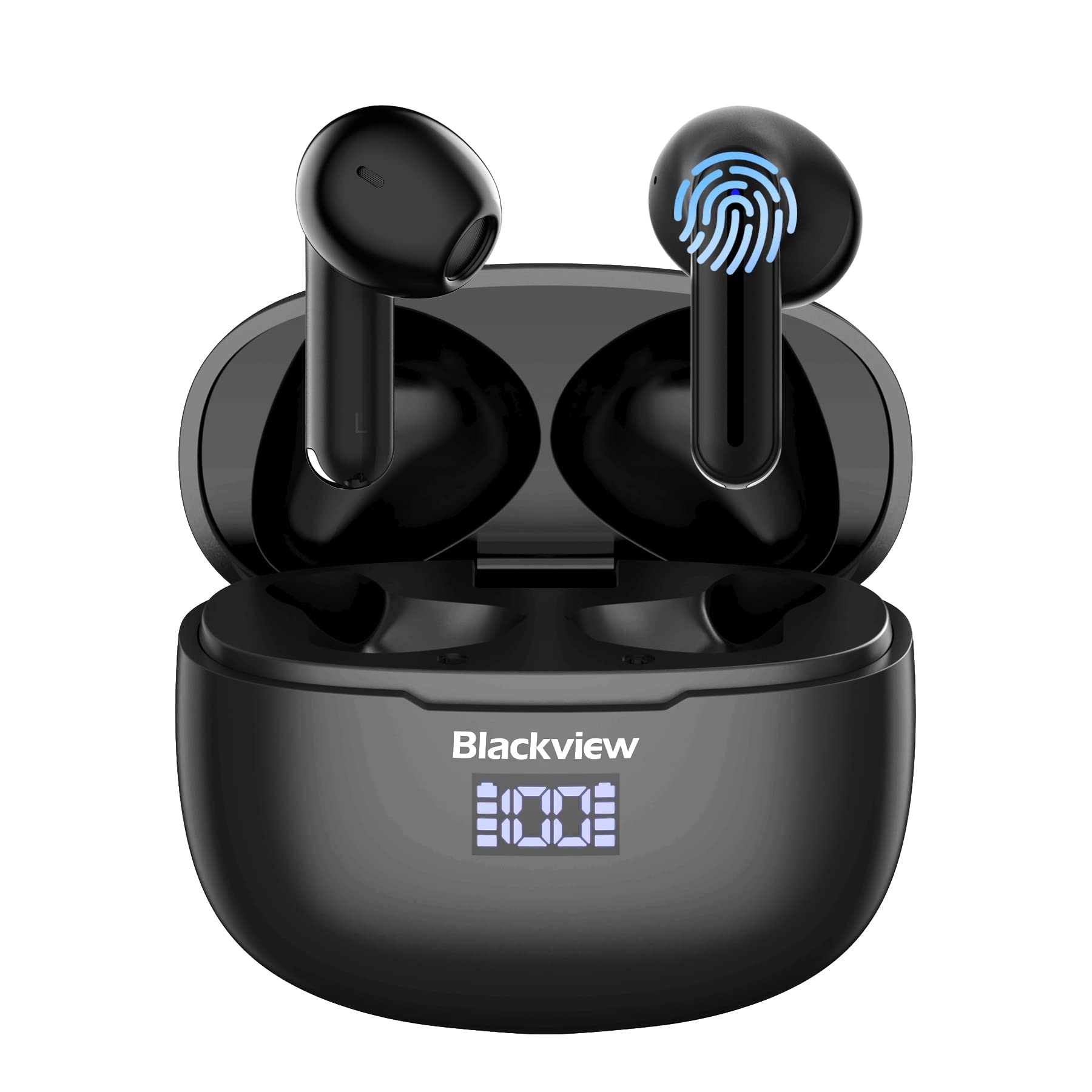
Obraz: Černýview AirBuds 7 wireless earbuds and their charging case, showcasing the digital power display.

Obraz: Detailní záběr na Černouview AirBuds 7 charging case, highlighting the digital LED power display for both the case and individual earbuds.
Nastavení a párování
Follow these steps to connect your AirBuds 7 to your device:
- Nabíjení sluchátek: Před prvním použitím se ujistěte, že jsou sluchátka a nabíjecí pouzdro plně nabité.
- Aktivujte režim párování: Otevřete nabíjecí pouzdro a vyjměte obě sluchátka. Automaticky se přepnou do režimu párování.
- Povolit Bluetooth: Na smartphonu nebo jiném zařízení s podporou Bluetooth přejděte do nastavení Bluetooth.
- Hledat a připojit: Hledat available devices and select "AirBuds 7" from the list.
- Potvrzení: Po připojení uslyšíte zvukový signál a sluchátka budou připravena k použití.
After the initial pairing, the earbuds will automatically connect to your device when removed from the charging case, provided Bluetooth is enabled on your device.

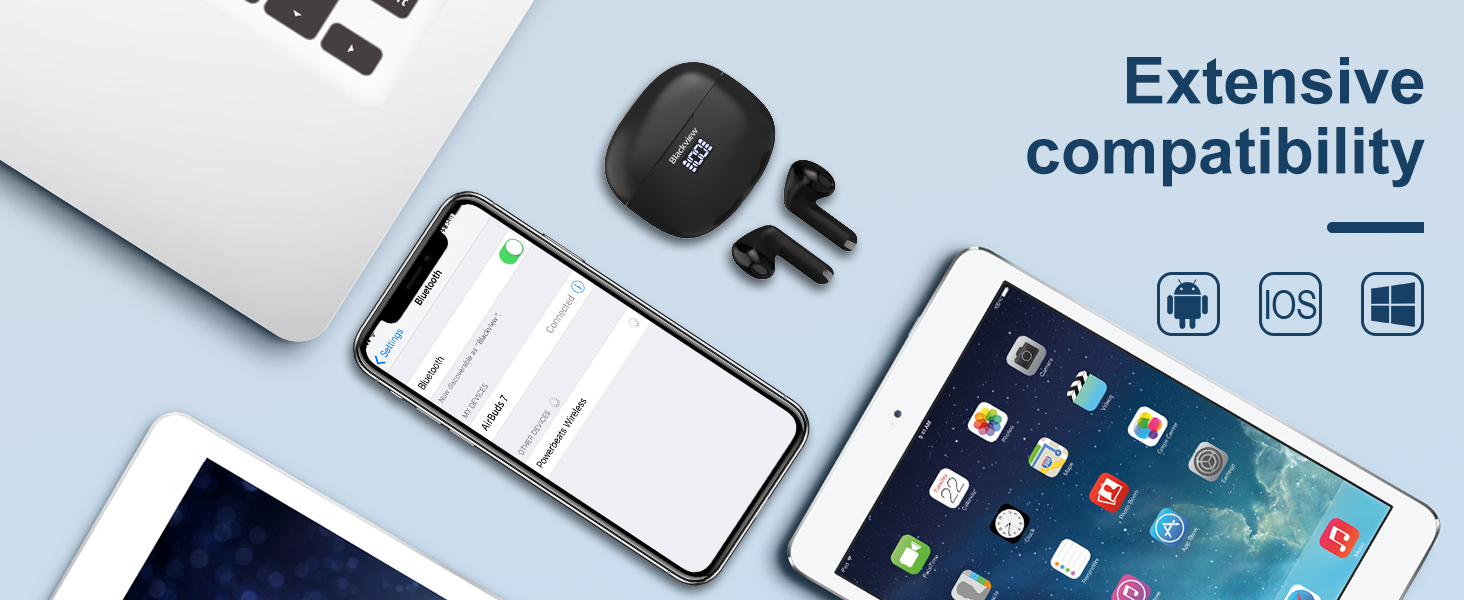
Obraz: A smartphone displaying its Bluetooth settings, showing a successful connection to 'AirBuds 7', with the charging case and earbuds nearby.
Nabíjení
The AirBuds 7 charging case features both USB-C and wireless charging capabilities. The LED display on the case indicates the battery level of both the case and the earbuds.
- Nabíjení sluchátek: Vložte sluchátka zpět do nabíjecího pouzdra. Automaticky se začnou nabíjet.
- Case Charging (USB-C): Connect the provided USB charging cable to the USB-C port on the charging case and to a power source.
- Case Charging (Wireless): Umístěte nabíjecí pouzdro na kompatibilní bezdrátovou nabíjecí podložku.
A full charge for the earbuds provides up to 6 hours of music playback. The charging case provides an additional 4-5 charges, extending total playtime to approximately 30 hours. The charging time for the case is approximately 75 minutes.

Obraz: Černýview AirBuds 7 charging case being charged wirelessly on a pad, also showing the option for USB-C cable charging.
Návod k obsluze
Chytré dotykové ovládání
The AirBuds 7 feature intuitive touch controls on each earbud. Refer to the diagram below for specific functions:

Obraz: A visual guide to the touch controls on the Blackview AirBuds 7, detailing actions for music playback, calls, and volume.
- Přehrát/pozastavit: Double tap Left (L) or Right (R) earbud.
- Přijmout/zavěsit hovor: Double tap Left (L) or Right (R) earbud.
- Předchozí skladba: Triple tap Left (L) earbud.
- Další skladba: Triple tap Right (R) earbud.
- Zvýšení hlasitosti: Single tap Right (R) earbud.
- Snížit hlasitost: Single tap Left (L) earbud.
Voděodolnost (IPX7)
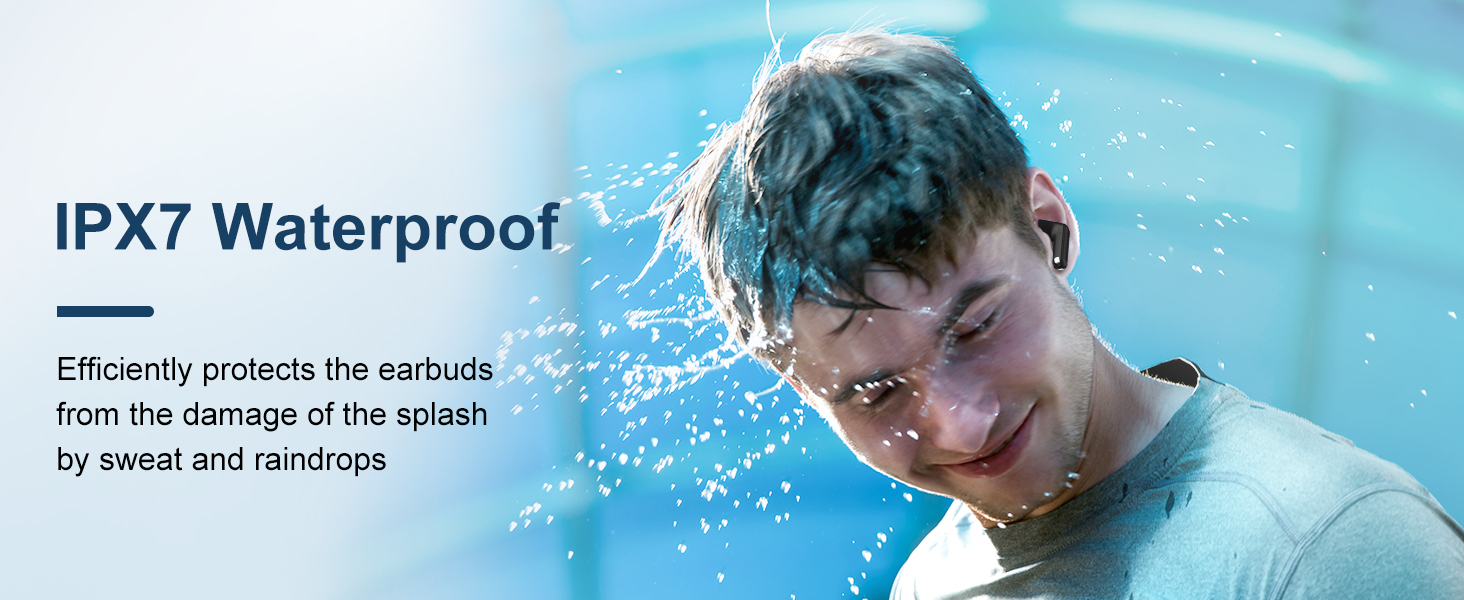
Černýview AirBuds 7 are rated IPX7 waterproof, meaning they can withstand immersion in water up to 1 meter for 30 minutes. This protection makes them suitable for use during workouts or in light rain. However, the charging case is not waterproof. Avoid exposing the charging case to water.
Obraz: A person being splashed with water, demonstrating the IPX7 waterproof capability of the AirBuds 7 earbuds, protecting them from sweat and raindrops.
Potlačení okolního hluku (ENC)
The AirBuds 7 incorporate Dual-Mic Environmental Noise Cancellation (ENC) technology and a Dialogue Noise Cancellation (DNS) algorithm. This system automatically activates during calls to reduce background noise, ensuring clearer conversations even in noisy environments like public transport or busy streets.
Obraz: A graph illustrating the effectiveness of environmental noise cancellation, showing how noise is suppressed while vocal clarity is maintained.
Údržba
- Čištění: Pravidelně čistěte sluchátka a nabíjecí pouzdro měkkým, suchým hadříkem, který nepouští vlákna. Nepoužívejte agresivní chemikálie ani abrazivní materiály.
- Tipy do uší: Ensure ear tips are clean and free of earwax buildup for optimal sound quality and hygiene.
- Skladování: Pokud sluchátka nepoužíváte, uložte je do nabíjecího pouzdra, aby byla chráněna a zůstávala nabitá.
- Vyhněte se extrémním podmínkám: Do not expose the earbuds or case to extreme temperatures, humidity, or direct sunlight for extended periods.
Odstraňování problémů
| Problém | Řešení |
|---|---|
| Sluchátka se nespárují | Ensure earbuds are charged. Turn off and on Bluetooth on your device. Forget "AirBuds 7" in Bluetooth settings and re-pair. |
| Funkční pouze jedno sluchátko | Place both earbuds back in the case, close it, then open and remove them again. Check battery levels for both earbuds. |
| Nízká hlasitost nebo špatná kvalita zvuku | Clean earbud tips and speaker mesh. Adjust volume on your device. Ensure earbuds are properly seated in your ears. |
| Nabíjecí pouzdro se nenabíjí | Check USB cable connection and power source. Ensure wireless charging pad is active and case is correctly placed. |
Specifikace
| Funkce | Detail |
|---|---|
| Název modelu | Airbuds 7 |
| Značka | Černýview |
| Technologie připojení | Bezdrátové připojení (Bluetooth 5.3) |
| Typ zvukového ovladače | Dynamický ovladač |
| Velikost zvukového ovladače | 13 milimetrů |
| Výdrž baterie (sluchátka) | Až 6 hodin |
| Celková doba přehrávání (s pouzdrem) | Až 30 hodin |
| Doba nabíjení (pouzdro) | 75 minut |
| Úroveň odolnosti proti vodě | IPX7 (pouze sluchátka) |
| Kontrola hluku | Adaptive Noise Cancellation (ENC) |
| Mikrofon | V ceně |
| Nabíjecí rozhraní | USB-C, bezdrátové nabíjení |
| Materiál | Plast, Polyuretan (PU) |
| Hmotnost položky | 5.3 unce |
| UPC | 810175522289 |
Bezpečnostní informace
- Nerozebírejte ani neupravujte sluchátka ani nabíjecí pouzdro.
- Uchovávejte mimo dosah dětí a domácích zvířat.
- Vyhněte se dlouhodobému poslechu při vysoké hlasitosti, abyste předešli poškození sluchu.
- Do not use the earbuds in situations where you need to hear your surroundings, such as driving or cycling.
- Výrobek zlikvidujte zodpovědně v souladu s místními předpisy.
Záruka a podpora
Černýview products come with a standard manufacturer's warranty. For detailed warranty information, technical support, or service inquiries, please refer to the warranty card included in your package or visit the official Blackview webstránky. Uschovejte si prosím doklad o koupi pro případ reklamace.
Oficiální černáview Webmísto: www.černáview.hk


