1. Úvod
The Satechi Findall Passport Cover is designed to secure your travel documents and provide advanced tracking capabilities. This vegan leather passport holder integrates Apple Find My technology, wireless charging, and RFID protection, along with a convenient 4-card holder. This manual provides instructions for setup, operation, maintenance, and troubleshooting to ensure optimal use of your device.
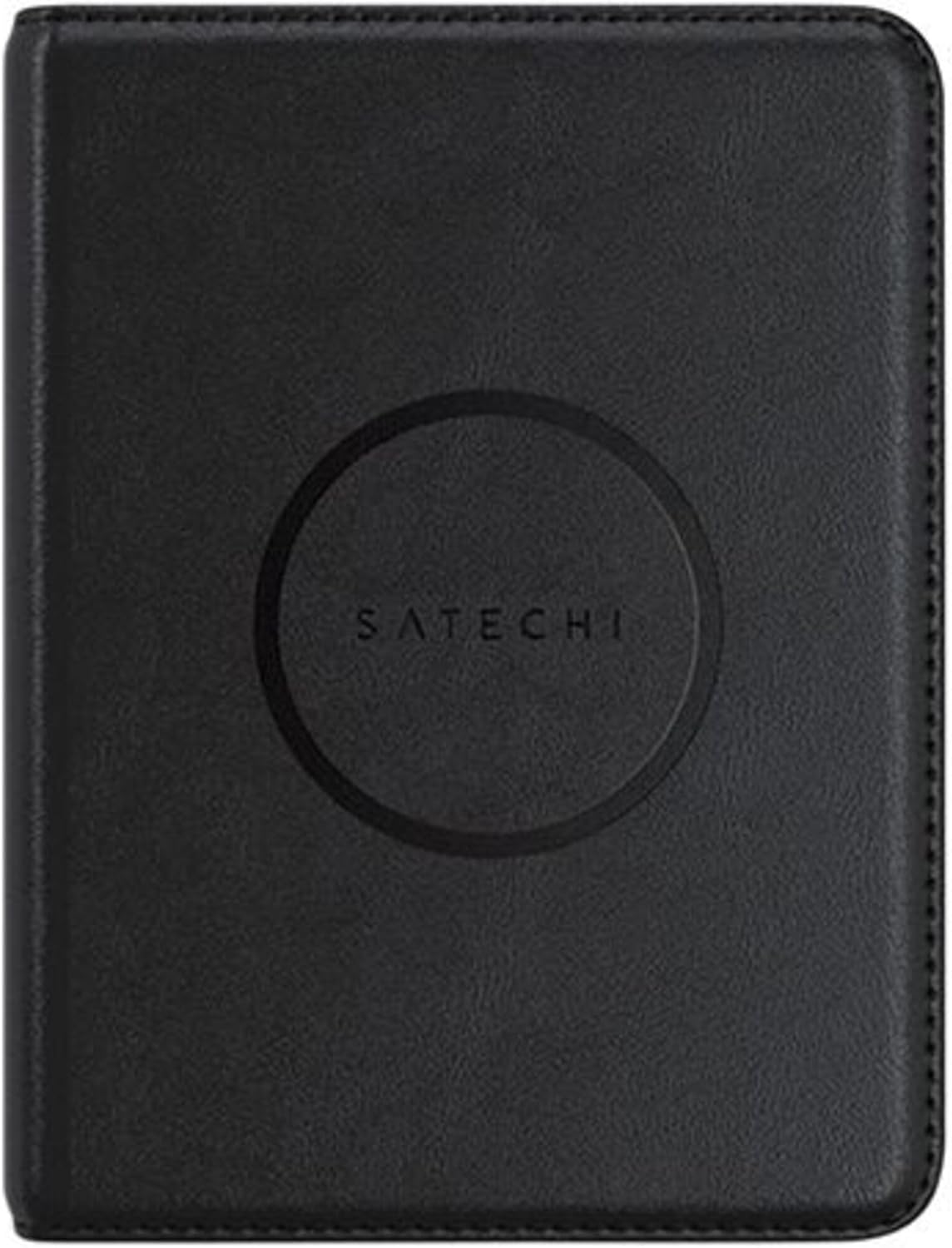
Image 1: The Satechi Findall Passport Cover, closed, featuring the Satechi logo.

Image 2: Demonstrates the passport cover's portability, fitting into pockets, luggage, and bags.
2. Nastavení
2.1 Počáteční nabíjení
Before first use, ensure your Satechi Findall Passport Cover is fully charged. The device supports Qi, Qi2, and MagSafe wireless charging.
- Place the passport cover onto a compatible wireless charger.
- The LED charging indicator light will turn pomerančový při nabíjení.
- Once fully charged, the LED indicator will turn zelený.
A full charge provides up to five months of use. It is recommended to fully charge the passport cover at least once every three months to maintain battery health.

Image 3: The passport cover being charged wirelessly on a desk setup.
2.2 Pairing with Apple Find My
The Satechi Findall Passport Cover utilizes Apple Find My technology to help you locate your device. Pairing is done via an iPhone or iPad. Macs can be used to locate items but not to set them up.
- Ensure your iPhone or iPad is updated to the latest iOS/iPadOS version.
- Otevřete Nastavení aplikace na vašem zařízení.
- Navigate to your Apple ID (your name at the top of Settings).
- Vybrat Najít můj a zajistit Najít můj iPhone (or iPad) is enabled, and Sdílet mou polohu je zapnuto.
- Vraťte se k Nastavení, pak Ochrana osobních údajů a zabezpečení, and ensure Lokalizační služby je povoleno.
- Otevřete Najít můj aplikace
- Klepněte na Položky záložku ve spodní části obrazovky.
- Klepněte + Přidat položkua poté vyberte Další podporovaná položka.
- Follow the on-screen instructions to complete the pairing process. This typically involves opening the passport cover to activate its pairing mode.

Image 4: Step-by-step visual guide for pairing the passport cover with Apple Find My.
3. Návod k obsluze
3.1 Locating Your Passport Cover
Once paired, you can use the Apple Find My app to locate your passport cover:
- Sledování v reálném čase: Open the Find My app on your iPhone or iPad to see the current location of your passport cover on a map.
- Zvuková upozornění: If the passport cover is nearby but out of sight, you can play a sound through the Find My app to help locate it.
- Left-Behind Notifications: Configure the Find My app to send you notifications if you leave your passport cover behind at a known location.

Image 5: Tracking the passport cover's location using the Find My app.

Image 6: Using the 'Play Sound' feature to locate the passport cover when it's nearby.
3.2 Storing Documents and RFID Protection
The passport cover features dedicated slots for your passport and up to four cards or important documents. The integrated RFID protection helps safeguard your sensitive information from unauthorized scanning.
- Insert your passport into the main sleeve.
- Place credit cards, ID cards, or other essential documents into the designated card slots.
- Ensure the cover is closed to maximize RFID protection for all contents.

Image 7: The passport cover open, displaying its 4-card slots and passport compartment.

Image 8: Illustrates the RFID protection feature, securing sensitive data during travel.
4. Údržba
4.1 Údržba baterie
To ensure the longevity of the internal rechargeable battery, it is recommended to fully charge your Satechi Findall Passport Cover at least once every three months, even if not in active use.
4.2 Čištění
The vegan leather exterior can be cleaned with a soft, damp hadříkem. Nepoužívejte agresivní chemikálie nebo abrazivní materiály, protože by mohly poškodit povrchovou úpravu.
5. Řešení problémů
- Issue: Passport Cover cannot be paired with Find My.
Možná příčina 1: The device may already be linked to another Apple account. This can occur if the product was previously owned or returned. Apple's Find My system typically requires a 90-day waiting period before an item can be linked to a new account if it's still associated with a previous one.
Řešení: If a factory reset (if applicable and described in future product updates) does not resolve this, contact Satechi Customer Support for assistance. Provide your proof of purchase.
Možná příčina 2: Incorrect pairing steps or disabled settings.
Řešení: Review Section 2.2 "Pairing with Apple Find My" and ensure all steps are followed correctly, including enabling Find My and Location Services on your iOS/iPadOS device.
- Issue: Battery life is shorter than expected.
Možná příčina: Infrequent charging or heavy use of the audible alert feature.
Řešení: Ensure the passport cover is fully charged every three months. Reduce the frequency of playing sounds if not necessary, as this consumes more battery power.
Další pomoc naleznete v části Záruka a podpora.
6. Specifikace
| Funkce | Detail |
|---|---|
| Číslo modelu | ST-VPC_PAR |
| Rozměry produktu | 14.3 cm (5.6 in) L x 10.6 cm (4.27 in) W x 1.7 cm (0.66 in) H |
| Hmotnost položky | 104 gramů (3.67 unce) |
| Materiál | Veganská kůže |
| Baterie | 1 lithium-iontová baterie (součástí balení) |
| Nabíjení | Qi, Qi2, or MagSafe Wireless Charging |
| Životnost baterie | Až 5 měsíce na jedno nabití |
| Sloty na karty | 4 |
| Ochrana | RFID |
7. Záruka a podpora
7.1 Omezená záruka
Na produkty Satechi se vztahuje 2letá omezená záruka na vady materiálu a zpracování při běžném používání. Tato záruka platí od data nákupu.
7.2 Zákaznická podpora
For technical support, warranty claims, or any questions regarding your Satechi Findall Passport Cover, please contact Satechi Customer Service. You can find contact information on the official Satechi website or through your retailer's support channels. Please have your proof of purchase and product model number (ST-VPC_PAR) ready when contacting support.


