Zavedení
Thank you for choosing the Ugoos SK1 8K Ultra HD TV Box. This device is designed to provide a superior home entertainment experience with its advanced hardware and software capabilities. Running on Android 11.0, the SK1 supports stunning 8K resolution, high-efficiency video codecs like AV1, and next-generation wireless connectivity with WiFi6. This manual will guide you through the setup, operation, and maintenance of your new TV box.

Figure 1: Ugoos SK1 TV Box and included remote control.
Co je v krabici
Zkontrolujte prosím obsah balení, abyste se ujistili, že jsou přítomny všechny položky:
- 1 x Ugoos SK1 Box
- 1 x Dálkové ovládání
- Kabel 1 x HD
- 1 x Power Adapter (12V/2A, US Plug)
- 1 x anglická uživatelská příručka

Figure 2: All components included in the Ugoos SK1 package.
Nastavení
Follow these steps to set up your Ugoos SK1 TV Box:
- Připojení k televizi: Connect one end of the provided HD Cable (HDMI) to the HDMI OUT port on the Ugoos SK1 Box and the other end to an HDMI input port on your TV or display.
- Připojte napájení: Plug the DC power adapter into the 'DC IN' port on the TV Box, then plug the adapter into a power outlet. The device will automatically boot up.
- Připojení k síti (volitelné): For a wired connection, connect an Ethernet cable from your router to the 'NET' (RJ45) port on the TV Box. For wireless, the device supports WiFi6 (2.4G+5G+6G) and can be configured in the settings.
- Připojení periferií: You can connect USB devices (e.g., external hard drives, keyboards, mice) to the USB 3.0 or USB 2.0 ports.
- Zvukový výstup (volitelný): For optical audio, connect a SPDIF cable to the 'OPTICAL' port. For analog audio, use the 'AUDIO' port.
Figure 3: Rear panel interfaces of the Ugoos SK1 TV Box.
Návod k obsluze
The Ugoos SK1 runs on Android 11.0, offering a user-friendly interface. Use the included remote control (UR02) to navigate the menus and select applications.
Remote Control (UR02)
The UR02 remote features voice control and gyroscope functionality for intuitive navigation. Ensure batteries are inserted correctly. Refer to the remote's specific instructions for learning functions.
Klíčové vlastnosti
- Android 11.0: Enjoy the latest Android OS with enhanced privacy features and improved performance.
- 8K Ultra HD: Experience stunning visuals with support for 8Kx4K resolution at 60 frames per second.
- AV1 Codec Support: Efficiently stream high-quality video with AV1 coding format support.
- WiFi6 Connectivity: Benefit from faster and more stable wireless connections with dual-band (2.4G+5G+6G) WiFi6 and MIMO technology.
- Bluetooth 5.2: Connect wireless peripherals like headphones or game controllers with improved speed and efficiency.

Figure 4: Ugoos SK1 operating on Android 11.0.

Figure 5: The Ugoos SK1 supports 8K resolution for ultra-high-definition viewIng.
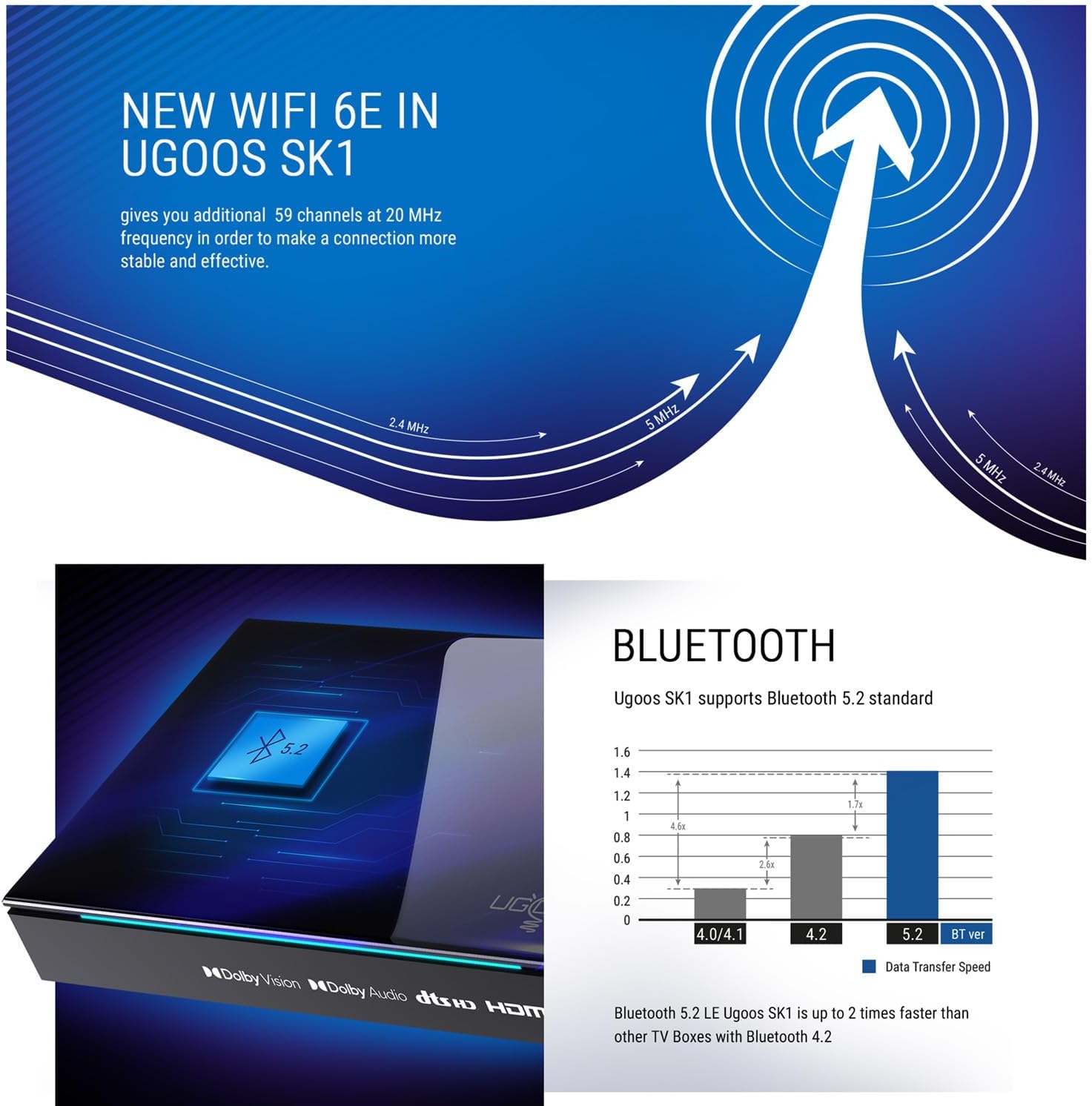
Figure 6: The SK1 supports the AV1 video coding format for efficient streaming.

Figure 7: Advanced WiFi 6E technology in Ugoos SK1 for stable connections.
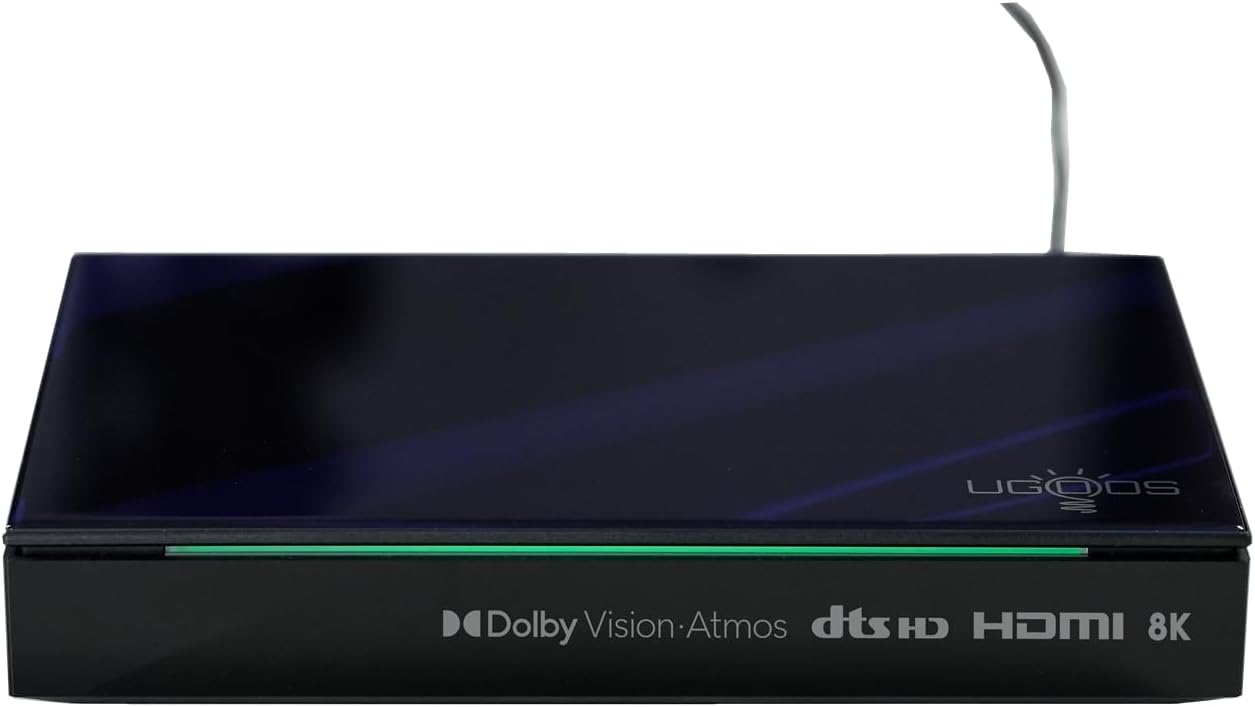
Figure 8: Bluetooth 5.2 support for faster data transfer and connectivity.
Video 1: Konecview of Ugoos SK1 8K Ultra HD TV Box features and capabilities.
Video 2: Detailed look at the Ugoos SK1's connectivity options and performance.
Údržba
To ensure the longevity and optimal performance of your Ugoos SK1 TV Box:
- Čištění: K čištění zařízení používejte měkký, suchý hadřík. Nepoužívejte tekuté čisticí prostředky ani abrazivní materiály.
- Větrání: Ujistěte se, že je zařízení umístěno v dobře větraném prostoru, aby nedošlo k přehřátí. Neblokujte žádné větrací otvory.
- Aktualizace softwaru: The device supports Over-The-Air (OTA) updates. Regularly check for and install system updates to get the latest features and performance improvements.
- Správa úložiště: Pravidelně mazejte mezipaměť a nepotřebné files pro udržení optimálního výkonu.
Odstraňování problémů
If you encounter issues with your Ugoos SK1, refer to the following common problems and solutions:
| Problém | Možná příčina | Řešení |
|---|---|---|
| Žádná síla | Napájecí adaptér není připojen nebo je zásuvka vadná. | Zkontrolujte připojení k napájení. Zkuste jinou zásuvku. |
| Žádný signál na televizi | Na televizoru byl vybrán nesprávný vstup HDMI; vadný kabel HDMI. | Ensure TV is on correct HDMI input. Try a different HDMI cable. |
| Problémy s připojením Wi-Fi | Nesprávné heslo; router příliš daleko; rušení. | Re-enter Wi-Fi password. Move device closer to router. Check for interference. |
| Dálkové ovládání nereaguje | Slabé baterie; dálkový ovladač není spárovaný. | Replace batteries. Re-pair the remote control according to its instructions. |
Specifikace
Detailed technical specifications for the Ugoos SK1 TV Box:
| Funkce | Detail |
|---|---|
| Operační systém | Android 11.0 |
| CPU | Amlogic S928X-K (12nm 2.0G HZ, ARM Cortex-A76 & Quad core ARM Cortex-A55) |
| GPU | Mali G57 MC2 |
| BERAN | LPDDR4 8GB |
| Kapacita úložiště (flash) | 128GB (EMMC) |
| WIFI | AP6276P (WIFI6) 2.4G+5G+6G (IEEE 802.11 a/b/g/n/ac/ax 2x2 MIMO) |
| Bluetooth | Bluetooth 5.2 s technologií LE |
| Rozšířené úložiště | TF Card, up to 32GB |
| Napájení | Napájecí adaptér 12V/2.0A |
| Video podpora | AV1, 8Kx4K @ 60fps, VP9, H.265 |
| Podpora HDR | Dolby Vision, HDR10, HDR10+, HLG |
| HD výstup | HD 2.1a Type-A 8Kx4K max resolution |
| USB porty | 1 USB 3.0 & 1 USB 2.0 |
| Optický výstup | 1*SPDIF |
| Síť | 1*RJ45 1000M Ethernet |
| Audio kontejner | MP3, AAC, WMA, RM, FLAC, Ogg Vorbis, Opus, SRS Truvolume, Dolby Audio, DTS |
| Rozměry | Rozměry 17 x 11.5 x 3 cm |
| Čistá hmotnost | 530 g |

Figure 9: Internal specifications highlighting the processor and memory.
Záruka a podpora
The Ugoos SK1 TV Box comes with a standard manufacturer's warranty. For detailed warranty information, please refer to the warranty card included in your package or visit the official Ugoos website. For technical support, troubleshooting assistance, or further inquiries, please contact Ugoos customer service through their official support channels.


