Zavedení
The Uogic USI 2.0 Stylus Pen is designed to provide a natural and precise writing and drawing experience on compatible devices. Featuring USI 2.0 protocol, 4096 levels of pressure sensitivity, palm rejection, and a convenient tail eraser, this stylus enhances your productivity and creativity. Its smart standby and auto-sleep functions ensure efficient power management, while the durable design offers long-lasting performance.

Image: The Uogic USI 2.0 Stylus Pen, showcasinjeho elegantní černý design.
Klíčové vlastnosti
- USI 2.0 Protocol: Ensures wide compatibility and seamless performance with USI 2.0 enabled devices.
- 4096 Levels of Pressure Sensitivity: Provides precise control and responsiveness for detailed work.
- Odmítnutí dlaně: Allows you to rest your hand naturally on the screen while writing or drawing without interference.
- Tail Eraser: Conveniently erase content by flipping the pen.
- Smart Standby & Auto Sleep: Wakes up automatically when picked up and enters sleep mode after 5 minutes of inactivity to conserve battery.
- Rychlé nabíjení: 1 hour of USB-C charging provides up to 110 hours of use.
- Durable Cone-Shaped Tip: Designed for longevity and strong signal transmission, with easy replacement.
- Pohodlné uchopení: Rounded body made of aviation aluminum alloy for fatigue-free use.
- Magnetický nástavec: Allows for easy storage by attaching to compatible devices (Note: Not all Chromebooks support magnetic attachment).
Obsah balení
- Uogic USI 2.0 Stylus Pen
- Nabíjecí kabel USB-C
- Replacement Nibs (quantity may vary)
- Uživatelská příručka (tento dokument)
Nastavení
1. Počáteční nabíjení
Before first use, or if the stylus is not responding, charge the pen using the provided USB-C cable. Connect the USB-C end of the cable to the stylus's hidden charging port (located under the dust plug at the tail end) and the other end to a USB power source (e.g., computer, wall adapter, power bank).

Image: Illustration of the hidden Type-C charging port with its dust plug.
LED Indicator Logic:
- Červené světlo bliká: Charging or low battery.
- Zelené světlo svítí: Plně nabitá.
- Green light illuminates for 3 seconds then turns off: Powering on via the pen button.
2. Power On/Off & Smart Standby
The stylus does not require Bluetooth pairing. Simply charge it for 10 minutes before use. It will wake up automatically when picked up. To manually power on, press the power button (select function button) located on the side of the pen.

Image: Detailed diagram showing the function button (eraser), dust plug/charging port, indicator light, power button (select function), and replaceable nib.
Funkce automatického spánku:
- The stylus will enter sleep mode after 5 minutes of inactivity. It can be woken up by pressing any button.
- If it remains inactive for 45 minutes, it will enter shutdown mode. The power button must be pressed to restart it.
Návod k obsluze
Psaní a kreslení
Simply touch the stylus tip to the screen of your compatible device. The 4096 levels of pressure sensitivity allow for varying line thicknesses and shading based on how hard you press. The palm rejection feature ensures that only the stylus input is registered, allowing for a natural writing posture.
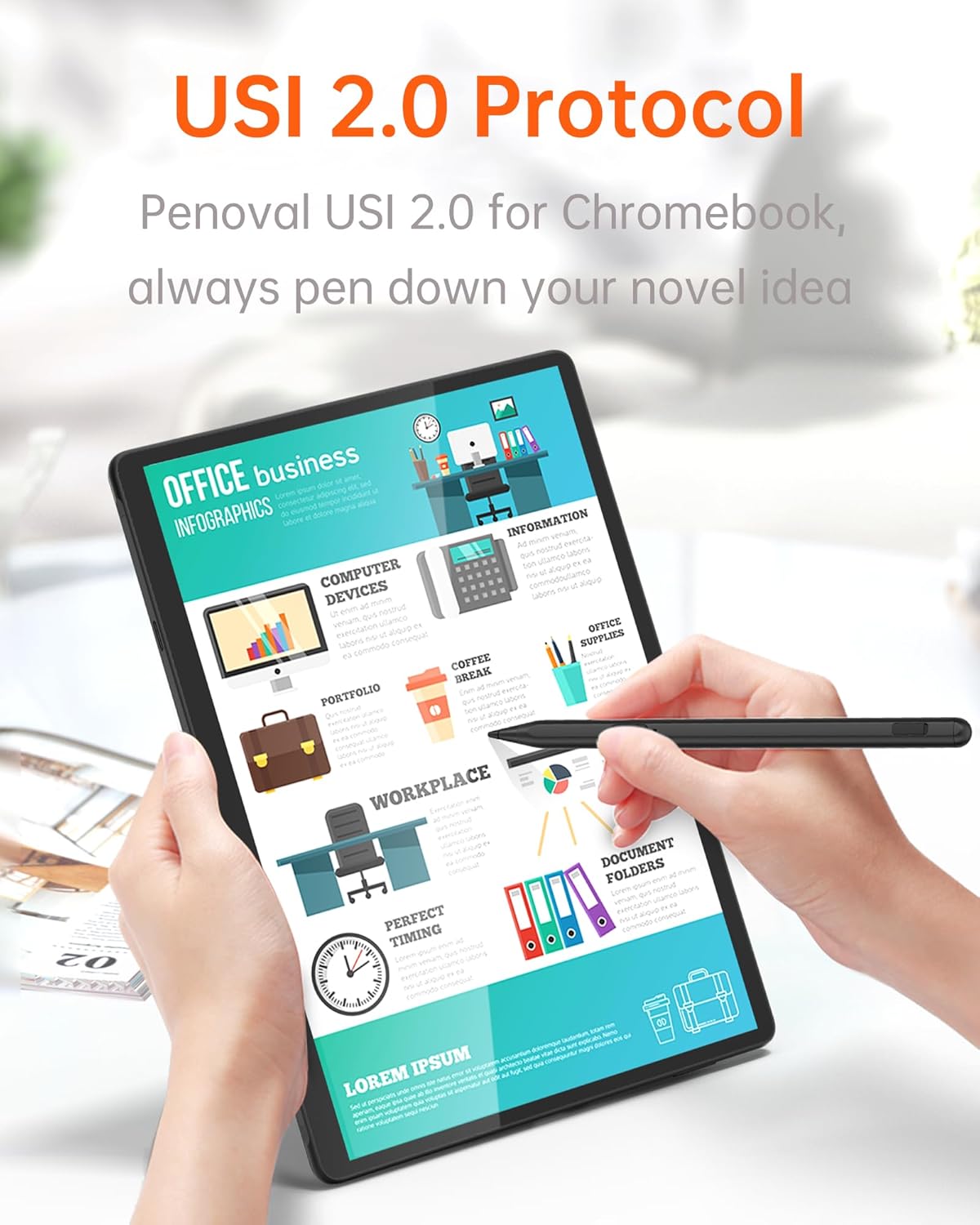
Image: A hand using the Uogic stylus on a tablet, demonstrating its use for office and business tasks.

Image: An illustration showing the palm rejection feature, allowing the user to rest their hand on the screen without affecting input.

Image: Visual representation of tilt sensitivity, showing how different angles produce varying line thicknesses for painting and shading.
Funkce tlačítek
- Tail Eraser: The tail end of the stylus functions as an eraser. Simply flip the pen and use the tail end to erase content on your screen in compatible applications.
- Side Button (Select Function): The button located on the side of the stylus typically functions as a 'select' tool or right-click equivalent, depending on the application and device settings.
Magnetický nástavec
The stylus features a magnetic design, allowing it to attach to the side of compatible Chromebooks and tablets for convenient storage and transport. Please note that magnetic attachment compatibility varies by device model.

Image: The stylus demonstrating its magnetic adsorption feature, attaching firmly to the side of a tablet.
Údržba
Čištění
To clean the stylus, gently wipe it with a soft, dry, lint-free cloth. Do not use abrasive cleaners, solvents, or aerosol sprays, as these may damage the pen.
Výměna hrotu
If the stylus tip becomes worn or damaged, it can be easily replaced. Gently pull the old nib straight out from the stylus. Insert a new replacement nib firmly until it clicks into place.

Obrázek: Detail view of the stylus tip, illustrating the replaceable nib and the difference between gold-plated copper core and copper-plated plastic pen refills.
Odstraňování problémů
| Problém | Možná příčina | Řešení |
|---|---|---|
| Stylus nereaguje | Low battery; Stylus in shutdown mode; Device incompatibility; Software issue. | Charge the stylus. Press the power button to restart. Verify device compatibility. Restart your device. |
| Inaccurate or inconsistent input | Worn or loose nib; Screen protector interference; Software calibration issue. | Replace the nib. Ensure screen protector is stylus-friendly. Check device settings for stylus calibration. |
| Stylus se nenabíjí | Cable or power source issue; Charging port obstruction. | Try a different USB-C cable and power source. Ensure the charging port is clean and free of debris. |
| Odmítnutí dlaně nefunguje | Application or device setting. | Ensure the application supports palm rejection. Check your device's stylus settings. |
Specifikace
| Atribut | Hodnota |
|---|---|
| Číslo modelu | U1 |
| Rozměry | 6.2 x 0.35 x 0.33 palce |
| Hmotnost | 1.44 uncí (0.04 kg) |
| Materiál | Letecká hliníková slitina |
| Citlivost na tlak | 4096 úrovní |
| Doba nabíjení | Přibližně 1 hodina pro plné nabití |
| Pracovní doba | Až 110 hodin |
| Auto Spánek | 5 minut nečinnosti |
| Automatické vypnutí | 45 minut nečinnosti |
Kompatibilita
The Uogic USI 2.0 Stylus Pen is compatible with devices that support the USI 2.0 protocol. This includes, but is not limited to, the following models:
- Amazon Fire Max 11
- Amazon Fire HD 10 (2023 release)
- Google Pixel Tablet
- Lenovo Duet
- HP Chromebook 360 series
- ASUS Chromebook Flip series
- And more USI 2.0 compatible Chromebooks.

Image: A comprehensive list of compatible HP, Lenovo, ASUS, Acer, Samsung, and Amazon devices.
Záruka a podpora
The Uogic USI 2.0 Stylus Pen is backed by a Záruka 12 měsíců from the date of purchase, ensuring peace of mind. For any inquiries, technical assistance, or warranty claims, please contact our customer support team. We offer 24/7 online customer support to provide prompt assistance whenever you need it.
Please refer to your purchase documentation or the official Uogic website for specific contact details and the full warranty policy.


