1. Úvod
Thank you for choosing the VGKE T28 4K Projector. This manual provides essential information for the safe and efficient operation of your device. Please read it thoroughly before use and retain it for future reference. The VGKE T28 is designed to deliver a high-quality home cinema experience with its advanced features and versatile connectivity.

Figure 1.1: The VGKE T28 Projector in a home cinema setting, showcasing its ability to display content from popular streaming platforms.
2. Bezpečnostní informace
Pro zajištění bezpečného provozu a prevenci poškození dodržujte prosím následující bezpečnostní opatření:
- Neblokujte větrací otvory. Zajistěte dostatečné proudění vzduchu kolem projektoru.
- Nevystavujte projektor dešti ani vlhkosti, abyste předešli úrazu elektrickým proudem nebo požáru.
- Nedívejte se přímo do objektivu projektoru, když je lamp je zapnutý, protože jasné světlo může způsobit poškození očí.
- Umístěte projektor na stabilní a rovný povrch, aby nedošlo k jeho pádu.
- Používejte pouze napájecí adaptér dodaný s projektorem.
- Nepokoušejte se projektor rozebírat ani opravovat sami. Veškerý servis svěřte kvalifikovanému personálu.
- Uchovávejte projektor mimo dosah zdrojů tepla a přímého slunečního záření.
3. Vlastnosti produktu
The VGKE T28 Projector is equipped with advanced features for an immersive viewzkušenosti:
- Vysoký jas a rozlišení: 800 ANSI lumens brightness and native 1920x1080p resolution, supporting 4K video decoding for vivid and clear images.
- Inteligentní připojení: Integrated 2.4G+5G WiFi for seamless screen mirroring from mobile devices and built-in Android OS for direct access to streaming apps like YouTube and Netflix.
- Pokročilé nastavení obrazu: Electronic focus via remote control, ±50° 4D keystone correction for flexible placement, and digital zoom (100% to 50%) to adjust screen size.
- Špičkový zvuk: Built-in Bluetooth 5.0 for connecting external audio devices (headphones, speakers) and a 5W HIFI stereo speaker for excellent sound quality.
- Více rozhraní: HDMI, USB, and RJ45 ports ensure compatibility with laptops, game consoles (PS3/PS4, Xbox), TV boxes, and direct playback of Office files a prezentace v PowerPointu.

Figure 3.1: The VGKE T28 Projector highlighting its native 1080P resolution capability.

Figure 3.2: Visual representation of the VGKE T28's superior brightness (800 ANSI) and native 1080P resolution compared to other projectors.
4. Nastavení
4.1 Umístění
Choose a flat, stable surface for the projector. Ensure there is enough space around the projector for proper ventilation. The projection distance will determine the screen size.

Figure 4.1: The VGKE T28 Projector can produce screen sizes from 45 inches to 300 inches, depending on the projection distance.
4.2 Připojení napájení
- Připojte napájecí kabel ke vstupnímu portu projektoru.
- Zapojte druhý konec napájecího kabelu do elektrické zásuvky.
- Stisknutím tlačítka napájení na projektoru nebo dálkovém ovladači jej zapněte.
4.3 Nastavení zaostření
Use the "F+" and "F-" buttons on the remote control to adjust the electronic focus until the image is clear and sharp.
4.4 Korekce lichoběžníkového zkreslení
If the projected image appears trapezoidal, use the 4D keystone correction feature. Navigate to the setup interface and manually adjust the image using the remote control to achieve a rectangular shape. The projector supports ±50° correction.

Figure 4.2: Digital Keystone Correction allows for precise adjustment of the image shape, including 4-point, horizontal, vertical, and rotational corrections.
4.5 Digitální zoom
To adjust the size of the projected image without moving the projector, use the digital zoom function. This allows you to scale the image from 100% down to 50%.
5. Návod k obsluze
5.1 Navigace v operačním systému Android
The VGKE T28 features an integrated Android operating system. Use the remote control to navigate through the user interface. You can access pre-installed applications such as YouTube, Netflix, and Hulu directly.
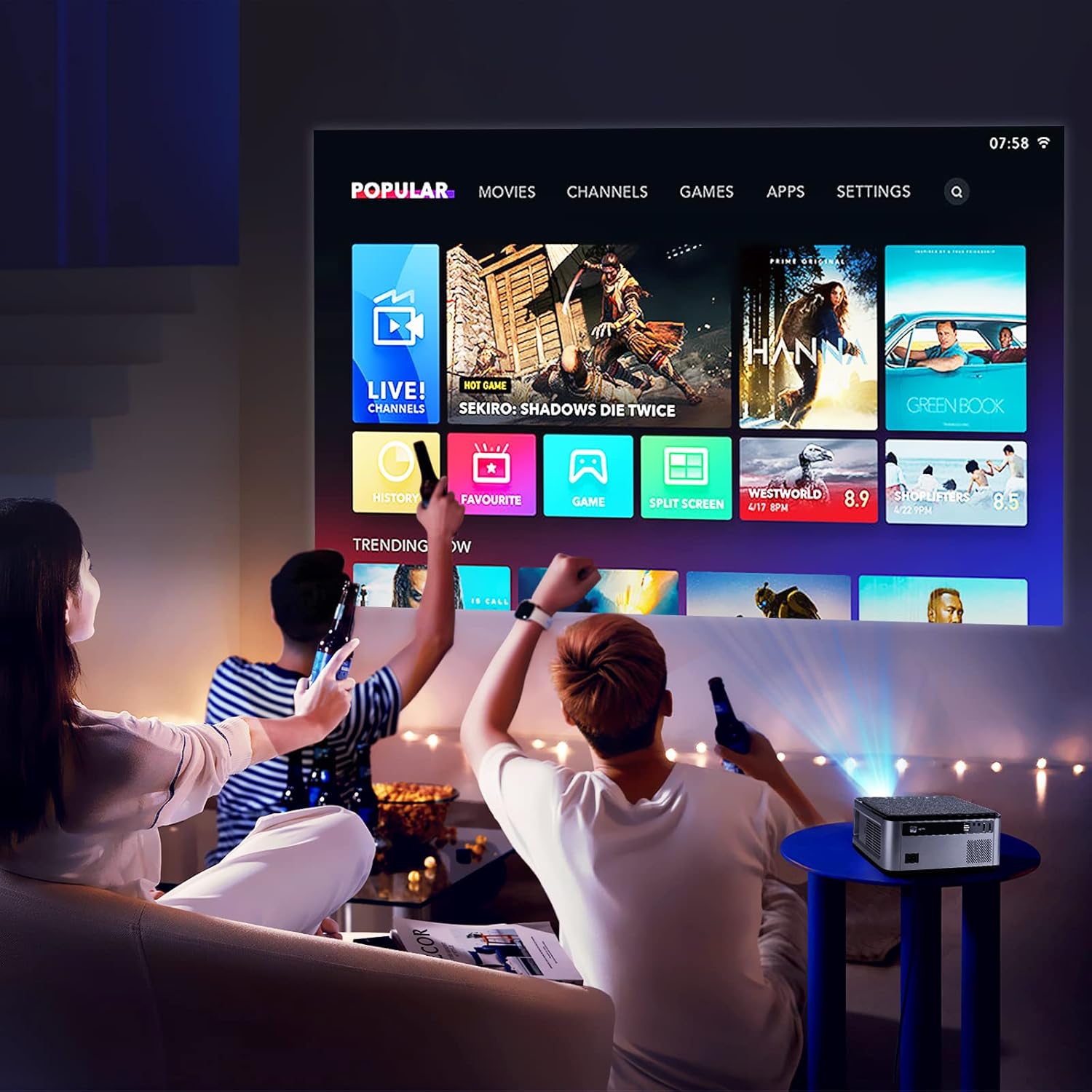
Figure 5.1: The VGKE T28 Projector displaying its smart interface with various content options, suitable for a home entertainment setup.
5.2 Zrcadlení obrazovky (Wi-Fi)
Zrcadlení obrazovky smartphonu nebo tabletu:
- Ensure both the projector and your mobile device are connected to the same 2.4G or 5G WiFi network.
- On the projector, select the screen mirroring function (often labeled 'Miracast', 'AirPlay', or 'Screen Mirroring').
- On your mobile device, enable screen mirroring/casting and select the projector from the list of available devices.

Figure 5.2: The VGKE T28 Projector supports wireless screen mirroring from both Android and iOS devices via WiFi.
5.3 Připojení Bluetooth
To connect external Bluetooth audio devices:
- Přejděte do nastavení Bluetooth na projektoru.
- Enable Bluetooth and put your audio device (headphones, speakers) into pairing mode.
- Select your device from the list of available devices on the projector to pair.
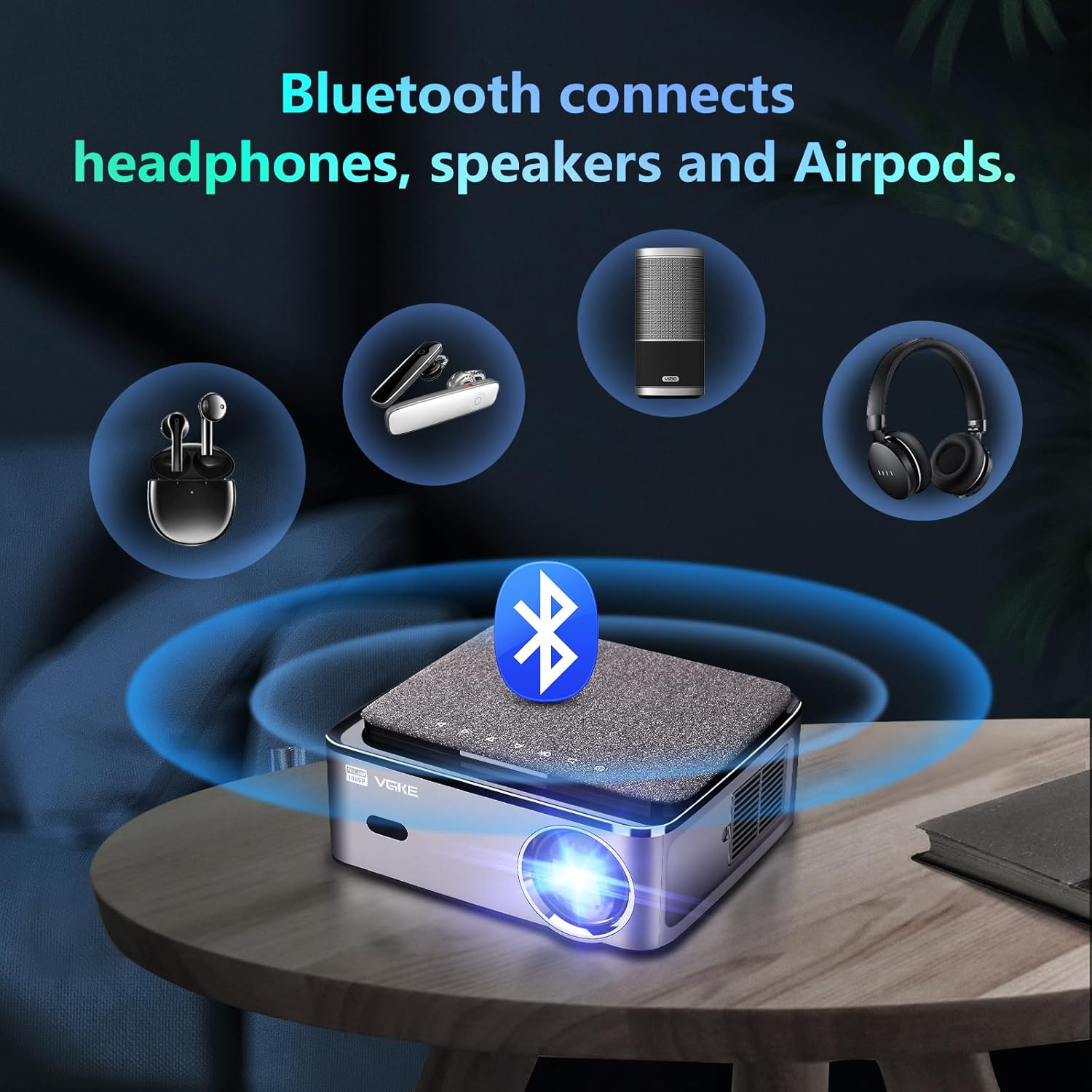
Figure 5.3: The VGKE T28 Projector offers Bluetooth connectivity for headphones, speakers, and other audio accessories.
6. Konektivita
The VGKE T28 Projector offers a wide range of input options:
- HDMI: Connect laptops, game consoles (PS3/PS4, Xbox Series), TV boxes, and other HDMI-enabled devices.
- USB: Přehrát média files directly from USB drives. The projector also supports direct playback of Office documents and PowerPoint presentations.
- RJ45: For wired network connection, ensuring stable internet access for streaming.
- AV: Connect older devices using an AV cable (not specified if included).
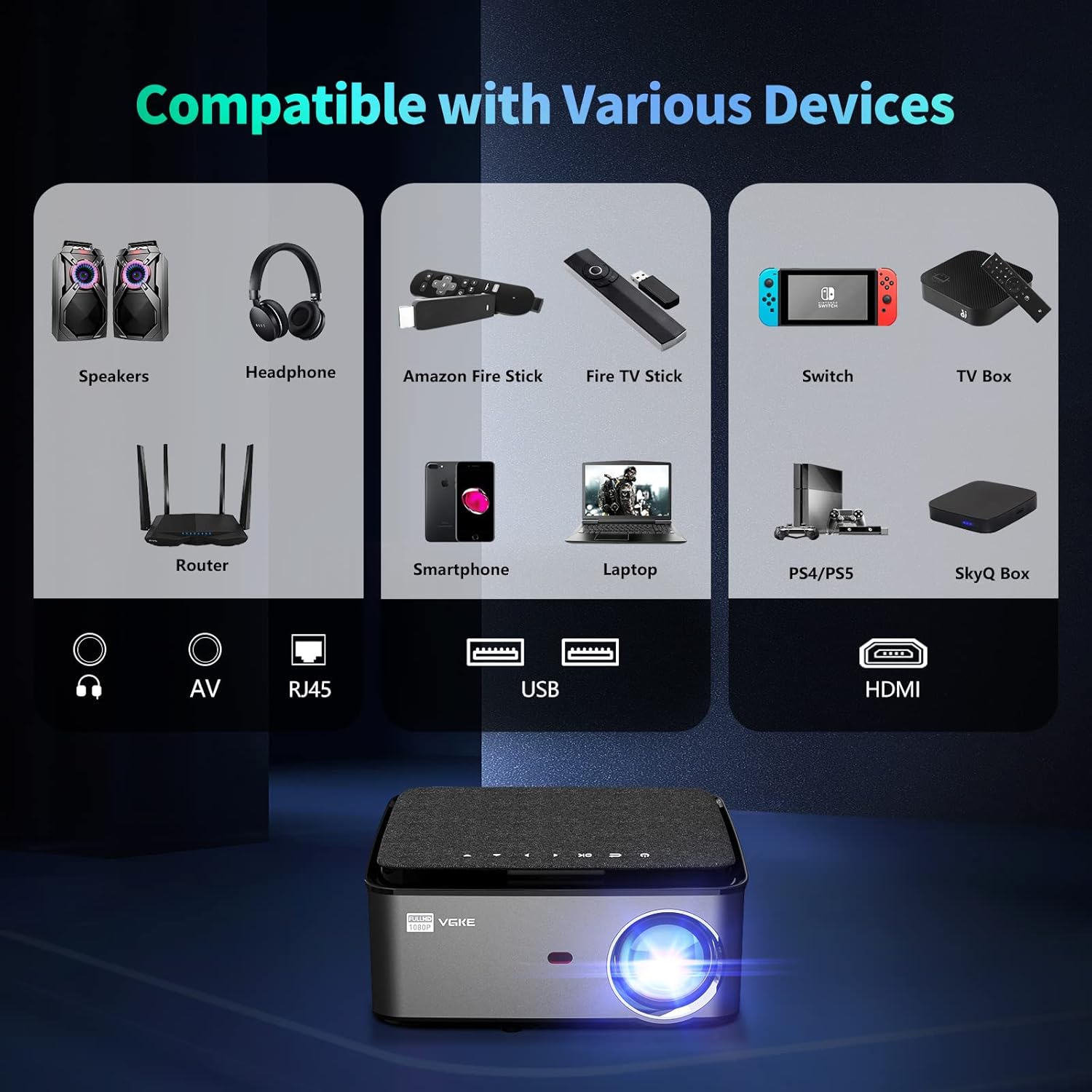
Figure 6.1: The VGKE T28 Projector is compatible with a wide array of devices through its multiple input ports, including HDMI, USB, RJ45, and AV.
7. Údržba
Regular maintenance helps prolong the life of your projector:
- Čištění objektivu: K jemnému otření čočky projektoru použijte měkký hadřík bez žmolků, speciálně určený pro optické čočky. Nepoužívejte abrazivní čisticí prostředky ani nadměrnou sílu.
- Větrání: Periodically check and clean the ventilation openings to prevent dust buildup, which can lead to overheating. Use a soft brush or compressed air.
- Skladování: Pokud projektor delší dobu nepoužíváte, skladujte jej na chladném a suchém místě, mimo dosah přímého slunečního záření a extrémních teplot.
- Vypnout: Always power off the projector correctly and allow it to cool down before unplugging or moving.
8. Řešení problémů
If you encounter issues with your VGKE T28 Projector, refer to the following common problems and solutions:
| Problém | Možná příčina | Řešení |
|---|---|---|
| Není zobrazen žádný obrázek | Uvolněný napájecí kabel; Nesprávný vstupní zdroj; Nasazená krytka objektivu. | Check power connection; Select correct input (HDMI, USB); Remove lens cap. |
| Obrázek je rozmazaný | Není nastavené zaostření; Projektor je příliš daleko/blízko. | Adjust electronic focus using remote; Adjust projection distance. |
| Obrázek lichoběžníkového tvaru | Projektor není kolmý k promítací ploše. | Adjust 4D keystone correction in settings. |
| Žádný zvuk | Příliš nízká hlasitost; Ztlumeno; Externí zvukové zařízení není připojeno. | Increase volume; Unmute; Check Bluetooth connection or external speaker connection. |
| WiFi připojení nestabilní | Weak signal; Router issues. | Move projector closer to router; Restart router; Try 5G WiFi if available. |
Pokud problém přetrvává i po vyzkoušení těchto řešení, kontaktujte zákaznickou podporu.
9. Specifikace
Key technical specifications for the VGKE T28 Projector:
| Funkce | Specifikace |
|---|---|
| Značka | VGKE |
| Číslo modelu | T28 |
| Barva | Šedá |
| Jas | 800 ANSI Lumens |
| Nativní rozlišení | 1920 x 1080 (Full HD) |
| Podporované rozlišení | Až 4K |
| Typ zobrazení | LCD |
| Technologie připojení | HDMI, USB, RJ45, Bluetooth 5.0, 2.4G+5G WiFi |
| Kompatibilní zařízení | Phones, PS3/PS4 Game Consoles, Xbox Series, Laptops |
| Korekce lichoběžníkového zkreslení | ±50° 4D Correction |
| Nastavení zaostření | Elektronické ostření |
| Digitální zoom | 100 % až 50 % |
| Maximální velikost projekce | 300 palců |
| Zvukový výstup | 5W HIFI Stereo Speaker |
| Spotřeba energie | 120 wattů |
10. Záruka a podpora
VGKE offers a comprehensive warranty and dedicated customer support for your T28 Projector:
- Jednoletá záruka: All users are provided with a one-year warranty from the date of purchase.
- Zákaznický servis 24/7: Our professional support team is available 24 hours a day, 7 days a week, to assist with any quality issues or technical inquiries that may arise during use.
For assistance, please refer to the contact information provided with your product packaging or visit the official VGKE support webmísto.

Figure 10.1: VGKE provides dedicated customer support, including a one-year warranty and 24/7 assistance.


