Zavedení
Thank you for choosing FEYA Helmet Speakers. This user manual provides detailed instructions for the setup, operation, and maintenance of your FEYA-H360 helmet speakers. Designed for outdoor sports enthusiasts, these wireless earbuds offer high-fidelity audio and convenient controls for an enhanced experience while skiing, motorcycling, or climbing.
Před použitím produktu si prosím pečlivě přečtěte tento návod k použití, abyste zajistili jeho správnou funkčnost a bezpečnost.
Konec produktuview
Co je v krabici
- Sluchátka (2 kusy)
- Nabíjecí pouzdro (1 kus)
- Dálkový ovladač (1 jednotka)
- Type-C Cable (1 unit)
- Uživatelská příručka (tento dokument)
The image below illustrates the main components included with your FEYA Helmet Speakers.

Image: FEYA Helmet Speakers, including the two speaker units, the charging case, and the dedicated remote control.
Klíčové vlastnosti
- Skutečné bezdrátové připojení: Equipped with Wireless 5.3 chip for stable and uninterrupted audio.
- Dedicated Remote Control: Easily adjust volume, switch songs, and manage calls without accessing your phone.
- Aktivní potlačení hluku: Effectively suppresses wind noise for clear audio during high-speed activities.
- Vysoce věrný zvuk: Delivers rich, high-definition audio for an immersive listening experience.
- Prodloužená hrací doba: Up to 50 hours of total battery life with the 1450mAh charging case.
- Kompatibilita s univerzálními přilbami: Slim and lightweight design ensures comfortable and secure fit in various helmet types.
- LED digitální displej: Charging case features an LED display to show battery levels.
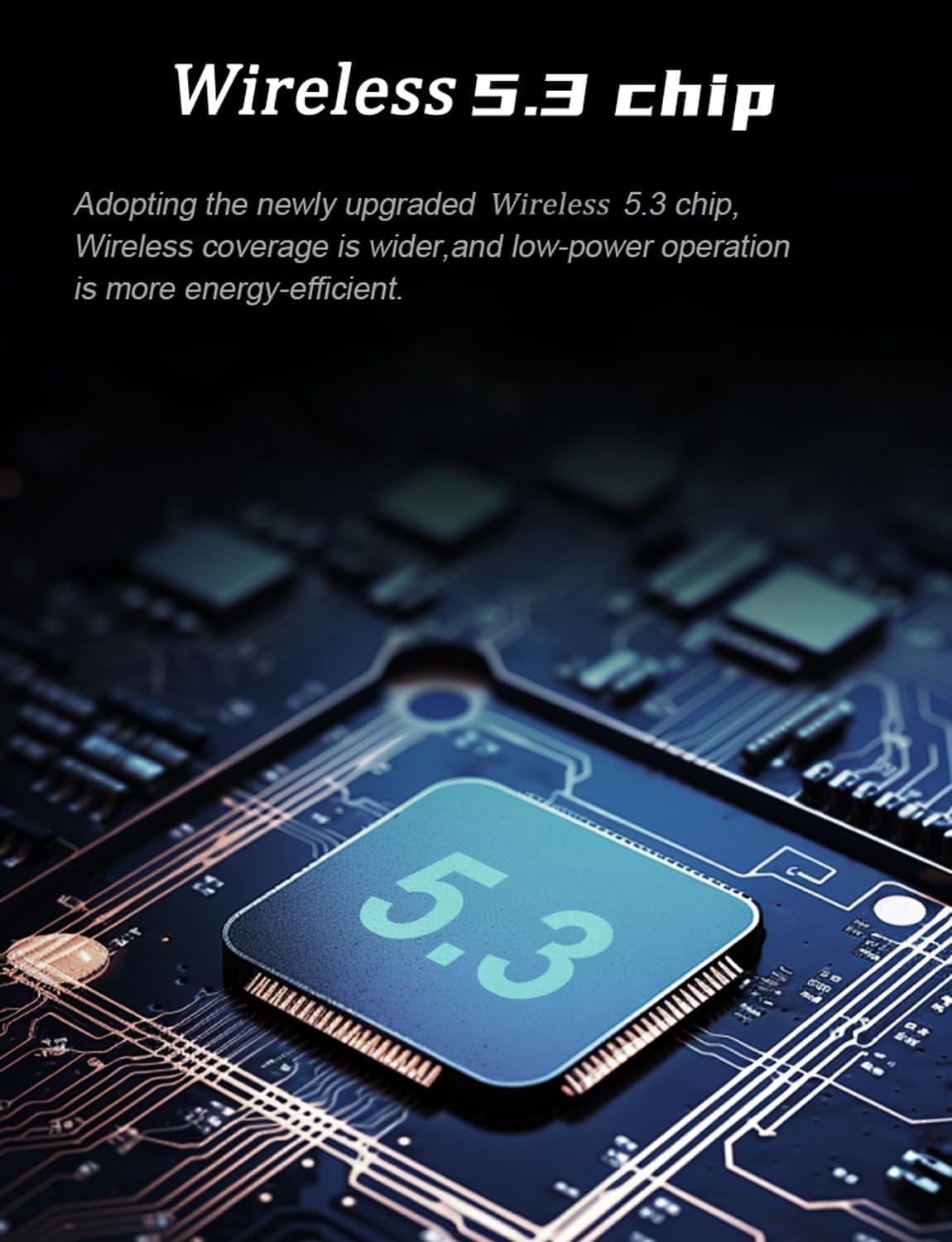
Image: Illustration of the Wireless 5.3 chip, highlighting its role in providing stable and energy-efficient wireless connectivity.

Image: Diagram showing a helmet with sound waves indicating active noise reduction technology, designed to suppress wind noise for clear calls and audio.
Nastavení a instalace
Follow these steps to properly install the FEYA Helmet Speakers into your helmet.
- Prepare the Velcro: Tear open the release paper from the adhesive side of the provided Velcro pads.
- Attach Velcro to Headphones: Securely attach one Velcro pad to the back of each FEYA helmet speaker unit. Ensure the adhesive side is firmly pressed onto the speaker.
- Attach Velcro to Helmet: Identify the ear position inside your helmet. Attach the corresponding Velcro pad to this area. Ensure the surface is clean and dry for optimal adhesion.
- Mount Headphones: Gently press each helmet speaker onto the Velcro pad inside the helmet. Ensure they are positioned comfortably and securely over your ears.

Image: A visual guide demonstrating the four steps for installing the FEYA helmet speakers: preparing Velcro, attaching Velcro to speakers, attaching Velcro inside the helmet, and finally sticking the speakers into place.
Návod k obsluze
Charging the Speakers and Case
The FEYA Helmet Speakers come with a charging case that provides extended battery life. Use the included Type-C cable to charge the case.
- Connect the Type-C cable to the charging port on the case and the other end to a USB power source (e.g., computer, wall adapter).
- Place the helmet speakers into their respective slots in the charging case.
- The LED digital display on the charging case will indicate the battery level of the case and the individual speakers (L for left, R for right).
- A full charge provides over 7 hours of continuous music playback for the speakers, with the case offering up to 50 hours of total standby time.

Image: The FEYA Helmet Speakers charging case open, showing the LED digital display which indicates the battery levels for the left and right earphones, and the overall charging compartment battery.

Image: The FEYA Helmet Speakers and their charging case, illustrating the compact design and the extended endurance provided by the charging case.
Párování a konektivita
The speakers will automatically enter pairing mode when taken out of the charging case. Look for "FEYA-H360" in your device's Bluetooth settings.
- Ujistěte se, že je na vašem mobilním zařízení povoleno rozhraní Bluetooth.
- Remove both FEYA helmet speakers from the charging case. They will automatically power on and enter pairing mode.
- On your device, search for available Bluetooth devices and select "FEYA-H360" to connect.
- Po připojení hlasový pokyn potvrdí úspěšné spárování.
Pomocí dálkového ovladače
The dedicated remote controller allows for easy management of audio and calls without needing to access your phone.

Image: Close-up of the FEYA Helmet Speakers dedicated remote controller, showing its three main buttons and their functions: Increase Volume/Previous Track, Play/Pause, and Decrease Volume/Next Track.
| Tlačítko | Funkce (krátké stisknutí) | Funkce (dlouhý stisk) |
|---|---|---|
| ▲ (Up Arrow) | Zvýšit hlasitost | Předchozí stopa |
| ● (Circle) | Přehrát/Pozastavit hudbu, Přijmout/Ukončit hovor | Odmítnout hovor |
| ▼ (Down Arrow) | Snížit hlasitost | Další stopa |
Údržba
- Čištění: Use a soft, dry cloth to clean the speakers, charging case, and remote controller. Do not use abrasive cleaners or solvents.
- Skladování: When not in use for extended periods, store the speakers in their charging case in a cool, dry place.
- Péče o baterie: Chcete-li prodloužit životnost baterie, vyvarujte se častého úplného vybíjení. Zařízení pravidelně nabíjejte, i když jej nepoužíváte neustále.
- Vystavení vodě: While designed for outdoor use, avoid submerging the devices in water. Wipe off any moisture immediately.
Odstraňování problémů
| Problém | Možná příčina | Řešení |
|---|---|---|
| Žádný zvuk z reproduktorů. | Speakers not powered on, not paired, or low battery. | Ensure speakers are charged. Re-pair with your device. Check device volume. |
| Nelze spárovat se zařízením. | Speakers not in pairing mode, device Bluetooth off, or too many paired devices. | Remove speakers from case to enter pairing mode. Ensure Bluetooth is on. Forget previous pairings on your device and try again. |
| Dálkový ovladač nereaguje. | Remote battery low or not properly connected. | Ensure the remote controller has power (if applicable, check for indicator light). Re-establish connection if possible (usually automatic). |
| Špatná kvalita zvuku / statický šum. | Rušení, vzdálenost od zařízení nebo slabá baterie. | Move closer to your device. Avoid strong electromagnetic interference. Charge speakers. |
Specifikace
The following table outlines the technical specifications for the FEYA Helmet Speakers (Model: FEYA-H360).

Image: Diagram illustrating the dimensions of the FEYA Helmet Speakers, charging case, and remote controller, along with a list of included components.
| Funkce | Detail |
|---|---|
| Název modelu | FEYA-H360 |
| Značka | FEYA |
| Technologie připojení | Bezdrátové připojení (Bluetooth 5.3) |
| Životnost baterie | Až 50 hodin (s nabíjecím pouzdrem) |
| Kapacita nabíjecího pouzdra | 1450 XNUMX mAh |
| Typ ovládání | Dedicated Remote Control |
| Kontrola hluku | Aktivní potlačení hluku |
| Materiál | Plast |
| Doporučená použití | Cycling, Motorcycling, Snowboarding |
| Zahrnuté komponenty | Headset (x2), Charging Case (x1), Remote Controller (x1), Type-C Cable (x1), User Manual |
Záruka a podpora
FEYA products are designed for durability and performance. For warranty information and technical support, please refer to the official FEYA webwebu nebo kontaktujte zákaznický servis prostřednictvím místa nákupu.
Uschovejte si prosím doklad o koupi pro případné reklamace.
Pro další pomoc můžete navštívit FEYA Store on Amazon.


