Zavedení
The Zwide Wireless Lavalier Microphone System M8-L(1to2)+C8 is designed for high-quality audio recording and streaming. This compact and lightweight system includes two transmitters (TX) and one Lightning receiver (RX), along with a convenient charging case (C8) that features a digital power display. It offers advanced features such as noise cancellation and reverberation, making it ideal for various applications including video recording, live streaming, podcasting, and online conferencing. The unique button-type design and detachable magnetic clip provide versatile wearing options and ease of use.

Figure 1: Zwide Wireless Lavalier Microphone System M8-L(1to2)+C8 components in charging case.
Co je v krabici
- 2x vysílač (TX)
- 1 x Lightning Receiver (RX)
- 1 x Charging Case (C8)
- 1 x Charging Case Cable
- 1 x šňůrka
- 1x magnetický klip
- 1 x Magnetic Sheet
- 1 x Uživatelská příručka

Figure 2: All components included in the M8-L(1to2)+C8 package.
Průvodce nastavením
1. Počáteční nabíjení
Before first use, ensure both transmitters (TX), the receiver (RX), and the charging case (C8) are fully charged. Place the TX and RX units into the charging case. The digital display on the charging case will show the battery percentage. Connect the charging case to a power source using the provided charging cable.
2. Automatické zapnutí/vypnutí
The TX and RX units are designed to automatically power on when taken out of the charging case and power off when placed back into the case. This ensures convenience and conserves battery life.
3. Connecting the Receiver (RX)
Insert the Lightning receiver (RX) directly into the Lightning port of your iPhone, iPad, or iPod Touch. No additional pairing is required as the transmitters and receiver are pre-linked.
4. Wearing the Transmitter (TX)
The transmitter features a magnetic clip design for easy attachment. You can use the integrated back clip to attach it to clothing, or utilize the detachable magnetic clip and magnetic sheet for more versatile wearing styles, such as a necklace design or clipping onto a hat.

Figure 3: The incredibly small and lightweight transmitter, designed for discreet wear.

Figure 4: Explore various ways to wear your Zwide microphone, including magnetic, necklace, and clip-on styles.
Návod k obsluze
1. Nahrávání a streamování
Once the RX is connected to your device and the TX units are powered on, the microphone system is ready for use. Simply open your preferred recording or streaming application on your iPhone/iPad, and the system will automatically be recognized as the audio input source.
2. Potlačení hluku
The Zwide microphone system features a one-click noise reduction function. Press the designated button on the transmitter to activate or deactivate noise cancellation. This helps to filter out ambient background noise, ensuring clear audio capture.
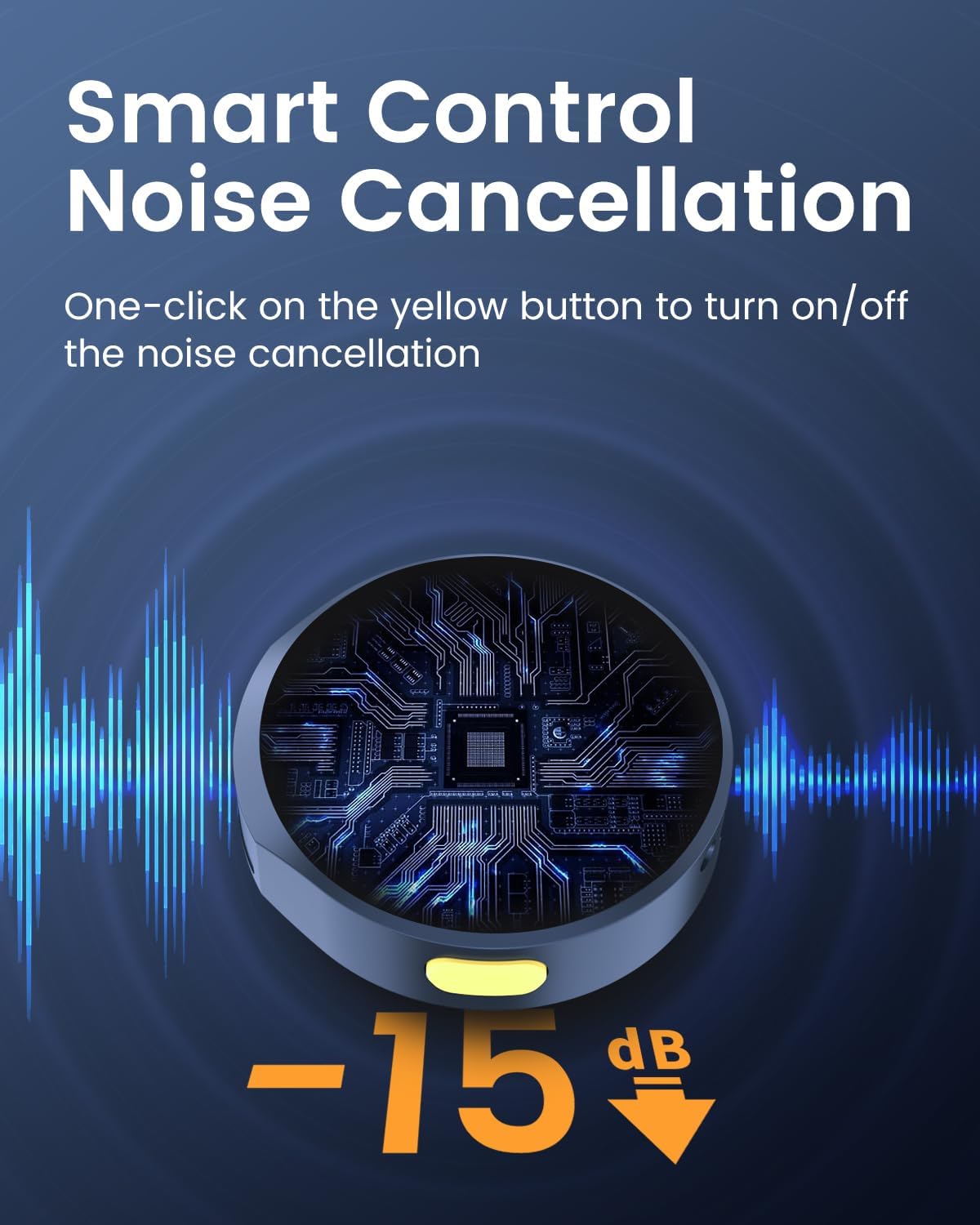
Figure 5: Activate smart noise cancellation with a single button press for clearer audio.
3. Reverberation Function
The system also supports a reverberation function, which can add an echo effect to your audio. Refer to the specific button on the transmitter for activating this feature, as detailed in the quick start guide included in your package.
4. Long-Range Transmission
Experience stable and uninterrupted audio transmission with a range of up to 200 meters (approximately 656 feet), providing flexibility for various recording environments.
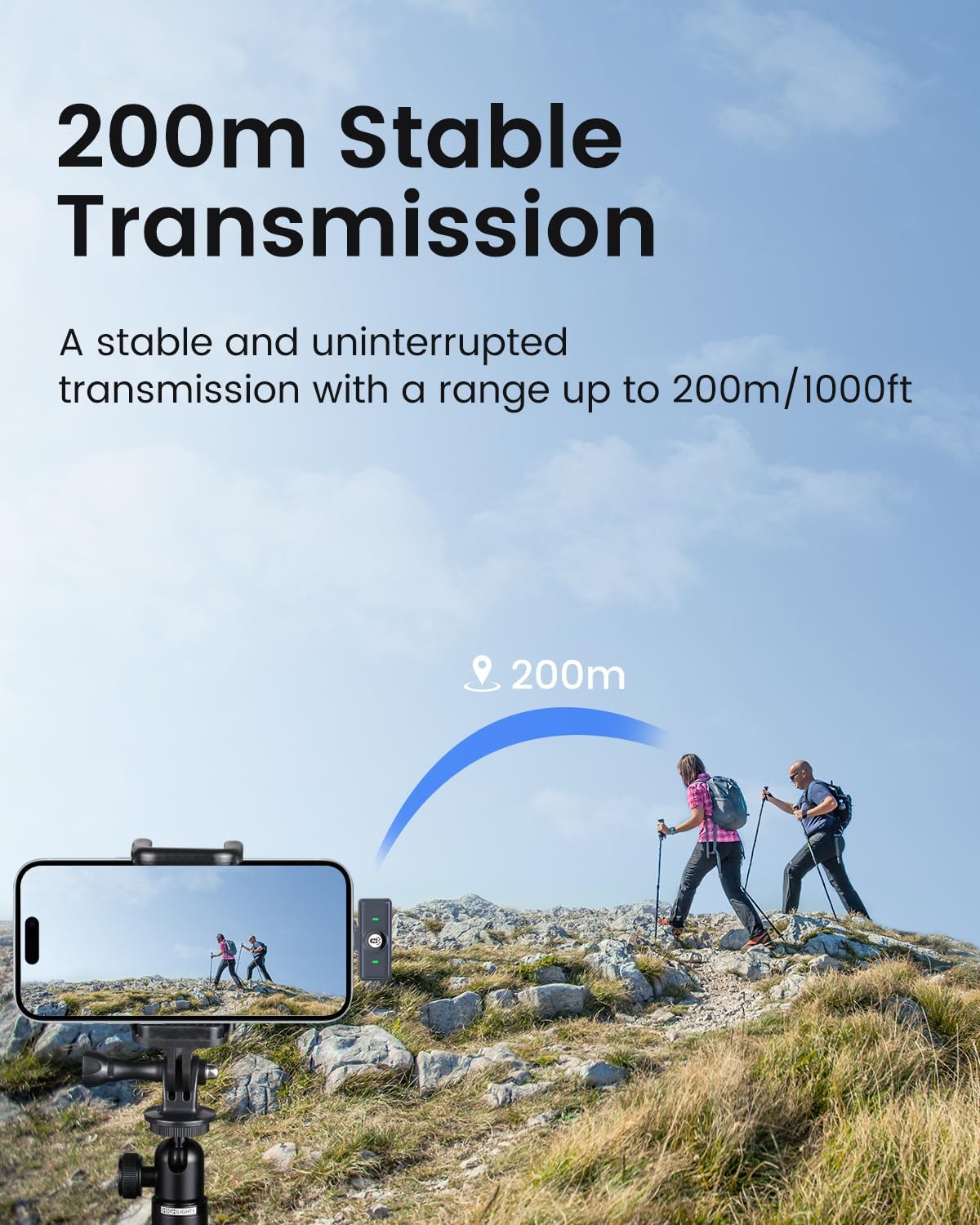
Figure 6: Enjoy stable audio transmission up to 200 meters from your device.
5. Nabíjení během používání
The connected receiver allows your iPhone or iPad to charge simultaneously while the microphone system is in use, ensuring continuous operation during long recording sessions.
6. Konec produktuview Video
Video 1: A brief promotional video showcasing the Zwide M8 microphone system's key features, including its compact size, noise reduction, and long-range transmission capabilities.
Údržba
- Čištění: Use a soft, dry cloth to clean the microphone units and charging case. Avoid using liquids or abrasive cleaners.
- Skladování: When not in use, store the microphone system in its charging case to protect the components and ensure they remain charged.
- Péče o baterie: To prolong battery life, avoid fully discharging the units frequently. Charge them regularly, especially if storing for extended periods.
- Podmínky prostředí: Keep the device away from extreme temperatures, direct sunlight, dust, and moisture.
Odstraňování problémů
| Problém | Možná příčina | Řešení |
|---|---|---|
| No audio input from microphone. | Receiver not properly connected; TX units not powered on or out of range; low battery. | Ensure RX is fully inserted into the Lightning port. Check if TX units are out of the charging case and have sufficient charge. Move closer to the receiver. |
| Poor audio quality / Background noise. | Noise cancellation not activated; strong environmental interference. | Press the noise cancellation button on the TX. Try to reduce external noise sources or move to a quieter environment. |
| Mikrofon se nenabíjí. | Charging cable or adapter issue; units not correctly placed in charging case. | Verify charging cable and adapter are working. Ensure TX/RX units are seated correctly in the charging case. Check charging case battery level. |
| Receiver does not fit with phone case. | Phone case too thick around the Lightning port. | Remove the phone case before connecting the receiver, or consider using a Lightning port extender (not included). |
Specifikace
- Značka: Zwide
- Název modelu: M8-L(1to2)+C8
- Technologie připojení: 2.4 GHz
- Typ konektoru: Blesk
- Tvarový faktor mikrofonu: Lavalier
- Polární vzor: Všesměrový
- Citlivost zvuku: 38 dB
- Poměr signál-šum: 72 dB
- Frekvenční rozsah: 2.4 GHz
- Frekvenční odezva: 20 Hz
- Hladina hluku: 0.1 dB
- Hmotnost položky: 101 gramů (3.56 unce)
- Rozměry produktu: 2.99 x 1.97 x 1.38 palce
- Zdroj napájení: Napájení z baterií (součástí balení jsou 2 nestandardní baterie)
- Typ baterie: Lithium Polymer
- Materiál: Plastic, Acrylonitrile Butadiene Styrene, Polycarbonate, Power Screen
- Kompatibilní zařízení: iPhone, iPod Touch, iPad
- Speciální funkce: Magnetic Clip & Rechargeable, Power Screen
- Doporučená použití: Streaming, Vlogging, Online/Offline Class, Voice Recording, Gaming, Interview, Live Broadcast
Záruka a podpora
Zwide products are manufactured to the highest quality standards. For warranty information, technical support, or customer service inquiries, please refer to the contact details provided on the product packaging or visit the official Zwide webstránky. Uschovejte si prosím doklad o koupi pro případ reklamace.


