1. Úvod
Thank you for choosing the Otovoda B-T51 2K Front Dash Cam. This manual provides essential information for the proper setup, operation, and maintenance of your device. Please read it thoroughly before use to ensure optimal performance and safety.
2. Obsah balení
Ověřte, zda jsou v balení obsaženy všechny níže uvedené položky:
- 1 x Otovoda B-T51 2K Front Dash Cam
- 1 x nabíječka do auta (11.5 m)
- 1 x 64 GB karta MicroSD
- 1 x Uživatelská příručka
- 1 x Operation Video Card
- 1 x Easy Pry Tool
- 1 x Spare 3M Adhesive Pad
- 1 x Pin (for reset/card removal)
- 2 x elektrostatické samolepky

3. Konec produktuview
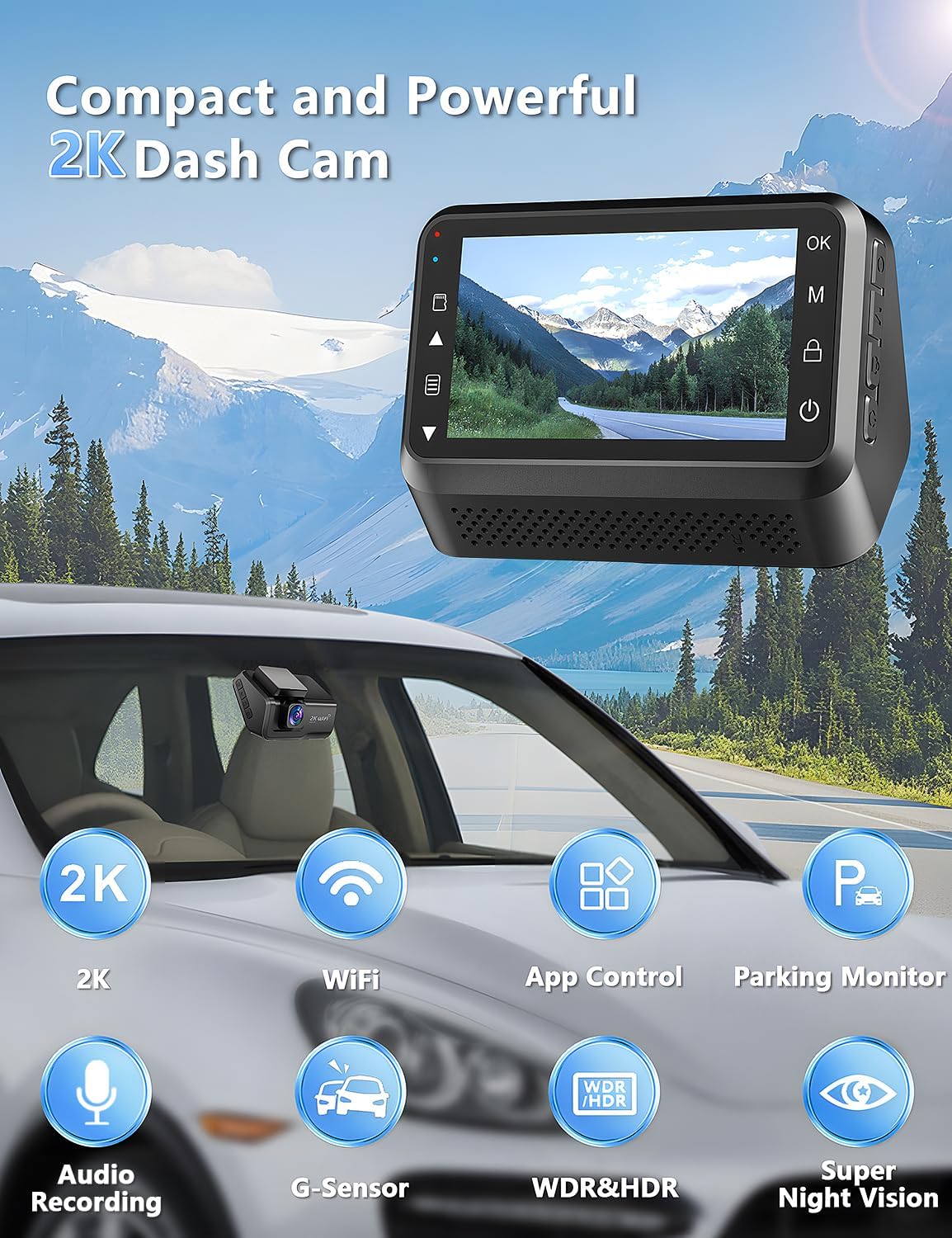
The Otovoda B-T51 is a compact and powerful dash camera designed for clear road recording. It features a 3-inch display and a 170-degree wide-angle lens.
Klíčové komponenty:
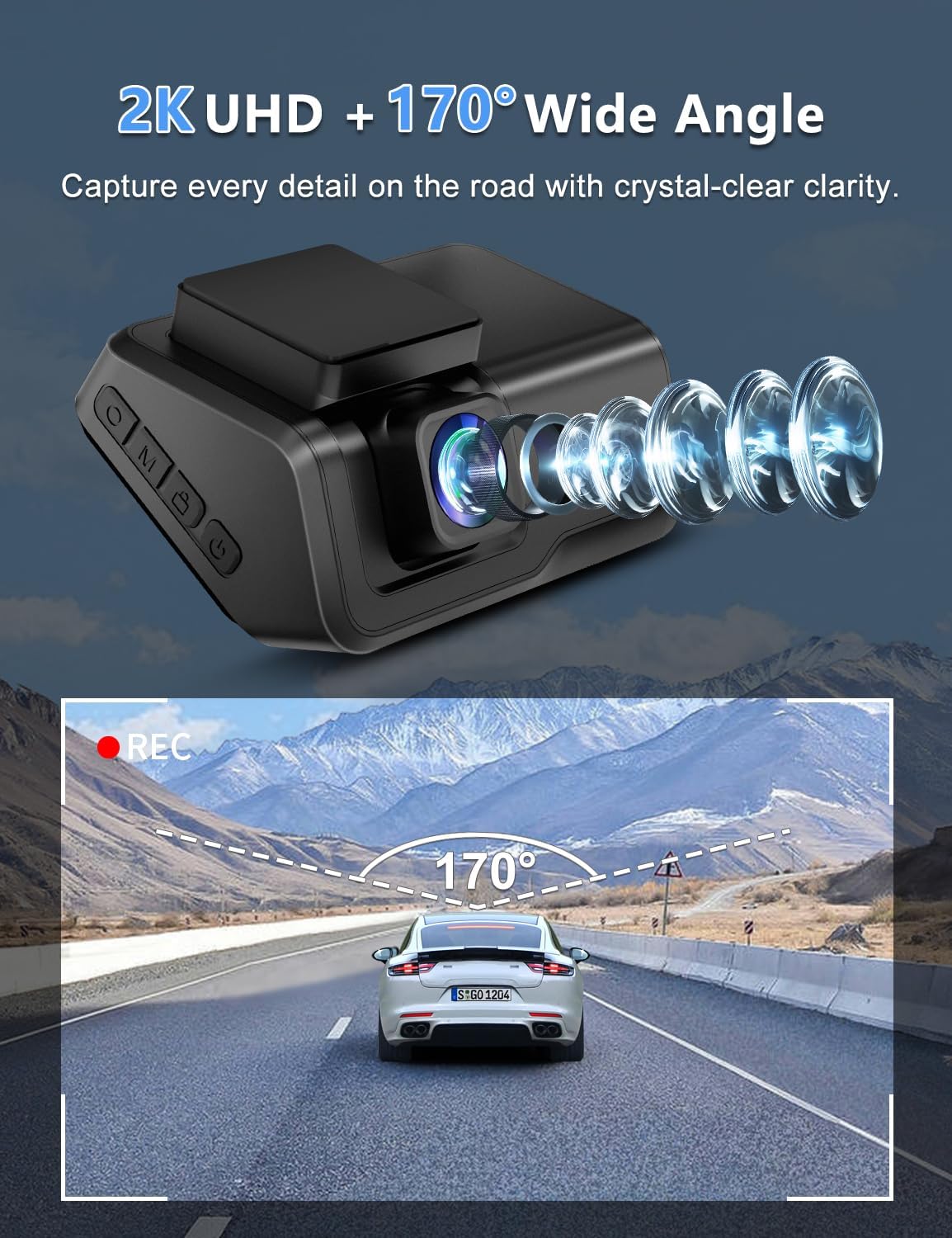
- Čočka: 2K resolution, 170° wide-angle, F1.8 large aperture, 6-layer glass.
- Zobrazit: 3-inch LED screen for real-time viewa nastavení.
- Ovládací tlačítka: Located on the side for menu navigation and function control.
- Slot pro microSD kartu: Supports up to 256GB, 64GB card included.
- Port typu C: Pro připojení napájení.
- Montáž: Adhesive pad for windshield mounting.
4. Nastavení a instalace
Pro instalaci palubní kamery postupujte takto:
- Příprava čelního skla: Clean the area on your car's windshield where you intend to mount the dash cam. Ensure it is free of dust and grease.
- Aplikace elektrostatické nálepky: Apply one of the provided electrostatic stickers to the cleaned area. This helps in stable mounting and easy removal without leaving residue.
- Attach Adhesive Pad: Peel off the protective film from the 3M adhesive pad on the dash cam mount and firmly press it onto the electrostatic sticker.
- Připojte napájení: Connect the Type-C power cable from the car charger to the dash cam. Route the cable neatly along the windshield and dashboard edges using the easy pry tool to tuck it away. Plug the car charger into your vehicle's cigarette lighter socket.
- Vložte MicroSD kartu: Insert the provided 64GB MicroSD card into the card slot on the dash cam. Ensure it clicks into place.

5. Základní obsluha
Zapnutí/vypnutí:
- Palubní kamera se automaticky zapne a začne nahrávat po zapnutí zapalování vozidla.
- Automaticky se vypne po vypnutí zapalování.
- To manually power on/off, press and hold the power button located on the device.
Záznam:
- Nahrávání se spustí automaticky po zapnutí zařízení.
- The 2K front camera captures video at a 170° wide-angle, ensuring comprehensive road coverage.
- Audio recording is also supported.
6. Pokročilé funkce
Ovládání přes Wi-Fi a aplikaci:
Connect your dash cam to the exclusive Viidure APP (available for Android and iOS devices) via WiFi for real-time preview, smooth video downloads, easy editing, and sharing to social media platforms.

Super noční vidění:
Equipped with an F1.8 large aperture, WDR (Wide Dynamic Range), and a 6-layer glass lens, the dash cam captures clear and sharp footage in low-light conditions, ensuring detailed number plates and road signs are visible day and night.

24hodinový monitor parkování:
When your car is parked, this function automatically activates upon detecting motion or impact, locking the video to provide continuous protection against potential threats. Note: This feature requires a hardwire kit (ASIN: B0CP4WYYSX), which is not included.

G-Sensor and Loop Recording:
- G-senzor: Automaticky detekuje náhlé otřesy nebo kolize a uzamkne aktuální videozáznam.tage, aby se zabránilo jeho přepsání a zajistily se tak důležité důkazy.
- Nahrávání ve smyčce: Ensures continuous recording by automatically overwriting the oldest unlocked files, když je paměťová karta plná.

7. Údržba
- Vyčistěte objektiv: Pravidelně čistěte objektiv kamery měkkým hadříkem, který nepouští vlákna, abyste zajistili čistou kvalitu videa.
- Formát MicroSD karty: It is recommended to format the MicroSD card periodically (e.g., once a month) to maintain optimal recording performance and prevent data corruption. Back up any important files před formátováním.
- Provozní teplota: The dash cam is designed to operate in temperatures from -30℃ to 80℃ (-22℉ to 176℉). Avoid exposing the device to extreme temperatures outside this range for prolonged periods.

8. Řešení problémů
If you encounter any issues with your Otovoda B-T51 Dash Cam, please refer to the following common solutions:
- Zařízení se nezapíná: Ensure the car charger is properly connected to both the dash cam and the vehicle's power outlet. Check if the vehicle's ignition is on.
- Problémy s nahráváním: Verify that the MicroSD card is correctly inserted and formatted. If the card is full, loop recording should overwrite old files, ale zajistěte, aby nedošlo k žádným kritickým files are locked. Try formatting the card.
- Problémy s připojením k Wi-Fi: Ensure the dash cam's WiFi is enabled and your smartphone is within range. Re-enter the WiFi password if necessary.
- Špatná kvalita videa: Clean the camera lens. Check the recording resolution settings in the app.
- Parkovací asistent nefunguje: Confirm that the optional hardwire kit is correctly installed and connected, as this feature requires constant power.
9. Specifikace
| Funkce | Specifikace |
|---|---|
| Značka | Otovoda |
| Model | B-T51 |
| Rozlišení záznamu videa | 2K |
| Viewúhel | 170 stupňů |
| Velikost displeje | 3 palce |
| Technologie připojení | Wi-Fi |
| Velikost paměťové karty | 64 GB (podporuje až 256 GB) |
| Speciální funkce | 2-Year Warranty, Built-in WiFi, Built-in Microphone, App Control, Type-C Port, Compact Design, WDR, HDR, Super Night Vision, Loop Recording, G-sensor, Parking Monitor |
| Provozní teplota | -30 ℃ až 80 ℃ (-22 ℉ až 176 ℉) |
| Rozměry produktu | 3.8 x 8.2 x 5.3 cm; 315 g |
10. Záruka a podpora
Your Otovoda B-T51 Dash Cam comes with an extendable 2-Year Repair Warranty a a Full Refund within 30 days of purchase. For any questions, missing accessories, or technical support, please contact us. We provide technical support and aim to respond within 24 hours, ensuring 100% satisfaction.
After Service Email Address: dashcam@bestservices.vip


