Zavedení
Welcome to the user manual for your new Xiaomi Watch 2. This guide provides essential information on setting up, operating, maintaining, and troubleshooting your smartwatch. The Xiaomi Watch 2 is designed to enhance your daily life with smart features, comprehensive health monitoring, and robust performance.
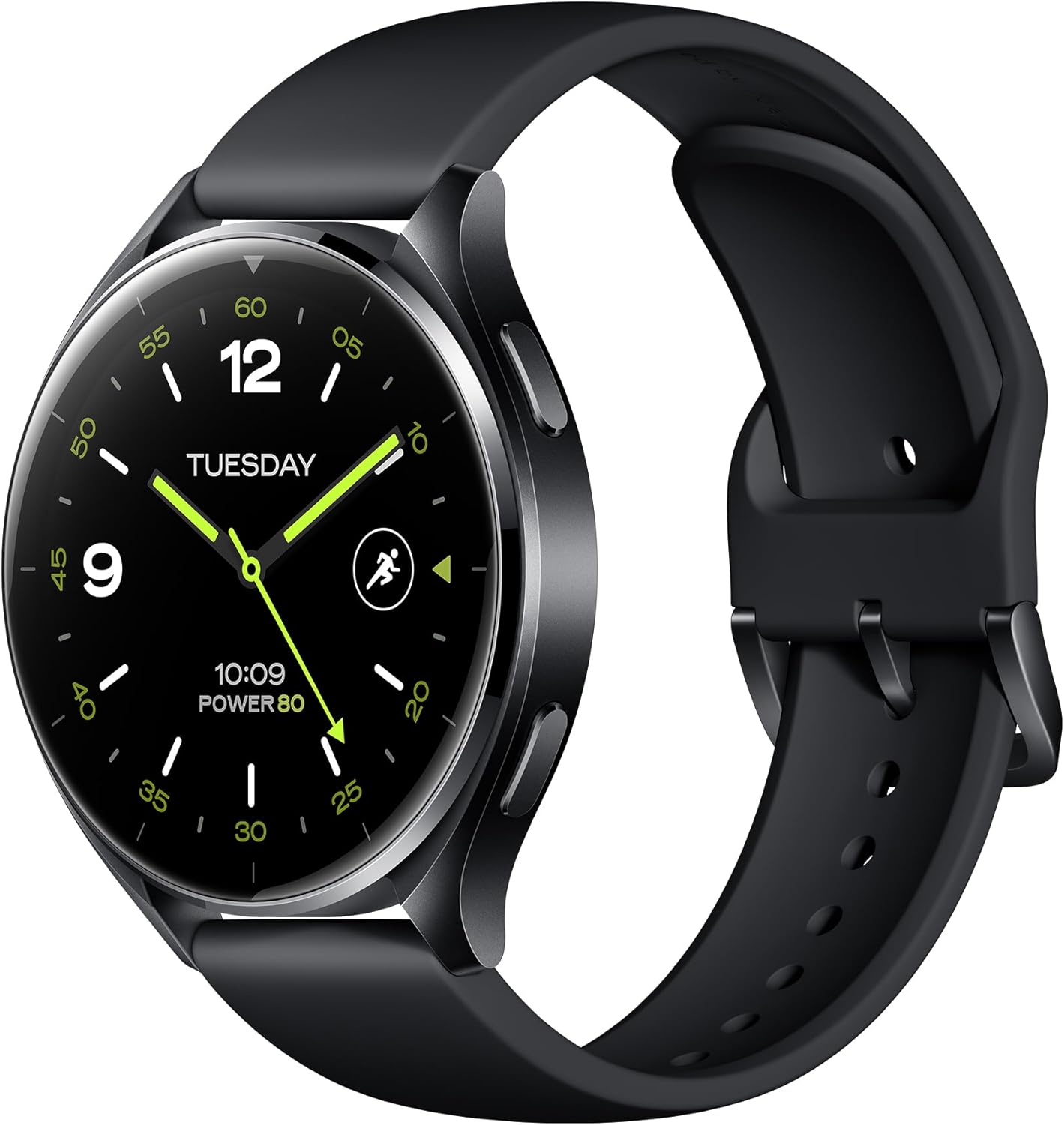
Figure 1: Xiaomi Watch 2 Overview
The Xiaomi Watch 2 features a 1.43" AMOLED display, Google Wear OS, and a powerful Qualcomm Snapdragon W5+ Gen 1 processor, offering a seamless and responsive user experience.
Co je v krabici
Upon unboxing your Xiaomi Watch 2, please ensure all the following items are present:
- Xiaomi Watch 2 Smartwatch
- Magnetický nabíjecí kabel
- User Manual (including Warranty Notice)
Nastavení
1. Nabíjení zařízení
Before first use, fully charge your Xiaomi Watch 2. Connect the magnetic charging cable to the charging contacts on the back of the watch and plug the USB end into a power adapter (not included) or a computer's USB port. A full charge takes approximately 45 minutes.
2. Zapnutí/vypnutí
- Zapnutí: Press and hold the power button (usually the top right button) until the Xiaomi logo appears.
- Vypnout: Stiskněte a podržte tlačítko napájení a poté na obrazovce vyberte možnost „Vypnout“.
3. Párování s vaším smartphonem
- Download the 'Mi Fitness' app from the Google Play Store or Apple App Store on your smartphone.
- Open the Mi Fitness app and follow the on-screen instructions to create or log in to your Xiaomi account.
- On your watch, select your preferred language.
- In the Mi Fitness app, tap 'Add device' and select 'Xiaomi Watch 2'.
- Follow the prompts to pair your watch via Bluetooth 5.2. Confirm the pairing code on both devices.
4. Počáteční konfigurace
Once paired, the app will guide you through setting up your Google account, Wi-Fi connection, and other essential settings for Wear OS functionality.
Obsluha zařízení
Displej a navigace
The Xiaomi Watch 2 features a vibrant 1.43" AMOLED display with a resolution of 466 x 466 pixels. Navigate the watch using touch gestures and the physical buttons.

Figure 2: Watch Buttons for Navigation
- Přejeďte prstem dolů: Přístup k rychlému nastavení a oznámením.
- Přejeďte nahoru: View oznámení.
- Přejetí doleva/doprava: Cycle through tiles (widgets) like heart rate, weather, and activity.
- Horní tlačítko: Typically acts as a 'Home' button or app launcher.
- Spodní tlačítko: Customizable shortcut, often for fitness tracking.
Klíčové vlastnosti
The Xiaomi Watch 2 integrates seamlessly with Google's ecosystem, offering a wide range of functionalities.

Figure 3: Google Wear OS Applications
- Wear OS od Googlu: Access Google Play for apps, use Hey Google for voice commands, make payments with Google Wallet, and navigate with Google Maps.
- Povolání: Answer calls directly from your watch using the built-in microphone and speaker.
- Sledování kondice: Supports over 160 sports modes. Monitor your heart rate, SpO2, and track activities with the accelerometer and gyroscope sensors.
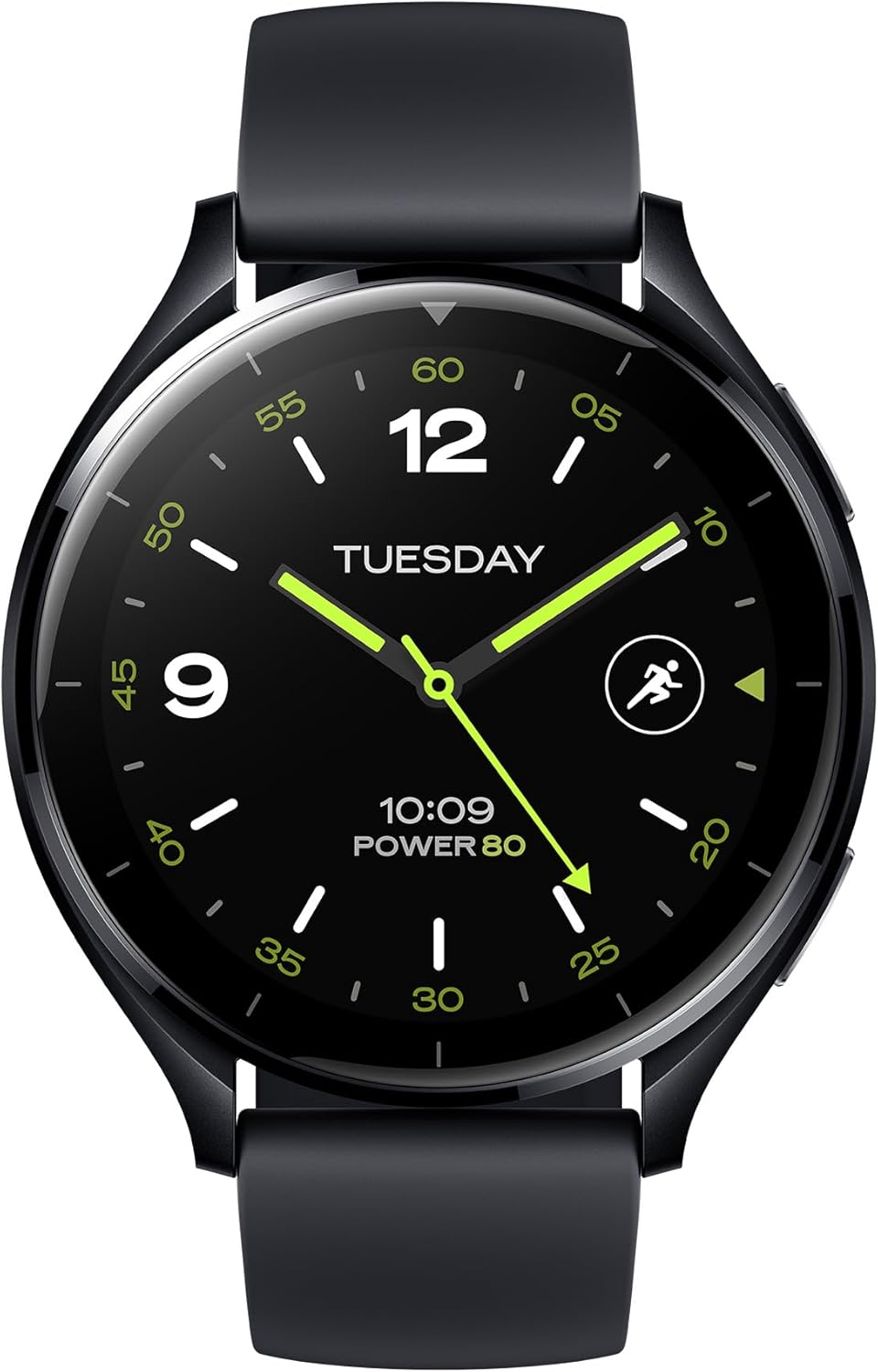
Figure 4: Water Resistance and Sports Modes
- GPS: Integrated L1+L5 GNSS for accurate location tracking during outdoor activities.
- Voděodolnost: Rated 5 ATM, suitable for shallow-water activities like swimming in a pool or ocean. Not suitable for diving or high-pressure water activities.
- Senzory: Equipped with Optical Heart Rate Sensor, Accelerometer Sensor, Gyro Sensor, Ambient Light Sensor, Electronic Compass Sensor, and Barometer Sensor for comprehensive data collection.

Figure 5: GPS and Health Monitoring
Výdrž baterie a výkon
The Xiaomi Watch 2 is powered by a Qualcomm Snapdragon W5+ Gen 1 processor, ensuring smooth performance. It offers a battery life of up to 65 hours under normal usage conditions, supported by a 495 mAh Lithium Ion battery and 32GB of storage.

Figure 6: Processor and Battery Information
Údržba
Čištění hodinek
Regularly clean your watch and strap to prevent skin irritation and maintain device functionality. Use a soft, lint-free cloth. For stubborn dirt, slightly damphadřík vodou. Nepoužívejte agresivní chemikálie ani abrazivní materiály.
Opatření proti vodě
While the watch is 5 ATM water resistant, avoid exposing it to hot water, steam, or high-velocity water. Dry the watch thoroughly after exposure to water, especially the charging contacts, to prevent corrosion.
Aktualizace softwaru
Keep your watch's software updated to ensure optimal performance, security, and access to new features. Connect your watch to Wi-Fi and check for updates via the Mi Fitness app or directly on the watch settings.
Odstraňování problémů
If you encounter issues with your Xiaomi Watch 2, try the following common solutions:
- Hodinky se nezapínají: Ujistěte se, že jsou hodinky plně nabité. Připojte je k nabíječce alespoň na 10 minut.
- Problémy s párováním: Ensure Bluetooth is enabled on your phone and watch. Restart both devices. Clear Bluetooth cache on your phone.
- Nepřesné údaje: Ujistěte se, že máte hodinky pevně na zápěstí. Vyčistěte senzory na zadní straně hodinek.
- Baterie se rychle vybíjí: Snižte jas obrazovky, vypněte funkci Always On Display, omezte obnovování aplikací na pozadí a vypněte nepotřebná oznámení.
- Hodinky nereagují: Try restarting the watch by holding the power button. If unresponsive, perform a force restart (refer to specific instructions in the Mi Fitness app or Xiaomi support).
- Obnovení továrního nastavení: As a last resort, you can perform a factory reset from the watch settings. This will erase all data on the watch and restore it to its original state.
Specifikace
| Funkce | Specifikace |
|---|---|
| Číslo modelu | BHR8034GL |
| Zobrazit | 1.43" AMOLED, 466 x 466 pixels, 326 dpi |
| Procesor | Qualcomm Snapdragon W5+ Gen 1 |
| Operační systém | Wear OS by Google |
| Paměť | 2 GB RAM |
| Skladování | 32 GB |
| Kapacita baterie | Lithium-iontová kapacita 495 mAh |
| Doba nabíjení | Přibl. 45 minut |
| Výdrž baterie při běžném používání | Až 65 hodin |
| Konektivita | Bluetooth 5.2, 2.4/5 GHz Wi-Fi |
| Voděodolnost | 5 ATM |
| GPS | Built-in L1+L5 GNSS |
| Senzory | Optical Heart Rate, Accelerometer, Gyro, Ambient Light, Electronic Compass, Barometer |
| Hmotnost | 46 gramů (1.62 unce) |
| Tvar | Kolo |
Záruka a podpora
Informace o záruce
Your Xiaomi Watch 2 comes with a limited warranty. Please refer to the separate Warranty Notice included in your product packaging for detailed terms and conditions, including warranty period, coverage, and claim procedures.
Zákaznická podpora
Pro další pomoc, technickou podporu nebo servisní dotazy navštivte oficiální podporu Xiaomi website or contact their customer service. You can find contact information and FAQs on the Xiaomi webmísto: