1. Úvod
This user manual provides detailed instructions for the setup, operation, maintenance, and troubleshooting of your Z-EDGE U28I4K 4K Monitor. Please read this manual thoroughly before using the product to ensure proper functionality and to prevent damage.
Vlastnosti produktu:
- Rozlišení 4K UHD (3840x2160): Delivers stunningly clear and lifelike images with exceptional detail.
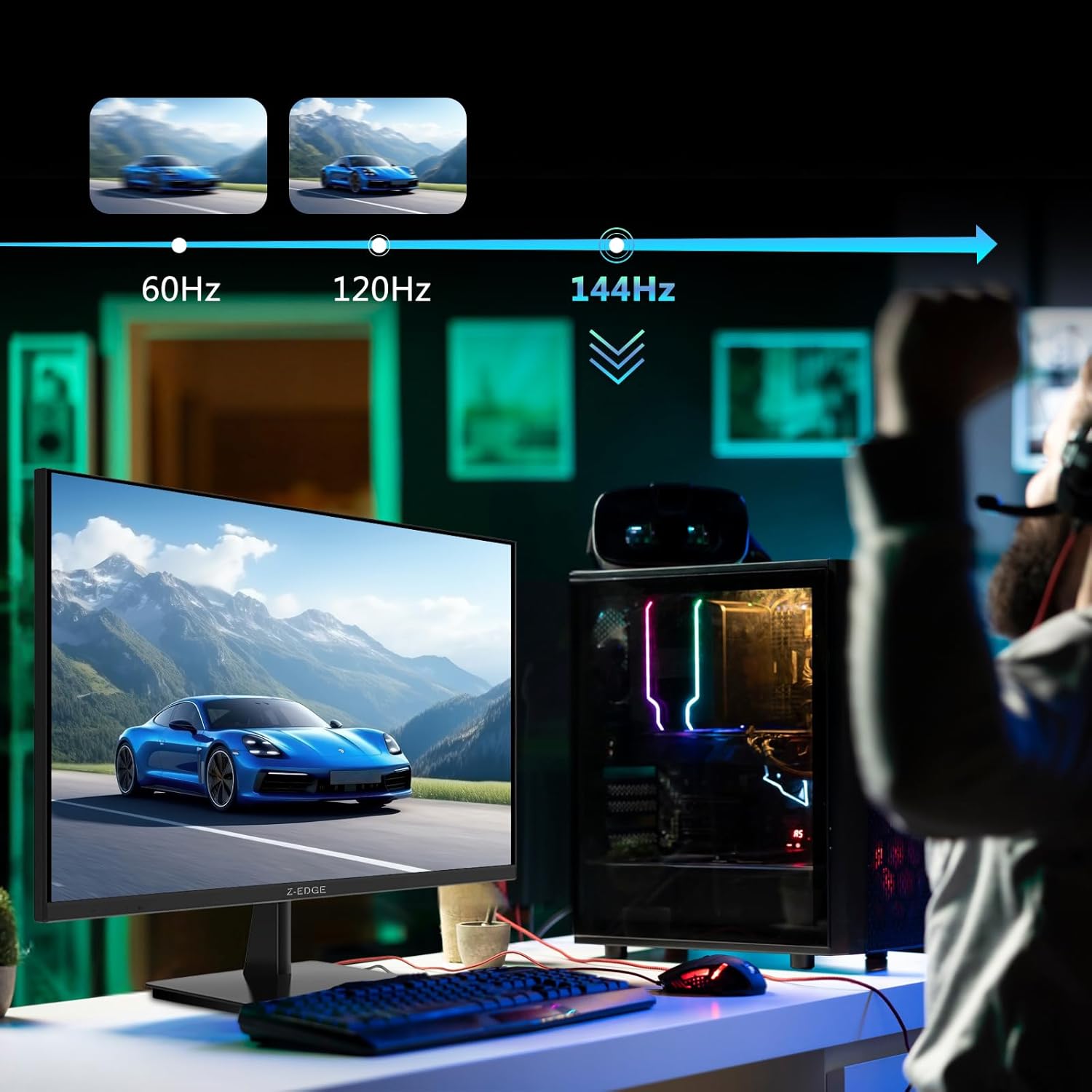
- Obnovovací frekvence 144 Hz a doba odezvy 1 ms: Ensures smooth, crisp visuals and reduces motion blur, ideal for gaming.
- Panel IPS: Nabízí široký úhel záběru 178° viewing angles and consistent, accurate color reproduction.
- Technologie HDR10: Enhances picture quality with deeper blacks and brighter whites.
- Více možností připojení: Two HDMI inputs and two DisplayPort inputs for versatile device connection.
- Technologie péče o oči: Features low blue light and flicker-free technology to reduce eye strain.
- Kompatibilní s držákem VESA: Supports 100x100mm VESA mounting for flexible installation.
2. Obsah balení
Please check the package contents upon unboxing. If any items are missing or damaged, contact Z-EDGE customer support.
- Z-EDGE U28I4K 4K Monitor
- Stojan na monitor (základna a krk)
- Napájecí adaptér a napájecí kabel
- HDMI kabel
- Kabel DisplayPort
- Uživatelská příručka
- Screws and Screwdriver for stand assembly
3. Nastavení
3.1 Sestavení stojanu
- Carefully remove the monitor from its packaging, keeping it protected on a soft, flat surface.
- Attach the stand neck to the monitor's rear panel using the provided screws. Ensure it is securely fastened.
- Connect the stand base to the stand neck and tighten the thumb screw or use the provided screwdriver to secure it.
- Gently place the assembled monitor on a stable, flat desk.

3.2 Připojení k zařízení
The Z-EDGE U28I4K monitor supports multiple input types. Choose the appropriate cable for your device.
- Připojení HDMI: Connect one end of the HDMI cable to the HDMI port on your computer/device and the other end to an HDMI input port (HDMI 1 or HDMI 2) on the monitor.
- Připojení DisplayPort: Connect one end of the DisplayPort cable to the DisplayPort on your computer/device and the other end to a DisplayPort input port (DP 1 or DP 2) on the monitor.
- Zvukový výstup: Connect external speakers or headphones to the 3.5mm audio output jack on the monitor if desired.

3.3 Připojení napájení
Connect the power adapter to the DC 12V input on the monitor, then plug the power cable into a wall outlet.
Important: Use only the power adapter provided with your monitor.
4. Obsluha monitoru
4.1 Zapnutí/vypnutí
Stisknutím tlačítka napájení, které se nachází na zadní nebo spodní straně monitoru, jej zapnete nebo vypnete. Kontrolka napájení se rozsvítí, když je monitor zapnutý.
4.2 Nabídka na obrazovce (OSD)
The OSD menu allows you to adjust various monitor settings. Navigate the menu using the buttons typically found on the back or bottom right of the monitor.
Běžná nastavení OSD:
- Jas/kontrast: Upravte celkový jas a kontrastní poměr.
- Nastavení barev: Upravte teplotu barev, gamu a jednotlivé úrovně RGB.
- Vstupní zdroj: Manually select between HDMI 1, HDMI 2, DP 1, or DP 2.
- Režim obrazu: Vyberte přednastavené režimy zobrazení (např. Standardní, Hra, Film, Text).
- Response Time/Overdrive: Adjust the pixel response time for faster transitions.
- FreeSync/Adaptivní synchronizace: Enable or disable adaptive synchronization technology.
- Nízké modré světlo: Snižte vyzařování modrého světla, abyste minimalizovali namáhání očí.
- Bez blikání: Ensure the display is free from visible flickering.
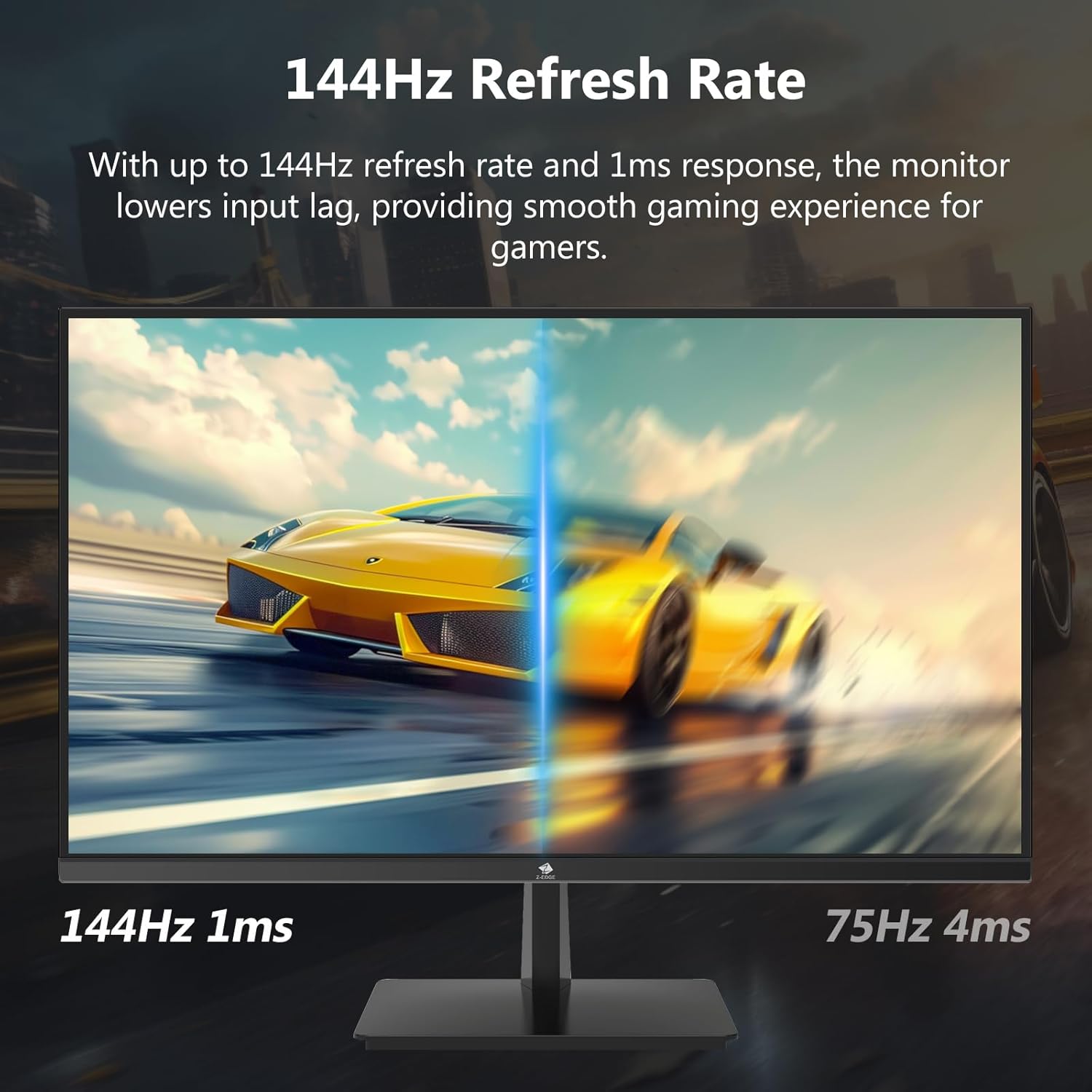

4.3 Obnovovací frekvence a doba odezvy
The monitor supports up to a 144Hz refresh rate and 1ms response time for optimal performance in fast-paced applications and gaming.

5. Údržba
5.1 Čištění monitoru
- Před čištěním vždy odpojte monitor od elektrické zásuvky.
- Použijte měkký hadřík, který nepouští vlákna dampvodou nebo neabrazivním čističem obrazovek.
- Nestříkejte čisticí prostředek přímo na obrazovku.
- Nepoužívejte benzen, ředidlo, amoniak ani abrazivní čisticí prostředky, protože by mohly poškodit povrch monitoru.
5.2 Skladování
Pokud monitor skladujete na delší dobu, ujistěte se, že je vypnutý a odpojený od všech kabelů. Skladujte jej na chladném a suchém místě, nejlépe v originálním obalu, aby byl chráněn před prachem a fyzickým poškozením.
6. Řešení problémů
| Problém | Možná příčina | Řešení |
|---|---|---|
| Žádná síla | Napájecí kabel není připojen; Vadná zásuvka; Vadný napájecí adaptér. | Ensure power cable is securely connected to monitor and outlet. Test outlet with another device. Contact support if adapter is suspected faulty. |
| Žádný signál | Vstupní kabel není připojen; Vybrán nesprávný vstupní zdroj; Počítač/zařízení nevysílá signál. | Check HDMI/DisplayPort cable connections. Select correct input source via OSD menu. Restart computer/device. |
| Blikající obrazovka | Loose cable connection; Refresh rate mismatch; DCR (Dynamic Contrast Ratio) enabled. | Ensure cables are firmly connected. Adjust refresh rate in display settings. Disable DCR in OSD menu. |
| Špatná kvalita obrazu (rozmazaný/zkreslený) | Incorrect resolution; Cable quality; Graphics driver issues. | Set display resolution to 3840x2160. Try a different high-quality cable. Update graphics drivers. |
| No Audio from Monitor | Volume too low; Incorrect audio output selected on computer; External speakers not connected/powered. | Increase monitor volume via OSD. Select monitor as audio output device in OS settings. Ensure external speakers are connected and powered. |
If the problem persists after trying these solutions, please contact Z-EDGE customer support.
7. Specifikace
| Funkce | Detail |
|---|---|
| Číslo modelu | U28I4K |
| Velikost obrazovky | 28 palce |
| Typ panelu | IPS |
| Rezoluce | 3840x2160 (4K UHD) |
| Obnovovací frekvence | 144 Hz |
| Doba odezvy | 1 ms (MPRT) |
| Jas | 300 cd/m² |
| Kontrastní poměr | 1000:1 |
| Podpora barev | 16.7 milionu barev (8 bitů) |
| Viewúhel | 178° (H/V) |
| Podpora HDR | HDR10 |
| Konektivita | 2x HDMI 2.1, 2x DisplayPort 1.4, 1x audio výstup (3.5 mm) |
| VESA Mount | 100x100mm |
| Rozměry (se stojanem) | 19 x 64 x 46 cm |
| Hmotnost (se stojanem) | 5.96 kg |
| Vstup napájení | DC 12V |
8. Záruka a podpora
8.1 Informace o záruce
Z-EDGE products typically come with a limited manufacturer's warranty. Please refer to the warranty card included in your product packaging or visit the official Z-EDGE webPodrobné záruční podmínky naleznete na webových stránkách. Uschovejte si účtenku jako doklad o koupi pro případ reklamace.
8.2 Zákaznická podpora
For technical assistance, troubleshooting, or warranty inquiries, please contact Z-EDGE customer support:
- Webmísto: www.z-edge.com (Check for support contact details, FAQs, and driver downloads)
- E-mail: Obraťte se na úředníka webwebu, kde najdete nejaktuálnější e-mailovou adresu podpory.
- Telefon: Obraťte se na úředníka webwebu, kde najdete nejaktuálnější telefonní číslo podpory.
When contacting support, please have your monitor's model number (U28I4K) and serial number ready.


