1. Úvod
This manual provides detailed instructions for the setup, operation, and maintenance of your VTech ES2001 DECT Cordless Phone. Please read this manual thoroughly before using your new phone to ensure proper functionality and to take full advantage of its features, including the nuisance call blocker, volume booster, and handsfree speakerphone.

Image: The VTech ES2001 twin handset DECT cordless phone system, showing one handset in its charging cradle and another standing upright next to its smaller charging base.
2. Obsah balení
Ujistěte se, že máte v balení všechny položky:
- 2 Base Units
- 2 bezdrátová sluchátka
- 2 nabíječky pro sluchátka
- 2 Battery Packs (AAA batteries included)
- Kabel telefonní linky
- Rychlý průvodce
3. Nastavení
3.1 Připojení základní jednotky
- Connect the telephone line cord to the TEL LINE port on the main base unit and to your telephone wall socket.
- Connect the power adapter to the POWER port on the main base unit and to a wall power outlet.
- Place the second charging base in a convenient location and connect its power adapter to a wall power outlet.
3.2 Instalace a nabíjení baterie
- Otevřete kryt přihrádky na baterie na zadní straně každého sluchátka.
- Insert the supplied AAA battery pack, ensuring correct polarity.
- Zavřete kryt prostoru pro baterie.
- Place each handset onto its respective charging base. The charge indicator on the handset will illuminate, indicating proper charging.
- Před prvním použitím nechte sluchátka nabíjet alespoň 16 hodin, aby byl zajištěn optimální výkon baterie.
4. Návod k obsluze
4.1 Uskutečňování a přijímání hovorů
- Uskutečnění hovoru: Stiskněte tlačítko MLUVIT a poté vytočte číslo. Nebo nejprve vytočte číslo a poté stiskněte tlačítko MLUVIT.
- Příjem hovoru: Když telefon zvoní, stiskněte MLUVIT tlačítko.
- Ukončení hovoru: Stiskněte tlačítko KONEC button or place the handset back on the charging base.
4.2 Blokování obtěžujících hovorů
The VTech ES2001 allows you to block unwanted calls. You can block up to 100 blacklisted numbers.
- To block a number during a call, press the dedicated Call Blocker button.
- To add a number to the blacklist manually, navigate through the handset menu options.
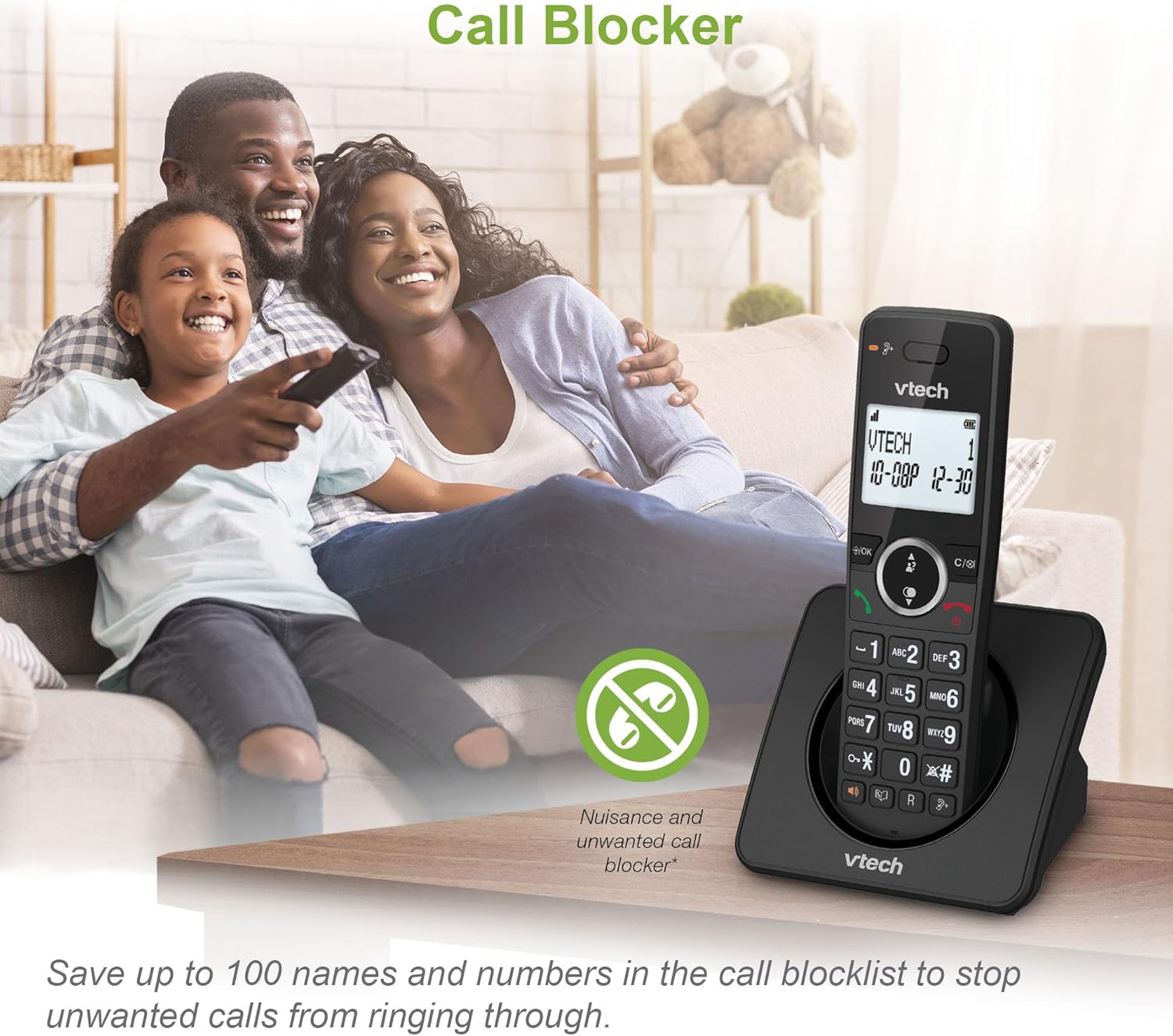
Image: A VTech ES2001 handset on a table with a family in the background, illustrating the call blocker feature. An icon of a crossed-out phone with a stop sign indicates the call blocker function.
4.3 Volume Booster
Tato funkce amplifies incoming sounds, enhancing clarity and loudness, which is ideal for hearing-impaired users or those who prefer higher volume levels.
- Activate the volume booster via the handset menu or a dedicated button if available.

Image: A close-up of the VTech ES2001 handset screen showing the volume booster icon and green sound waves emanating from the earpiece, indicating ampzesílený zvuk.
4.4 Funkce interkomu
The handset-to-handset intercom function allows you to communicate between the two handsets without using the landline.
- To initiate an intercom call, press the INTERCOM button on one handset and select the other handset.

Image: Two VTech ES2001 handsets on a wooden surface with black and blue arrows between them, symbolizing the intercom communication feature.
4.5 3-Way Conference
This feature allows multiple users to participate in a conversation simultaneously, facilitating handset call transfer and intercom during a call.
- Refer to the detailed quick start guide for steps on initiating a 3-way conference call.

Image: Three individuals, each holding a phone, engaged in a conversation, visually representing the 3-way conference call feature.
4.6 Phonebook and Redial
- Telefonní seznam: Do telefonního seznamu si můžete uložit až 100 jmen a čísel pro rychlé vytáčení.
- Opakované vytáčení posledního čísla: The phone stores the last 10 numbers dialed for easy redialing.
- ID volajícího: Displays the caller's number (and name if available) for incoming calls (requires subscription to caller display service). The phone stores up to 20 caller ID records.

Image: A composite image showing the VTech ES2001 handset displaying a phonebook entry, a list of caller ID records, a finger pressing a redial button, and an icon indicating 18 hours of talk time.
4.7 Další funkce
- Podsvícený displej a klávesnice: LCD a klávesnice pro snadnější osvětlení viewv tlumeném světle.
- Handsfree hlasitý telefon: High-quality speakerphone function on the handset for hands-free conversations.
- Režim ECO: Reduces power consumption and transmission power.
- Funkce alarmu: Set alarms via the handset menu.
- Funkce ztlumení: Mute your microphone during a call.
- Adjustable Ring Volume and Melodies: Customize your phone's ringtone.

Image: A VTech ES2001 handset on its charging base in a dimly lit room, showcasing its illuminated display and keypad for enhanced visibility.
5. Údržba
To ensure the longevity and optimal performance of your VTech ES2001 phone, follow these maintenance guidelines:
- Čištění: Wipe the phone and base units with a soft, damp cloth. Do not use cleaning sprays or abrasive cleaners.
- Vyhněte se tekutinám: Keep the phone away from water and other liquids. If the phone gets wet, disconnect it immediately and allow it to dry completely before reconnecting.
- Teplota: Store and operate the phone in a moderate temperature environment, away from direct sunlight or extreme heat/cold.
- Péče o baterie: Pokud telefon nebudete delší dobu používat, vyjměte z mikrotelefonů baterie.
6. Řešení problémů
If you experience issues with your VTech ES2001 phone, try the following common troubleshooting steps:
- Žádný oznamovací tón: Ensure the telephone line cord is securely connected to both the base unit and the wall socket. Check if the power adapter is properly connected.
- Sluchátko se nenabíjí: Verify that the handset is correctly seated in the charging cradle and that the charging indicator is on. Ensure the power adapter for the charging base is plugged in.
- Špatná kvalita hovoru: Move the handset closer to the base unit. Check for interference from other electronic devices.
- Nelze uskutečňovat/přijímat hovory: Confirm that the phone line is active. If you have multiple phones, check if another phone is off the hook.
- Prázdný displej: Ensure the handset batteries are charged. If the issue persists, try resetting the handset by removing and reinserting the battery.
For more complex issues, refer to the full user manual or contact VTech customer support.
7. Specifikace
| Funkce | Specifikace |
|---|---|
| Číslo modelu | ES2001 |
| Typ telefonu | Bezdrátový DECT |
| Barva | Černý |
| Baterie | Vyžaduje 4 AAA baterie (součástí balení) |
| Doba hovoru | Až 18 hodin |
| Pohotovostní doba | Až 250 hodin |
| Kapacita telefonního seznamu | 100 jmen a čísel |
| Kapacita blokování hovorů | Up to 100 blacklisted numbers |
| Caller ID Records | 20 záznamů |
| Vytočení posledního čísla | 10 čísla |
| Materiál | Plast |
| Hmotnost položky | 0.72 kg |
| Rozměry balení | 18.3 x 14 x 11.4 cm |
| Země původu | Čína |
8. Záruka a podpora
For warranty information and customer support, please refer to the documentation included with your product or visit the official VTech webUschovejte si účtenku jako doklad o koupi pro případné reklamace.
For further assistance, you may contact VTech customer service through their official channels.


