Zavedení
This manual provides comprehensive instructions for the Lexibook Paw Patrol Bilingual Educational Laptop, model JC599PAi2. This device is designed to offer an engaging learning experience for children, featuring 170 activities in both English and Spanish across various subjects including languages, mathematics, logic, and music. Please read this manual carefully to ensure proper setup, operation, and maintenance of the product.
Bezpečnostní informace
Doporučený věk: Tento produkt je vhodný pro děti od 4 let.
Bezpečnost baterie:
- Always use 4 AA alkaline batteries.
- Nekombinujte staré a nové baterie.
- Nekombinujte alkalické, standardní (uhlíkovo-zinkové) nebo dobíjecí (nikl-kadmiové) baterie.
- Remove batteries during long periods of non-use to prevent leakage.
- Použité baterie zlikvidujte zodpovědně.
Obecná bezpečnost:
- Udržujte zařízení mimo dosah vody a vlhkosti.
- Nevystavujte přímému slunečnímu záření ani extrémním teplotám.
- Regularly inspect the device for any damage. Discontinue use if damaged.
Co je v krabici
Po otevření balení se prosím ujistěte, že obsahuje všechny následující položky:
- 1 x Lexibook Paw Patrol Bilingual Educational Laptop
- 1 x drátová myš
- 1 x Návod k obsluze (tento dokument)
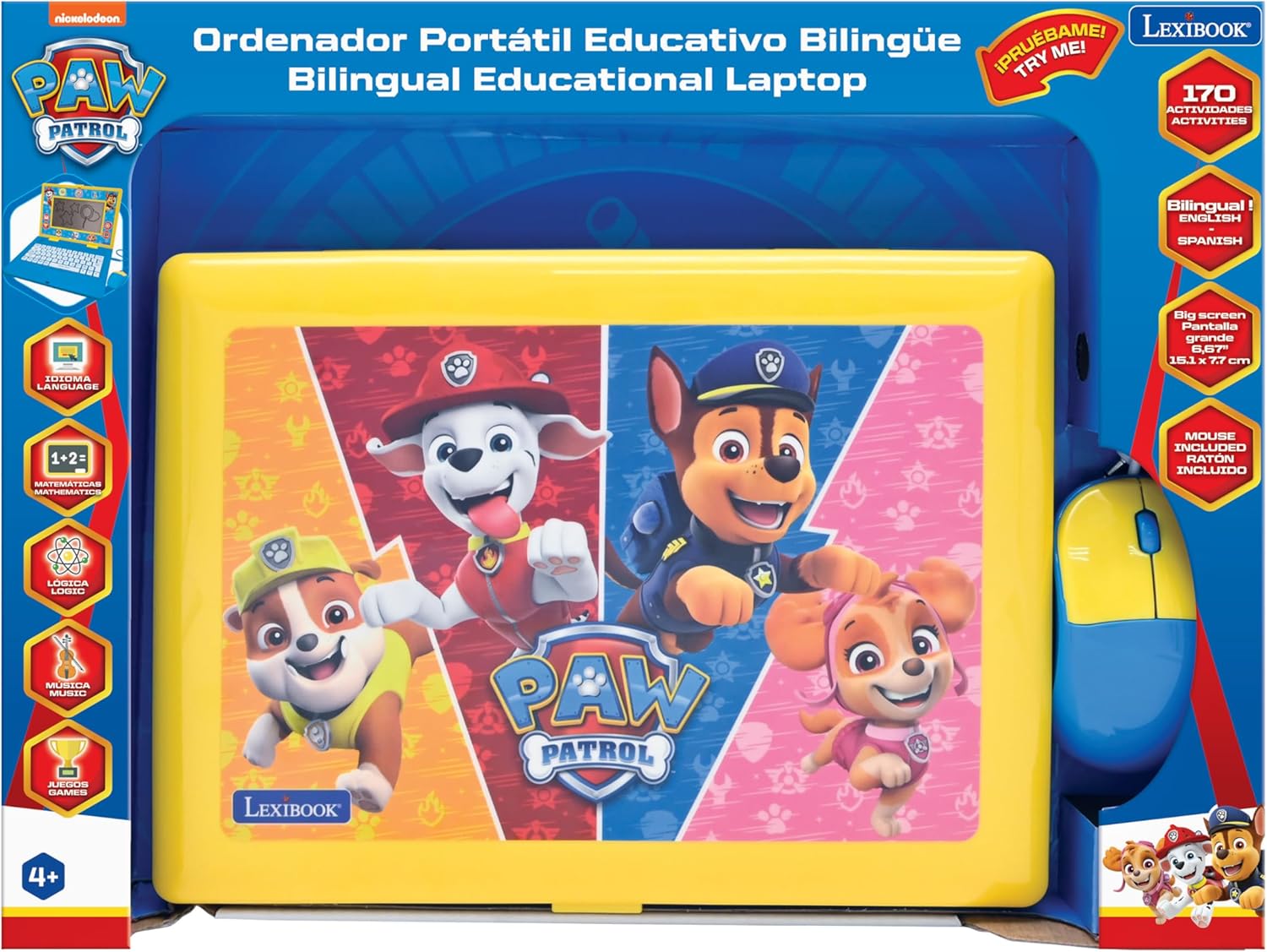
Image: The Lexibook Paw Patrol Bilingual Educational Laptop shown in its retail packaging, including the laptop and wired mouse.
Nastavení
- Rozbalení: Carefully remove the laptop and its accessories from the packaging.
- Instalace baterie:
Locate the battery compartment on the underside of the laptop. Open the compartment cover and insert 4 AA alkaline batteries (included), ensuring correct polarity (+/-). Close the cover securely.
- Připojte myš:
Plug the wired mouse connector into the designated port on the side of the laptop.

Image: The Lexibook Paw Patrol laptop with its blue and yellow wired mouse connected to the side port.
- Zapnutí:
Stiskněte tlačítko ON/OFF button located on the keyboard to turn on the laptop. The screen will illuminate, and the device will be ready for use.
Návod k obsluze
Základní operace
- Zapnutí/vypnutí: Použijte ON/OFF button on the keyboard.
- Ovládání hlasitosti: Adjust the volume using the dedicated buttons on the keyboard.
- Obrazovka: The laptop features a 6.67-inch LCD screen for displaying activities and animations.
Výběr jazyka
The laptop supports both English and Spanish. To switch between languages:
- Stiskněte tlačítko Jazyk button on the keyboard.
- Select your desired language (English or Spanish) from the on-screen options using the arrow keys and Vstupte button, or by clicking with the mouse.

Obrázek: Detailní záběr view of the laptop's keyboard, highlighting the language selection and other function keys.
Activities and Learning Modes
The laptop offers 170 educational activities categorized into:
- jazyky: Learn letters, words, and spelling.
- Matematika: Practice numbers, counting, addition, and subtraction.
- Logika: Develop problem-solving skills with various logic games.
- Hudba: Explore musical notes and melodies.
- Hry: Engaging games for entertainment and skill reinforcement.
Navigate through the activity categories using the arrow keys or the mouse. Select an activity by pressing Vstupte or clicking the mouse button.

Image: A close-up of the laptop screen showing various activity icons, including those for writing, trophies, and other learning categories.
Pomocí klávesnice a myši
- Klávesnice: The interactive keyboard allows for typing practice and input for various activities.
- Myš: Use the wired mouse to navigate menus, select options, and interact with on-screen elements. The mouse functions similarly to a standard computer mouse.
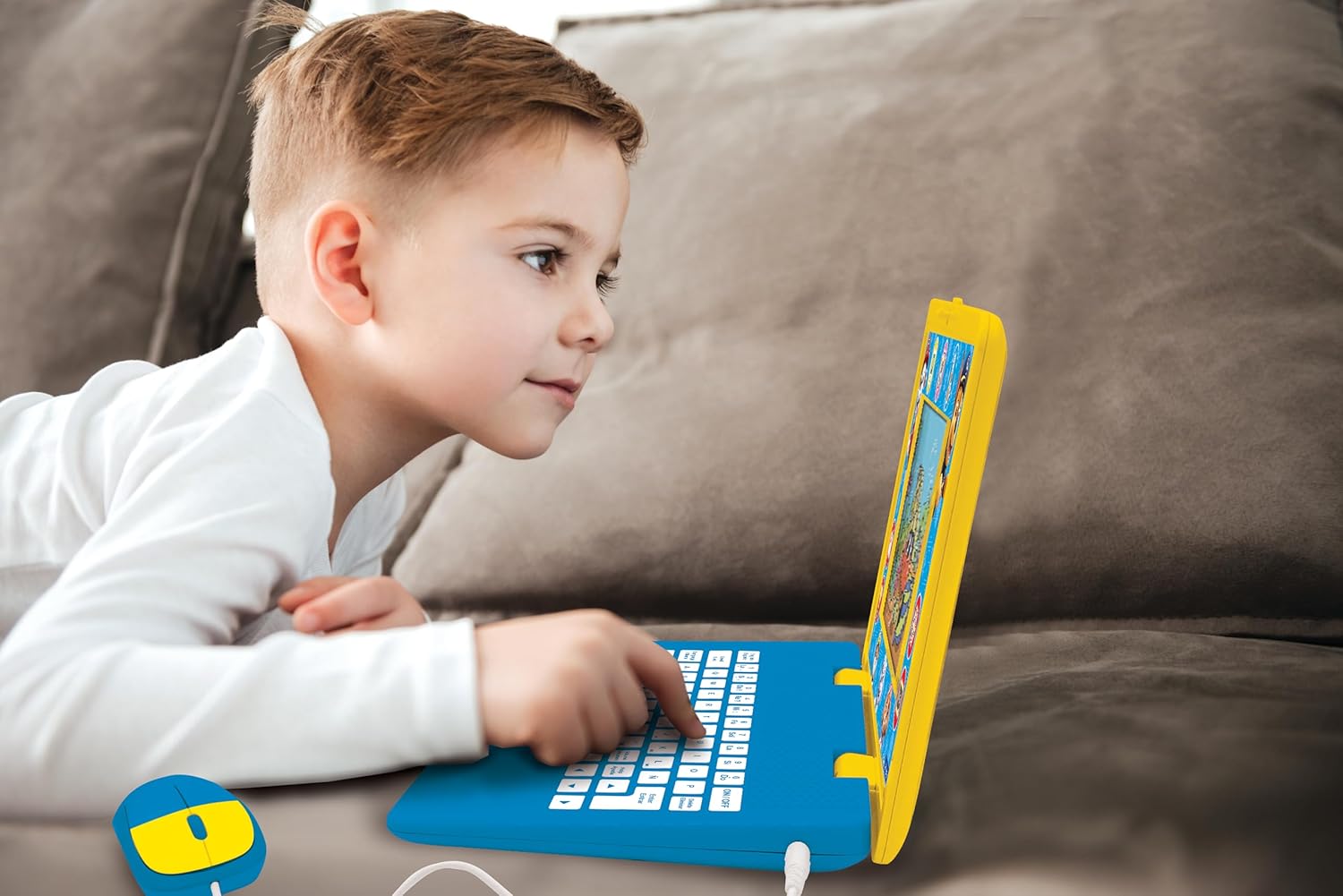
Image: A child is shown actively engaging with the Lexibook Paw Patrol laptop, pressing keys on the keyboard.
Údržba
- Čištění: Wipe the laptop and mouse with a soft, dry cloth. Do not use abrasive cleaners or solvents.
- Skladování: Přístroj skladujte na chladném a suchém místě mimo dosah přímého slunečního záření a extrémních teplot.
- Výměna baterie: Replace batteries when the screen dims or the device functions erratically. Refer to the "Setup" section for battery installation instructions.
Odstraňování problémů
| Problém | Možná příčina | Řešení |
|---|---|---|
| Notebook se nezapne. |
|
|
| Obrazovka je tmavá nebo bliká. | Nízká kapacita baterie. | Vyměňte za nové alkalické baterie typu AA. |
| Cannot switch languages or language reverts. |
|
|
| Mouse is unresponsive. |
|
|
Specifikace
| Funkce | Detail |
|---|---|
| Číslo modelu | JC599PAi2 |
| Rozměry produktu | 13.38 x 1.81 x 0.1 palce |
| Hmotnost položky | 1.41 libry |
| Doporučený věk | 4 let a více |
| Jsou vyžadovány baterie | 4 AA baterie |
| Velikost obrazovky | 6.67palcový LCD |
| Činnosti | 170 (English/Spanish) |
| Výrobce | Lexibook |
Záruka a podpora
This product comes with a standard manufacturer's warranty. For specific warranty details, please refer to the documentation included with your purchase or visit the official Lexibook webmísto.
For technical support, troubleshooting assistance, or inquiries regarding replacement parts, please contact Lexibook customer service. Contact information can typically be found on the product packaging or the official Lexibook webmísto.
Online zdroje: Navštivte obchod LEXiBOOK na Amazonu