1. Úvod
The Lascar VFC 350 WiFi Temperature Data Logging Sensor is designed for comprehensive temperature monitoring of fridge and freezer environments. This device utilizes dual probes to simultaneously monitor two separate temperature zones, ensuring the safety and integrity of temperature-sensitive items. It features NIST traceable calibration and meets CDC compliance requirements for data loggers, providing accurate and reliable data.
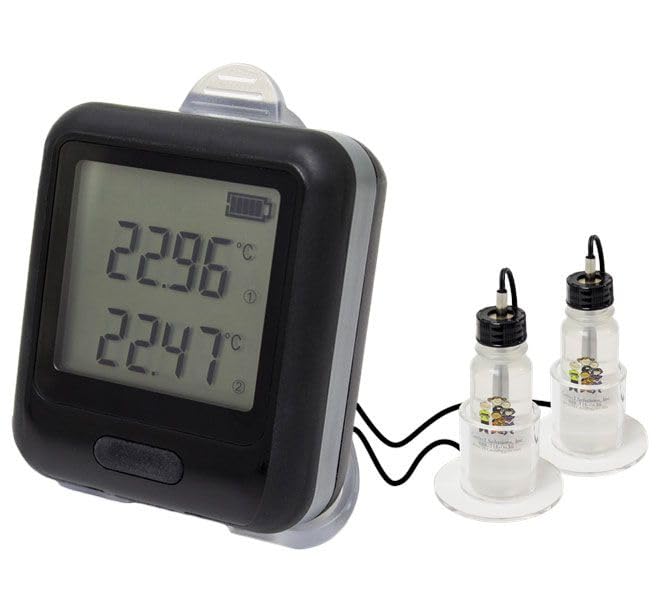
Figure 1: Lascar VFC 350 WiFi Temperature Data Logging Sensor with connected probes.
2. Obsah balení
Ověřte, zda jsou v balení přítomny všechny níže uvedené položky:
- VFC 350 Data Logger Unit
- Two (2) Temperature Probes with Glycol-filled Vials
- Two (2) Acrylic Stands
- Nástěnný držák
- Micro/USB Cable
- AC na USB adaptér
- Kalibrační certifikát

Figure 2: Visual representation of the VFC 350 package contents.
3. Klíčové vlastnosti
- Dvojité sondy: Monitors two separate temperature zones simultaneously, suitable for both fridge and freezer applications.
- NIST Traceable Calibration: Includes a 2-point NIST traceable calibration, ensuring accuracy and compliance with ISO/IEC 17025:2017 standards.
- CDC Compliance: Meets all CDC requirements for data loggers.
- Bezdrátové připojení: Requires an 802.11 b/g/n compliant WiFi router/network. Compatible with Enterprise Networks (802.1x PEAP, FAST, TTLS).
- Upozornění: Supports email notifications and text alerts to various carriers (US Cellular not supported).
- Uživatelsky přívětivé nastavení: Easy sensor setup using free PC software.
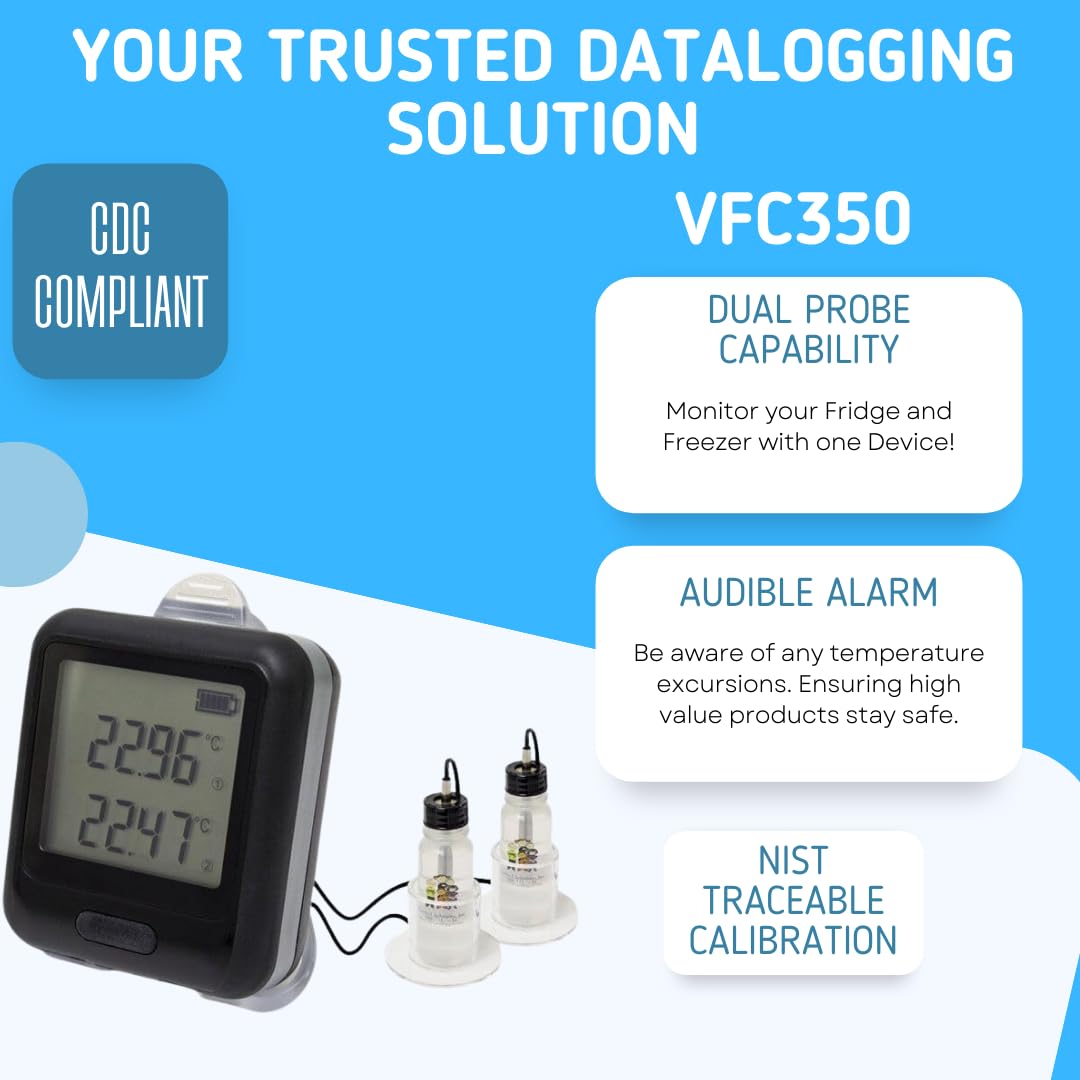
Obrázek 3: Přesview of the VFC 350's primary features.
4. Pokyny k nastavení
Follow these steps for initial setup of your VFC 350 data logger:
- Rozbalte zařízení: Opatrně vyjměte všechny součásti z obalu.
- Připojení sond: Insert the two temperature probes into the designated ports on the VFC 350 data logger. Place the glycol-filled vials in the environments you wish to monitor (e.g., fridge and freezer).
- Zapnutí: Connect the Micro/USB cable to the data logger and the AC to USB adapter. Plug the adapter into a power outlet. The device can also be battery-powered.
- Instalace softwaru pro PC: Download and install the free PC software from the Lascar website. This software is essential for configuring the device and accessing logged data.
- Konfigurace WiFi: Use the PC software to connect the VFC 350 to your 802.11 b/g/n compliant WiFi network. Follow the on-screen prompts to enter your network credentials. Ensure the device is within range of your WiFi router.
- Set Monitoring Parameters: Within the software, configure logging intervals, temperature thresholds, and alert settings (email addresses, phone numbers for text alerts).
- Umístění: Position the data logger using the acrylic stands or the wall mount bracket in a suitable location, ensuring the probes are correctly placed within the monitoring environments.

Figure 4: The VFC 350 in a typical operational environment, connected to a system for data management.
5. Provoz
Once configured, the VFC 350 will automatically begin logging temperature data from both probes and transmitting it via WiFi. The device's display shows real-time temperature readings for both channels.
5.1. Monitorovací data
Access logged temperature data and device status through the dedicated PC software or a compatible web interface. This allows for historical data review, trend analysis, and report generation.
5.2. Upozornění
If configured temperature thresholds are exceeded, the device will trigger alerts via email and/or text message to the specified contacts. Respond to these alerts promptly to address any temperature excursions.
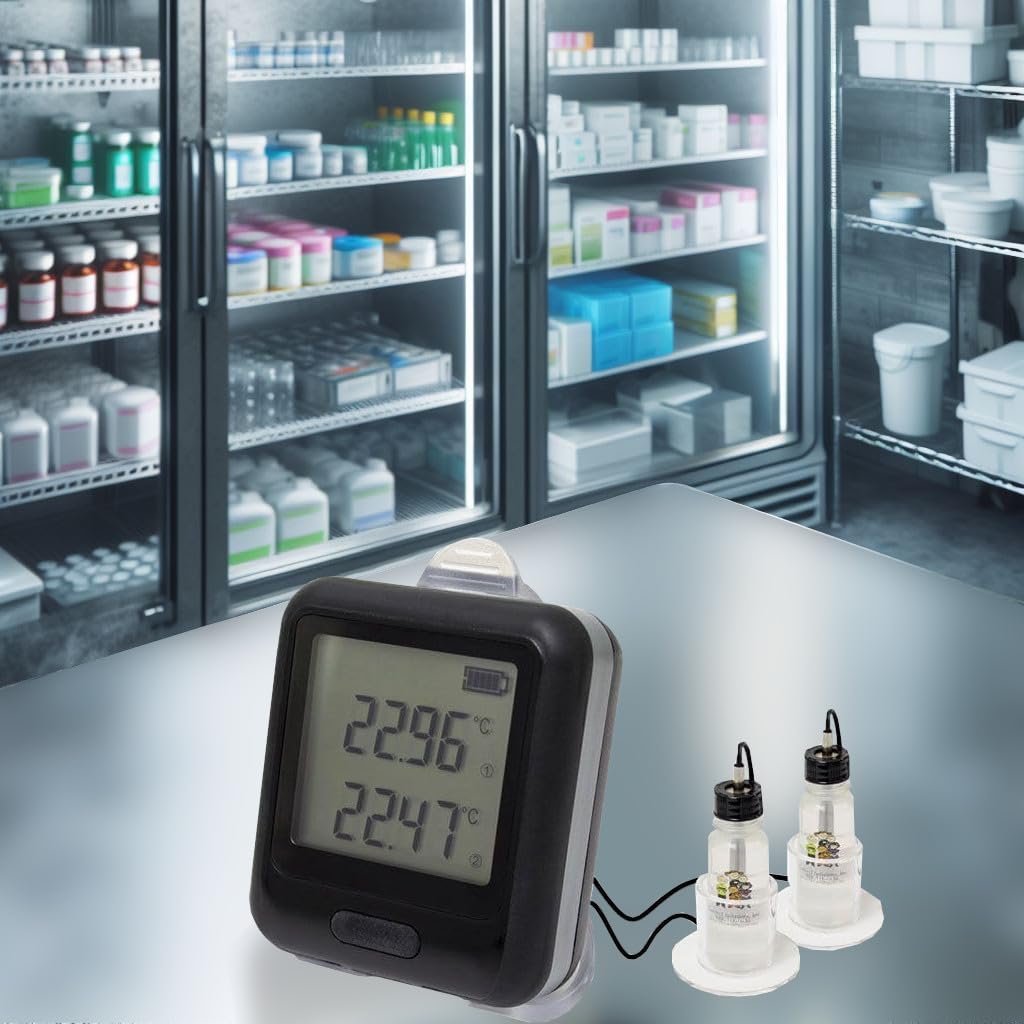
Figure 5: The VFC 350 monitoring temperatures within commercial refrigeration units.
6. Údržba
6.1. Čištění
The VFC 350 is designed to be freezer safe. To clean the device, wipe it with a damp tkanina. Neponořujte jednotku do vody ani nepoužívejte abrazivní čisticí prostředky.
6.2. Výměna baterie
The device is battery-powered and also operates via AC adapter. Monitor the battery indicator on the display. Replace batteries as needed to ensure continuous operation, especially during power outages.
6.3. Kalibrace
Regular calibration is recommended to maintain accuracy. Refer to the calibration certificate for details on the initial calibration and recommended recalibration intervals.
7. Řešení problémů
- Bez displeje/napájení: Ensure the AC adapter is properly connected and plugged into a working outlet, or check/replace the internal batteries.
- Problémy s připojením k Wi-Fi: Verify that the device is within range of the WiFi router. Check WiFi network settings in the PC software. Ensure the network is 802.11 b/g/n compliant. Restart the data logger and router if necessary.
- Nesprávné hodnoty teploty: Ensure probes are securely connected to the data logger. Verify probes are correctly positioned in the monitoring environment. Check for physical damage to the probes or cables.
- No Data Logging: Confirm that the device is powered on and connected to WiFi. Check logging interval settings in the PC software.
- Nepřijatá upozornění: Verify alert settings (email addresses, phone numbers) in the PC software. Check spam folders for email alerts. Note that text alerts to US Cellular are not supported.
8. Specifikace
| Funkce | Detail |
|---|---|
| Model | VFC 350 |
| Výrobce | čipování |
| Speciální funkce | Duální sonda |
| Technologie připojení | Wi-Fi (802.11 b/g/n) |
| Typ zobrazení | Digitální |
| Zdroj napájení | Napájení z baterie / síťový adaptér |
| Vnější materiál | Plast |
| Specifikace splněna | NIST, CDC |
| Pokyny pro péči o produkt | Vhodné do mrazáku, otírejte |
| Rozsah provozních teplot | -40 až +125 °C |
| Přesnost | ± 0.3 ° C / 0.5 ° F |
9. Záruka a podpora
For warranty information and technical support, please refer to the documentation included with your product or visit the official Lascar Electronics website. You may also contact Control Solutions Inc., the seller, for assistance.
Výrobce: čipování
prodejce: Control Solutions Inc.


