1. Konec produktuview
The Dell XPS 15 9520 is a high-performance business laptop designed for demanding tasks and creative projects. It features a 15.6-inch FHD+ display, a powerful Intel 12th Gen i7-12700H processor, 32GB of DDR5 RAM, a 1TB SSD, and NVIDIA GeForce RTX 3050 dedicated graphics. This manual provides essential information for setting up, operating, maintaining, and troubleshooting your device.

Obrázek: Úhlový view of the Dell XPS 15 9520 laptop, highlighting its sleek design and vibrant display.
2. Průvodce nastavením
2.1 Vybalení a úvodní kontrola
Carefully remove all components from the packaging. Verify that all items listed in the 'What's in the Box' section are present and undamaged. The package includes the Dell XPS 15 9520 Laptop, AC Adapter with Power Cord, User Manual, and an IST Computers SD Card.
2.2 Powering On Your Laptop
- Connect the AC Adapter to the laptop's power port and then to a wall outlet.
- Open the laptop lid. The system may power on automatically. If not, press the power button located on the top-right of the keyboard.
- Postupujte podle pokynů na obrazovce a dokončete nastavení systému Windows 11 Pro, včetně výběru jazyka, síťového připojení a vytvoření uživatelského účtu.

Obrázek: Shora dolů view of the Dell XPS 15 9520 laptop with the lid closed, showcasing its platinum silver finish.
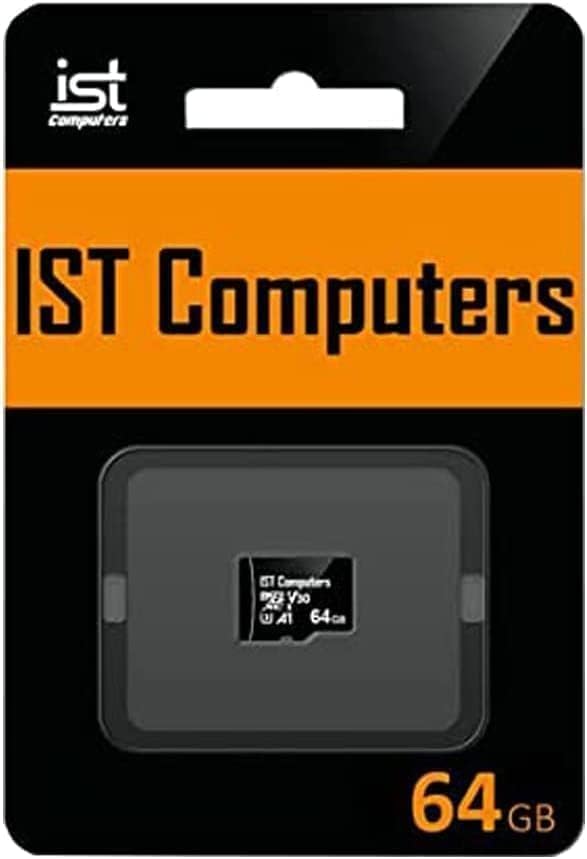
Image: IST Computers SD Card in its retail packaging, included with the laptop.
3. Operating Your Dell XPS 15 9520
3.1 Klávesnice a touchpad
- Podsvícená klávesnice: The keyboard features backlighting for comfortable typing in low-light conditions. Adjust brightness using the function keys.
- Čtečka otisků prstů: For enhanced security and quick login, utilize the integrated fingerprint reader. Set it up through Windows Hello in your system settings.
- Přesný touchpad: The large touchpad supports multi-touch gestures for intuitive navigation. Refer to Windows settings for customization options.
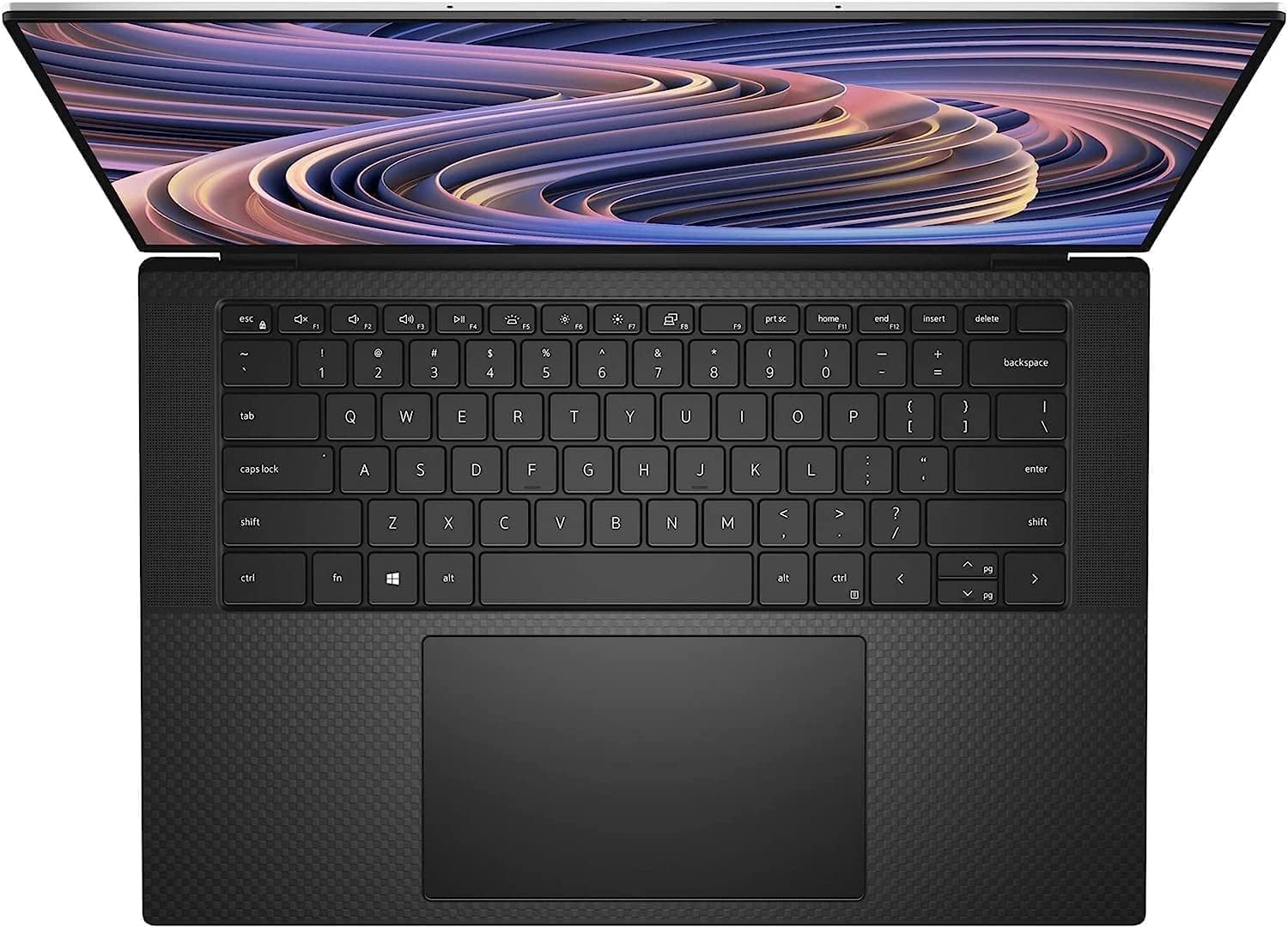
Obrázek: Shora dolů view of the Dell XPS 15 9520 laptop, showcasing the full-size backlit keyboard and large precision touchpad.
3.2 Funkce displeje
The 15.6-inch FHD+ (1920 x 1200) InfinityEdge display offers a non-touch, anti-glare, IPS panel with 500 nits brightness and 100% Adobe RGB color coverage, providing stunning visuals for all your tasks.
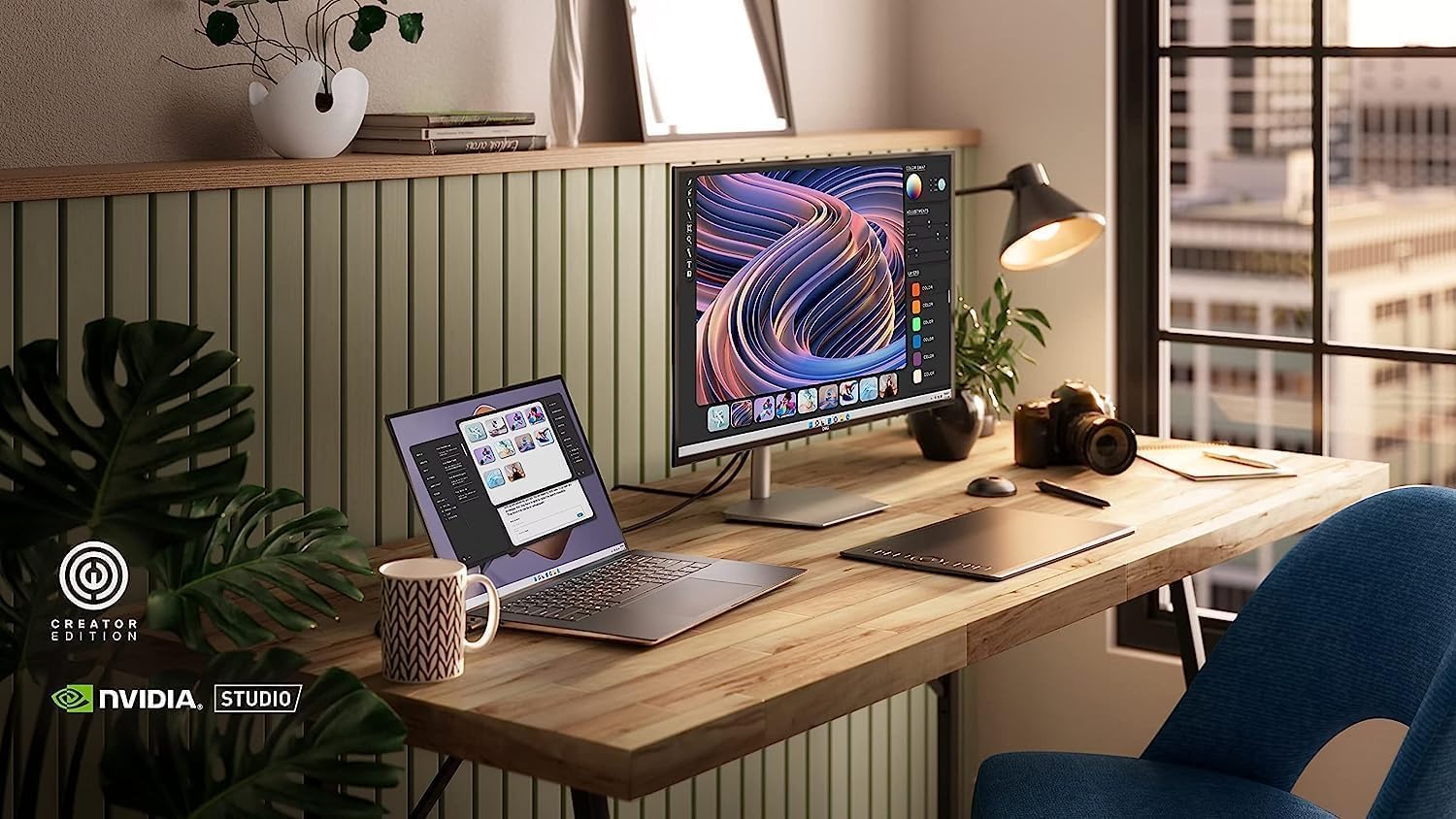
Image: The Dell XPS 15 9520 laptop integrated into a creative workspace, demonstrating its capability for professional use with an external monitor.
3.3 Porty a konektivita
Váš notebook je vybaven řadou portů pro všestranné připojení:
- 2 x Thunderbolt 4 / USB4 40Gbps ports (with Power Delivery and DisplayPort)
- 1 x port USB 3.2 Gen 2 Type-C
- 1 x kombinovaný konektor pro sluchátka/mikrofon
- 1 x SD Card reader
- Intel Killer Wi-Fi 6 1675 (AX211) 2x2 for high-speed wireless internet
- Bluetooth 5.2 for connecting wireless accessories

Obrázek: Boční view of the Dell XPS 15 9520 laptop, illustrating the various connectivity ports available.

Obrázek: Zadní strana view of the Dell XPS 15 9520 laptop, highlighting additional ports and the sleek profile.
4. Údržba a péče
4.1 Obecná péče
- Keep your laptop clean by gently wiping surfaces with a soft, lint-free cloth. Avoid harsh chemicals.
- Zajistěte správné větrání tím, že nebudete blokovat větrací otvory.
- Handle the laptop with care to prevent physical damage.
4.2 Správa baterie
The Dell XPS 15 9520 features an impressive battery life and supports ExpressCharge and ExpressCharge Boost technologies for rapid charging. To maximize battery lifespan, avoid consistently draining the battery to 0% or keeping it at 100% for extended periods.
4.3 Aktualizace softwaru
Regularly update your Windows 11 Pro operating system and Dell drivers to ensure optimal performance, security, and compatibility.
5. Řešení problémů
If you encounter issues with your Dell XPS 15 9520, consider the following basic troubleshooting steps:
- Bez napájení: Ujistěte se, že je síťový adaptér bezpečně připojen k notebooku i k funkční zásuvce. Zkontrolujte kontrolku napájení.
- Problémy se zobrazením: If the screen is blank, try adjusting the display brightness using the function keys. If using an external monitor, ensure cables are connected correctly.
- Zpomalení výkonu: Close unnecessary applications, check for background processes, and ensure your system is up-to-date.
- Problémy s připojením: For Wi-Fi or Bluetooth issues, try restarting your router/modem or re-pairing Bluetooth devices.
For more complex issues, refer to the official Dell support webnebo kontaktujte zákaznický servis.
6. Specifikace
| Funkce | Specifikace |
|---|---|
| Název modelu | DELL XPS 15 9520 |
| Procesor | Intel Alder Lake Tetradeca-Core i7-12700H (2.3 GHz, up to 4.7 GHz, 14 cores, 20 Threads, 24 MB Cache) |
| BERAN | 32 GB DDR5 4800 MHz |
| Skladování | 1TB PCIe NVMe M.2 SSD |
| Grafika | NVIDIA GeForce RTX 3050 4GB GDDR6 Dedicated Graphics |
| Zobrazit | 15.6-inch FHD+ (1920 x 1200) Non-Touch, Anti-Glare, IPS, 500nits, 16:10, 100% Adobe RGB, InfinityEdge |
| Operační systém | Windows 11 Pro 64-bit |
| Bezdrátové připojení | Intel Killer Wi-Fi 6 1675 (AX211) 2x2 + Bluetooth 5.2 |
| Porty | 2x Thunderbolt 4 / USB4 40Gbps, 1x USB 3.2 Gen 2 Type-C, Headphone/microphone combo jack, SD Card reader |
| Speciální funkce | Backlit Keyboard, Fingerprint Reader, HD Audio, Anti-Glare Coating |
| Rozměry (DxŠxV) | 13.56 x 9.06 x 0.73 palce |
| Barva | Platinum Stříbro |
7. Záruka a podpora
Your Dell XPS 15 9520 comes with a one-year manufacturer's warranty. For upgraded memory or SSD components purchased from Issaquah Highlands Tech, a three-year warranty is provided for those specific upgrades.
For technical support, warranty claims, or additional information, please visit the official Dell Support webnebo kontaktujte svého prodejce.
Podpora Dellu: www.dell.com/support


