1. Úvod
Thank you for choosing the EBTOOLS Q33 Cordless Open Ear Headphones. These headphones utilize air conduction technology, providing a unique listening experience that allows you to remain aware of your surroundings, making them ideal for outdoor activities such as sports, running, hiking, driving, and cycling. This manual provides detailed instructions for the proper use and maintenance of your device.
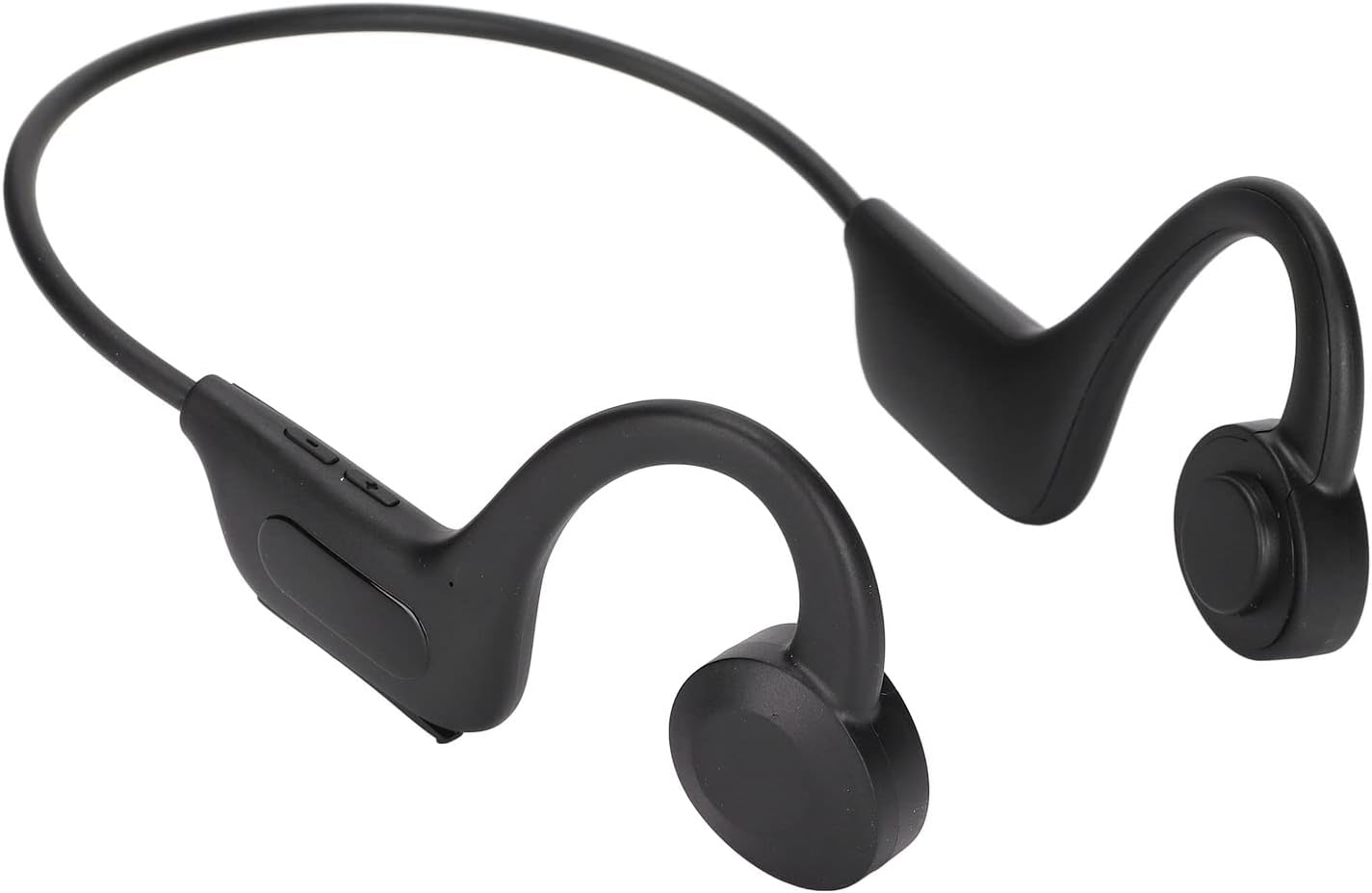
Image 1.1: EBTOOLS Q33 Cordless Open Ear Headphones. These black, lightweight headphones feature an open-ear design with a flexible band connecting the two earpieces, which rest comfortably over the ears.
2. Obsah balení
Prosím, ověřte, zda jsou v balení přítomny všechny položky:
- 1 x Cordless Open Ear Headphones (Model Q33)
- 1 x datový kabel USB
- 1 x User Manual (Chinese and English)
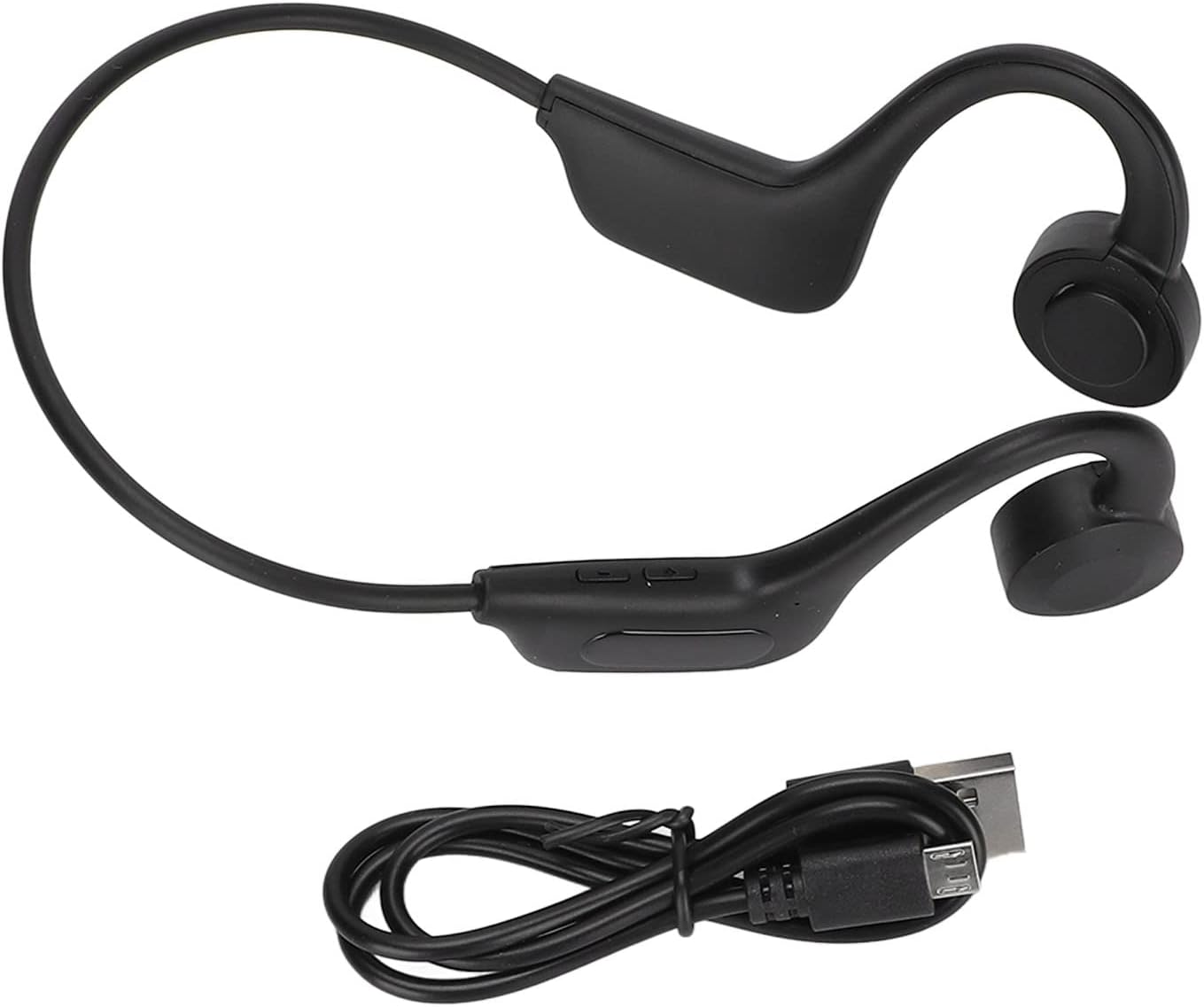
Image 2.1: The EBTOOLS Q33 headphones shown alongside the included USB charging cable. The headphones are black with a flexible neckband, and the cable is a standard black USB-A to micro-USB.
3. Specifikace
| Funkce | Specifikace |
|---|---|
| Model | Q33 (EBTOOLSpxquhg2zcg-11) |
| Materiál | ABS plast |
| Typ připojení | Bluetooth V5.1 |
| Bezdrátová vzdálenost | ≥10 m / 32.8 stop |
| Podporované protokoly | A2DP1.3/HFP1.6/HSP1.2/AVRCP1.6/D11.3 |
| Typ baterie | Built-in 180mAh Lithium-ion Battery |
| Doba přehrávání | Přibližně 8 hodin |
| Pohotovostní doba | Přibližně 80 hodin |
| Doba nabíjení | Přibližně 1 hodina |
| Form Factor | In Ear (Open Ear Design) |
| Barva | Černý |
| Speciální funkce | Lightweight, Air Conduction |
4. Nastavení
4.1. Počáteční nabíjení
Before first use, fully charge your EBTOOLS Q33 headphones. Connect the provided USB data cable to the charging port on the headphones and the other end to a USB power source (e.g., computer USB port, wall adapter). The charging indicator light will typically show charging status and turn off or change color when fully charged.

Obrázek 4.1: Detail view of the charging port and control buttons on the EBTOOLS Q33 headphones. The micro-USB charging port is visible under a protective flap, alongside volume and power buttons.
4.2. Spárování se zařízením Bluetooth
- Ujistěte se, že jsou sluchátka vypnutá.
- Long press the V+ button (Power button) until the indicator light flashes, indicating pairing mode.
- Na svém zařízení (chytrém telefonu, tabletu atd.) povolte Bluetooth a vyhledejte dostupná zařízení.
- Select "Q33" from the list of found devices.
- Once connected, the indicator light on the headphones will typically stop flashing or change to a steady light.
5. Návod k obsluze
5.1. Zapnutí/vypnutí
- Zapnutí: Long press the V+ button. The headphones will power on and enter play mode.
- Vypnout: Long press the V+ button again.
5.2. Ovládání přehrávání
- Přehrát/pozastavit: (Specific button not detailed in input, typically a single press on a multi-function button or V+).
- Zvýšit hlasitost: Short press V+ button.
- Snížit hlasitost: Short press V- button.
- Další skladba: (Specific button not detailed in input, typically long press V+ or double press).
- Předchozí skladba: (Specific button not detailed in input, typically long press V- or triple press).
5.3. Switching Modes (Bluetooth / Memory Card)
The Q33 headphones support both Bluetooth mode and Memory Card mode (if a memory card is inserted). To switch between these modes:
- Double click the V- button to toggle between Bluetooth mode and Memory Card mode.

Obrázek 5.1: Detailní view of the control buttons on the left earpiece of the EBTOOLS Q33 headphones. The buttons include V+ (volume up/power), V- (volume down/mode switch), and a central multi-function button.
6. Údržba
- Čištění: Use a soft, dry cloth to wipe the headphones. Do not use abrasive cleaners or immerse the device in water.
- Skladování: Sluchátka skladujte na chladném a suchém místě mimo dosah přímého slunečního záření a extrémních teplot.
- Péče o baterie: Chcete-li prodloužit životnost baterie, vyvarujte se častého úplného vybíjení. Sluchátka pravidelně nabíjejte, i když je delší dobu nepoužíváte.
7. Řešení problémů
| Problém | Možné řešení |
|---|---|
| Sluchátka se nezapínají. | Ensure the battery is charged. Connect to a power source and charge for at least 1 hour. |
| Nelze spárovat se zařízením. | Ensure headphones are in pairing mode (indicator light flashing). Turn off and on Bluetooth on your device. Move closer to the headphones. |
| Žádný zvuk. | Check volume levels on both headphones and connected device. Ensure headphones are properly connected via Bluetooth. |
| Špatná kvalita zvuku. | Ensure there are no obstructions between the headphones and the connected device. Move closer to the device. Check for interference from other wireless devices. |
8. Záruka a podpora
Informace o záruce a zákaznické podpoře naleznete v dokumentaci dodané s vaším nákupem nebo se obraťte přímo na prodejce. Uschovejte si doklad o koupi pro případné reklamace.
For further assistance, you may visit the official EBTOOLS store on Amazon: EBTOOLS Store


