1. Úvod
Thank you for choosing the SETTY Wireless Rechargeable Mouse. This manual provides essential information for setting up, operating, and maintaining your new mouse. Please read these instructions carefully before use to ensure optimal performance and longevity of your device.
2. Obsah balení
- 1 x SETTY Wireless Rechargeable Mouse
- 1 x 2.4 GHz USB Receiver
- 1 x USB Charging Cable (25 cm)

Image 1: SETTY Wireless Rechargeable Mouse and its retail packaging.
3. Konec produktuview
The SETTY Wireless Rechargeable Mouse is designed for comfort and efficiency in both office and home environments. It features a slim, ergonomic design, adjustable DPI settings, RGB lighting, and dual-mode connectivity (2.4 GHz and Bluetooth).
Klíčové vlastnosti:
- Duální připojení: Supports 2.4 GHz wireless via USB receiver and Bluetooth 5.1.
- Nastavitelné DPI: Three sensitivity levels (800, 1200, 1600 DPI) for precise control.
- Ergonomický design: Comfortable for extended use.
- Dobíjecí baterie: Vestavěná lithiová baterie s kapacitou 500 mAh.
- RGB osvětlení: Dynamic LED lighting for enhanced aesthetics.
- 6 Tlačítka: Including left, right, scroll wheel, DPI switch, and two side buttons.
- One-Click Desktop Function: Quickly minimize all windows.
- Tichý design s kliknutím: Snižuje provozní hluk.

Image 2: The ergonomic shape of the mouse designed for comfortable hand placement.
4. Nastavení
4.1. Nabíjení myši
Before first use, it is recommended to fully charge the mouse. Connect the provided USB charging cable to the charging port on the front of the mouse and the other end to a USB power source (e.g., computer USB port, USB wall adapter). The RGB lighting will indicate charging status and turn off when fully charged.
- Doba nabíjení: Přibližně 2 hodiny.
- Pracovní doba: Až 150 hodin na plné nabití.

Image 3: The mouse being charged via its USB cable.
4.2. Připojení myši
The SETTY mouse offers two connection methods: 2.4 GHz wireless via USB receiver or Bluetooth 5.1.
4.2.1. Bezdrátové připojení 2.4 GHz
- Vyhledejte USB přijímač, obvykle uložený v přihrádce na spodní straně myši.
- Zapojte USB přijímač do volného USB portu na vašem počítači.
- Zapněte myš pomocí vypínače na její spodní straně.
- Myš by se měla automaticky připojit k počítači.
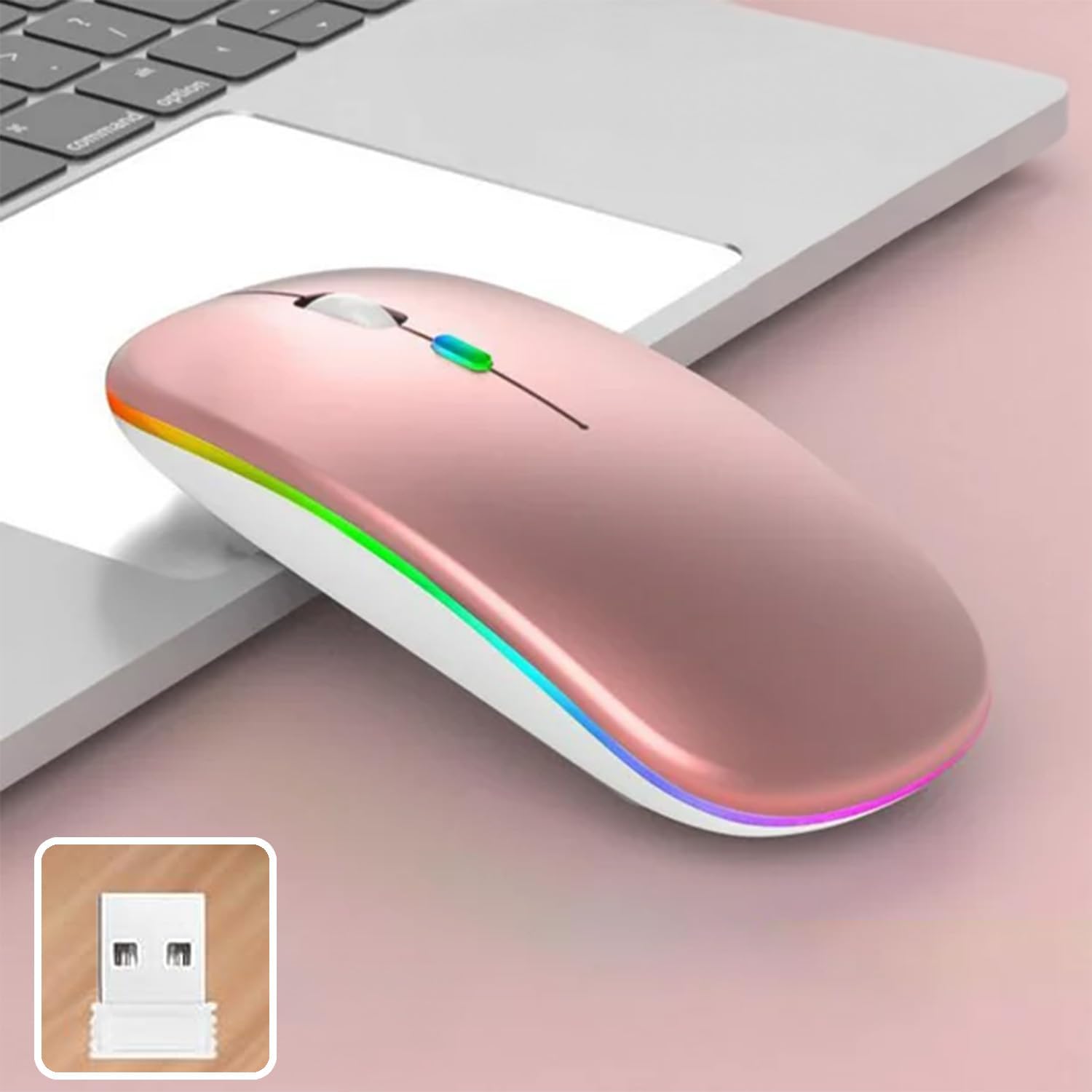
Image 4: The mouse and its 2.4 GHz USB receiver.
4.2.2. Připojení Bluetooth 5.1
- Zapněte myš pomocí vypínače.
- Press and hold the Bluetooth pairing button (often located on the underside or a dedicated button) until the indicator light starts flashing, indicating pairing mode.
- On your device (Windows, Mac OS, Android), go to Bluetooth settings and search for new devices.
- Select "SETTY Mouse" or a similar name from the list of available devices to pair.
- Once paired, the indicator light on the mouse will stop flashing.
4.3. Kompatibilita
The SETTY Wireless Rechargeable Mouse is compatible with a wide range of operating systems and devices:
- operační systémy Windows
- Mac OS
- Zařízení Android
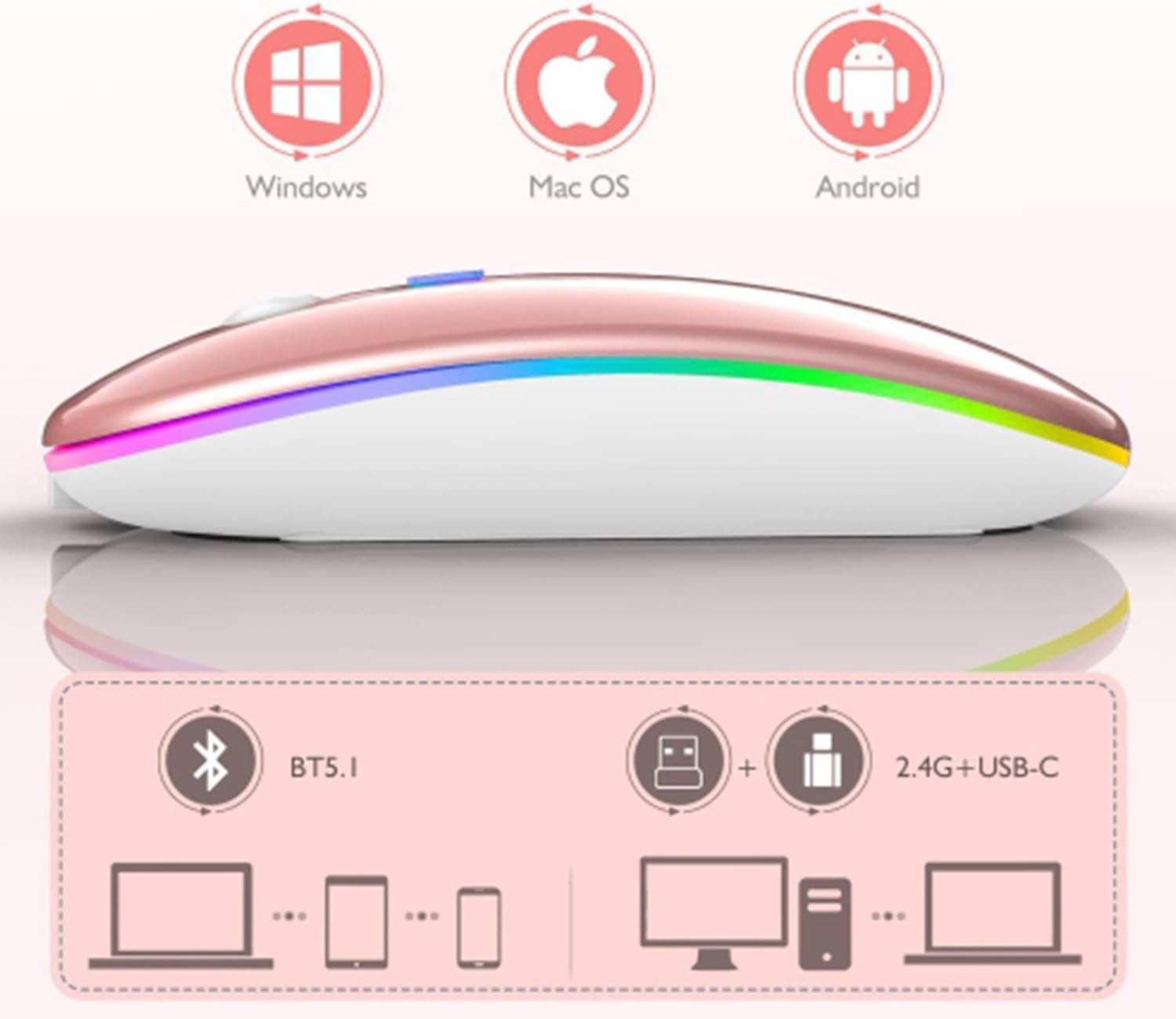
Image 5: Visual representation of the mouse's compatibility with various operating systems and connection types.
5. Návod k obsluze
5.1. Nastavení DPI
The mouse features three adjustable DPI (Dots Per Inch) settings to suit your preference for cursor speed and precision. Press the DPI button (usually located behind the scroll wheel) to cycle through the settings:
- 800 DPI: Lower sensitivity for precise tasks.
- 1200 DPI: Standard sensitivity (default setting).
- 1600 DPI: Vyšší citlivost pro rychlejší pohyb kurzoru.
5.2. RGB osvětlení
The mouse is equipped with dynamic RGB LED lighting. The lighting activates when the mouse is in use and enters power-saving modes when idle.
5.3. Režimy úspory energie
To conserve battery life, the mouse implements a three-level power-saving system:
- Spánek úrovně 1: After 3 seconds of inactivity, the mouse enters a light sleep mode, indicated by a continuously flashing light.
- Spánek úrovně 2: After approximately 1 minute of inactivity, the mouse enters a deeper sleep mode, indicated by intermittently flashing lights.
- Spánek úrovně 3: After 8 minutes of inactivity, the mouse enters its deepest sleep mode, and the lights turn off completely. To wake the mouse, simply move it or click any button.
5.4. One-Click Desktop Function
The mouse includes a dedicated button (often a side button) that, when pressed, instantly minimizes all open windows, allowing you to quickly access your desktop.
6. Údržba
To ensure the longevity and optimal performance of your SETTY Wireless Rechargeable Mouse, follow these maintenance guidelines:
- Čištění: K otření povrchu myši použijte měkký, suchý hadřík. V případě odolné nečistoty lehceampOtřete hadřík vodou nebo jemným čisticím roztokem. Nepoužívejte agresivní chemikálie ani abrazivní materiály.
- Skladování: Pokud myš delší dobu nepoužíváte, skladujte ji na chladném a suchém místě.
- Péče o baterie: Vyhněte se častému úplnému vybíjení baterie. Myš nabijte, když se zobrazí indikátor slabé baterie.
- Vyhněte se extrémním podmínkám: Nevystavujte myš extrémním teplotám, přímému slunečnímu záření ani nadměrné vlhkosti.
7. Řešení problémů
If you encounter issues with your SETTY Wireless Rechargeable Mouse, please refer to the following common solutions:
- Myš nereaguje:
- Ujistěte se, že je myš zapnutá.
- Zkontrolujte stav baterie a v případě potřeby myš nabijte.
- Pro připojení 2.4 GHz se ujistěte, že je USB přijímač bezpečně zapojený do funkčního USB portu. Zkuste jiný USB port.
- Pro připojení Bluetooth se ujistěte, že je na vašem zařízení povoleno Bluetooth a myš je správně spárovaná. Zkuste myš znovu spárovat.
- Move the mouse closer to the receiver/device to ensure it's within the 15m wireless range.
- Pohyb kurzoru je nepravidelný nebo pomalý:
- Vyčistěte optický senzor na spodní straně myši.
- Ujistěte se, že myš používáte na vhodném povrchu (neodrazném, neprůhledném).
- Adjust the DPI setting to a higher value if the cursor is too slow.
- RGB osvětlení nefunguje:
- The lighting may be off due to power-saving mode. Move or click the mouse to wake it up.
- Ujistěte se, že je myš dostatečně nabitá.
8. Specifikace
| Funkce | Specifikace |
|---|---|
| Model | GSM 111404 |
| Technologie připojení | Bezdrátové připojení 2.4 GHz, Bluetooth 5.1 |
| Bezdrátové Dosah | Až 15 metrů |
| Nastavení DPI | 800 / 1200 / 1600 DPI (Default: 1200 DPI) |
| Počet tlačítek | 6 |
| Technologie detekce pohybu | Optický |
| Typ baterie | Built-in 500 mAh Lithium-ion Rechargeable Battery |
| Doba nabíjení | Přibl. 2 hodin |
| Pracovní doba | Přibl. 150 hodin |
| Jmenovitý objemtage / Aktuální | 3.7 V / 18 mA |
| Klíčový život | 5 milionů kliknutí |
| Materiál | ABS + Metal parts |
| Rozměry produktu (D x Š x V) | 11.3 x 5.7 x 2.5 cm |
| Délka nabíjecího kabelu | 25 cm |
| Kompatibilní operační systémy | Windows, Mac OS, Android |
9. Záruka a podpora
For warranty information or technical support, please refer to the documentation provided at the point of purchase or contact SETTY customer service. Keep your proof of purchase for warranty claims.


