Zavedení
Welcome to the user manual for your new VTech LS1000 DECT Cordless Phone. This manual provides detailed instructions on setting up, operating, and maintaining your phone, ensuring you get the most out of its features. The VTech LS1000 combines innovative design with essential functionalities for a seamless communication experience.

Konec produktuview: The VTech LS1000 DECT Cordless Phone with its base station, showcasing its sleek design and dual-charging capability.
Klíčové vlastnosti
- Innovative Dual-Charging Design: Charge the handset face-up for easy viewing or face-down for compact placement.
- Backlit Display and Keypad: Large 2-inch LCD screen and keypad illuminate for clear visibility in low-light conditions.
- Dlouhá výdrž baterie: Enjoy up to 13 hours of talk time and 200 hours of standby time.
- Režim ECO: Automatically adjusts radio frequency power based on distance from the base station, ensuring reduced energy consumption.
- ID volajícího / Čekající hovor: Stores up to 20 incoming call records, displaying name, number, time, and date.
- Telefonní seznam: Store up to 50 names and numbers for quick and easy dialing.
- Hands-free hlasitý telefon: Conveniently make or receive calls without holding the handset.
- Adjustable Ringtones: Choose from 12 polyphonic and 3 simple melodies, with adjustable ringtone volume.
- Opakované vytáčení posledního čísla: Quickly redial the last 10 numbers called.
Průvodce nastavením
1. Vybalení a komponenty
Opatrně vyjměte všechny položky z obalu. Ujistěte se, že máte následující součásti:
- VTech LS1000 Handset
- Základní stanice
- Napájecí adaptér
- Kabel telefonní linky
- NiMH Rechargeable Battery (1 included)
2. Instalace baterie
- Najděte kryt přihrádky na baterie na zadní straně sluchátka.
- Posuňte kryt dolů a otevřete jej.
- Connect the NiMH battery pack plug into the socket inside the compartment, ensuring correct polarity.
- Vložte bateriový blok do přihrádky.
- Zasuňte kryt přihrádky na baterie zpět na místo, dokud nezaklapne.
3. Připojení základní stanice
- Plug the small end of the power adapter into the power jack on the back of the base station.
- Zapojte větší konec napájecího adaptéru do standardní elektrické zásuvky.
- Plug one end of the telephone line cord into the telephone jack on the back of the base station.
- Zapojte druhý konec telefonního kabelu do telefonní zásuvky ve zdi.
- Place the base station on a flat, stable surface, away from other electronic devices that may cause interference.
4. Počáteční nabití baterie
Place the handset on the base station to charge. The VTech LS1000 features an innovative dual-charging design, allowing you to place the handset face-up or face-down.

Obousměrné nabíjení: The handset can be charged face-up for display visibility or face-down for a compact setup.
Allow the handset to charge for at least 16 hours before initial use to ensure optimal battery performance. The battery icon on the display will indicate charging status.
Návod k obsluze
Uskutečňování a přijímání hovorů
- Chcete-li zavolat: Zvedněte sluchátko nebo stiskněte MLUVIT tlačítko. Vytočte požadované telefonní číslo.
- Chcete-li přijmout hovor: Když telefon zvoní, zvedněte sluchátko nebo stiskněte MLUVIT tlačítko.
- Ukončení hovoru: Place the handset back on the base station or press the KONEC tlačítko.
Handsfree hlasitý odposlech
To activate the hands-free speakerphone during a call, press the REPRODUKTOR button. Press it again to switch back to handset mode.
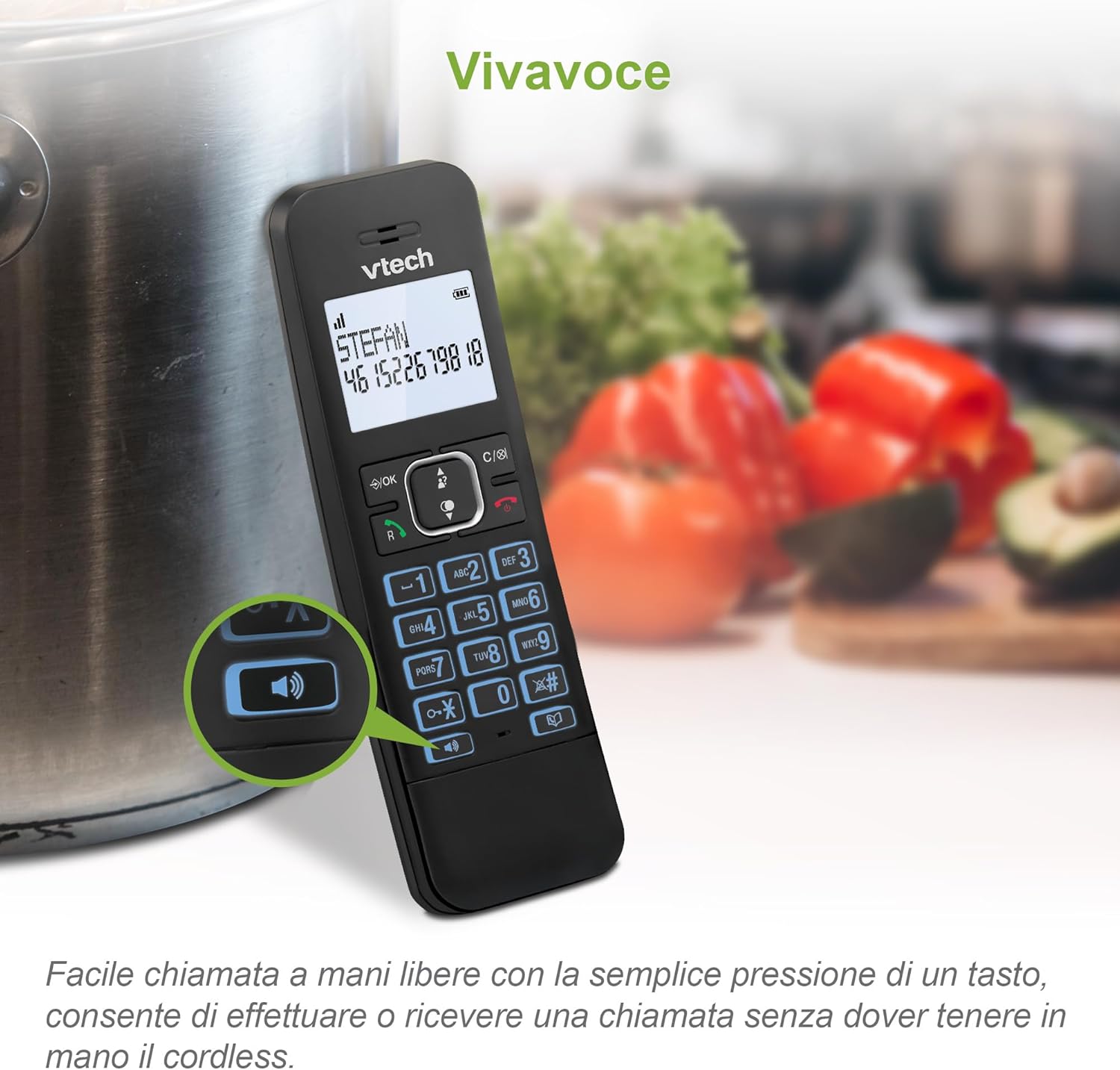
Hands-free volání: Easily engage the speakerphone function for convenient conversations.
ID volajícího a čekající hovor
The phone displays the caller's name and number (if available) for incoming calls. It stores up to 20 caller ID records. If you subscribe to Call Waiting service, the phone will alert you to a second incoming call.

Zobrazení ID volajícího: View incoming call details including name and number on the handset screen.
Správa telefonního seznamu
Store up to 50 names and numbers in the phonebook for quick access.
- Přidání kontaktu: Navigate to the phonebook menu, select "Add New," and enter the name and number.
- To Dial from Phonebook: Stiskněte tlačítko TELEFONNÍ SEZNAM tlačítko, přejděte na požadovaný kontakt a stiskněte MLUVIT.
Vytočení posledního čísla
The phone stores the last 10 numbers dialed. Press the OPAKOVÁNÍ tlačítko na view the list, then select a number and press MLUVIT vytočit znovu.

Quick Redial: Easily redial the last 10 numbers with a simple button press.
Úprava nastavení
- Ringtone Volume and Melodies: Access the menu to adjust the ringtone volume and choose from 12 polyphonic or 3 simple melodies.
- Funkce ztlumení: Během hovoru stiskněte ZTLUMIT button to temporarily silence your microphone. Press again to unmute.
- Poplach: Set an alarm through the phone's menu settings.
- Režim ECO: This mode is automatically enabled to reduce radio frequency power when the handset is close to the base station, conserving energy.

Přizpůsobitelné vyzváněcí tóny: Adjust volume and select from various melodies to personalize your phone.
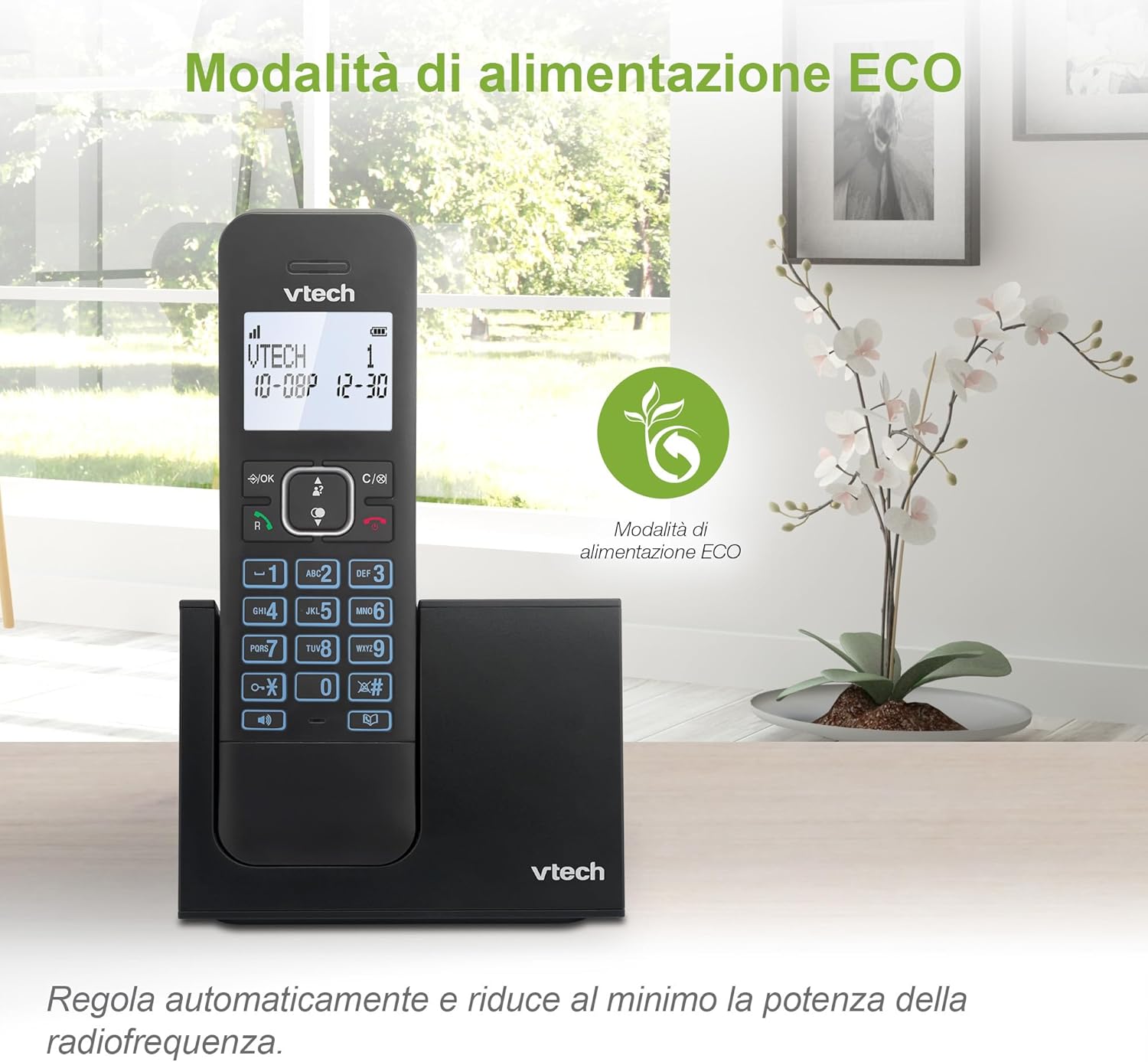
Energy-Saving ECO Mode: The phone automatically optimizes power consumption for efficiency.
Údržba
To ensure the longevity and optimal performance of your VTech LS1000 cordless phone, follow these simple maintenance guidelines:
- Čištění: Otřete sluchátko a základnovou stanici měkkým,amp tkanina. Nepoužívejte agresivní chemikálie nebo abrazivní čisticí prostředky.
- Vyhněte se tekutinám: Keep the phone away from water and other liquids. If it gets wet, disconnect power immediately and allow it to dry completely before reconnecting.
- Teplota: Store and operate the phone in a moderate temperature environment. Avoid extreme heat or cold.
- Péče o baterie: Fully charge the battery regularly. If the phone will not be used for an extended period, remove the battery.
Odstraňování problémů
If you encounter any issues with your VTech LS1000, please refer to the following common troubleshooting steps:
| Problém | Možná příčina | Řešení |
|---|---|---|
| Žádný oznamovací tón | Telefonní kabel není správně připojen. | Ujistěte se, že je telefonní kabel bezpečně zapojený do základnové stanice a zásuvky ve zdi. |
| Sluchátko se nenabíjí | Handset not properly seated in the cradle; dirty charging contacts. | Ensure the handset is correctly placed on the base station. Clean the charging contacts on both the handset and base with a dry cloth. |
| Špatná kvalita zvuku / Statický šum | Rušení od jiných elektronických zařízení; sluchátko je příliš daleko od základny. | Move the base station away from other electronic appliances. Ensure the handset is within range of the base station. |
| Displej je prázdný | Baterie je slabá nebo není správně nainstalována. | Charge the handset for at least 16 hours. Check battery installation. |
Specifikace
| Funkce | Detail |
|---|---|
| Značka | VTech |
| Číslo modelu | LS1000 |
| Barva | Černý |
| Velikost obrazovky | 2 palce |
| Speciální funkce | Cordless, Backlit Display, Backlit Keypad, Hands-Free Speakerphone, ECO Mode |
| Kompatibilní zařízení | DECT compatible cordless phones and digital answering systems |
| Složení baterie | NiMH |
| Počet baterií | 1 (Product Specific - Included) |
| Doba hovoru | Až 13 hodin |
| Pohotovostní doba | Až 200 hodin |
| Kapacita telefonního seznamu | 50 jmen a čísel |
| Paměť ID volajícího | 20 záznamů |
| Materiál | Plast |
| Hmotnost položky | 400 gramů |
| Země původu | Čína |
Záruka a podpora
For detailed information regarding the product warranty, please refer to the warranty card included in your product packaging or visit the official VTech webmísto.
If you require technical assistance, have questions about your product, or need to order replacement parts, please contact VTech Customer Support. Contact information can typically be found on the VTech official webna webu nebo v originální dokumentaci k produktu.
- Online podpora: Visit the VTech support page for FAQs, troubleshooting guides, and software updates.
- Kontaktní údaje: Refer to your product's packaging or the VTech webweb s telefonními čísly a e-mailovými adresami pro zákaznický servis.


