Zavedení
The Monster Adventurer Max is a portable Bluetooth speaker designed for robust audio performance and versatility. It features 100W powerful stereo sound, IPX7 waterproofing, and comes with two wireless microphones for interactive use. This manual provides essential information for operating and maintaining your device.

Image: The Monster Adventurer Max speaker, two wireless microphones, and a detachable shoulder strap.
Obsah balení
Ujistěte se, že v balení jsou přítomny všechny položky:
- Monster Adventurer Max Bluetooth Speaker (x1)
- Nabíjecí kabel USB-C (2x)
- AUX kabel (x1)
- Bezdrátové mikrofony (x2)
- Microphone Batteries (x4)
- Baldric (Shoulder Strap) (x1)
- Stručný průvodce (x1)
Konec produktuview
Ovládání reproduktorů

Image: Top panel of the speaker showing control buttons.
- Zapnutí / vypnutí: Stisknutím a podržením zapnete nebo vypnete reproduktor.
- Režim Bluetooth: Stisknutím přepnete do režimu párování Bluetooth.
- Hlasitost + / další skladba: Krátké stisknutí pro zvýšení hlasitosti, dlouhé stisknutí pro další skladbu.
- MFB (multifunkční tlačítko):
- Krátkým stisknutím přehrajete/pozastavíte hudbu.
- Press and hold to switch between Indoor/Outdoor audio modes.
- Hlasitost - / Předchozí skladba: Krátké stisknutí pro snížení hlasitosti, dlouhé stisknutí pro předchozí skladbu.
Speaker Ports

Image: Rear panel of the speaker showing input/output ports.
- Nabíjecí port USB-C: Pro nabíjení reproduktoru.
- Resetovací tlačítko: Pro obnovení továrního nastavení použijte tenký předmět.
- Vstupní port AUX: Pro připojení externích audio zařízení pomocí AUX kabelu.
- Vstupní port pro mikrofon: For connecting wired microphones (if applicable, though wireless are included).
- Vstupní port USB: Pro přehrávání hudby z USB disku.
- Slot pro SD kartu: For playing music from a Micro SD card.
Bezdrátové mikrofony
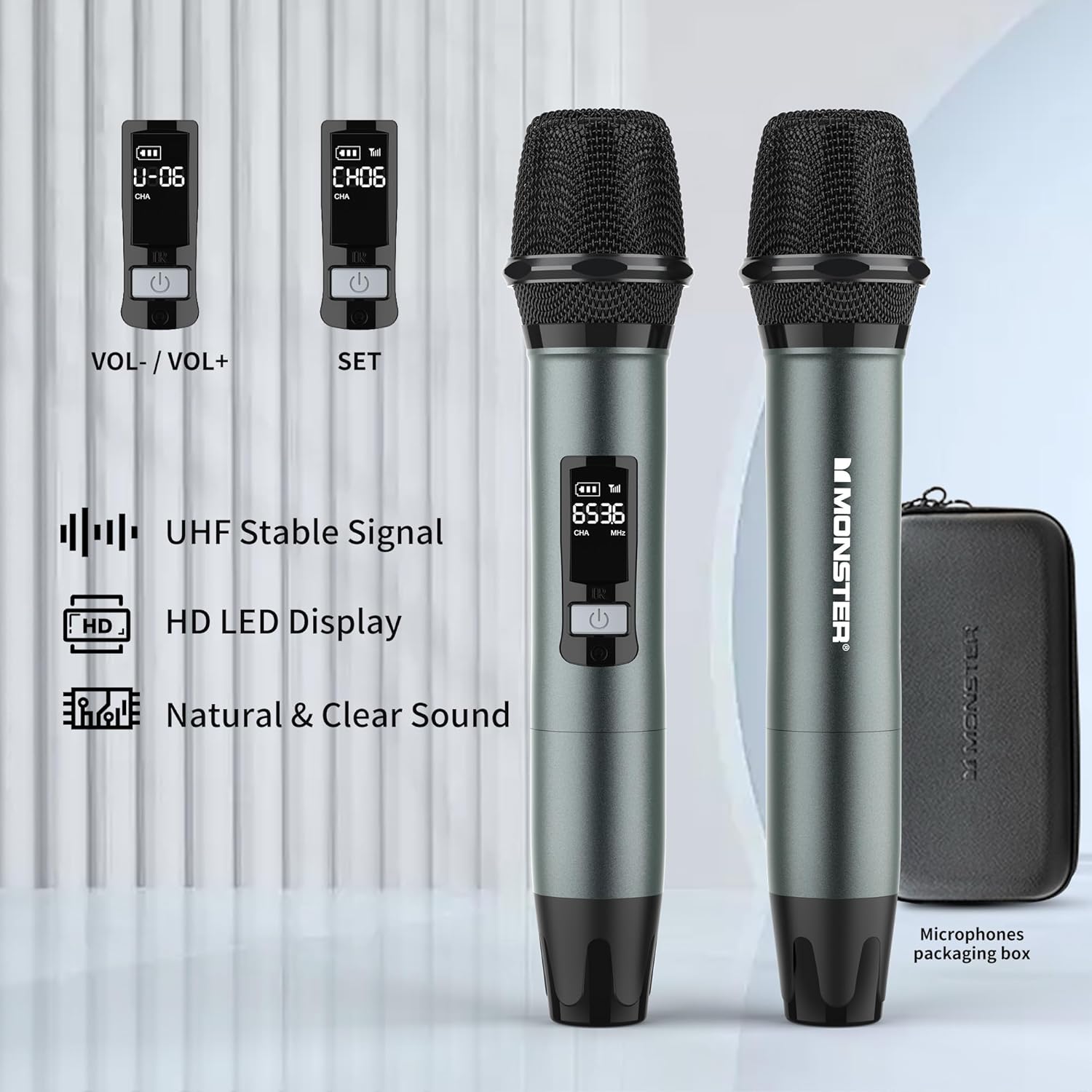
Image: Two wireless microphones with their LED displays showing channel and volume information.
- Vypínač: Stiskněte a podržte pro zapnutí/vypnutí.
- Ovládání hlasitosti: Typically located under a removable cap or cover.
- Tlačítko SET: For channel adjustment (refer to Quick Start Guide for detailed instructions).
- HD LED Display: Shows battery level, channel, and frequency.
Nastavení
1. Nabíjení reproduktoru
- Connect one end of the provided USB-C charging cable to the speaker's USB-C charging port.
- Connect the other end to a compatible USB power adapter (not included).
- Rozsvítí se kontrolka nabíjení. Úplné nabití obvykle trvá přibližně 3 hodiny.
- Reproduktor lze používat i během nabíjení.

Image: The speaker being charged via its USB-C port.
2. Instalace baterií do mikrofonu
- Odšroubujte spodní krytku každého bezdrátového mikrofonu.
- Vložte dvě baterie typu AA do každého mikrofonu a dbejte na správnou polaritu (+/-).
- Securely screw the bottom cap back onto the microphone.
3. Zapnutí/vypnutí
- Reproduktor: Press and hold the Power button on the speaker's top panel for a few seconds.
- Mikrofony: Press and hold the Power button on each microphone.
Návod k obsluze
1. Párování Bluetooth
- Power on the Monster Adventurer Max speaker. It will automatically enter Bluetooth pairing mode (indicated by a flashing Bluetooth indicator light).
- Na smartphonu nebo jiném zařízení Bluetooth povolte Bluetooth a vyhledejte dostupná zařízení.
- V seznamu vyberte „Monster Adventurer Max“.
- Po spárování se kontrolka Bluetooth rozsvítí nepřerušovaně a uslyšíte potvrzovací tón.
- The speaker maintains a stable connection up to 100 feet (30 meters).

Image: The speaker wirelessly connected to a smartphone via Bluetooth 5.3.
2. Více režimů přehrávání
The speaker supports various audio input methods:
- Bluetooth 5.3: Pro bezdrátové streamování zvuku z kompatibilních zařízení.
- Vstup AUX: Connect an external audio source using the provided AUX cable to the AUX-in port.
- Micro SD karta: Insert a Micro SD card into the SD card slot to play stored music.
- Vstup USB: Insert a USB drive into the USB-in port to play stored music.
- Vstup pro mikrofon: Use the included wireless microphones or connect a wired microphone to the MIC-in port.
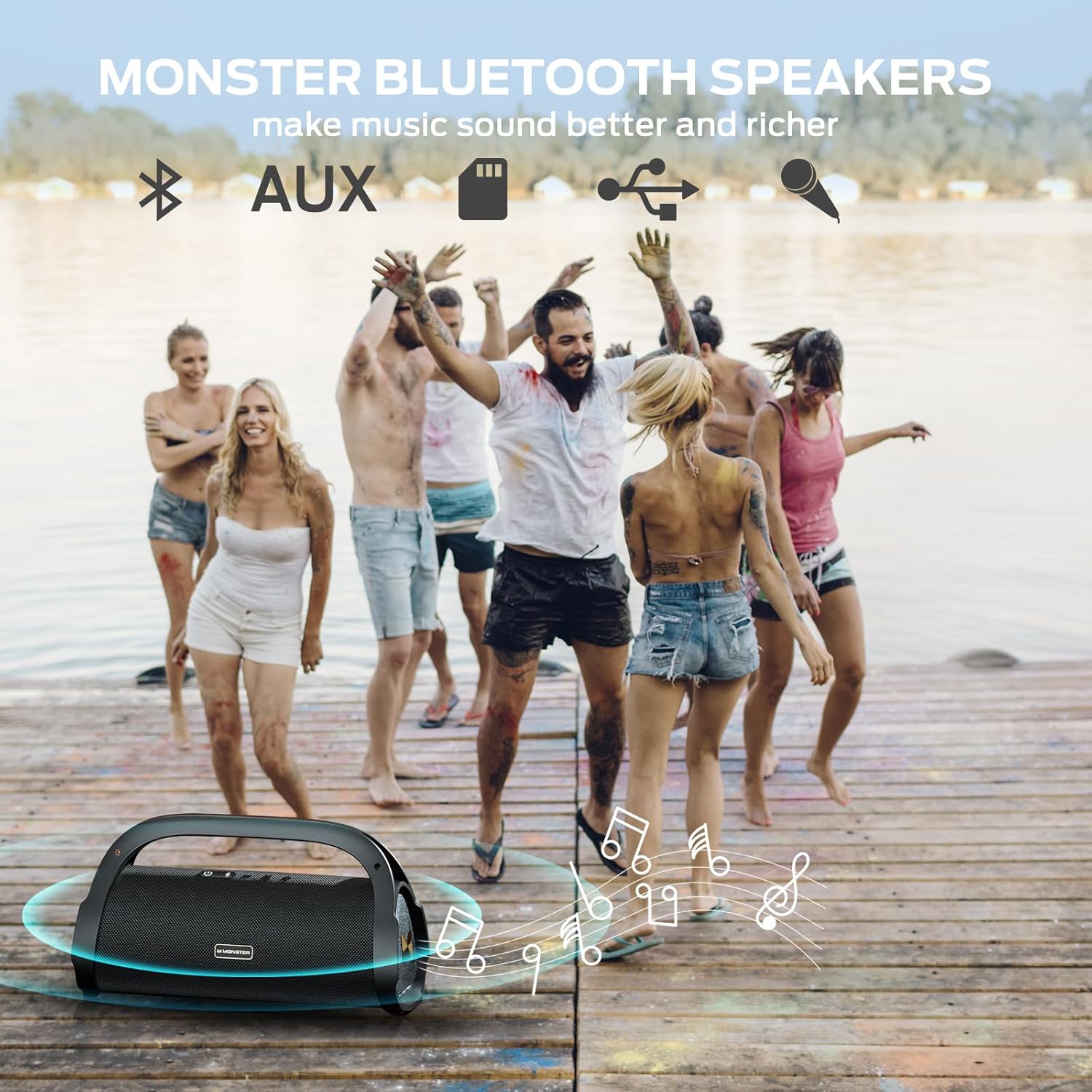
Image: A group of people enjoying music outdoors, symbolizing the speaker's versatile playback options.
3. Používání bezdrátových mikrofonů
After installing batteries and powering on the microphones, they will automatically connect to the speaker. You can use them for karaoke, announcements, or other vocal applications.
- Nastavení hlasitosti: Adjust microphone volume directly on the microphone itself (refer to the Quick Start Guide for specific location, often under a removable cap).
- Nastavení kanálu: If interference occurs, use the SET button on the microphone to change channels.

Image: Two children using the wireless microphones for karaoke with the speaker.
4. Sound Modes (Indoor/Outdoor)
The speaker features optimized sound profiles for different environments:
- Press and hold the MFB (Multi-Function Button) on the speaker to toggle between Indoor and Outdoor sound modes.
- The Outdoor mode is designed to project sound more effectively in open spaces.
Údržba
1. Čištění
- Wipe the speaker and microphones with a soft, damp tkanina.
- Nepoužívejte abrazivní čisticí prostředky, alkohol ani chemická rozpouštědla.
- Před nabíjením nebo připojováním kabelů se ujistěte, že jsou všechny porty suché, zejména po kontaktu s vodou.
2. Voděodolnost (IPX7)
The speaker is IPX7 rated, meaning it can be submerged in up to 1 meter of water for 30 minutes. While designed for outdoor use and water exposure:
- Always ensure the port cover is securely closed before exposing the speaker to water.
- Avoid prolonged submersion or exposure to high-pressure water jets.
- Po kontaktu s vodou reproduktor před nabíjením důkladně osušte.

Image: The speaker floating in water, highlighting its IPX7 waterproof capability.
3. Péče o baterie
- Charge the speaker regularly to maintain battery health, even if not used frequently.
- Vyhněte se úplnému vybíjení baterie na delší dobu.
- Pokud reproduktor nepoužíváte, skladujte jej na chladném a suchém místě.
Odstraňování problémů
| Problém | Možná příčina | Řešení |
|---|---|---|
| Reproduktor se nezapne. | Slabá baterie; Tlačítko napájení nebylo správně stisknuto. | Charge the speaker for at least 30 minutes. Press and hold the Power button firmly for 3-5 seconds. |
| Z reproduktoru není slyšet žádný zvuk. | Volume too low; Device not paired; Incorrect input mode. | Increase speaker and device volume. Re-pair Bluetooth device. Ensure correct input mode (Bluetooth, AUX, USB, SD). |
| Párování Bluetooth selhalo. | Reproduktor není v režimu párování; Zařízení je příliš daleko; Rušení. | Ensure speaker is in pairing mode (flashing Bluetooth light). Move device closer. Turn off other Bluetooth devices. Try resetting the speaker. |
| Mikrofony nefungují. | Low/dead batteries; Microphone not powered on; Channel interference. | Replace microphone batteries. Power on microphones. Use the SET button on the microphone to change channels. |
| Špatná kvalita zvuku. | Low battery; Source audio quality; Environmental factors. | Charge speaker. Use high-quality audio files. Adjust speaker position. Switch between Indoor/Outdoor sound modes. |
If issues persist, refer to the included Quick Start Guide or contact customer support.
Specifikace
| Funkce | Detail |
|---|---|
| Značka | Netvor |
| Název modelu | Monster Adventurer Max |
| Číslo modelu | M159 MIC |
| Technologie připojení | Bluetooth 5.3, AUX, USB, Micro SD Card |
| Výkon | 100 W (120 W Špičkový) |
| Hodnocení voděodolnosti | IPX7 |
| Životnost baterie | Až 24 hodin (při 50% hlasitosti) |
| Doba nabíjení | Cca. 3 hodiny pro plné nabití |
| Rozměry produktu | 13.54"H x 5.63"Š x 7.52"V |
| Hmotnost položky | 11.28 liber (5.13 kilogramů) |
| Microphones Included | 2 bezdrátové mikrofony |
| Kompatibilní zařízení | Smartphone and other Bluetooth-enabled devices |
Zákaznická podpora
For further assistance, technical support, or warranty inquiries, please refer to the contact information provided in your Quick Start Guide or visit the official Monster support webmísto.


