1. Úvod
Děkuji za nákupasing the CUPEISI YQ11M Android 13 10.1-inch Tablet. This manual provides essential information for setting up, operating, maintaining, and troubleshooting your device. Please read this manual thoroughly to ensure proper use and to maximize your tablet's performance.
2. Bezpečnostní informace
Abyste předešli poškození zařízení nebo zranění sebe či ostatních, dodržujte prosím následující bezpečnostní opatření:
- Nevystavujte tablet extrémním teplotám, přímému slunečnímu záření ani vysoké vlhkosti.
- Zabraňte pádu tabletu na zem nebo jeho vystavení silným nárazům.
- Tabletu uchovávejte mimo dosah vody a jiných tekutin.
- Používejte pouze schválené příslušenství a nabíječky.
- Nepokoušejte se tablet rozebírat ani opravovat sami. Obraťte se na kvalifikovaný servisní personál.
Bezpečnostní opatření při nabíjení
When charging your CUPEISI YQ11M tablet, it is crucial to use a charger with a 5V / 2.0A výstup. Using chargers with different output specifications may lead to device malfunction or damage. The tablet supports both Type-A and Type-C charging terminals. However, chargers with Type-C on both ends may not be compatible. Avoid using multi-type chargers with outputs exceeding 2.0A, chargers that automatically detect current, fast chargers, or chargers specifically designed for other brands (e.g., Apple, Docomo, au).

Obraz: Charging precautions and pre-applied protective film.
3. Obsah balení
Zaškrtněte prosím políčko u následujících položek:
- CUPEISI YQ11M Android 13 Tablet
- USB nabíjecí kabel
- Napájecí adaptér
- Uživatelská příručka (tento dokument)
4. Zařízení skončiloview
Familiarize yourself with the physical features of your CUPEISI YQ11M tablet.
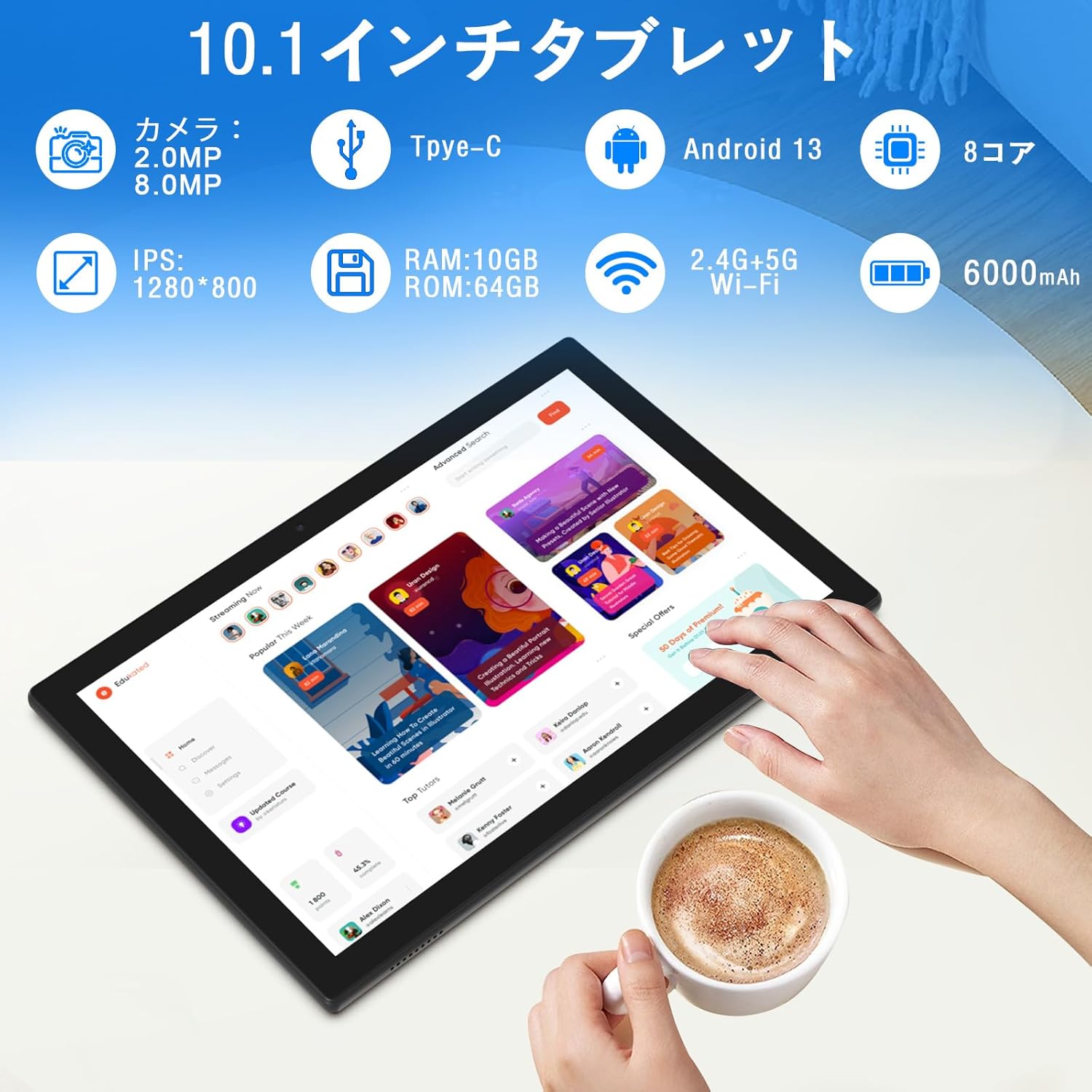
Obraz: Nadview of tablet features and specifications.
- Přední kamera: 2MP pro videohovory a selfie.
- Zadní kamera: 8MP pro pořizování fotografií a videí.
- Zobrazit: 10.1-inch IPS HD screen (1280x800 resolution).
- Řečníci: Dva reproduktory pro vylepšený zvukový zážitek.
- Nabíjecí port: Port typu C pro nabíjení a přenos dat.
- Vypínač: Na boku se nachází tlačítko pro zapnutí/vypnutí zařízení a uzamčení obrazovky.
- Tlačítka hlasitosti: Located on the side for adjusting volume.
- Slot pro microSD kartu: Pro rozšiřitelné úložiště až do 1 TB.

Obraz: Přední a zadní view of the CUPEISI YQ11M tablet.
5. Nastavení
5.1 Počáteční zapnutí
- Stiskněte a podržte tlačítko Napájení, dokud se nerozsvítí obrazovka.
- Postupujte podle pokynů na obrazovce a vyberte jazyk, region a přijměte podmínky.
5.2 Wi-Fi připojení
- During the initial setup, select your preferred Wi-Fi network from the list.
- Pokud se zobrazí výzva, zadejte heslo k Wi-Fi a klepněte na tlačítko „Připojit“.
- The tablet supports both 2.4G and 5G Wi-Fi for stable and fast connections.
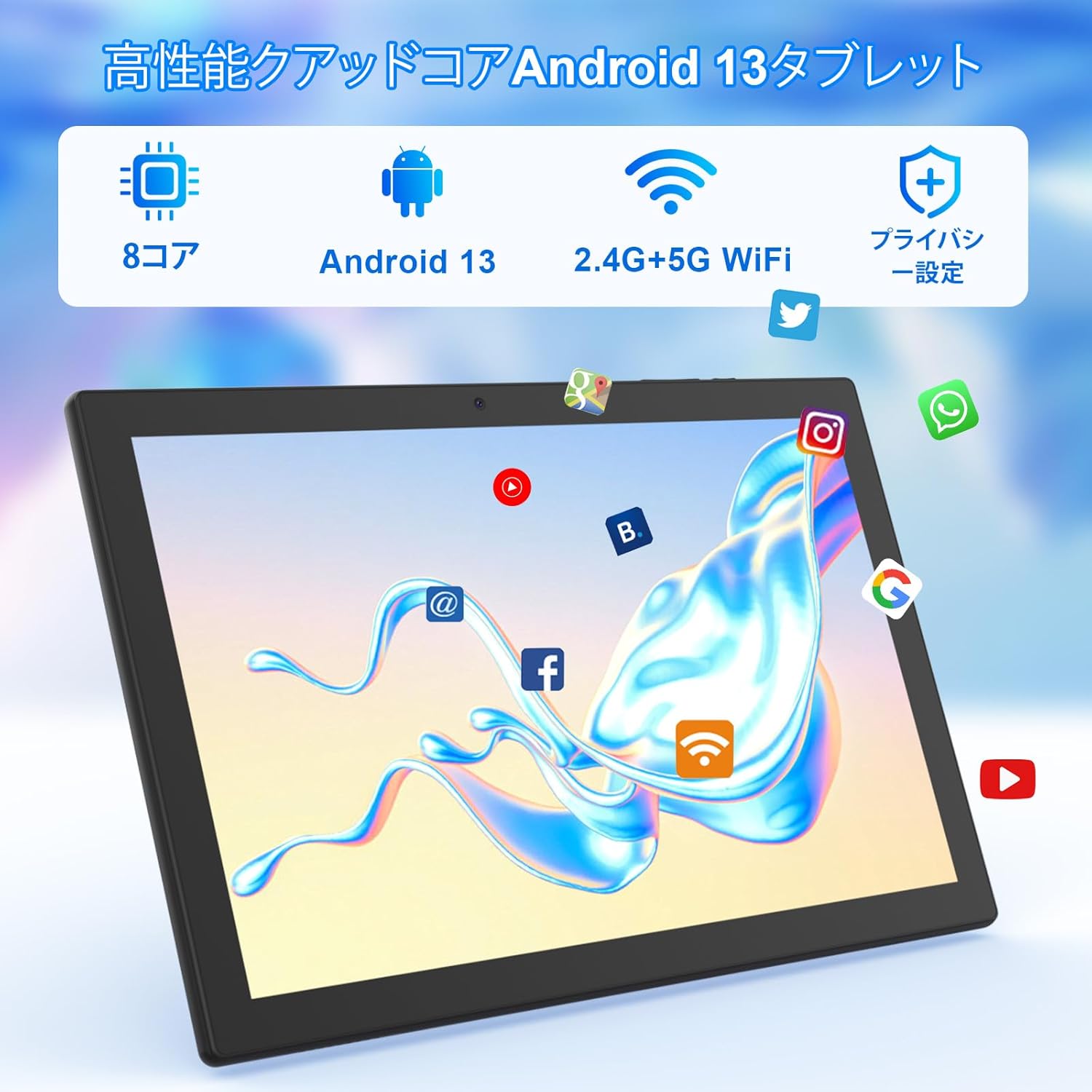
Obraz: Tablet screen showing app icons and connectivity features.
5.3 Nastavení účtu Google
Sign in with your Google account or create a new one to access Google Play Store, Gmail, and other Google services.
5.4 Ochranná fólie
The tablet comes with a simple transparent PET protective film pre-applied. You may choose to keep it on or remove it according to your preference. It is designed for easy application without air bubbles or dust.
6. Návod k obsluze
6.1 Základní navigace
The CUPEISI YQ11M tablet features a 10.1-inch FHD in-cell touchscreen with wide viewing angles and 1280x800 high resolution, offering a clear and vibrant visual experience.

Obraz: Tablet display features.
- Klepněte na: Vyberte položku nebo aktivujte funkci.
- Výpad: Procházení obrazovek nebo posouvání obsahu.
- Štípání: Přiblížení nebo oddálení obrázků a web stránky.
6.2 Správa aplikací
The tablet comes with Google Play pre-installed, allowing you to download and use popular applications such as Facebook, Twitter, YouTube, Line, and Instagram. To install apps:
- Otevřete aplikaci „Obchod Play“.
- Hledat požadovanou aplikaci.
- Klepnutím na tlačítko „Instalovat“ si aplikaci stáhnete a nainstalujete.
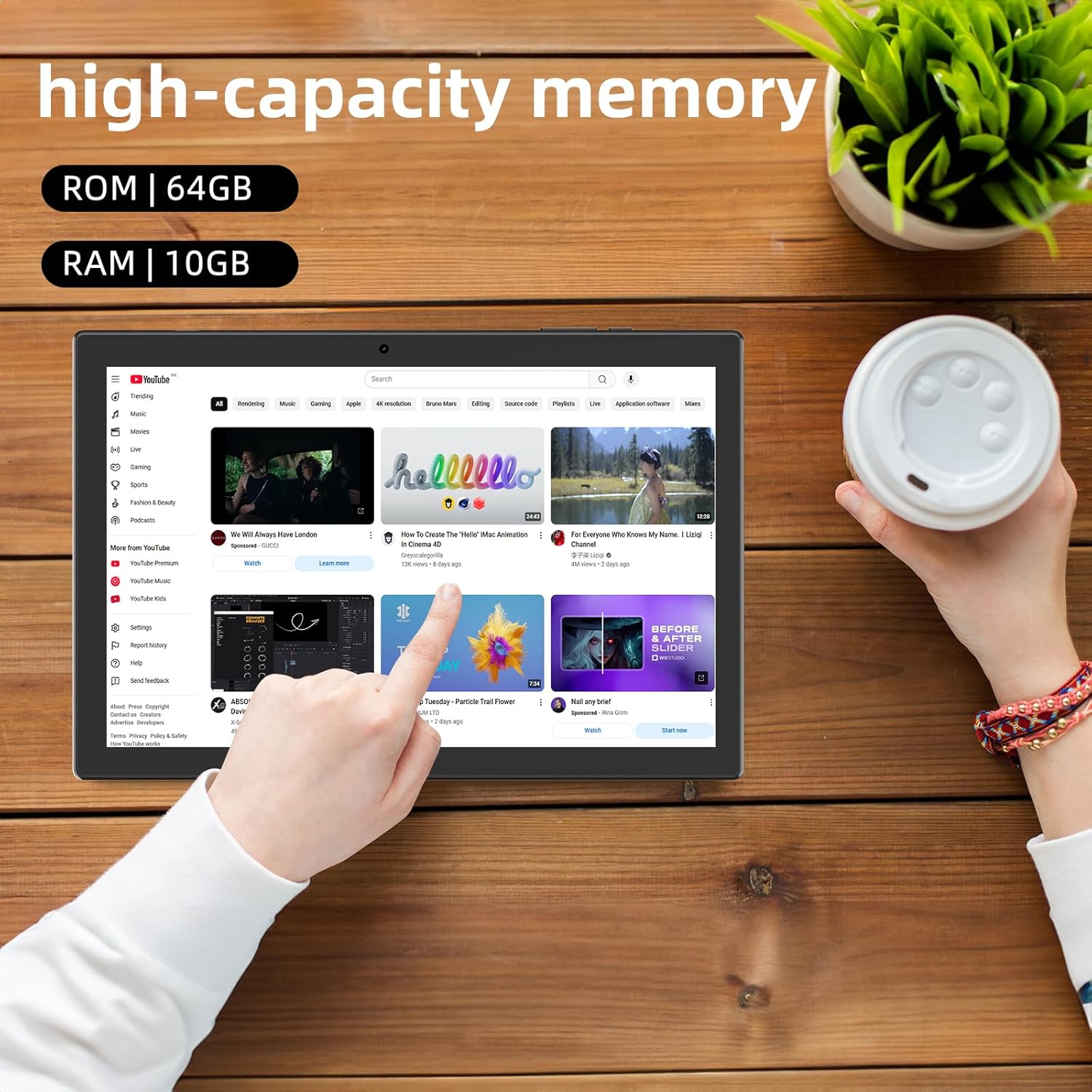
Obraz: Tablet displaying high-capacity memory and app usage.
6.3 Použití kamery
The tablet is equipped with an 8MP main camera and a 2MP front camera. You can use them for capturing beautiful moments, participating in web conferences, or online classes.
- Otevřete aplikaci „Fotoaparát“.
- V případě potřeby přepínejte mezi přední a zadní kamerou.
- Klepnutím na tlačítko spouště pořídíte fotografii nebo spustíte nahrávání videa.
6.4 Funkce GPS
With built-in GPS functionality, you can download offline maps to your tablet and use it for navigation, even without an internet connection.
6.5 Správa baterie
The tablet features a large 6000mAh battery and AI intelligent power management, allowing for extended use for movies, reading, and browsing.

Obraz: Tablet highlighting its 6000mAh battery capacity.

Obraz: Tablet showing Type-C charging and various entertainment uses.
7. Údržba
7.1 Čištění zařízení
Use a soft, lint-free cloth to gently wipe the screen and body of the tablet. Avoid using harsh chemicals or abrasive materials.
7.2 Aktualizace softwaru
Pravidelně kontrolujte v nastavení tabletu aktualizace systému, abyste zajistili optimální výkon a zabezpečení.
7.3 Správa úložiště
The tablet comes with 64GB of internal storage (ROM) and supports MicroSD cards up to 1TB for additional storage. Regularly manage your files and uninstall unused apps to free up space and maintain smooth operation.
8. Řešení problémů
- Zařízení se nezapne: Ujistěte se, že je baterie nabitá. Připojte tablet k nabíječce a před opětovným zapnutím počkejte několik minut.
- Problémy s připojením Wi-Fi: Zkontrolujte, zda je v nastavení povolena Wi-Fi. Restartujte router a tablet. Ujistěte se, že jste v dosahu signálu Wi-Fi.
- Pomalý výkon: Close unused applications. Clear cache and data for frequently used apps. Consider uninstalling unnecessary apps or moving large filena kartu MicroSD.
- Obrazovka nereaguje: Restart the tablet by holding down the power button. If the issue persists, contact support.
9. Specifikace
| Značka | CUPEISI |
| Model | YQ11M (Note: Some specifications may refer to CP31 or UMIDIGI G2 Tab, but YQ11M is the primary model for this product.) |
| Operační systém | Android 13 (GMS Certified) |
| CPU | MediaTek MTK8768 Octa-core, 2.3 GHz |
| BERAN | 10 GB (4 GB + 6 GB rozšíření) |
| Interní úložiště (ROM) | 64 GB |
| Rozšiřitelné úložiště | MicroSD až do 1 TB |
| Velikost obrazovky | 10.1 palců |
| Rozlišení displeje | 1280x800 pixelů HD IPS |
| Přední kamera | 2 MP |
| Zadní kamera | 8 MP |
| Wi-Fi | 2.4G + 5G Dual-band (802.11ac/b/g/n) |
| Bluetooth | Ano |
| GPS | Ano |
| Kapacita baterie | 6000 mAh (22.8 watthodin) |
| Nabíjecí port | Typ-C |
| Reproduktory | 2kanálové reproduktory |
| Hmotnost položky | 516 g |
| Rozměry balení | 30.9 x 19.3 x 2.9 cm |
10. Záruka a podpora
Tento produkt je dodáván s a jednoletá záruka kvality. In the unlikely event that you encounter any issues or defects with your product, please do not hesitate to contact us via email. We are committed to providing a prompt response within 24 hours to address your concerns.
Returns and refunds are also possible for customer convenience. Please purchase with confidence.
For support inquiries, please refer to the contact information provided with your purchase or visit the official CUPEISI webmísto.

