1. Úvod
This manual provides instructions for the VTech CS2051 DECT 2 Handset Cordless Home Telephone with Answering Machine. It covers setup, operation, maintenance, and troubleshooting to ensure optimal performance of your device. Please read these instructions carefully before using your telephone.
2. Obsah balení
Ověřte, zda váš balíček obsahuje následující položky:
- 1 x Základní jednotka
- 2 x bezdrátové sluchátka
- 2 x Handset Chargers
- 2 x AC Adaptors (for base unit and chargers)
- 2 x Battery Packs (AAA batteries required, included)
- 1 x telefonní kabel
- 1 x Průvodce rychlým startem

Image: The VTech CS2051 system, showing the main base unit with one handset, and a separate charger with the second handset.
3. Nastavení
3.1 Instalace baterie
- Otevřete kryt přihrádky na baterie na zadní straně každého sluchátka.
- Insert the supplied AAA battery pack, ensuring correct polarity.
- Zavřete kryt prostoru pro baterie.
- Place each handset on its respective charger or the base unit to charge for at least 16 hours before first use.
3.2 Připojení základní jednotky
- Připojte jeden konec telefonního kabelu do portu LINE na základní jednotce.
- Zapojte druhý konec telefonního kabelu do telefonní zásuvky ve zdi.
- Connect the AC adaptor to the POWER port on the base unit.
- Plug the AC adaptor into a mains power outlet.
- For the additional charger, connect its AC adaptor to the charger and then to a mains power outlet.
3.3 Registrace sluchátka
Your handsets are typically pre-registered to the base unit. If a handset displays 'Unregistered' or 'Register Handset', follow these steps:
- Na základní jednotce stiskněte a podržte tlačítko STRANA tlačítko po dobu přibližně 5 sekund, dokud kontrolka registrace nezačne blikat.
- On the handset, navigate to the 'Registration' menu (refer to the Quick Start Guide for specific menu navigation).
- Select 'Register Handset' and enter the system PIN (default is usually 0000).
- The handset will display 'Registering...' and then 'Handset Registered' upon successful completion.
4. Návod k obsluze
4.1 Uskutečňování a přijímání hovorů
- Chcete-li zavolat: Stiskněte tlačítko MLUVIT a poté vytočte číslo. Nebo nejprve vytočte číslo a poté stiskněte tlačítko MLUVIT.
- Chcete-li přijmout hovor: Když telefon zvoní, stiskněte MLUVIT tlačítko.
- Ukončení hovoru: Stiskněte tlačítko KONEC tlačítko nebo vložte sluchátko zpět do základnové jednotky/nabíječky.
4.2 Digital Answering Machine
The base unit includes a digital answering machine to record messages when you are unavailable.
- Přehrávání zpráv: Stiskněte tlačítko PLAY/STOP button on the base unit. The display will show the number of new messages.
- Mazání zpráv: Během přehrávání zprávy stiskněte VYMAZAT tlačítko na základní jednotce.
- Nastavení: Access the answering machine settings via the handset menu to record your outgoing message or adjust settings.

Image: The base unit of the VTech CS2051, highlighting the digital answering system with a message count display.
4.3 Blokování obtěžujících hovorů
This feature allows you to block unwanted incoming calls.
- Blokování čísla: During or after a call, access the call blocker menu on the handset. You can add numbers to a block list.
- Blocking Unknown Numbers: The system can be configured to block calls from numbers not stored in your phonebook or from withheld numbers.

Image: A VTech CS2051 handset, illustrating the call blocker feature for managing unwanted calls.
4.4 Identifikace volajícího a čekající hovor
These features require subscription from your telephone service provider.
- ID volajícího: The handset display shows the caller's number (and name if stored in your phonebook) before you answer. The phone stores up to 20 incoming call records.
- Čekající hovor: If you are on a call and another call comes in, you will hear a tone. You can switch between calls.

Image: A close-up of the VTech CS2051 handset display showing an incoming call number, demonstrating the Caller ID feature.
4.5 Hlasitý telefon
The speakerphone function allows for hands-free conversations.
- Aktivovat: Během hovoru stiskněte REPRODUKTOR tlačítko.
- Deaktivace: Stiskněte tlačítko REPRODUKTOR button again or lift the handset to your ear.
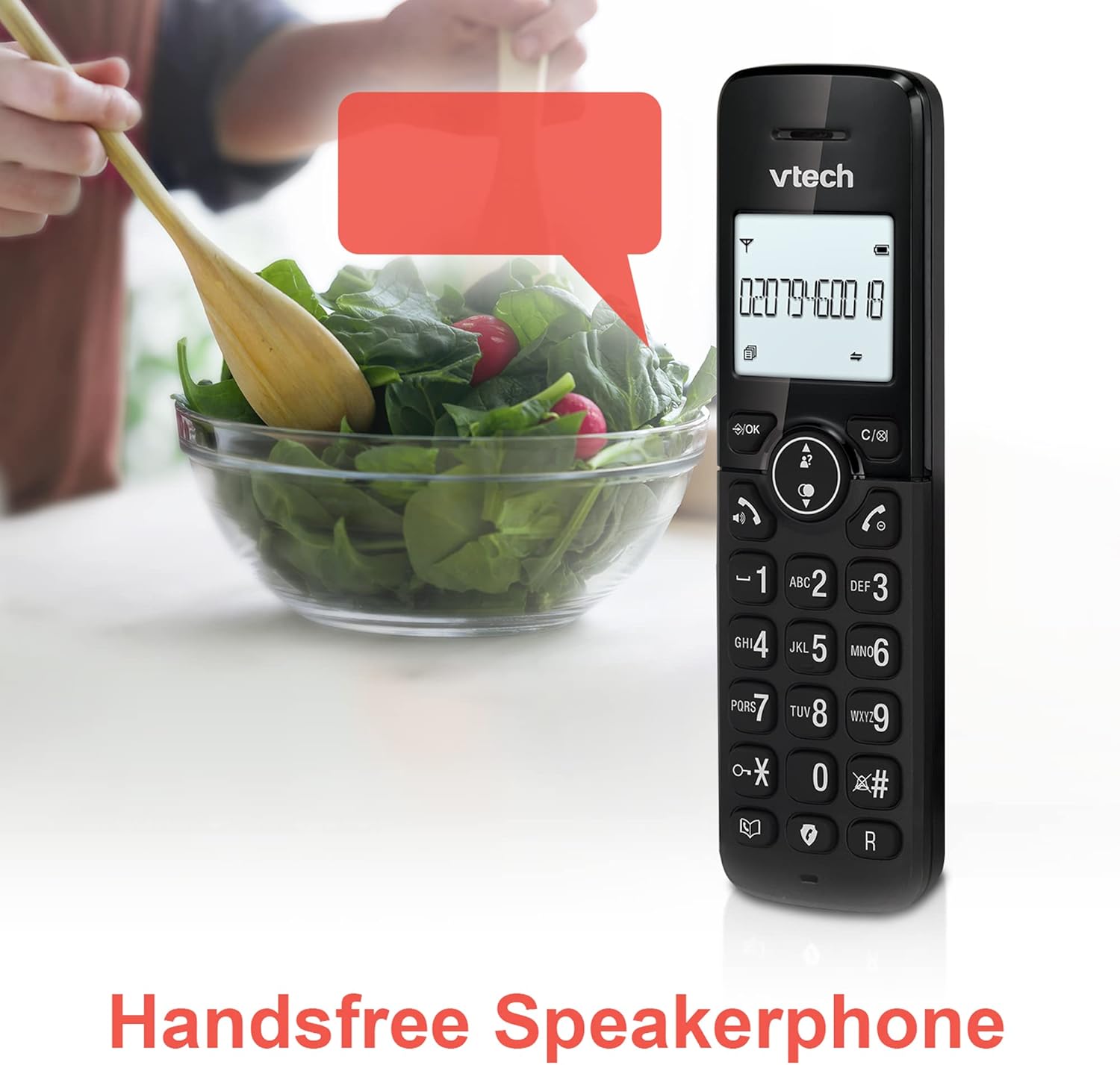
Image: A VTech CS2051 handset positioned for hands-free use, illustrating the speakerphone capability.
4.6 Interkom
You can use the handsets to communicate with each other internally.
- To Initiate: Stiskněte tlačítko INT button on one handset and select the desired handset to call.
4.7 Adjustable Ring Volume and Melody
Customize the ringtone and volume to your preference.
- Access the 'Ringtone Settings' or 'Volume Settings' menu on the handset to choose from available melodies and adjust the ring volume.

Image: A VTech CS2051 handset, highlighting the controls for adjusting ring volume and melody settings.
4.8 Alarm and Mute Function
- Poplach: Set an alarm through the handset menu.
- Ztlumit: Během hovoru stiskněte ZTLUMIT button to temporarily silence your microphone. Press again to unmute.

Image: Illustrates the alarm function (represented by a clock icon) and the mute function (represented by a musical note icon) available on the VTech CS2051.
5. Údržba
- Čištění: Wipe the telephone and handsets with a soft, damp tkanina. Nepoužívejte abrazivní čisticí prostředky nebo rozpouštědla.
- Péče o baterie: Ensure handsets are placed on the charger when not in use to maintain battery life. Replace batteries when performance significantly degrades.
- Umístění: Place the base unit in a central location, away from other electrical appliances that may cause interference.
6. Řešení problémů
- Žádný oznamovací tón: Ensure the telephone line cord is securely connected to both the base unit and the wall socket. Check if the AC adaptor is properly plugged in.
- Sluchátko se nenabíjí: Verify the handset is correctly seated in the charger/base unit. Clean the charging contacts on both the handset and charger with a dry cloth.
- Špatná kvalita hovoru/rušení: Move the base unit away from other electronic devices (e.g., Wi-Fi routers, microwaves). Ensure the handset is within range of the base unit.
- Handset Displays 'Unregistered': Postupujte podle kroků pro registraci sluchátka v části 3.3.
- Záznamník nenahrává: Check the answering machine settings via the handset menu to ensure it is enabled and has sufficient recording time.
7. Specifikace
| Funkce | Specifikace |
|---|---|
| Model | CS2051 |
| Typ telefonu | DECT Cordless |
| Počet sluchátek | 2 |
| Typ systému odpovědí | Digital (up to 15 minutes record time) |
| Identifikace volajícího | Ano (vyžadováno předplatné) |
| Nuisance Call Blocker | Ano |
| Zobrazit | 1.8palcový podsvícený displej |
| Baterie | Vyžaduje 4 AAA baterie (součástí balení) |
| Materiál | Akrylonitrilbutadienstyren (ABS) |
| Zdroj napájení | Napájení z baterie |
| Víceřádkový provoz | Ano |
8. Záruka a podpora
This VTech CS2051 product is supplied as an Amazon Renewed item. For specific warranty details and support, please refer to the Amazon Renewed program terms and conditions or contact Amazon Renewed customer service directly. VTech provides manufacturing support for its products. For technical assistance or further information, please visit the official VTech support website or consult the full user manual if available from the manufacturer.


