1. Konec produktuview
The Xiaomi Redmi Buds 4 Lite are True Wireless Stereo (TWS) earbuds designed for a comfortable audio experience. They feature Bluetooth 5.3 connectivity, AI Call Noise Cancelling, and an IP54 water resistance rating, making them suitable for various activities including gaming, calls, music, and exercise.

Image: Xiaomi Redmi Buds 4 Lite TWS Wireless Earbuds in their charging case.
2. Obsah balení
Ujistěte se, že v balení jsou přítomny všechny položky:
- Sluchátka Xiaomi Redmi Buds 4 Lite (levá a pravá)
- Nabíjecí pouzdro
- Uživatelská příručka (tento dokument)
3. Nastavení
3.1. Počáteční nabíjení
Before first use, fully charge the earbuds and the charging case. Connect the charging case to a power source using a compatible USB cable. The indicator light on the case will show charging status.

Image: The charging case connected to a power source for charging.
3.2. Spárování se zařízením
- Ujistěte se, že jsou sluchátka v nabíjecím pouzdře a že je víko pouzdra otevřené.
- Na svém zařízení (chytrém telefonu, tabletu atd.) povolte Bluetooth.
- Hledat dostupná zařízení Bluetooth a ze seznamu vyberte „Redmi Buds 4 Lite“.
- The earbuds will automatically connect. A voice prompt or indicator light will confirm successful pairing.
The Redmi Buds 4 Lite support Rychlé párování Google for quick and seamless connection with compatible Android devices.

Image: Earbuds and case illustrating Google Fast Pair feature.
3.3. Nošení sluchátek do uší
Gently insert the earbuds into your ears. Adjust them for a snug and comfortable fit. The lightweight design and rounded tips ensure they stay securely in place during various activities.
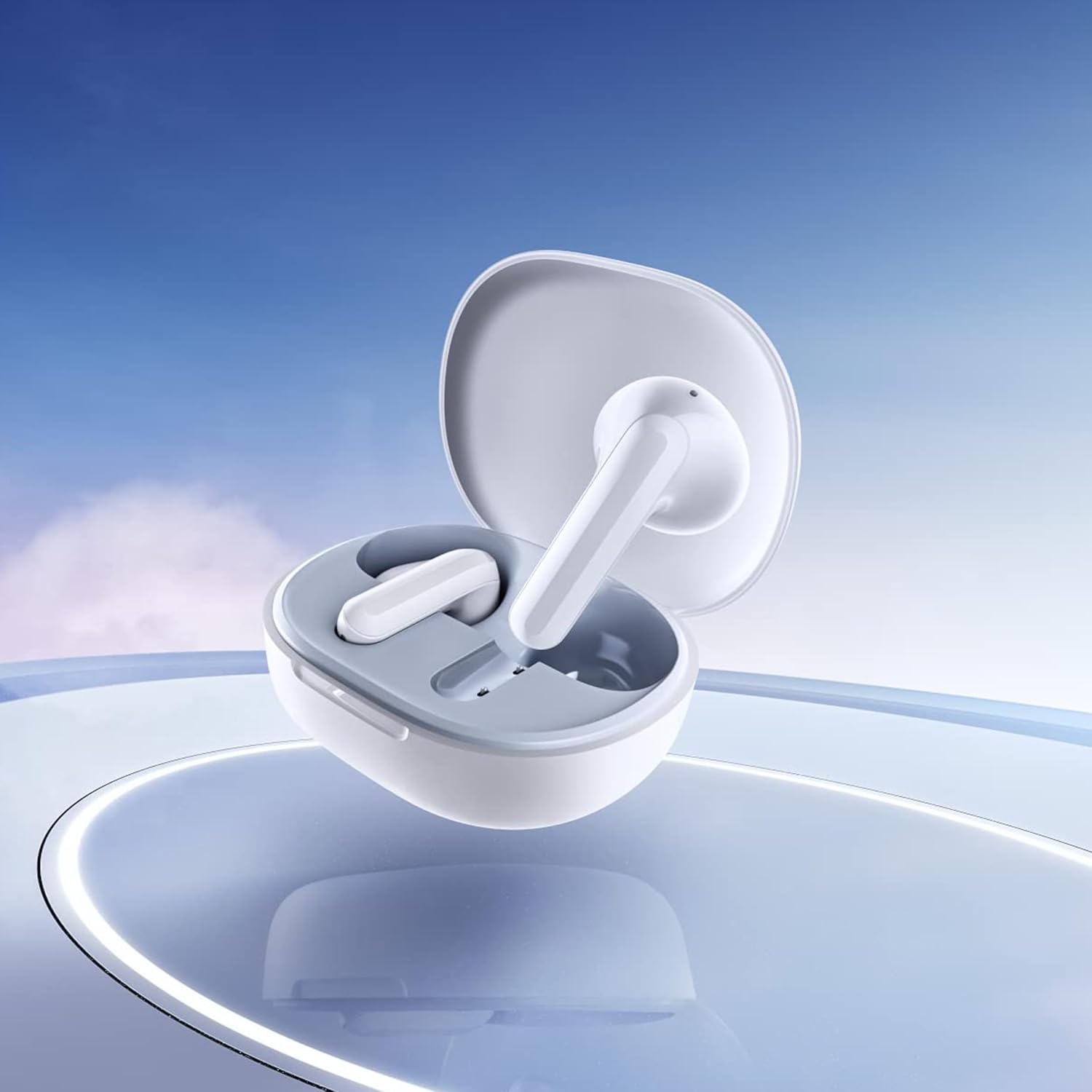
Image: Close-up of the individual earbuds, highlighting their design.
4. Návod k obsluze
4.1. Stiskněte Ovládací prvky
The Redmi Buds 4 Lite feature intuitive touch controls for media playback and call management. Specific touch gestures may vary slightly, but common functions include:
- Přehrát/pozastavit: Jediným klepnutím na jedno sluchátko.
- Další skladba: Dvakrát klepněte na pravé sluchátko.
- Předchozí skladba: Dvakrát klepněte na levé sluchátko.
- Přijmout/ukončit hovor: Jediným klepnutím na jedno sluchátko.
- Odmítnout hovor: Stiskněte a podržte kterékoli sluchátko.
- Aktivovat Voice Assistant: Trojitě klepněte na kterékoli sluchátko.
4.2. AI Call Noise Cancelling
The earbuds are equipped with AI Call Noise Cancelling technology to enhance call clarity by reducing background noise during phone conversations.
4.3. Low-Latency Gaming Mode
For an optimized gaming experience, the earbuds offer a low-latency mode. Refer to your device's Bluetooth settings or the official Xiaomi app (if available) for activation instructions.
5. Údržba
5.1. Čištění
Regularly clean your earbuds and charging case to maintain optimal performance and hygiene. Use a soft, dry, lint-free cloth. Do not use abrasive cleaners or immerse the earbuds or case in water.
5.2. Voděodolnost (IP54)
The Redmi Buds 4 Lite have an IP54 rating, meaning they are protected against dust ingress and splashing water from any direction. This makes them suitable for workouts and light rain. However, they are not designed for swimming or showering. Avoid exposing them to high-pressure water or submerging them.

Image: Earbuds shown with an IP54 water resistance indicator.
5.3. Skladování
Pokud sluchátka nepoužíváte, uložte je do nabíjecího pouzdra, aby byla chráněna a zůstala nabitá. Skladujte na chladném a suchém místě mimo dosah přímého slunečního záření a extrémních teplot.
6. Řešení problémů
6.1. Sluchátka se nespárují
- Ujistěte se, že jsou obě sluchátka nabitá.
- Place earbuds back in the case, close the lid, then open it again to reset.
- Vypněte a zapněte Bluetooth na vašem zařízení.
- Forget "Redmi Buds 4 Lite" from your device's Bluetooth list and try pairing again.
6.2. Žádný zvuk nebo nízká hlasitost
- Zkontrolujte úroveň hlasitosti na zařízení i ve sluchátkách.
- Ujistěte se, že máte sluchátka správně nasazená v uších.
- Vyčistěte reproduktory sluchátek od nečistot.
- Znovu připojte sluchátka k zařízení.
6.3. Problémy s kvalitou hovoru
- Ujistěte se, že jsou sluchátka plně nabitá.
- Přesuňte se blíže k připojenému zařízení, abyste zabránili rušení signálu.
- The AI Call Noise Cancelling feature helps, but extreme noisy environments may still affect clarity.
6.4. Earbuds Not Charging
- Zkontrolujte, zda je nabíjecí kabel bezpečně připojen k pouzdru i ke zdroji napájení.
- Ujistěte se, že nabíjecí kontakty na sluchátkách a uvnitř pouzdra jsou čisté a bez nečistot.
- Zkuste jiný nabíjecí kabel nebo napájecí adaptér.
7. Specifikace
| Funkce | Detail |
|---|---|
| Název modelu | Redmi Buds 4 Lite |
| Technologie připojení | Bezdrátové připojení (Bluetooth 5.3) |
| Verze Bluetooth | 5.3 |
| Dosah Bluetooth | 10 metrů |
| Typ zvukového ovladače | Dynamický měnič (12 mm) |
| Životnost baterie | Až 20 hodin (s nabíjecím pouzdrem) |
| Kontrolní metoda | Dotykové ovládání, ovládání médií |
| Funkce pro potlačení hluku | Potlačení hluku při hovorech s umělou inteligencí |
| Úroveň odolnosti proti vodě | IP54 (voděodolné) |
| Hmotnost položky | 39 Grams (total), 1.38 ounces (product) |
| Rozměry produktu | 2.56 x 1.89 x 1.02 palce |
| Materiál | Plastic (earbuds and case) |
| Barva | Bílý |
| Umístění uší | V uchu |
| Kompatibilní zařízení | Devices with Bluetooth 5.3 and supporting A2DP, AVRCP, HFP profiles |

Obrázek: Přední strana view of the Redmi Buds 4 Lite in their charging case.

Obrázek: Boční view of the Redmi Buds 4 Lite in their charging case.
8. Záruka a podpora
8.1. Informace o záruce
Warranty details for the Xiaomi Redmi Buds 4 Lite are typically provided with your purchase documentation. Please refer to the warranty card or contact your retailer for specific terms and conditions regarding your product's warranty coverage.
8.2. Zákaznická podpora
For further assistance, technical support, or inquiries, please visit the official XIAOMI website or contact their customer service department. You can often find support contact information on the product packaging or the brand's official online channels.
Oficiální obchod XIAOMI: Obchod XIAOMI na Amazonu


