1. Konec produktuview
The Baseus Writing2 Active Stylus Pen is designed to enhance your iPad experience, offering precise control, tilt sensitivity, and palm-rejection for natural writing and drawing. Its advanced features and long battery life make it an ideal tool for students, professionals, and creatives.
Mezi klíčové vlastnosti patří:
- Ovládání náklonu: Adjust line thickness dynamically based on the pen's angle.
- Full-Screen Palm-Rejection: Rest your hand comfortably on the screen without interference.
- Rychlé nabíjení a dlouhý pohotovostní režim: Quick charge for extended use and impressive standby time.
- Precise Control & Stable Connection: Gold-plated copper core ensures ultra-fast response and low latency.
- Zobrazení stavu baterie v reálném čase: LED indikátory zobrazují aktuální stav baterie.

Image 1.1: The Baseus Writing2 Active Stylus Pen, showcasing its sleek design and a replaceable tip.
2. Průvodce nastavením
2.1 Počáteční nabíjení
Before first use, fully charge the stylus pen. The pen is charged via a Type-C port.
- Connect the provided Type-C charging cable to the stylus charging port.
- Druhý konec kabelu připojte ke kompatibilnímu napájecímu adaptéru USB (není součástí balení).
- Charging typically takes 15-20 minutes for a full charge, providing up to 10 hours of continuous use.
- Observe the LED indicators for charging status: three blue lights indicate 70-100% battery, two blue lights 30-70%, one blue light 5-30%, and a flashing red light indicates less than 5% battery.

Image 2.1: Battery life and charging indicators for the stylus pen.
2.2 Powering On/Off and Connection
The stylus pen features a simple power button for easy operation.
- Zapnutí: Press the power button located on the side of the stylus. The LED indicators will light up.
- Vypnutí: Press and hold the power button for a few seconds until the LED indicators turn off.
- The stylus automatically connects to compatible iPads without requiring Bluetooth pairing. Ensure your iPad is updated to a compatible iOS version.

Image 2.2: Detail of the stylus power button and LED indicators.
3. Návod k obsluze
3.1 Psaní a kreslení
The stylus offers a smooth and precise writing experience, similar to using a traditional pen on paper.
- Simply touch the pen tip to your iPad screen to begin writing or drawing.
- The upgraded gold-plated copper core ensures a stable connection and ultra-fast response with low latency.

Obrázek 3.1: Vnitřní view of the stylus pen's gold-plated copper core for enhanced precision.
3.2 Tilt Control
Utilize the tilt control feature for varied line thickness and shading effects.
- Tilt the pen at different angles to achieve thicker or thinner lines, mimicking the effect of a pencil.
- This feature is ideal for artistic applications, note-taking, and sketching.

Image 3.2: Demonstrating tilt control for varied line thickness.

Image 3.3: Visual representation of tilt control functionality.
3.3 Palm-Rejection
Write and draw naturally without worrying about accidental touches from your palm.
- The full-screen palm-rejection technology allows you to rest your hand on the iPad screen while using the stylus, just as you would with paper and pen.
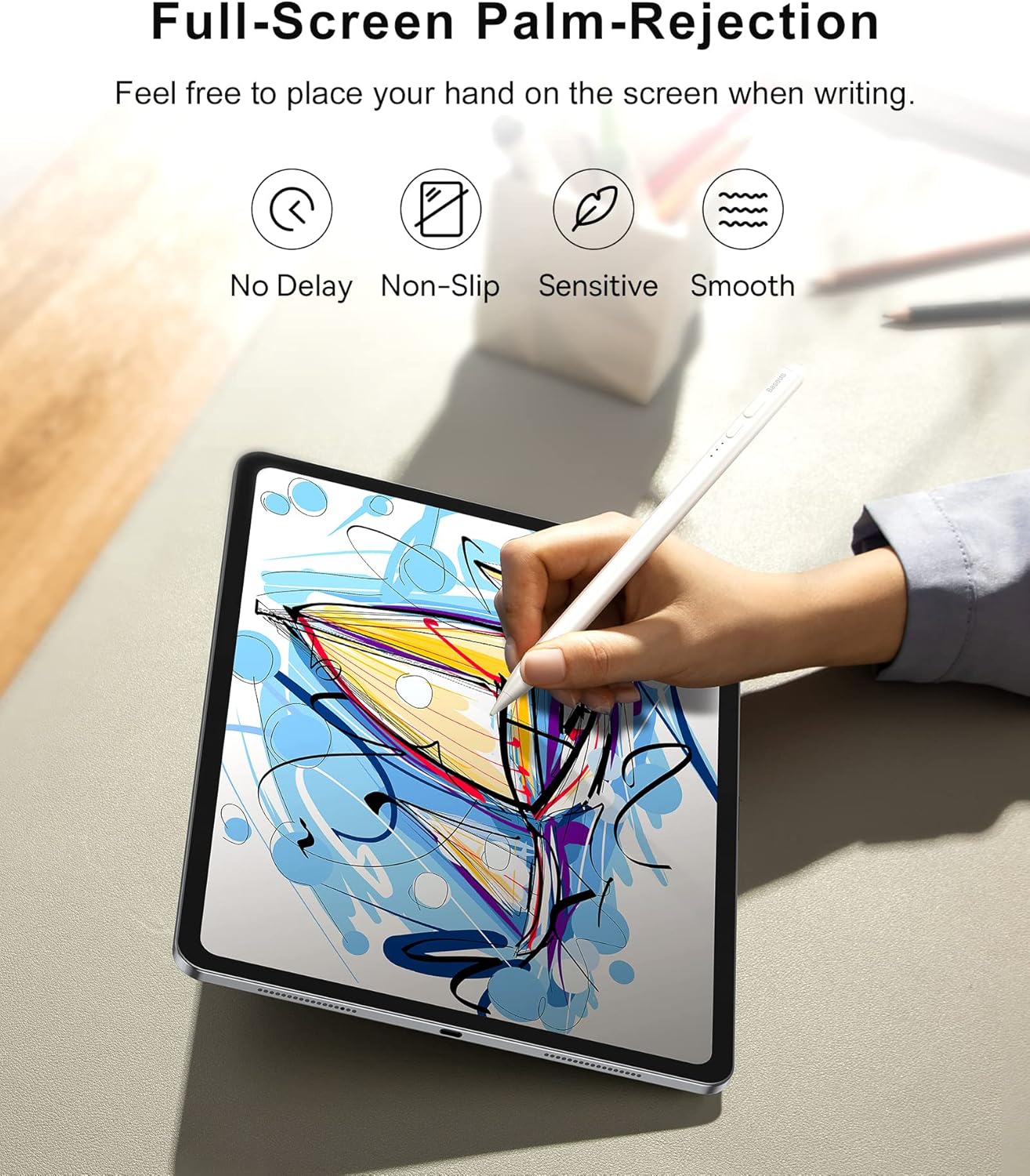
Image 3.4: Palm-rejection in action, allowing comfortable use.

Image 3.5: Visualizing the palm-rejection feature.
3.4 Magnetické uchycení
For convenient storage, the stylus can magnetically attach to your iPad.
- Simply place the stylus on the side of your compatible iPad, and it will snap into place magnetically.

Image 3.6: Magnetic attachment feature for convenient storage.
3.5 Aplikace pro více scénářů
The Baseus Writing2 Stylus Pen is versatile for various tasks:
- Zapisování poznámek
- Výkres
- skicování
- Draftování

Image 3.7: The stylus is suitable for multiple scenarios including note-taking, drawing, sketching, and drafting.
3.6 Oficiální video produktu
Video 3.1: Official product video from Baseus US Flagship demonstrating the stylus pen's features, including tilt control, real-time battery display, and smooth writing experience.
4. Údržba
4.1 Výměna hrotů pera
The stylus pen comes with replaceable pen tips to ensure long-term usability.
- Jemně otočte stávající hrot pera proti směru hodinových ručiček, abyste jej vyjmuli.
- Align the new pen tip with the stylus and twist clockwise until it is securely in place.
- Ensure the tip is firmly attached before use to maintain optimal performance.

Image 4.1: The replaceable pen tip mechanism.
4.2 Čištění
To maintain the stylus's performance and appearance:
- Otřete tělo stylusu měkkým, suchým hadříkem, který nepouští vlákna.
- Vyhněte se použití abrazivních čisticích prostředků nebo rozpouštědel.
5. Řešení problémů
If you encounter issues with your Baseus Writing2 Active Stylus Pen, refer to the following common solutions:
| Problém | Možná příčina | Řešení |
|---|---|---|
| Stylus nereaguje | Low battery; Not powered on; Incompatible iPad model; Loose pen tip. | Charge the stylus; Press the power button; Verify iPad compatibility; Re-attach or replace pen tip. |
| Inaccurate or delayed response | Pen tip wear; Screen protector interference; Software glitch. | Replace the pen tip; Ensure screen protector is stylus-compatible; Restart iPad and stylus. |
| Palm-rejection not working | Incompatible app; iPad settings. | Ensure the app supports palm-rejection; Check iPad settings for stylus compatibility. |
| LED indikátory nesvítí | Battery completely drained; Malfunction. | Charge the stylus for at least 30 minutes; If issue persists, contact customer support. |
6. Specifikace
| Funkce | Detail |
|---|---|
| Číslo modelu | BS-PS010 |
| Rozměry produktu | 6.5 x 0.35 x 0.35 palce (16.5 x 0.89 x 0.89 cm) |
| Hmotnost položky | 0.529 unce (15 gramů) |
| Barva | Bílý |
| Materiál | Hliník |
| Typ baterie | 1 lithium-iontová baterie (součástí balení) |
| Doba nabíjení | 15-20 minut (přibližně) |
| Doba nepřetržitého používání | Až 10 hodin |
| Pohotovostní doba | Up to 12 months (365 days) |
| Nabíjecí port | Typ-C |
7. Kompatibilita
The Baseus Writing2 Active Stylus Pen is compatible with Apple iPad models from 2018 and later, including:
- iPad 10th/9th/8th/7th/6th Generation
- iPad Pro 11-inch (1st, 2nd, 3rd, 4th Gen)
- iPad Pro 12.9-inch (3rd, 4th, 5th, 6th Gen)
- iPad Air (3rd, 4th, 5th Gen)
- iPad Mini (5., 6. generace)
For detailed model number compatibility, please refer to the table below:

Image 7.1: Comprehensive compatibility chart for various iPad models.

Image 7.2: Detailed compatibility table for iPad models and their specific model numbers.
8. Záruka a podpora
Baseus products are manufactured to high-quality standards. For any warranty claims or technical support, please contact Baseus customer service through the retailer where you purchased the product or visit the official Baseus webstránky s informacemi o podpoře.
Uschovejte si prosím doklad o koupi pro účely záruky.


