Konec produktuview
The HyperX Pulsefire Haste 2 is a wired gaming mouse designed for high-performance gaming. It features an ultra-lightweight design, a high-precision sensor, and durable switches, optimized for speed and responsiveness.
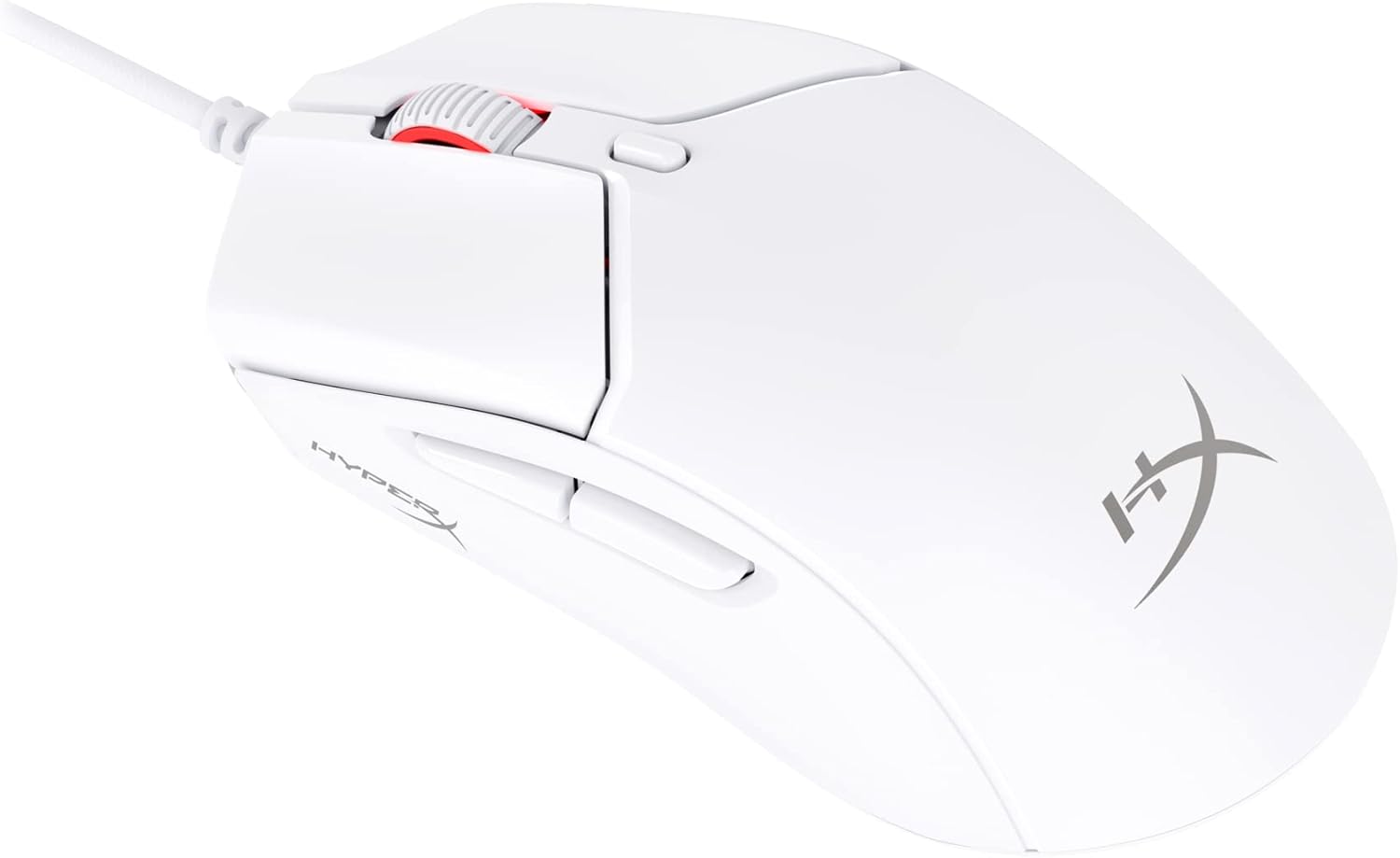
Figure 1: HyperX Pulsefire Haste 2 Wired Gaming Mouse (White)
Obsah balení
Ověřte, zda jsou v balení přítomny všechny položky:
- HyperX Pulsefire Haste 2 Wired Gaming Mouse
- HyperX Grips (pre-applied or in package)
- Extra PTFE Skates
- Quick Start Guide (refer to the official PDF user guide for full details: Uživatelská příručka PDF)
Nastavení
Připojení myši
- Vyhledejte v počítači volný port USB.
- Plug the USB connector of the HyperX Pulsefire Haste 2 mouse into the USB port.
- The mouse is plug-and-play and should be recognized automatically by your operating system (Windows, macOS, Linux).
Applying Grip Tape (Optional)
The mouse includes optional grip tape for enhanced control and comfort. To apply:
- Ensure the mouse surface is clean and dry.
- Carefully peel the backing from the grip tape pieces.
- Align and firmly press the grip tape onto the designated areas (left/right mouse buttons, left/right sides of the mouse).

Figure 2: Anti-Slip Grip Tape Application Area
Ovládání myši
Základní funkce
The HyperX Pulsefire Haste 2 features standard mouse buttons and a scroll wheel:
- Levé kliknutí: Primární akce.
- Klikněte pravým tlačítkem myši: Sekundární akce/kontextová nabídka.
- Rolovací kolečko: Posun nahoru/dolů, kliknutí prostředním tlačítkem myši.
- Boční tlačítka: Obvykle se používá pro navigaci vpřed/zpět v web browsers or customizable functions.
- Tlačítko DPI: Located behind the scroll wheel, cycles through preset DPI (sensitivity) levels.
Software HyperX NGENUITY
To unlock the full potential of your Pulsefire Haste 2, download and install the HyperX NGENUITY software. This software allows for:
- Customizing DPI settings (up to 26,000 DPI).
- Programming the 6 buttons with macros or custom functions.
- Personalizing RGB lighting effects.
- Adjusting polling rate (up to 8000Hz).

Figure 3: HyperX NGENUITY Software Interface
For software download and detailed instructions, visit the official HyperX webmísto.
Údržba
Čištění myši
- Před čištěním odpojte myš od počítače.
- Použijte měkký hadřík, který nepouští vlákna dampPovrch otřete vodou nebo jemným čisticím roztokem.
- Vyhněte se používání agresivních chemikálií, abraziv nebo rozpouštědel.
- For the sensor area, use a cotton swab or compressed air to gently remove dust and debris.
Replacing PTFE Skates
The HyperX Pulsefire Haste 2 comes with extra PTFE skates. If the original skates show significant wear, they can be replaced for optimal glide performance.
- Carefully peel off the old PTFE skates using a thin, non-abrasive tool.
- Ensure the mouse's underside is clean and free of adhesive residue.
- Peel the backing from the new PTFE skates and align them precisely with the recesses on the mouse's bottom.
- Pevně zatlačte, abyste zajistili správnou přilnavost.

Figure 4: Mouse Underside with PTFE Skates
Odstraňování problémů
| Problém | Možná příčina | Řešení |
|---|---|---|
| Myš neodpovídá | Volné USB připojení, vadný USB port, problém s ovladačem. |
|
| Pohyb kurzoru je nepravidelný nebo trhaný | Znečištěný senzor, nevhodný povrch podložky pod myš. |
|
| Tlačítka nebo rolovací kolečko nefungují | Softwarový konflikt, fyzická překážka. |
|
| RGB osvětlení nefunguje | Nastavení softwaru, problém s napájením. |
|
Specifikace
| Funkce | Detail |
|---|---|
| Název modelu | HyperX Pulsefire Haste 2 Wired Gaming Mouse |
| Číslo modelu | 6N0A8AA |
| Konektivita | Kabelové USB |
| Senzor | Senzor HyperX 26K |
| DPI | Up to 26,000 (native) |
| Rychlost sledování | Až 650 IPS |
| Míra hlasování | Až 8000 Hz |
| Tlačítka | 6 programovatelná tlačítka |
| Spínače | HyperX Switches (rated for 100 million clicks) |
| Kabel | HyperFlex 2 Cable (Paracord) |
| Brusle | Virgin PTFE Skates |
| Hmotnost | Approx. 53g (mouse only) |
| Rozměry (DxŠxV) | 124 x 67 x 38 mm (4.9 x 2.6 x 1.5 palce) |
| Kompatibilita operačního systému | Windows, macOS, Linux |

Figure 5: HyperX Pulsefire Haste 2 Dimensions and Weight
Záruka a podpora
HyperX products are backed by a limited warranty. For specific warranty terms and conditions, please refer to the warranty information included with your product or visit the official HyperX webmísto.
For technical support, driver downloads, and frequently asked questions, please visit the HyperX support page:
You can also refer to the official PDF user guide for additional details: Uživatelská příručka PDF


