Zavedení
Thank you for choosing the Cellularline Wireless Power Bank MAG 5000. This portable charger is designed to provide convenient and efficient power to your compatible devices, especially those supporting MagSafe technology. Please read this manual carefully before using the product to ensure proper operation and to maximize its lifespan.
Obsah balení
- Cellularline Wireless Power Bank MAG 5000
- Nabíjecí kabel USB-C na USB-C
- Uživatelská příručka (tento dokument)
Specifikace
| Název modelu | PBMAGSFCOL5000WIRK |
| Značka | Buněčná linie |
| Kapacita baterie | 10 000 mAh (mililitampere-hour) |
| Bezdrátový nabíjecí výstup | 7.5 W |
| Výstup pro kabelové nabíjení | 1 x USB-C 18 W |
| Typ konektoru | USB typ C |
| svtage | 5 voltů |
| Složení baterie | Polymer |
| Barva | Černý |
| Speciální funkce | Kompaktní provedení |
| Doporučené použití | Mobile Phones (especially iPhone 12 and later with MagSafe) |
| Zdroj napájení | Elektrický kabel |
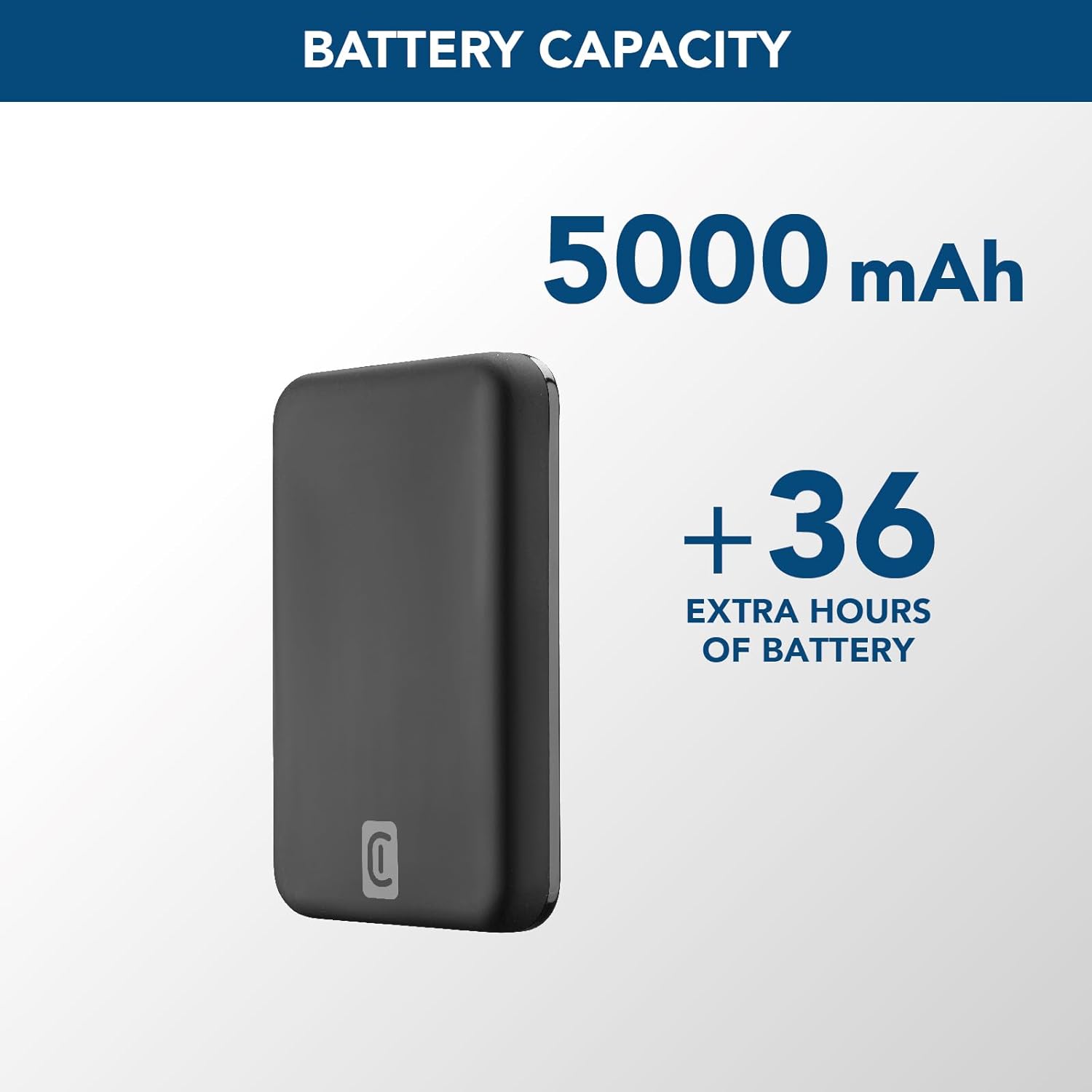
Image: A graphic highlighting the 5000 mAh battery capacity of the power bank, indicating extended battery life for devices.
Nastavení
Nabíjení powerbanky
Before initial use, fully charge your Cellularline Wireless Power Bank MAG 5000. This ensures optimal performance and battery longevity.
- Connect the supplied USB-C to USB-C cable to the USB-C port on the power bank.
- Connect the other end of the USB-C cable to a compatible USB-C wall adapter (not included) or a powered USB-C port on a computer.
- The LED indicators on the power bank will illuminate to show the charging status. Once all LEDs are solid, the power bank is fully charged.

Image: The Cellularline Wireless Power Bank MAG 5000 shown magnetically attached to the back of an iPhone, demonstrating its compact size and MagSafe compatibility. The power bank is black, and the iPhone has a clear case revealing the MagSafe ring.
Návod k obsluze
Bezdrátové nabíjení (kompatibilní s MagSafe)
The power bank features magnetic wireless charging, ideal for iPhone 12 and later models, or other devices with MagSafe compatible cases.
- Ensure your device supports wireless charging and has MagSafe technology, or is equipped with a MagSafe compatible case.
- Align the power bank with the back of your compatible device. The magnets will automatically snap the power bank into place, ensuring proper alignment for wireless charging.
- Wireless charging will begin automatically. The LED indicators on the power bank may show charging activity.
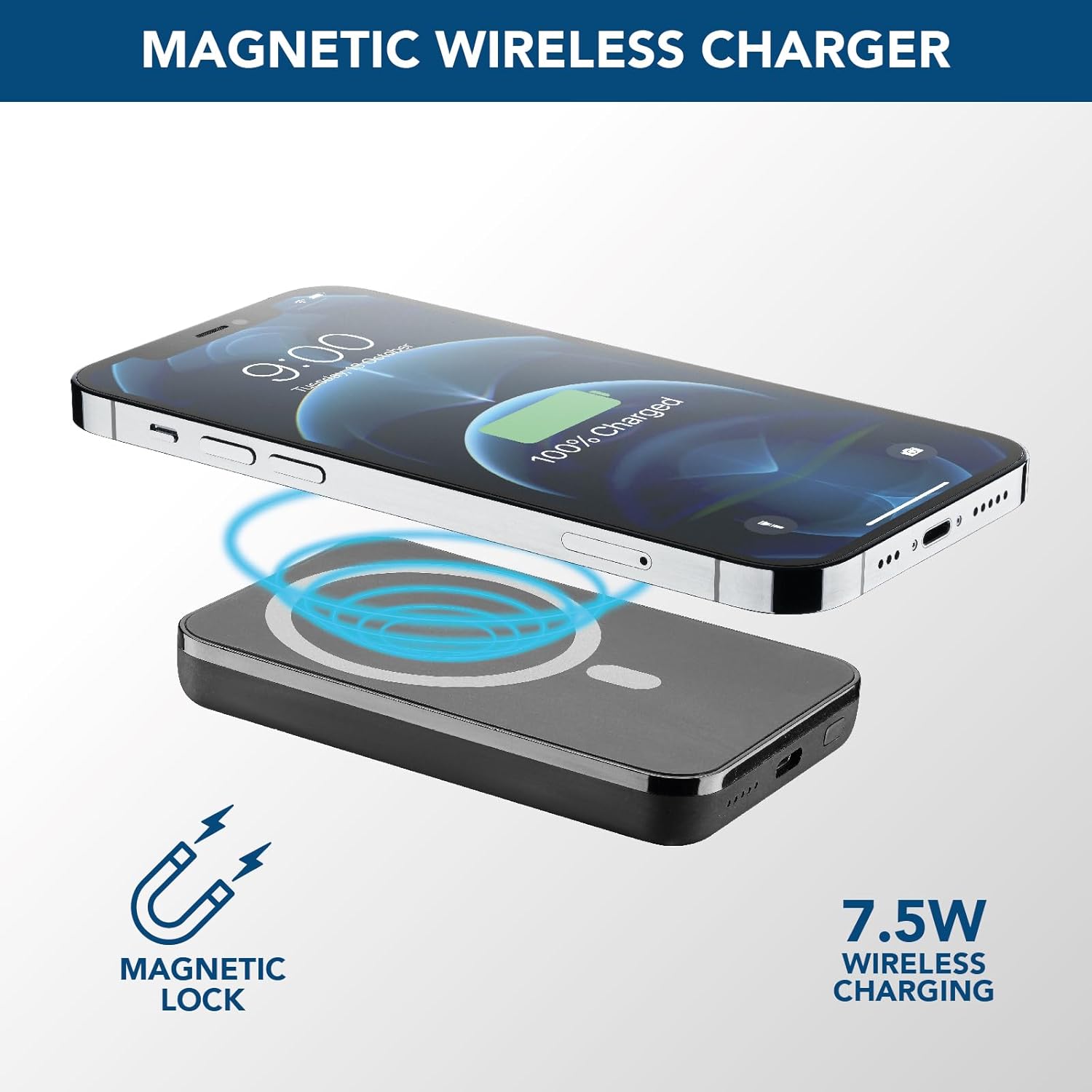
Image: An illustration showing the Cellularline power bank wirelessly charging an iPhone. Blue magnetic waves emanate from the power bank to the phone, indicating the magnetic lock and 7.5W wireless charging capability.
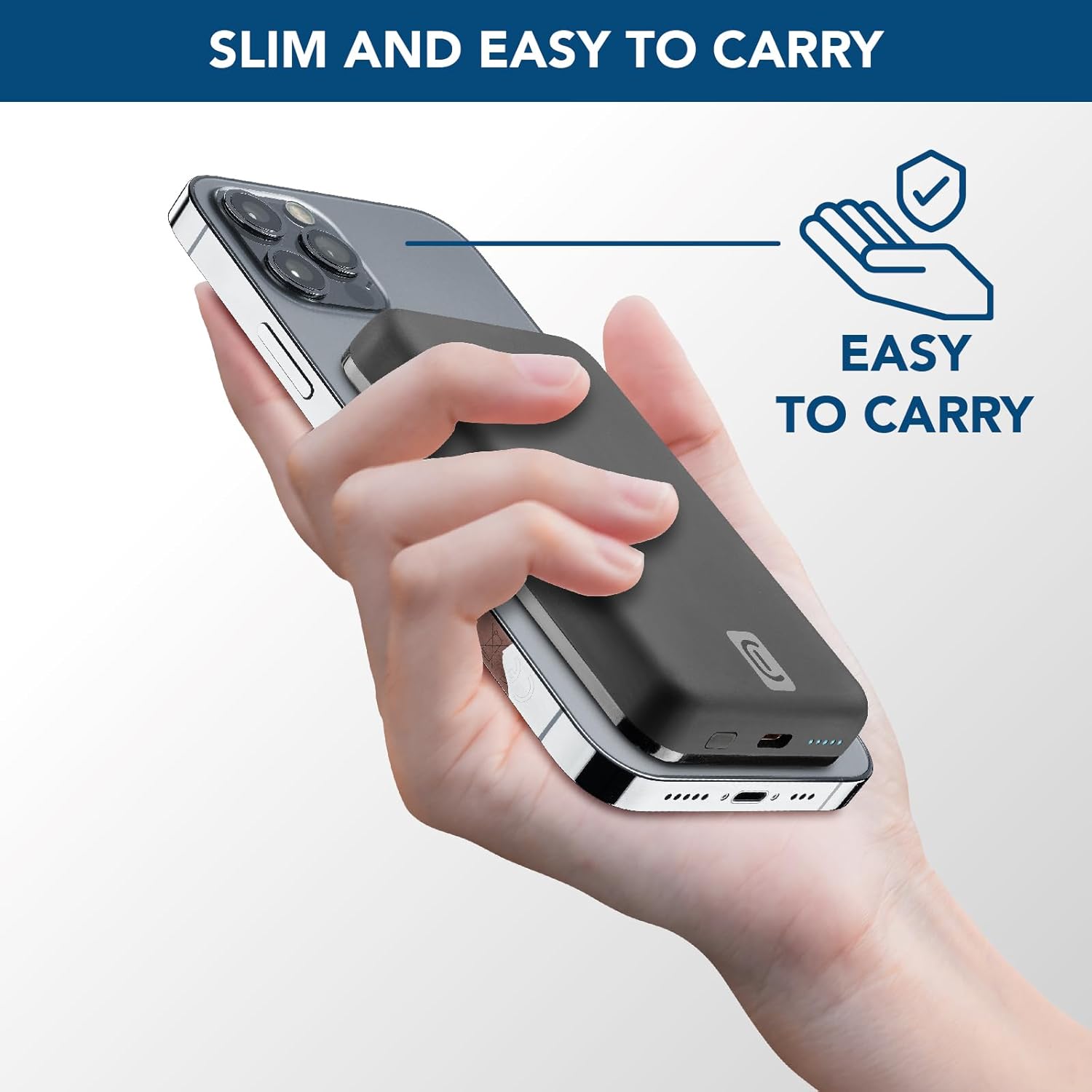
Image: A hand holding an iPhone with the Cellularline power bank magnetically attached to its back, highlighting the product's slim profile and ease of carrying.

Image: A collection of colorful MagSafe compatible phone cases, illustrating that the power bank can be used with any MagSafe case for secure magnetic attachment and charging.
Wired Charging (USB-C)
For devices that do not support wireless charging or for faster charging, use the USB-C port.
- Connect one end of a USB-C cable (the one supplied or another compatible cable) to the USB-C port on the power bank.
- Připojte druhý konec kabelu USB-C k nabíjecímu portu vašeho zařízení.
- Nabíjení se spustí automaticky.
Poznámka: Powerbanka dokáže bezdrátově nabíjet jedno zařízení a současně přes port USB-C další, i když celkový výstup může být sdílen.
Údržba
- Čištění: K čištění powerbanky používejte měkký, suchý hadřík. Nepoužívejte agresivní chemikálie ani abrazivní materiály.
- Skladování: Powerbanku skladujte na chladném a suchém místě mimo dosah přímého slunečního záření a extrémních teplot.
- Péče o baterie: Pro prodloužení životnosti baterie plně nabijte powerbanku alespoň jednou za tři měsíce, pokud ji nepoužíváte pravidelně. Vyhněte se častému úplnému vybíjení baterie.
- Zacházení: Do not drop, disassemble, or attempt to repair the power bank yourself. This can void the warranty and cause damage.
Odstraňování problémů
| Problém | Možná příčina | Řešení |
|---|---|---|
| Powerbanka se nenabíjí |
|
|
| Zařízení se nenabíjí bezdrátově |
|
|
| Zařízení se nenabíjí přes USB-C |
|
|
| Power bank gets hot during use |
|
|
Záruka a podpora
Cellularline products are designed and manufactured to the highest quality standards. For information regarding warranty coverage, technical support, or service inquiries, please refer to the warranty card included with your purchase or visit the official Cellularline webstránky. Uschovejte si prosím doklad o koupi pro případ reklamace.
Oficiální Webmísto: www.cellularline.com


