1. Úvod
Thank you for choosing the MOVESPEED 70000mAh Power Bank. This high-capacity portable charger is designed to provide reliable power for your electronic devices on the go. With its robust battery, multiple output ports, and fast-charging capabilities, it is an ideal companion for travel, outdoor activities, and daily use.
This manual provides essential information on how to safely and effectively use, maintain, and troubleshoot your power bank. Please read it thoroughly before first use and keep it for future reference.

Image: The MOVESPEED 70000mAh Power Bank, showcasing its compact design and the included USB charging cable.
2. Konec produktuview & Komponenty
The MOVESPEED 70000mAh Power Bank features a durable design with multiple input and output ports to accommodate various devices. It includes an LED display for real-time battery status.
Klíčové vlastnosti:
- Vysoká kapacita 20 000 mAh: Poskytuje prodloužený výkon pro více nabití.
- 22.5W Two-Way Super Fast Charging: Supports PD3.0 & QC3.0 protocols for rapid charging and recharging.
- 4 Outputs & 2 Inputs: Includes two 5V/2.1A USB ports, one Type-C port, and one USB 22.5W fast charge output. Inputs are Micro USB and Type-C.
- Car-Grade Batteries: Utilizes high-quality polymer energy batteries for enhanced safety and longevity.
- LED digitální displej: Shows remaining power percentage.
Identifikace součásti:

Image: Detailed diagram illustrating the location and function of the Micro USB input, Type-C input/output, and multiple USB-A output ports (A1/A2, A3) on the power bank.
- Vstup micro USB: For recharging the power bank (up to 18W).
- Port typu C: Functions as both an input (up to 18W) and an output (PD 20W).
- USB-A1 / USB-A2 Outputs: Standard 5V/2.1A outputs for general device charging.
- Výstup USB-A3: 22.5W fast charge output.
- LED displej: Digital screen showing battery percentage.
- Vypínač: Activates the LED display and initiates charging.
3. Nastavení a první použití
Nabíjení powerbanky:
Before first use, it is recommended to fully charge your MOVESPEED Power Bank. This ensures optimal performance and battery calibration.
- Connect a compatible USB charging cable (Micro USB or Type-C) to one of the power bank's input ports.
- Connect the other end of the cable to a USB wall charger (not included) or a computer's USB port. For fastest charging, use a PD or QC compatible wall charger.
- LED displej bude zobrazovat průběh nabíjení a indikovat procentuální stav baterie.tage increasing.
- Jakmile se na displeji zobrazí „100 %“, je powerbanka plně nabitá a připravená k použití.
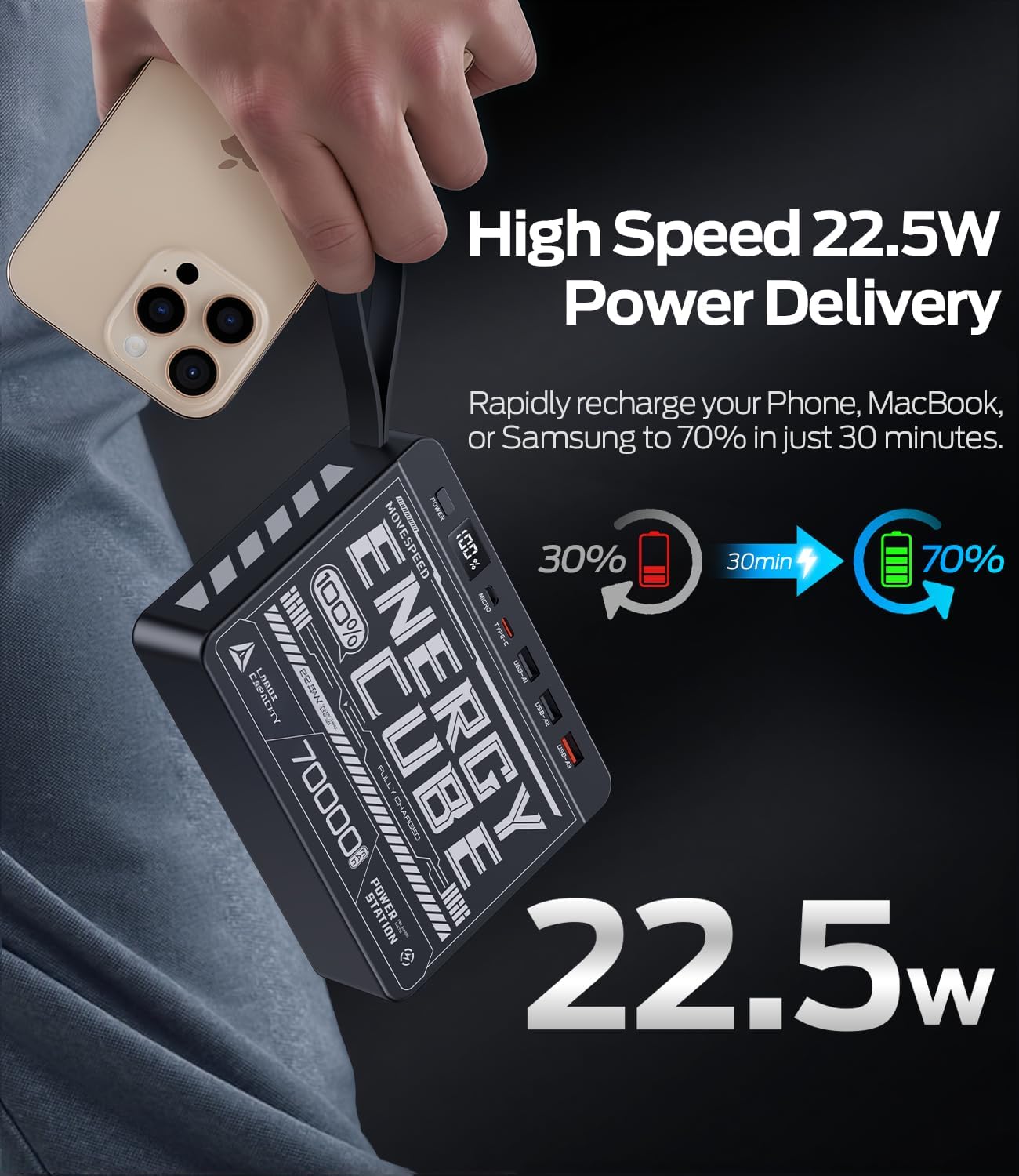
Image: The power bank's LED display clearly showing "100%", indicating a full charge.
4. Návod k obsluze
Nabíjení externích zařízení:
Powerbanka dokáže nabíjet až čtyři zařízení současně.
- Identify the correct charging cable for your device (e.g., USB-A to Lightning, USB-C to USB-C).
- Připojte jeden konec nabíjecího kabelu k zařízení.
- Connect the other end of the cable to an available output port on the power bank (USB-A1, USB-A2, USB-A3, or Type-C).
- Press the power button on the power bank to initiate charging. The LED display will illuminate, showing the remaining battery percentage.
- Vaše zařízení by se mělo začít nabíjet.
For fast charging compatible devices, use the USB-A3 (22.5W) or Type-C (PD 20W) output ports with a compatible cable.
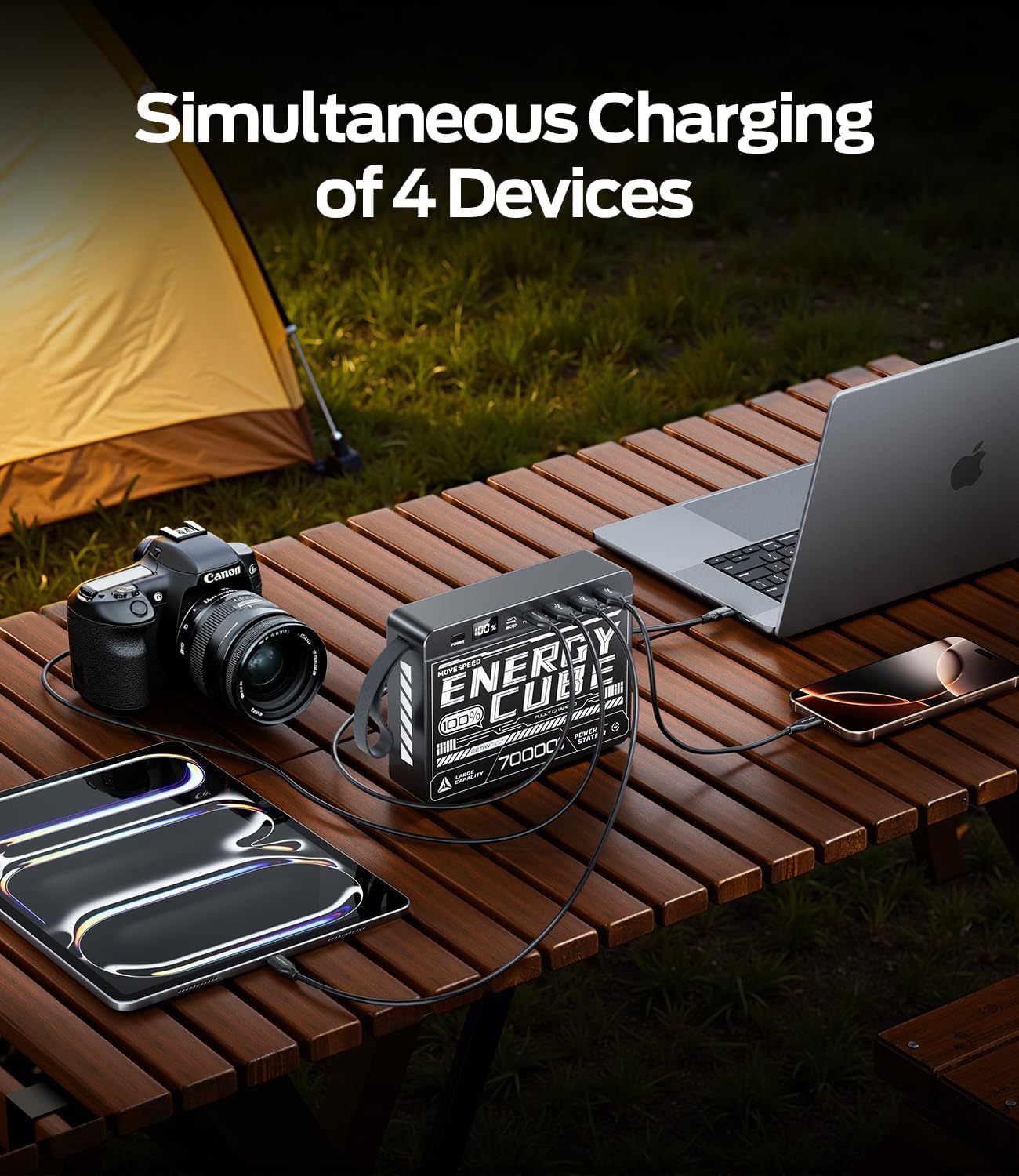
Image: The power bank connected to and charging multiple devices, including a laptop, smartphone, and tablet, demonstrating its simultaneous charging capability.
Kontrola stavu baterie:
Briefly press the power button to activate the LED display. The screen will show the current battery percentage powerbanky.
5. Bezpečnostní informace
To ensure safe operation and prolong the lifespan of your power bank, please observe the following safety guidelines:
- Nevystavujte powerbanku extrémním teplotám (nad 60 °C/140 °F nebo pod 0 °C/32 °F), přímému slunečnímu záření ani vysoké vlhkosti.
- Zabraňte pádu, nárazům nebo rozebírání zařízení.
- Keep away from water, fire, and corrosive materials.
- Nepoužívejte, pokud je powerbanka poškozená, nafouklá nebo z ní netěsní.
- Používejte pouze certifikované nabíjecí kabely a adaptéry.
- Uchovávejte mimo dosah dětí.
- Powerbanku zlikvidujte zodpovědně v souladu s místními předpisy. Nevyhazujte ji do domovního odpadu.
6. Péče a údržba
Proper care will help maintain the performance and longevity of your power bank:
- Čištění: Wipe the surface with a soft, dry cloth. Do not use harsh chemicals or abrasive cleaners.
- Skladování: Pokud powerbanku nepoužíváte, skladujte ji na chladném a suchém místě. Pro dlouhodobé skladování se doporučuje udržovat baterii nabitou přibližně na 50–70 %.
- Stav baterie: To maximize battery lifespan, avoid fully discharging the power bank frequently. Recharge it before it completely runs out of power.
7. Řešení problémů
| Problém | Možná příčina | Řešení |
|---|---|---|
| Powerbanka se nenabíjí | Problém s kabelem nebo adaptérem; powerbanka plně nabitá; vadný port. | Try a different charging cable and wall adapter. Ensure the power bank is not already at 100%. Try a different input port (Micro USB or Type-C). |
| Zařízení se nenabíjí z powerbanky | Power bank low on charge; cable issue; device not compatible; power button not pressed. | Recharge the power bank. Try a different charging cable. Ensure your device is compatible. Press the power button to activate output. |
| Pomalé nabíjení | Using a standard port instead of fast charge; cable not supporting fast charge; device not supporting fast charge. | Ensure you are using the USB-A3 (22.5W) or Type-C (PD 20W) output. Use a cable rated for fast charging. Verify your device supports fast charging protocols (PD/QC). |
| LED displej nefunguje | Powerbanka zcela vybitá; interní chyba. | Try charging the power bank for a few hours. If the issue persists, contact customer support. |
8. Specifikace
| Funkce | Detail |
|---|---|
| Číslo modelu | 70000mah-us |
| Kapacita baterie | 70000 mAh / 259 Wh |
| Micro USB vstup | 18W Max |
| Vstup typu C | 18W Max |
| Výstup typu C | PD 20W Max |
| USB-A1 / USB-A2 Output | 5V/2.1A |
| Výstup USB-A3 | 22.5W Max |
| Rozměry produktu | 15.37 x 11.4 x 3.96 cm |
| Hmotnost položky | 1.4 kg |
| Speciální funkce | Fast Charging, LED Display |
9. Záruka a podpora
MOVE SPEED products are manufactured to high quality standards. For information regarding warranty coverage, please refer to the terms and conditions provided at the time of purchase or contact your retailer.
If you encounter any issues or have questions about your MOVESPEED 70000mAh Power Bank that are not addressed in this manual, please contact MOVE SPEED customer support through the retailer's platform or the official brand webmísto pro pomoc.

Image: The product packaging and included items, typically the power bank and a charging cable.


