1. Úvod
The mophie Powerstation 2023 is a high-capacity portable power bank designed to provide reliable and fast charging for your mobile devices on the go. With its 10,000 mAh internal battery, it offers multiple charges for smartphones and other USB-powered devices. Featuring both USB-C Power Delivery (PD) and USB-A ports, it ensures versatile and efficient charging.
Klíčové vlastnosti:
- 10,000 mAh high-capacity internal battery for multiple device charges.
- 20W USB-C Power Delivery (PD) port for ultra-fast charging (up to 50% in 30 minutes).
- Two additional USB-A ports for charging up to three devices simultaneously.
- Integrated 4-light LED power indicator to display charging status and battery life.
- Durable fabric finish that resists scuffs and scratches.
- Kompaktní design vhodný pro cestování.
- Manufactured using 50% post-consumer recycled plastic.
2. Co je v krabici
- mophie Powerstation 2023 10,000 mAh Power Bank
- Nabíjecí kabel USB-A na USB-C
- Stručný průvodce (není součástí této příručky)
3. Konec produktuview

Figure 1: mophie Powerstation 2023 10,000 mAh Power Bank

Figure 2: Versatile Input/Output USB-C PD Port and USB-A Ports. The USB-C port can be used for both charging the power bank and charging devices, while the two USB-A ports are for output only.

Figure 3: LED Power Indicator. The integrated four-light LED power indicator displays the charging status and current battery life of the power bank.
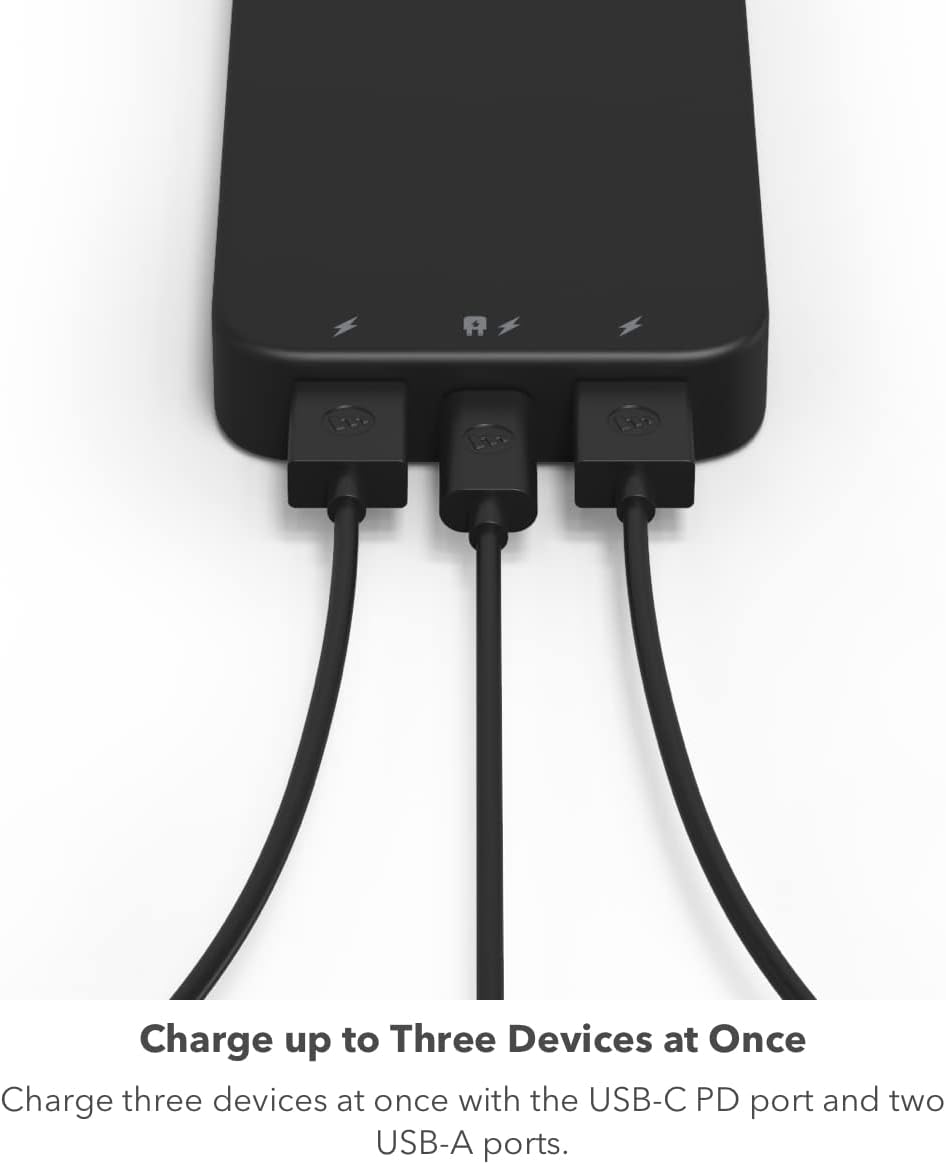
Figure 4: Charge up to Three Devices at Once. The power bank allows simultaneous charging of up to three devices using its USB-C PD and two USB-A ports.
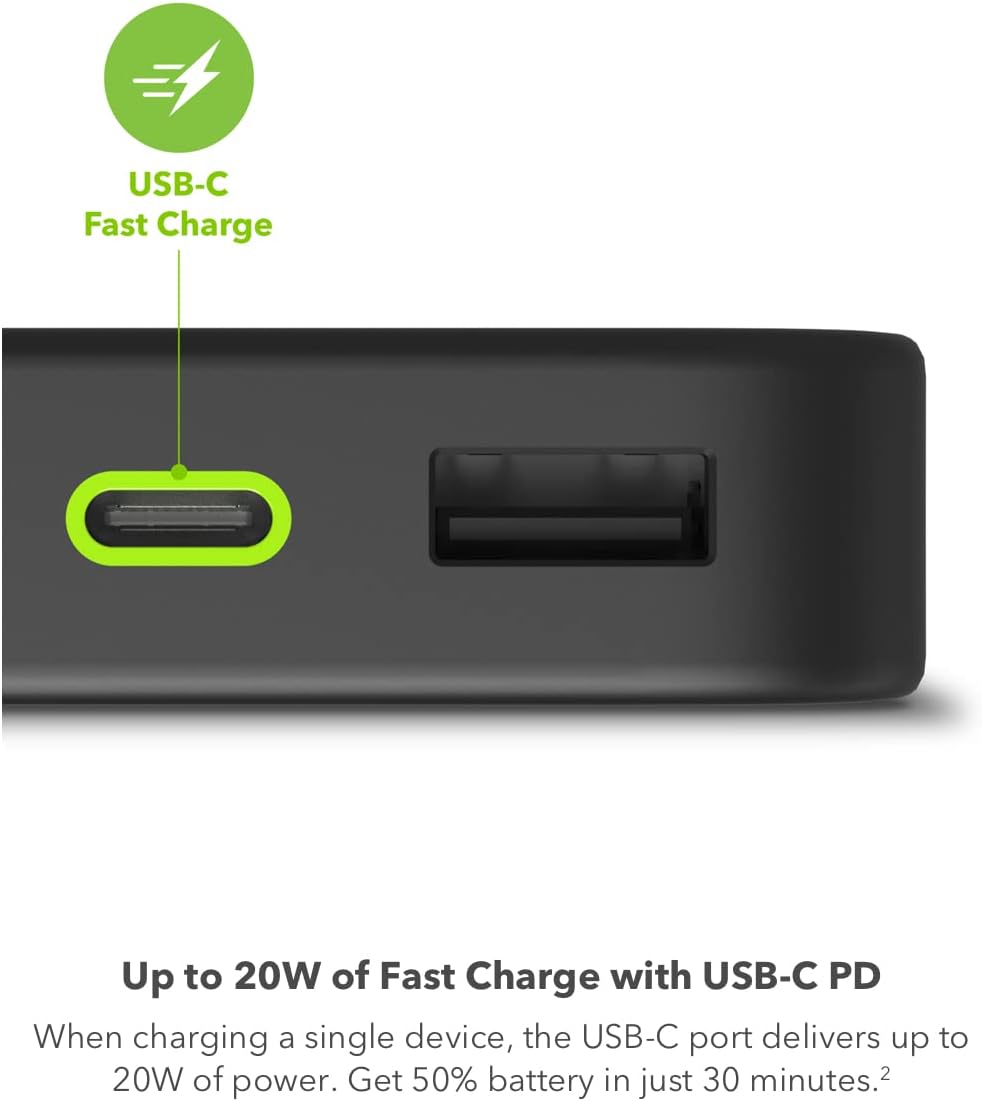
Figure 5: Up to 20W of Fast Charge with USB-C PD. When charging a single device, the USB-C port delivers up to 20W of power, providing up to 50% battery in just 30 minutes for compatible devices.

Figure 6: Up to Two Full Phone Charges. The 10,000 mAh capacity can provide a smartphone with up to two full charges.

Figure 7: Compact and Convenient. The lightweight, portable powerstation fits easily in your bag, making it ideal for travel.

Figure 8: Sustainable Design. The powerstation is manufactured using 50% post-consumer recycled plastic.
4. Nastavení
4.1 Initial Charging of the Powerstation
Before first use, it is recommended to fully charge your mophie Powerstation. Use the included USB-A to USB-C cable to connect the power bank's USB-C port to a compatible USB wall adapter (not included). For optimal charging speed, a 20W or higher USB-C PD wall adapter is recommended. The LED indicator lights will illuminate to show the charging progress. All four lights will be solid when fully charged.
- Connect the small end of the USB-A to USB-C cable to the USB-C port on the Powerstation.
- Connect the USB-A end of the cable to a USB wall adapter.
- Zapojte nástěnný adaptér do elektrické zásuvky.
- The LED indicator lights will blink during charging and remain solid when fully charged.
5. Návod k obsluze
5.1 Nabíjení vašich zařízení
The mophie Powerstation can charge up to three devices simultaneously using its USB-C PD port and two USB-A ports.
- Pro zařízení s USB-C: Connect your device to the Powerstation's USB-C port using a compatible USB-C to USB-C cable (not included) or the included USB-A to USB-C cable if your device supports USB-A input.
- For USB-A Devices: Connect your device to one of the Powerstation's USB-A ports using a compatible USB-A cable (not included).
- The Powerstation will automatically begin charging your device. The LED indicator lights will show the remaining battery life.
- For fastest charging, use the USB-C PD port with a single compatible device.
5.2 Kontrola stavu baterie
Press the power button on the side of the Powerstation to check its current battery level. The LED indicator lights will illuminate:
- 4 lights: 75-100% charged
- 3 lights: 50-75% charged
- 2 lights: 25-50% charged
- 1 light: 0-25% charged (recharge soon)
6. Údržba
- Keep the Powerstation dry and away from moisture.
- Vyhněte se extrémním teplotám.
- Povrch čistěte měkkým, suchým hadříkem. Nepoužívejte agresivní chemikálie ani abrazivní materiály.
- Pokud se nepoužívá, skladujte na chladném a suchém místě.
- Nepokoušejte se zařízení sami rozebírat nebo opravovat.
7. Řešení problémů
7.1 Powerstation Not Charging
- Ensure the charging cable is securely connected to both the Powerstation and the wall adapter.
- Verify that the wall adapter is functioning correctly and the power outlet is active.
- Try using a different USB-C cable or wall adapter.
- For initial charging, especially if the power bank is completely depleted, it may take some time for the LED indicators to respond. Ensure you are using a sufficiently powerful wall adapter (e.g., 20W) for efficient initial charging.
7.2 Device Not Charging from Powerstation
- Ensure the Powerstation has sufficient charge (check LED indicators).
- Verify that the charging cable connecting your device to the Powerstation is not damaged and is securely connected.
- Try using a different port on the Powerstation.
- Ensure your device is compatible with the Powerstation's output (USB-A or USB-C).
- If charging multiple devices, ensure the combined power draw does not exceed the Powerstation's output capabilities.
7.3 Pomalé nabíjení
- Ujistěte se, že používáte vysoce kvalitní a kompatibilní nabíjecí kabel.
- For fast charging, use the USB-C PD port with a single compatible device. Charging multiple devices simultaneously may reduce individual charging speeds.
- Ensure your device supports fast charging protocols (e.g., USB-C PD) to utilize the Powerstation's full speed capabilities.
8. Specifikace
| Funkce | Detail |
|---|---|
| Číslo modelu | PS-2023-10K |
| Kapacita baterie | 10,000 XNUMX mAh |
| Rozměry produktu | 5.5 x 2.8 x 0.7 palce |
| Hmotnost položky | 13.7 unce |
| USB-C PD výstup | Až 20W |
| Výstup USB-A | 18W (shared with other ports) |
| Total Combined Output | Up to 15W (when all ports are used simultaneously) |
| Typ konektoru | USB typu A, USB typu C |
| Výrobce | Mophie |
| Barva | Černý |
9. Záruka a podpora
For warranty information and customer support, please refer to the official mophie webnebo se obraťte přímo na jejich zákaznický servis. Uschovejte si doklad o koupi pro případné reklamace.
mophie Support: www.mophie.com/support


