Vítejte
Thank you for choosing the Abovsare Digital Alarm Clock. This modern and stylish clock is designed to provide clear time, date, and temperature displays with convenient features like automatic brightness adjustment and multiple alarm options. Please read this manual carefully to ensure proper setup and operation.
Obsah balení
- Abovsare Digital Alarm Clock Unit
- Napájecí kabel USB
- Uživatelská příručka
Konec produktuview

Přední view of the Abovsare Digital Alarm Clock showing large blue LED time display, temperature, and date.
Ovládací prvky a tlačítka
| Tlačítko/Funkce | Funkce |
|---|---|
| NASTAVENÍ ČASU | Vstupte do režimu nastavení času/data. |
| NAHORU / DOLŮ | Adjust values during setting; adjust alarm volume. |
| NASTAVENÍ ALARMU | Vstupte do režimu nastavení budíku. |
| ON/OFF | Turn alarm on/off. |
| LIGHT (Top Touch) | Adjust display brightness (5 levels). |
| ° C / ° F | Switch temperature display between Celsius and Fahrenheit. |
| TUNES | Select alarm ringtones. |
| 12/24 | Přepínání mezi 12hodinovým a 24hodinovým formátem času. |
Nastavení
Připojení napájení
The Abovsare Digital Alarm Clock requires continuous power via the provided USB cable. It is ne battery operated for primary function. Connect the USB cable to the clock and a 5V/1A or 5V/2A USB adapter (not included). Nadměrný objemtage may cause screen damage.

Image showing the USB power connection for the clock.
Funkce paměti
The clock features a built-in memory function with a CR2025 3V button battery (pre-installed) to retain time data during power disconnection, eliminating the need for resetting after a power outage.

Illustration demonstrating the memory function of the clock, showing time retention after power loss.
Návod k obsluze
Nastavení času a data
- Stiskněte a podržte NASTAVENÍ ČASU tlačítko na zadní straně hodin, dokud nezačnou blikat číslice hodin.
- Použijte UP a DOLŮ tlačítka pro nastavení hodiny. Stiskněte NASTAVENÍ ČASU potvrdit.
- Postup opakujte pro minuty, rok, měsíc a den.
- Stiskněte NASTAVENÍ ČASU naposledy pro ukončení režimu nastavení.
Nastavení jasu
The clock offers 5 levels of brightness. Briefly touch the SVĚTLO button on the top of the clock to cycle through the brightness levels. The clock also features an automatic brightness dimmer that adjusts based on the time of day:
- 7:00 - 17:59: Highlight brightness
- 18:00 - 22:59: Střední jas
- 23:00 - 5:59: Darkest brightness
- 6:00 - 6:59: Medium highlight
Note: When adjusting the buttons on the back of the clock, do not accidentally touch the top touch keys with your fingers at the same time, otherwise the functions will conflict. Manual adjustments are remembered for each period.
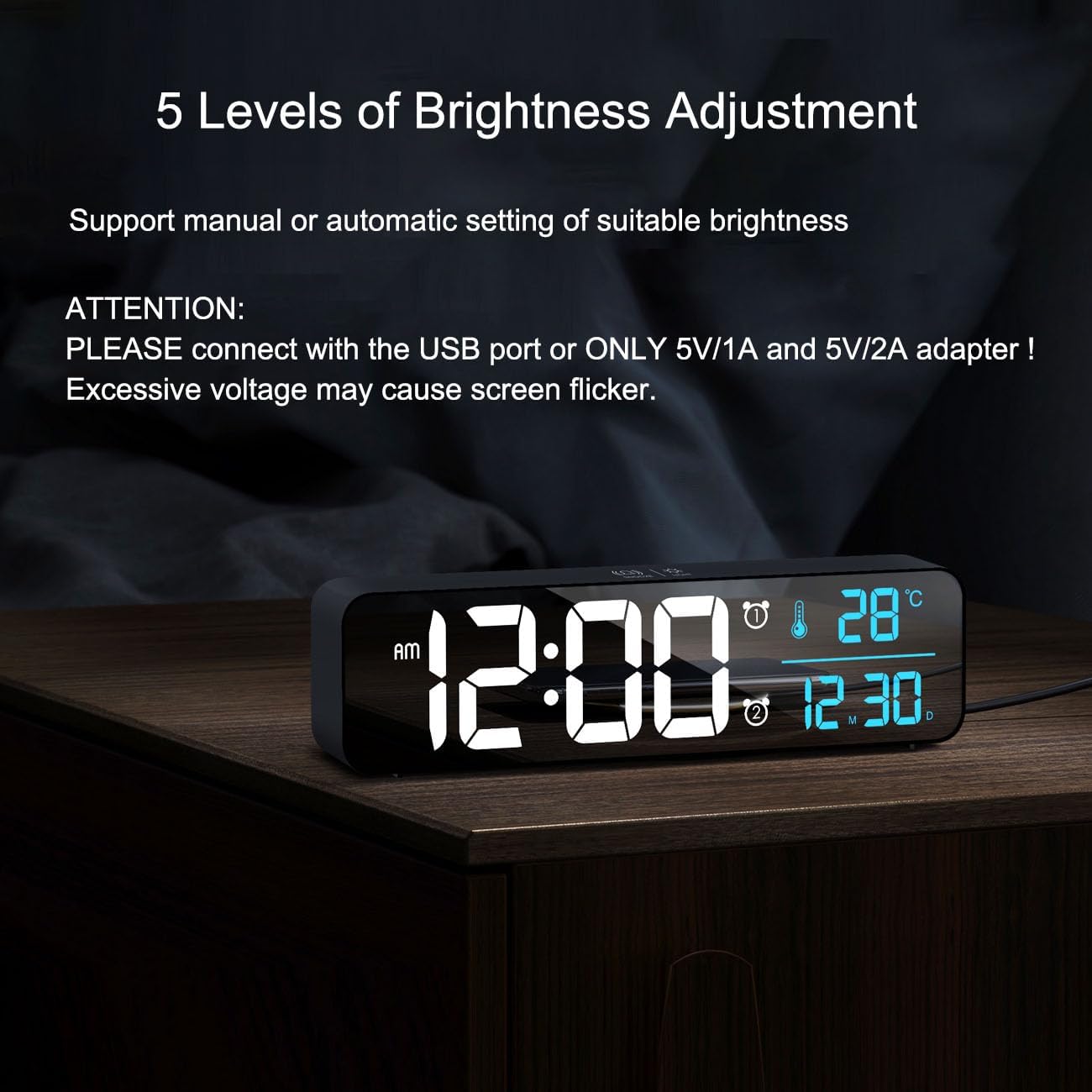
Image illustrating the 5 levels of brightness adjustment on the digital clock.
Nastavení budíků
You can set two separate alarms on this clock:
- Stiskněte tlačítko NASTAVENÍ ALARMU button to enter Alarm 1 setting mode. The alarm time will flash.
- Použijte UP a DOLŮ buttons to adjust the hour and minutes. Press NASTAVENÍ ALARMU k potvrzení každého z nich.
- Stiskněte NASTAVENÍ ALARMU again to enter Alarm 2 setting mode and repeat the steps.
- To enable or disable an alarm, press the ON/OFF tlačítko.
The clock offers 40 different ringtones and 4 volume levels. Use the TUNES button to cycle through ringtones and adjust the alarm volume using the UP a DOLŮ buttons when in alarm setting mode.
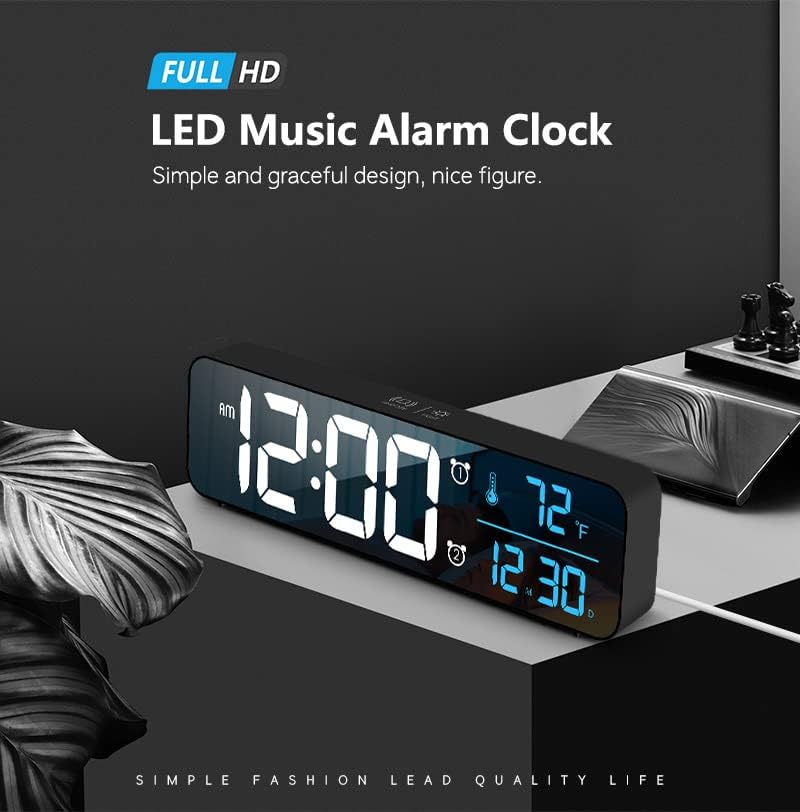
Detailní záběr view of the digital clock displaying alarm settings and temperature.
Temperature and Date Display
The clock continuously displays the indoor temperature and the current date (month and day). To switch the temperature unit between Celsius and Fahrenheit, press the ° C / ° F tlačítko na zadní straně hodin.
Údržba
To ensure the longevity and optimal performance of your Abovsare Digital Alarm Clock, follow these simple care and maintenance guidelines:
- Čištění: Jemně otřete displej a casing with a soft, dry, lint-free cloth. Avoid using abrasive cleaners, solvents, or chemical sprays, as these can damage the mirror finish and electronic components.
- Umístění: Place the clock on a stable, flat surface or mount it securely on a wall using the double wall hanging holes. Avoid direct sunlight, extreme temperatures, and high humidity.
- Moc: Always use a compatible 5V/1A or 5V/2A USB adapter. Disconnect power during electrical storms or when not in use for extended periods.
Průvodce řešením problémů
| Problém | Řešení |
|---|---|
| Display is off or flickering. | Ensure the USB power cable is securely connected to both the clock and a compatible 5V/1A or 5V/2A USB adapter. Avoid using higher voltage adaptéry. |
| Time/Date not retained after power loss. | Check if the internal CR2025 3V button battery is correctly installed and has sufficient power. Replace if necessary. |
| Buttons on the back are unresponsive. | Avoid touching the top touch keys (Snooze/Light) while adjusting buttons on the back, as this can cause functional conflicts. |
| Alarm se nespustí. | Verify that the alarm is enabled (check the alarm icon on the display) and that the alarm volume is set to an audible level using the UP/DOWN buttons. |
Technické specifikace
| Značka | Abovsare |
| Číslo modelu | 8810 |
| Typ zobrazení | Digitální LED |
| Zdroj napájení | Corded Electric (USB 5V/1A or 5V/2A) |
| Rozměry produktu | 10.4 cm Š x 2.8 cm V |
| Hmotnost položky | 7 uncí |
| Speciální funkce | Large Display, Automatic Brightness Dimmer, Memory Function, Multiple Ringtones |
| Materiál | Plast |
| Typ montáže | Tabletop or Wall-mountable |
Záruka a podpora
Informace o záruce
This product comes with a standard manufacturer's warranty. Please refer to the product packaging or contact customer support for specific details regarding warranty coverage and duration.
Zákaznická podpora
For further assistance, technical support, or inquiries, please visit the official Abovsare store on Amazon: Abovsare Store.


