1. Úvod
Děkuji za nákupasing the Yifeng Wireless Keyboard. This keyboard offers versatile connectivity options, supporting both 2.4 GHz USB wireless and Bluetooth connections. It is designed for multi-device use, allowing simultaneous pairing with up to four devices and quick switching between them. Featuring a comfortable scissor-switch mechanism and an integrated stand, it enhances productivity across various platforms including Windows, iOS, and Android devices.
2. Bezpečnostní informace
- Nevystavujte klávesnici tekutinám ani extrémním teplotám.
- Avoid disassembling or attempting to repair the device yourself.
- Uchovávejte mimo dosah dětí.
- K nabíjení používejte pouze dodaný USB kabel.
3. Obsah balení
Zkontrolujte prosím, zda jsou přítomny všechny položky:
- Yifeng Wireless Keyboard
- USB nabíjecí kabel
- 2.4 GHz USB Receiver (may be stored in the keyboard's battery compartment)
- Uživatelská příručka (tento dokument)
4. Nastavení
4.1. 2.4 GHz USB Wireless Connection
- Locate the 2.4 GHz USB receiver. It is often stored in a dedicated slot on the keyboard.
- Zapojte USB přijímač do volného USB portu na vašem počítači nebo zařízení.
- Zapněte klávesnici pomocí vypínače (obvykle se nachází na boku nebo vzadu).
- The keyboard should automatically connect to your device. If not, press the dedicated 2.4GHz connection key (often labeled with a '4' or '2.4G' icon) to activate pairing mode.
4.2. Připojení Bluetooth
- Ujistěte se, že je klávesnice nabitá a zapnutá.
- Press and hold one of the Bluetooth channel keys (e.g., Bluetooth 1, Bluetooth 2nebo Bluetooth 3) for 3-5 seconds until the indicator light flashes, indicating pairing mode.
- On your device (tablet, smartphone, PC), go to Bluetooth settings and enable Bluetooth.
- Hledat available devices. The keyboard should appear as "Yifeng Keyboard" or similar.
- Vyberte klávesnici, kterou chcete spárovat. Postupujte podle pokynů na obrazovce, například zadejte párovací kód.
- Po spárování kontrolka přestane blikat a zůstane několik sekund svítit nepřetržitě.
4.3. Multi-Device Pairing
This keyboard supports connecting up to 4 devices simultaneously: one via 2.4 GHz USB and three via Bluetooth. Follow the steps above to pair each device to a different channel (2.4GHz, Bluetooth 1, Bluetooth 2, Bluetooth 3).
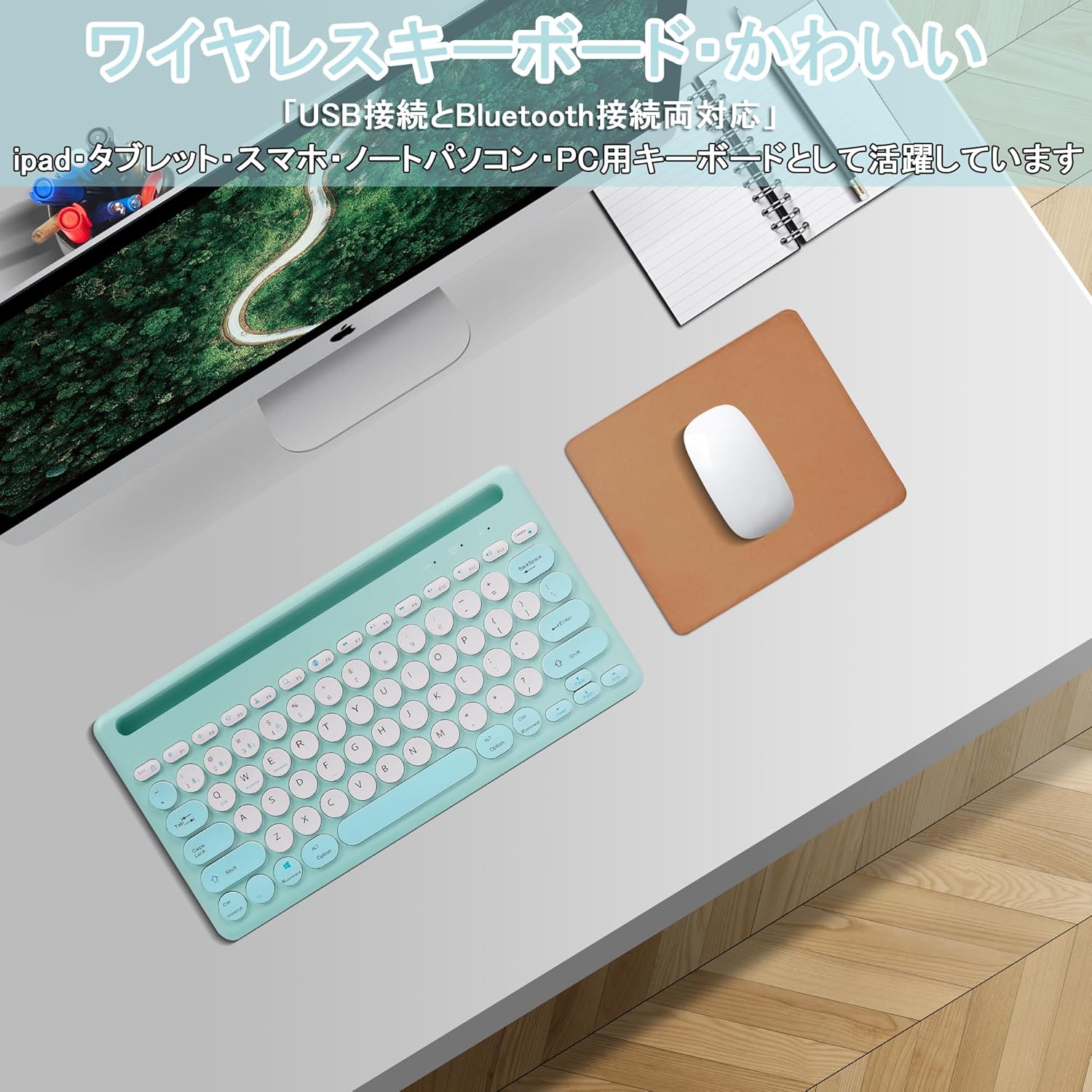
Image: The Yifeng Wireless Keyboard connected to a tablet, smartphone, and laptop, demonstrating its multi-device pairing capability.
5. Návod k obsluze
5.1. Přepínání mezi připojenými zařízeními
To switch between your paired devices, simply press the corresponding connection key:
- Stiskněte Bluetooth 1 to switch to the first Bluetooth device.
- Stiskněte Bluetooth 2 to switch to the second Bluetooth device.
- Stiskněte Bluetooth 3 to switch to the third Bluetooth device.
- Stiskněte tlačítko 2.4 GHz key (often labeled with a '4' or '2.4G' icon) to switch to the USB wireless device.
5.2. Přepínání kompatibility systému
The keyboard supports Windows, iOS, and Android operating systems. Use the dedicated system keys to optimize key functions for your current device:
- Stiskněte Fn + Q pro iOS.
- Stiskněte Fn + W pro Android.
- Stiskněte Fn + E pro Windows.
5.3. Nabíjení klávesnice
The keyboard features a built-in rechargeable lithium-ion battery. A single full charge provides approximately 30 days of continuous use.
- Connect the included USB charging cable to the charging port on the keyboard.
- Zapojte druhý konec kabelu USB do zdroje napájení USB (např. portu USB počítače, adaptéru do zásuvky).
- Kontrolka nabíjení se během nabíjení rozsvítí a po úplném nabití zhasne.

Image: The Yifeng Wireless Keyboard connected to a power strip via its USB charging cable, indicating the rechargeable feature.
5.4. Používání integrovaného stojanu
The keyboard includes an integrated stand slot at the top, designed to hold your tablet or smartphone upright. This allows for comfortable viewing and typing, making it ideal for document creation, chatting, or watching media while commenting.
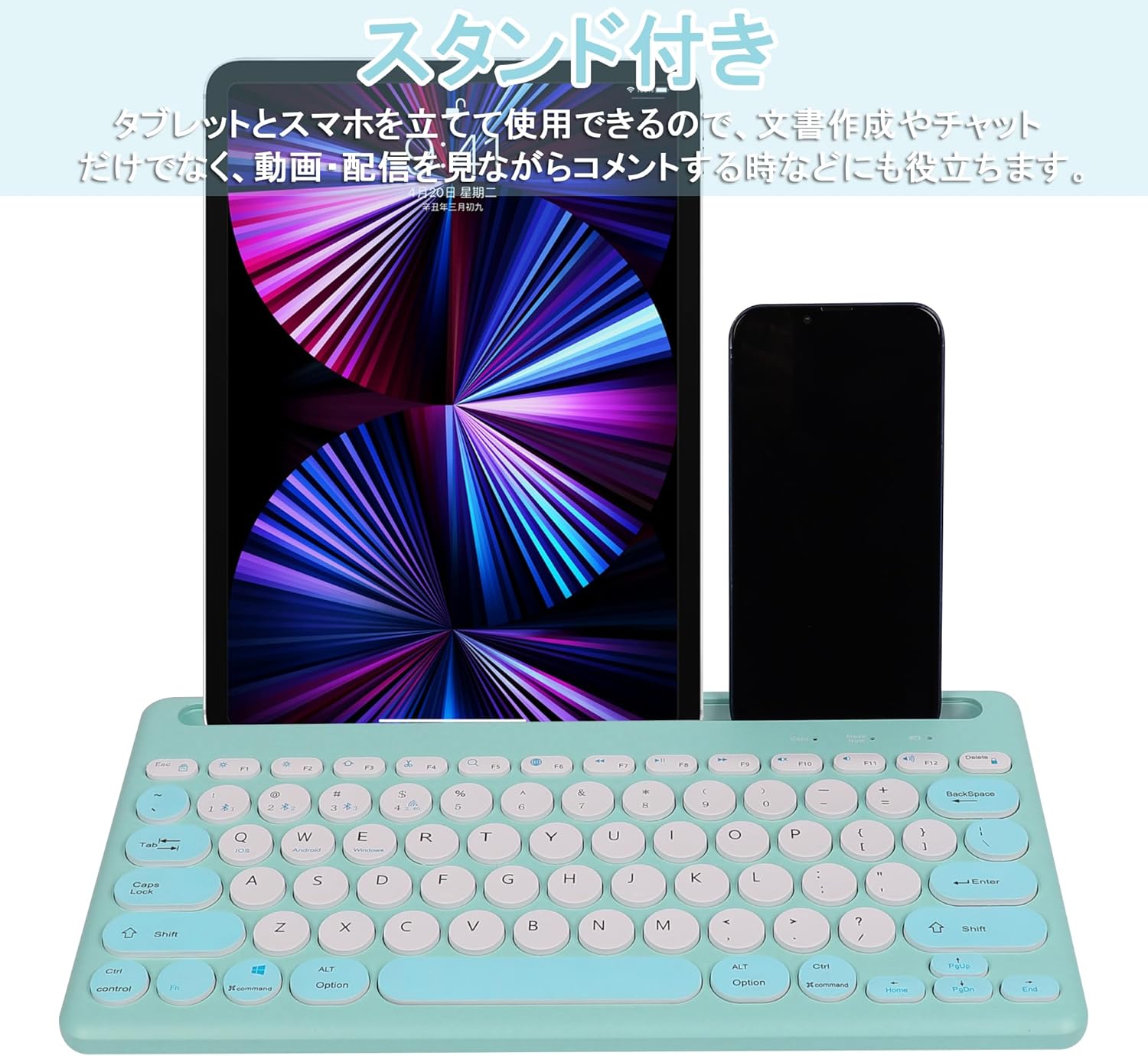
Image: The Yifeng Wireless Keyboard with a tablet and smartphone securely positioned in its integrated stand, demonstrating its utility for multi-device setups.
6. Údržba
- Clean the keyboard regularly with a soft, dry cloth. For stubborn dirt, a slightly damp Lze použít hadřík, abyste zajistili, že se do klávesnice nedostane vlhkost.
- Vyhněte se používání agresivních chemikálií nebo abrazivních čisticích prostředků.
- Store the keyboard in a cool, dry place when not in use.
- The keyboard features anti-slip pads on the back for stable use. Ensure these pads are clean and intact for optimal stability.

Image: The underside of the Yifeng Wireless Keyboard, highlighting the four anti-slip pads designed for stable placement on various surfaces.
7. Řešení problémů
7.1. Klávesnice se nepřipojuje
- Zkontrolujte napájení: Ujistěte se, že je klávesnice zapnutá a má dostatečně nabitou baterii.
- Opravit: For Bluetooth, delete the keyboard from your device's Bluetooth list and attempt to pair again. For 2.4 GHz USB, try plugging the receiver into a different USB port.
- Přepnout kanály: Ensure you have selected the correct channel (Bluetooth 1/2/3 or 2.4GHz) for your device.
- Bluetooth zařízení: Verify that Bluetooth is enabled on your device and that it is discoverable.
7.2. Klávesy nereagují
- Úroveň baterie: Pokud je baterie klávesnice vybitá, dobijte ji.
- Systémový režim: Ensure the keyboard is set to the correct operating system mode (Windows, iOS, Android) using Fn + Q/W/E.
- Rušení: Přesuňte klávesnici blíže k zařízení a dále od jiných bezdrátových zařízení, která by mohla způsobovat rušení.
7.3. Problémy s nabíjením
- Kontrola kabelu: Ensure the USB charging cable is securely connected to both the keyboard and the power source.
- Zdroj napájení: Zkuste jiný USB port nebo adaptér do zásuvky.
- Kontrolka: If the charging indicator light does not turn on, the cable or power source may be faulty.
8. Specifikace
| Značka | Yifeng |
| Číslo modelu | AMWS0584A-L |
| Technologie připojení | Bluetooth, 2.4 GHz Wireless (USB) |
| Kompatibilní zařízení | Tablets, Smartphones, PCs, Laptops (Windows, iOS, Android) |
| Rozložení klávesnice | QWERTY (americké rozložení) |
| Klíčový mechanismus | Nůžkový spínač |
| Speciální funkce | Rechargeable, Integrated Stand, Multi-Pairing (4 devices) |
| Typ baterie | 1 lithium-iontová baterie (součástí balení) |
| Životnost baterie | Approx. 30 days (per charge) |
| Rozměry | 33.7 x 16.7 x 2.9 cm |
| Hmotnost | 820 g |
| Zahrnuté komponenty | USB kabel |
9. Záruka a podpora
Tento produkt je dodáván s a 1letá záruka kvality from the date of purchase. In case of initial defects or malfunctions occurring within the warranty period, we offer return or exchange services.
Should you encounter any issues or require assistance, please contact us directly through your purchase platform:
- Jděte do svého Historie objednávek.
- Select the order for this product.
- Klikněte na Kontaktovat prodejce.
Our support team will be happy to assist you.