1. Konec produktuview
The Wasserstein Solar Charger and Mount is designed to provide continuous solar power to your Blink Video Doorbell, eliminating the need for frequent battery replacements. This device harnesses solar energy to keep your doorbell charged, ensuring uninterrupted operation.

Image 1.1: Wasserstein Solar Charger and Mount with Blink Video Doorbell installed.
2. Obsah balení
Zkontrolujte prosím, zda jsou v balení přítomny všechny komponenty:
- 1x Solar Charger Unit (with integrated solar panels and mounting bracket)
- 1x Set of Mounting Screws and Wall Anchors
- 2x Blink Video Doorbell Backplates (for 2-hole and 3-hole configurations)
- 1x Uživatelská příručka (tento dokument)
3. Kompatibilita
This solar charger is specifically designed for the Blink Video domovní zvonek and supports both its two-hole and three-hole backplates. It is Nekompatibilní with the All-New Blink Video Doorbell (2nd Gen) or other doorbell brands such as Ring or Arlo.
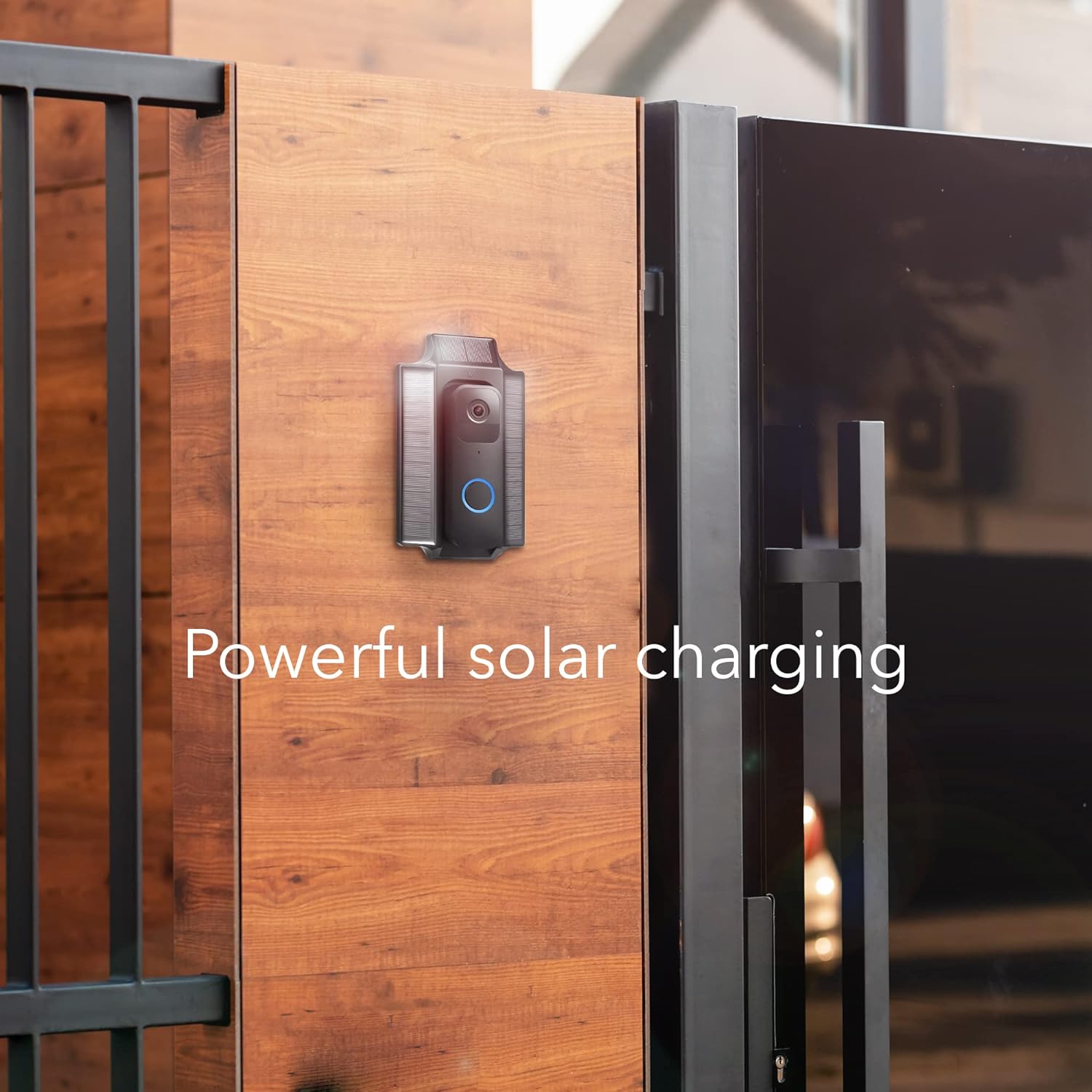
Image 3.1: Visual guide to doorbell compatibility.
4. Nastavení a instalace
Follow these steps to install your Wasserstein Solar Charger and Mount:
- Pre-Installation Charge: Before mounting, place the solar charger in direct sunlight for at least 8 hours to ensure an initial charge.
- Vyberte místo montáže: Vyberte místo, které přijímá ample direct sunlight throughout the day for optimal charging performance.
- Mount the Solar Charger:
- Position the solar charger's mounting bracket against the wall at your desired location.
- Označte otvory pro šrouby tužkou.
- Drill pilot holes if necessary and insert the wall anchors.
- Připevněte montážní držák ke zdi pomocí dodaných šroubů.

Image 4.1: Mounting screws and wall anchors.
- Attach Blink Video Doorbell:
- Remove the existing backplate from your Blink Video Doorbell.
- Select the appropriate backplate (2-hole or 3-hole) provided with the solar charger that matches your doorbell model.
- Connect the charging cable from the solar charger to your Blink Video Doorbell.
- Carefully align and press your Blink Video Doorbell into the solar charger mount until it clicks securely into place.

Image 4.2: Blink Video Doorbell backplates.

Image 4.3: Inserting the Blink Video Doorbell into the solar charger mount.
Instalační video průvodce
Video 4.1: Official installation guide for the Wasserstein Solar Charger for Blink Video Doorbell.
5. Návod k obsluze
The Wasserstein Solar Charger is designed for automatic and continuous operation:
- Trvalý výkon: Once installed and exposed to sunlight, the solar panels will continuously charge your Blink Video Doorbell's internal battery.
- Skladování energie: The charger features smart solar storage, allowing it to store energy during daylight hours and deliver power to your doorbell even when direct sunlight is not available. This minimizes downtime and ensures your doorbell remains operational.

Image 5.1: The solar charger provides power to the doorbell.
6. Údržba
The solar charger is constructed from rugged, weather-resistant materials for outdoor use, requiring minimal maintenance.
- Čištění: Periodically inspect the solar panels for dirt, dust, or debris. Gently wipe the panels with a soft, damp cloth to ensure maximum sunlight absorption. Avoid using harsh chemicals or abrasive materials.
- Ochrana životního prostředí: The unit is designed to withstand various weather conditions, including rain and snow.
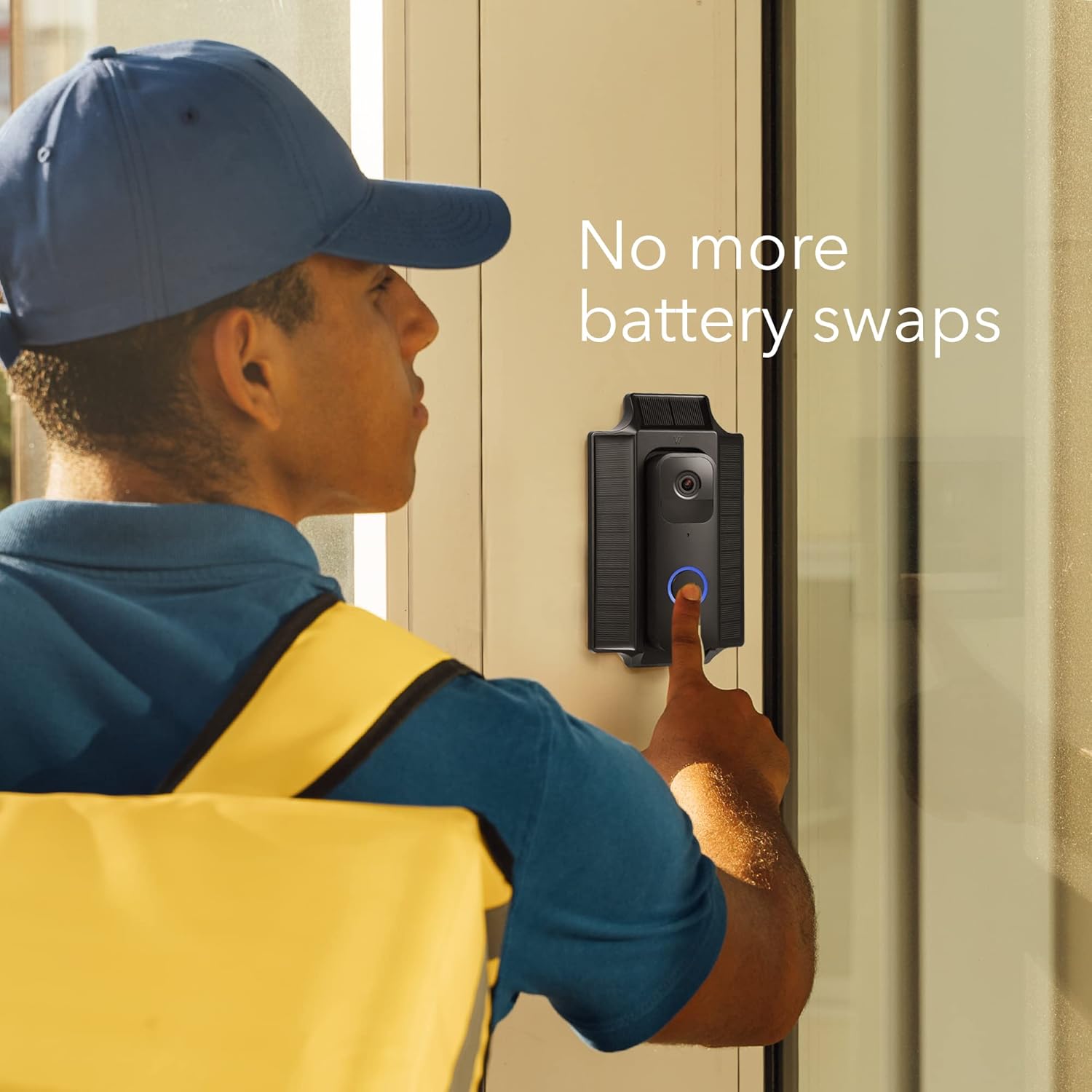
Image 6.1: The solar charger is built with weatherproof materials.
7. Řešení problémů
If your Blink Video Doorbell is not charging as expected, consider the following:
- Vystavení slunečnímu světlu: Ensure the solar panels receive at least 4-6 hours of direct, unobstructed sunlight daily. Shaded areas will significantly reduce charging efficiency.
- Počáteční poplatek: Confirm that the solar charger was pre-charged in direct sunlight for 8 hours before connecting it to the doorbell.
- Kabelové připojení: Check that the charging cable is securely connected to both the solar charger and the Blink Video Doorbell.
- Kompatibilita: Double-check that your doorbell is the standard Blink Video Doorbell model and not the All-New Blink Video Doorbell (2nd Gen), as this product is not compatible with the latter.
- Debris on Panels: Clean the solar panels if they are covered in dirt, dust, or snow, which can hinder charging.
8. Specifikace
| Funkce | Detail |
|---|---|
| Rozměry produktu | 9.25 x 5.12 x 2.32 palce |
| Hmotnost položky | 12.3 unce |
| Číslo modelu položky | BlinkDBSolarCharBlkUSN |
| Výrobce | Wasserstein |
| Značka | Wasserstein |
| Typ konektoru | Sudový konektor |
| Kompatibilní zařízení | Blink Video domovní zvonek |
| Zahrnuté komponenty | Solar panel, mounting hardware |
| Speciální funkce | Solární napájení |
| Barva | Černý |
| Vstupní objemtage | 9 voltů |
| Wattage | 1 wattů |
9. Záruka a podpora
Specific warranty information for this product is not provided in the available data. Please refer to the product packaging or the manufacturer's official webpodrobné záruční podmínky a kontaktní informace na zákaznickou podporu naleznete na webu.


