Zavedení
This manual provides comprehensive instructions for the setup, operation, and maintenance of your Karlsson Silver Mirror LED Alarm Clock. Please read this manual thoroughly before using the device to ensure proper function and longevity.
Bezpečnostní informace
- Udržujte zařízení mimo dosah vody a vysoké vlhkosti.
- Nevystavujte zařízení extrémním teplotám nebo přímému slunečnímu záření.
- Use only the provided USB adapter or a compatible power source.
- Ensure correct battery polarity when inserting AAA batteries.
- Nepokoušejte se zařízení rozebírat ani opravovat sami. Pro servis se obraťte na kvalifikovaný personál.
- Uchovávejte mimo dosah dětí.
Obsah balení
Ověřte, zda jsou v balení přítomny všechny položky:
- Karlsson Silver Mirror LED Alarm Clock (Kaki Green)
- Kabel adaptéru USB
- Návod k použití (tento dokument)

Obrázek 1: Included USB adapter cable for powering the alarm clock.
Konec produktuview
Seznamte se s komponenty a ovládacími prvky budíku.

Obrázek 2: Přední view of the alarm clock, displaying the time and the control buttons located on the top edge.

Obrázek 3: Detailní přední strana view showing the clear LED time display on the mirror surface.
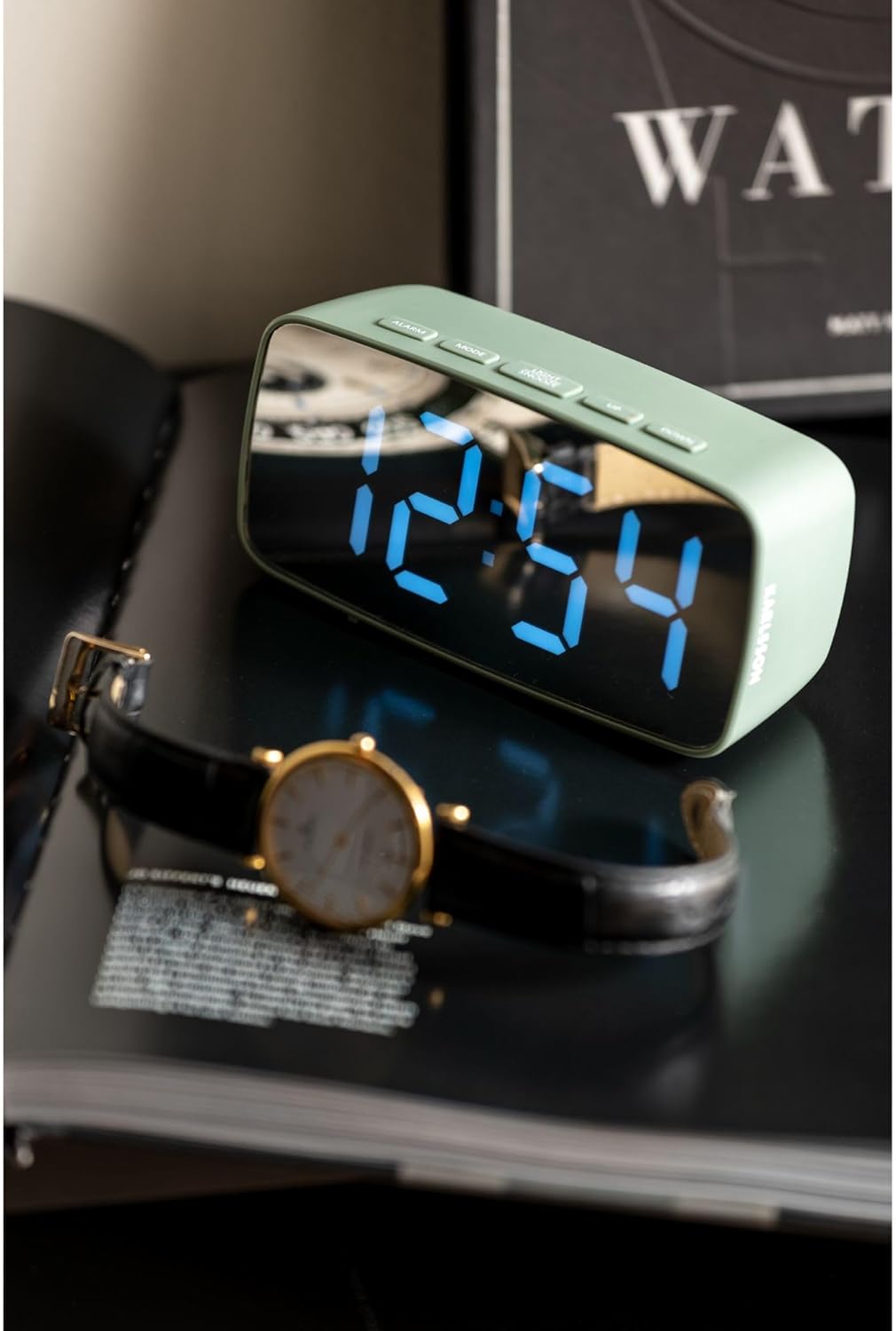
Obrázek 4: Lifestyle image of the alarm clock displaying 12:54, positioned next to a wristwatch.
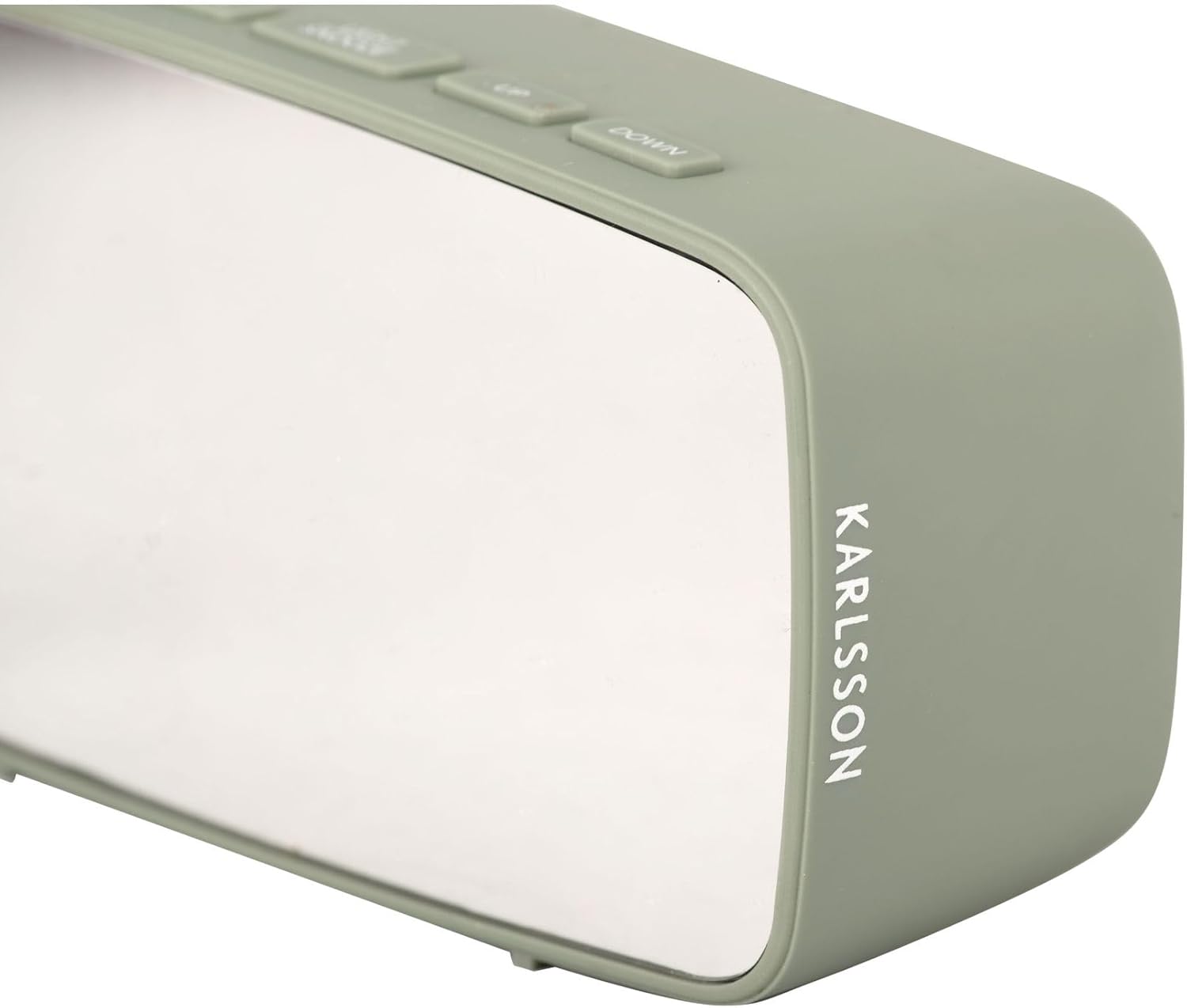
Obrázek 5: Strana view of the alarm clock, highlighting the 'KARLSSON' brand name vertically printed on the right side.
Ovládací tlačítka:
- POPLACH: Activates/deactivates alarm, enters alarm setting mode.
- REŽIM: Switches between time display, date display, and temperature display. Enters time/date setting mode.
- SVĚTLO/ODLOŽIT: Adjusts display brightness, activates snooze function when alarm sounds.
- NAHORU: Increases values during setting, changes display mode.
- DOLŮ: Decreases values during setting, changes display mode.

Obrázek 6: Zadní view of the alarm clock, showing the battery compartment cover and the DC 5V power input port.
Nastavení
Napájení zařízení:
The alarm clock can be powered via the included USB adapter or by 3x AAA batteries (not included).
- Napájení USB: Connect the small end of the USB adapter cable to the DC 5V port on the back of the alarm clock (refer to Figure 6). Plug the larger USB end into a compatible USB power source (e.g., wall adapter, computer USB port).
- Battery Power (for backup): Open the battery compartment on the back of the clock (refer to Figure 6). Insert 3x AAA batteries, ensuring correct polarity (+/-). Batteries are primarily for backup and may not power the display continuously at full brightness.
Počáteční nastavení času:
Upon first power-up, the display will show a default time.
- Stiskněte a podržte MODE po dobu přibližně 3 sekund pro vstup do režimu nastavení času. Číslice hodin budou blikat.
- Použijte UP a DOLŮ tlačítka pro nastavení hodiny.
- Stiskněte MODE znovu pro přechod k nastavení minut. Číslice minut budou blikat.
- Použijte UP a DOLŮ tlačítka pro nastavení minut.
- Stiskněte MODE znovu pro potvrzení a ukončení režimu nastavení času.
Návod k obsluze
Nastavení budíku:
- Stiskněte a podržte POPLACH button for approximately 3 seconds to enter alarm setting mode. The alarm hour digits will flash.
- Použijte UP a DOLŮ tlačítka pro nastavení hodiny budíku.
- Stiskněte POPLACH again to move to alarm minute setting. The alarm minute digits will flash.
- Použijte UP a DOLŮ tlačítka pro nastavení minut budíku.
- Stiskněte POPLACH znovu pro potvrzení a ukončení režimu nastavení budíku.
Aktivace/deaktivace alarmu:
V normálním režimu zobrazení času stiskněte POPLACH button once to toggle the alarm on or off. An alarm icon will appear on the display when the alarm is active.
Funkce odložení:
Když zazní alarm, stiskněte SVĚTLO / SNOOZE button to activate the snooze function. The alarm will temporarily stop and sound again after a few minutes (default snooze duration is typically 5-9 minutes, check product specifics if available).
To turn off the alarm completely when it sounds, press any other button (e.g., ALARM, MODE, UP, DOWN).
Jas displeje:
V normálním režimu zobrazení času stiskněte SVĚTLO / SNOOZE button repeatedly to cycle through different brightness levels for the LED display.
Údržba
Čištění:
Wipe the clock's surface with a soft, dry cloth. Do not use abrasive cleaners or solvents, as they may damage the mirror finish or plastic casing.
Výměna baterie:
If using AAA batteries for backup, replace them when the display becomes dim or the clock loses time during power outages. Ensure correct polarity when inserting new batteries.
Odstraňování problémů
| Problém | Možná příčina | Řešení |
|---|---|---|
| Displej je prázdný nebo tmavý. | No power, loose USB connection, or depleted batteries. | Check USB connection. Ensure batteries are correctly inserted and not depleted. |
| Alarm se nespustí. | Budík není aktivovaný nebo je nesprávně nastavený. | Verify alarm time and ensure the alarm icon is displayed. |
| Čas je nesprávný. | Čas nebyl správně nastaven nebo došlo k výpadku proudu. | Nastavte čas znovu podle pokynů v části „Počáteční nastavení času“. |
Specifikace
| Funkce | Detail |
|---|---|
| Značka | Karlsson |
| Číslo modelu | PTG-KA5876GR |
| Barva | Kaki Green |
| Rozměry (D x Š x V) | 27.5 x 3.81 x 13.9 cm (10.8 x 1.5 x 5.5 palce) |
| Hmotnost | 150 gramů (0.33 lb) |
| Materiál | Akrylonitrilbutadienstyren (ABS) |
| Typ zobrazení | Digitální LED |
| Zdroj napájení | USB powered (adapter included), 3x AAA batteries (not included) for backup |
| Speciální funkce | Funkce alarmu |
Záruka a podpora
Konkrétní informace o záruce nejsou uvedeny v podrobnostech o produktu. Obraťte se prosím na prodejce nebo výrobce. webzáruční podmínky naleznete na webu.
For technical support or further assistance, please contact Karlsson customer service or the retailer where the product was purchased.


