1. Úvod
This manual provides essential instructions for the installation, operation, and maintenance of your Hikvision DS-7108HQHI-K1(C)(S) Professional Recording Equipment. Please read this manual thoroughly before using the device to ensure proper and safe operation. Keep this manual for future reference.
2. Bezpečnostní pokyny
- Zajistěte napájení objtage je ve specifikovaném rozsahu.
- Nevystavujte zařízení dešti ani vlhkosti, abyste předešli požáru nebo úrazu elektrickým proudem.
- Neumisťujte zařízení na přímé sluneční světlo nebo do blízkosti zdrojů tepla.
- Neblokujte větrací otvory. Zajistěte dostatečné proudění vzduchu kolem zařízení.
- Používejte pouze příslušenství doporučené výrobcem.
- Veškeré opravy svěřte kvalifikovanému servisnímu personálu.
3. Obsah balení
Verify that all items are present and in good condition upon unpacking. If any item is missing or damaged, contact your dealer immediately.
- Hikvision DS-7108HQHI-K1(C)(S) Recording Equipment
- Napájecí adaptér
- USB myš
- Šrouby pro instalaci pevného disku (pokud jsou k dispozici)
- Rychlý průvodce
4. Konec produktuview
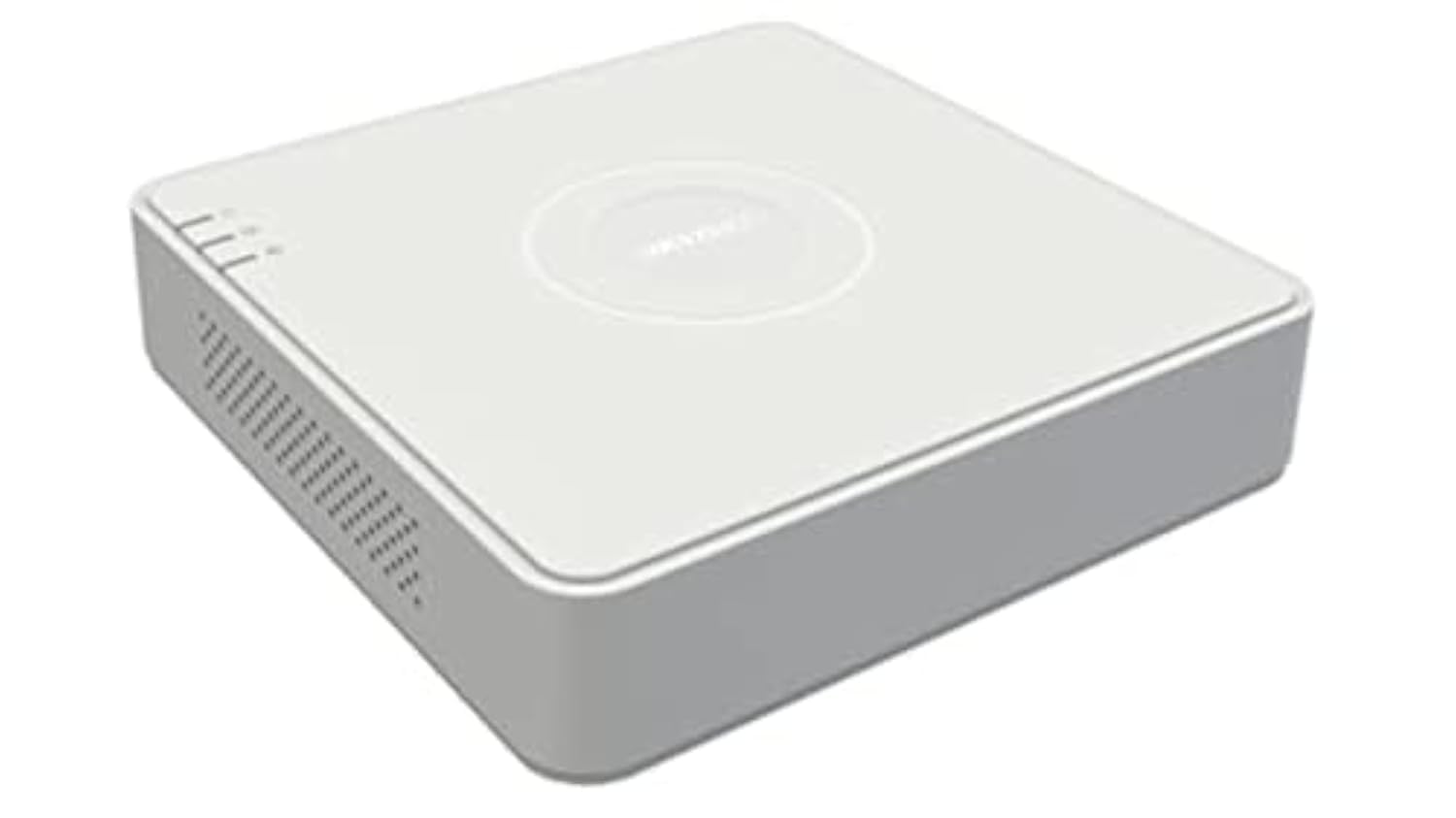
The Hikvision DS-7108HQHI-K1(C)(S) is a professional recording device designed for surveillance systems. It features multiple video input channels and various output ports for display and network connectivity.
Obrázek 1: Rear panel of the DS-7108HQHI-K1(C)(S) recording equipment. This image displays the array of BNC video input connectors, a VGA output port, an HDMI output port, audio input and output jacks, a LAN port for network connection, two USB ports for peripherals, and the DC 12V power input.
4.1 Rozhraní zadního panelu
- Video vstup (BNC): Connect surveillance cameras. This model supports 8 channels.
- VGA výstup: Connect to a VGA monitor for video display.
- HDMI výstup: Connect to an HDMI monitor or TV for high-definition video display.
- Audio vstup/výstup (RCA): Připojte externí audio zařízení.
- LAN port (RJ45): Připojte se k síti pro vzdálený přístup a připojení k internetu.
- USB porty: Connect a USB mouse for control or a USB flash drive for data backup. This model has 1 USB port.
- Vstup DC 12V: Připojte dodaný napájecí adaptér.
5. Nastavení
5.1 Instalace hardwaru
- Připojení kamer: Attach your surveillance cameras to the BNC video input ports.
- Připojení monitoru: Connect a monitor to either the VGA or HDMI output port.
- Připojení myši: Zapojte USB myš do jednoho z USB portů.
- Připojení k síti (volitelné): Connect an Ethernet cable from the LAN port to your router or network switch.
- Připojte napájení: Plug the power adapter into the DC 12V power input and then into a power outlet. The device will power on automatically.
5.2 Počáteční konfigurace
Upon first power-on, the device will guide you through an initial setup wizard. Follow the on-screen prompts to set up language, date/time, network settings, and administrator password.
6. Návod k obsluze
6.1 Živě View
After logging in, the device will display the live view of all connected cameras. You can switch between single-channel view and multi-channel view pomocí ovládacích prvků na obrazovce nebo myši.
6.2 Konfigurace nahrávání
Access the "Record" menu to configure recording schedules, motion detection settings, and other recording parameters for each camera. Ensure a hard drive is installed and initialized for recording.
6.3 Přehrávání
Přejděte do nabídky „Přehrávání“ a znovuview zaznamenané footage. You can search by date, time, and event type. Use the playback controls to fast forward, rewind, and pause.
6.4 Vzdálený přístup
Na dálku viewing, ensure the device is connected to the internet. Configure network settings (e.g., port forwarding, P2P cloud service) as per the detailed user manual or Hikvision's online resources. Download the Hik-Connect app or use client software on your computer.
7. Údržba
- Čištění: Pravidelně čistěte vnější povrch zařízení měkkým, suchým hadříkem. Nepoužívejte tekuté ani aerosolové čisticí prostředky.
- Aktualizace firmwaru: Check the official Hikvision website periodically for firmware updates. Updating firmware can improve performance and add new features. Follow the instructions provided with the firmware update carefully.
- Správa pevných disků: If a hard drive is installed, monitor its health and capacity through the device's menu. Consider setting up automatic overwriting of old footage if continuous recording is desired.
- Podmínky prostředí: Zajistěte, aby zařízení fungovalo v rámci specifikovaných teplotních a vlhkostních rozsahů, abyste prodloužili jeho životnost.
8. Řešení problémů
- Žádný video výstup:
- Check all video cable connections (VGA/HDMI) to the monitor and the recording equipment.
- Ujistěte se, že je monitor zapnutý a nastavený na správný vstupní zdroj.
- Verify cameras are powered and connected correctly.
- Žádné síťové připojení:
- Check the Ethernet cable connection to the LAN port and your router.
- Verify network settings (IP address, gateway, DNS) in the device's configuration menu.
- Ujistěte se, že váš router funguje správně.
- Nelze nahrávat:
- Ensure a hard drive is installed and properly initialized.
- Check recording schedules and motion detection settings.
- Verify the hard drive has sufficient free space.
- Zapomenuté heslo:
Refer to Hikvision's official support resources for password reset procedures, which often involve a security code or a reset tool.
9. Specifikace
| Funkce | Detail |
|---|---|
| Značka | Hikvision |
| Číslo modelu | DS-7108HQHI-K1(C)(S) |
| Počet kanálů | 8 |
| Technologie připojení | VGA |
| Celkový počet portů USB | 1 |
| Výrobce | Hikvision |
10. Informace o záruce
This product is covered by a limited warranty provided by Hikvision. For detailed warranty terms and conditions, please refer to the warranty card included with your product or visit the official Hikvision webUschovejte si účtenku jako doklad o koupi pro případ reklamace.
11. Zákaznická podpora
For technical assistance, troubleshooting, or further inquiries, please contact Hikvision customer support. You can find contact information, FAQs, and additional resources on the official Hikvision webmísto:
Webmísto: www.hikvision.com
Please have your product model number (DS-7108HQHI-K1(C)(S)) and serial number ready when contacting support.