Konec produktuview
The PDP Wired Xbox Gaming Controller is designed for an enhanced gaming experience across multiple platforms. This controller features a durable wired connection, customizable controls, and integrated audio features, making it a versatile choice for serious gamers.
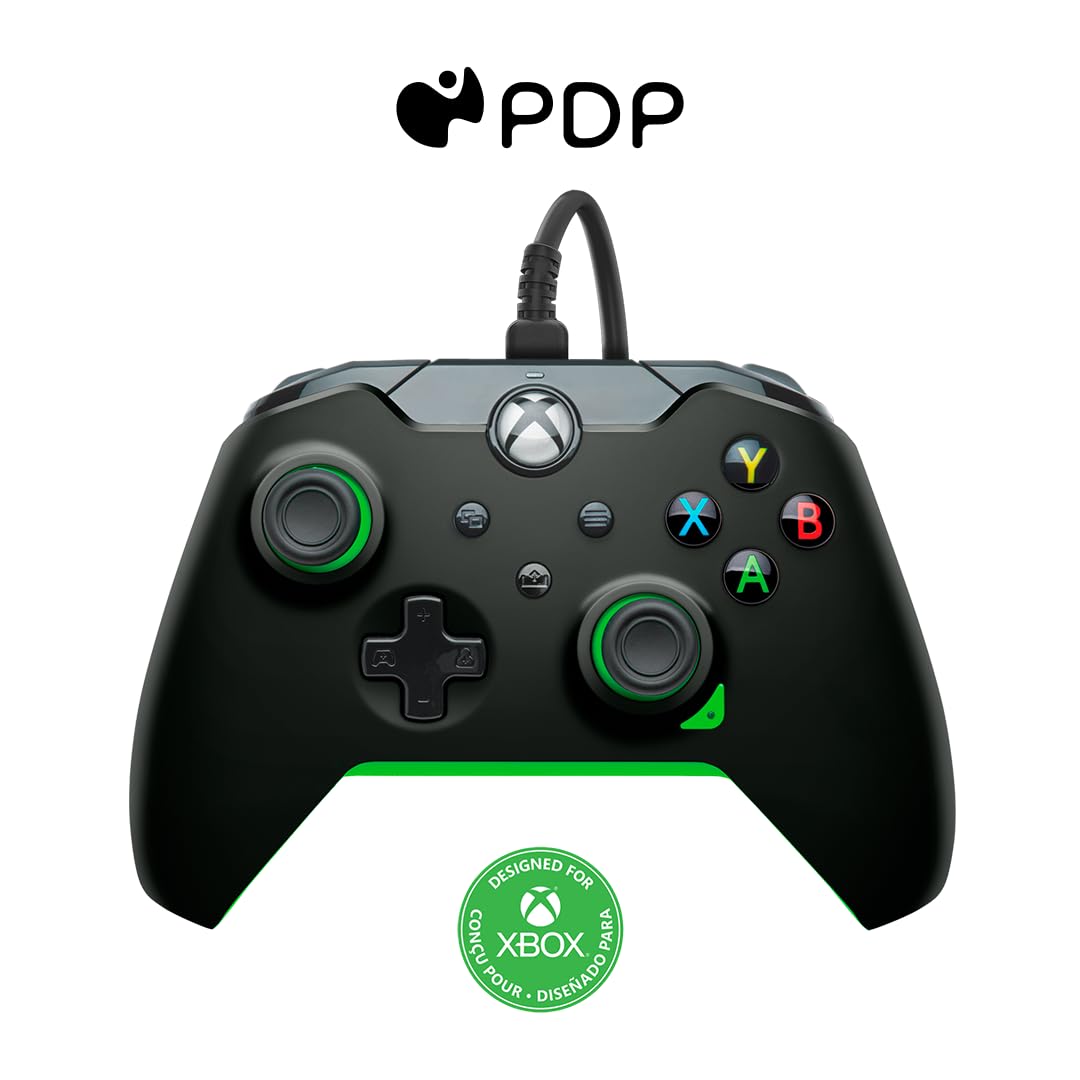
Obrázek: Přední strana view of the PDP Wired Xbox Gaming Controller in Neon Black.
This controller is officially licensed for Xbox Series X|S, Xbox One, and is also compatible with Windows 10/11 PCs. Its wired design ensures a stable connection without the need for batteries, providing uninterrupted gameplay.
Klíčové vlastnosti
- Přizpůsobitelné ovládací prvky: Utilize the free PDP Control Hub App to remap buttons, reconfigure triggers, and adjust dead zones to personalize your gameplay.

Image: Screenshot showing the PDP Control Hub App interface for controller customization.
- Integrated Audio Controls: Adjust game and chat audio volume directly using the controls located on the D-pad. The built-in 3.5mm audio jack allows for communication with teammates, and the mic can be muted by double-tapping the "Function" button.
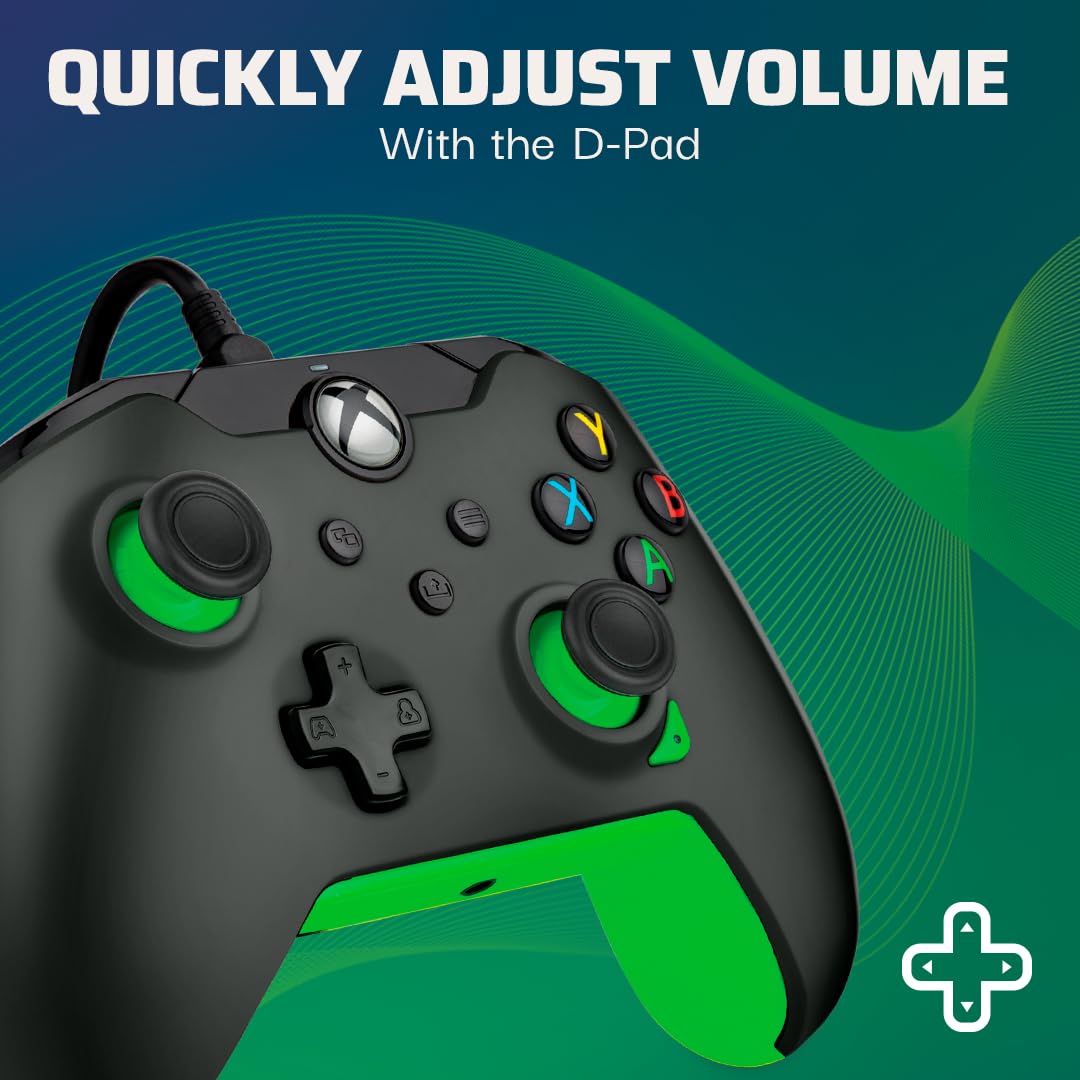
Image: Close-up of the controller's D-pad, highlighting the integrated audio controls.
- Vyhrazené tlačítko sdílení: Easily capture and share your in-game images and videos with a dedicated share button.

Obrázek: Detail view of the controller, showing the dedicated share button for capturing content.
- 8-Foot Detachable Cable: Poskytuje ample room for comfortable gameplay and easy storage.
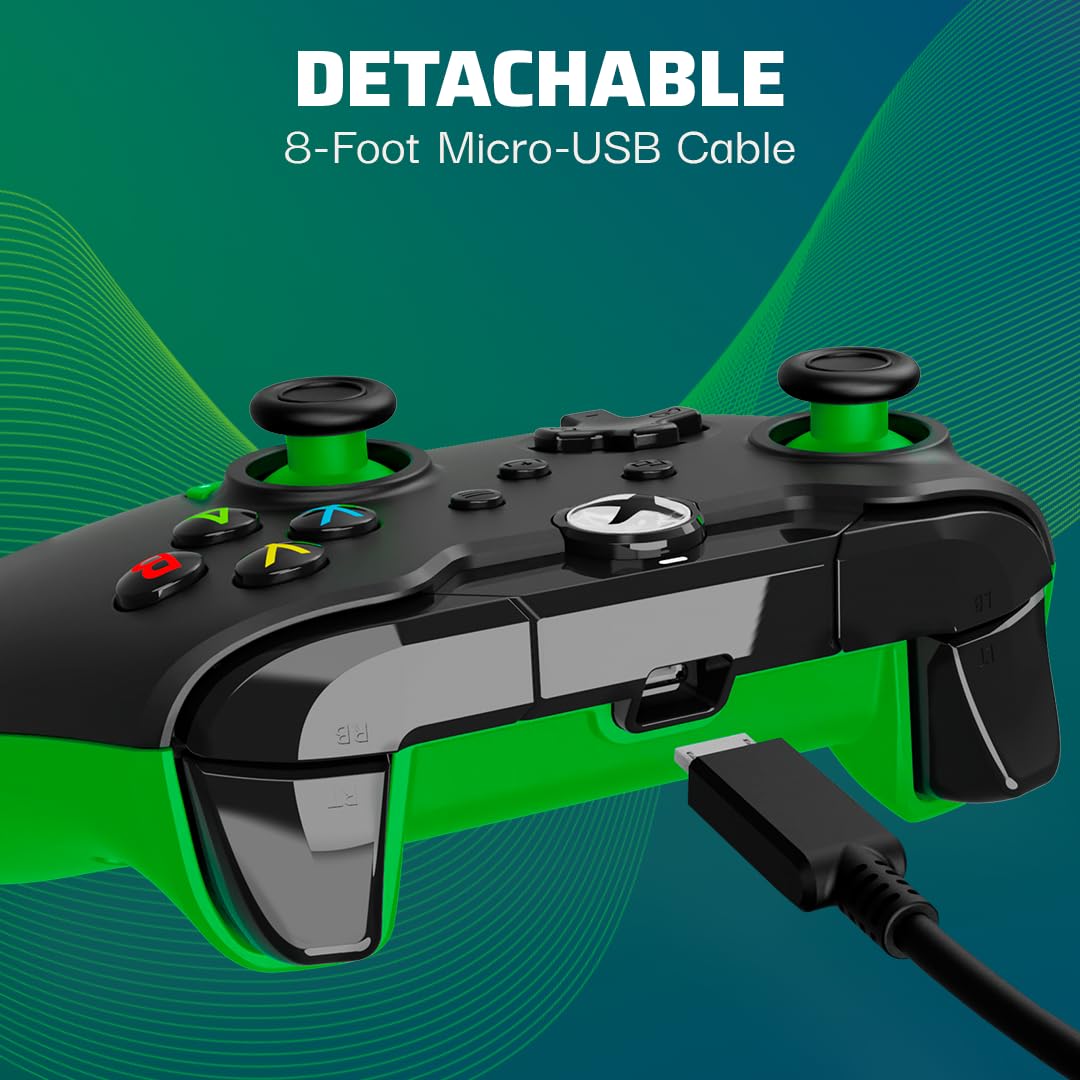
Image: The controller with its detachable 8-foot USB cable connected.
- Oficiálně licencováno: Guaranteed compatibility and quality as an officially licensed Xbox product.

Image: The controller prominently displaying the "Officially Licensed by Xbox" branding.
Průvodce nastavením
- Připojte kabel: Insert the detachable 8-foot USB cable into the port on the top of the controller.
- Připojení ke konzoli/počítači: Plug the other end of the USB cable into an available USB port on your Xbox console (Xbox Series X|S, Xbox One) or Windows 10/11 PC.
- Zapnutí: Ovladač se automaticky zapne a připojí k vašemu zařízení. Tlačítko Xbox na ovladači se rozsvítí, což signalizuje úspěšné připojení.
- Install PDP Control Hub App (Optional): For advanced customization, download and install the free PDP Control Hub App from the Microsoft Store on your Xbox or PC.
Návod k obsluze
Základní ovládání:
- Tlačítko Xbox: Powers on the console/PC, opens the guide, and indicates connection status.
- Tlačítka A, B, X, Y: Standardní akční tlačítka pro herní příkazy.
- D-Pad: Directional input, also used for audio controls (see below).
- Levé/pravé analogové páčky: Pro ovládání pohybu a kamery.
- Levý/pravý spouštěč (LT/RT): Analogový vstup pro akce jako zrychlení nebo střelba.
- Levý/pravý nárazník (LB/RB): Digital input for various actions.
- View Tlačítko: Otevře view menu or displays additional information.
- Tlačítko nabídky: Opens the menu or pauses the game.
- Tlačítko Sdílet: Captures screenshots or records game clips.
Ovládání zvuku:
The D-pad on the controller features integrated audio controls for quick adjustments:
- Zvýšení/Snížení hlasitosti: Press the Function button (located below the Xbox button) and then press Up/Down on the D-pad to adjust game volume.
- Chat Mix: Press the Function button and then press Left/Right on the D-pad to adjust the balance between game audio and chat audio.
- Ztlumení mikrofonu: Double-tap the Function button to mute or unmute your microphone. The LED indicator on the controller will change to show mic status.
Using the PDP Control Hub App:
The PDP Control Hub App allows for advanced customization of your controller. Connect your controller to your Xbox or PC and launch the app to:
- Remap any button to a different function.
- Adjust trigger dead zones for precise input.
- Calibrate analog sticks and triggers.
- Nastavte intenzitu vibrací.
- Vytvořte a uložte si vlastního profesionálafiles pro různé hry.
Údržba
- Čištění: K otření ovladače použijte měkký, suchý hadřík. V případě odolné nečistoty lehceamphadřík vodou. Nepoužívejte agresivní chemikálie ani abrazivní materiály.
- Skladování: When not in use, store the controller in a clean, dry place away from direct sunlight and extreme temperatures. The detachable cable can be removed for easier storage.
- Péče o kabely: Avoid sharp bends or kinks in the cable. Do not pull on the cable to disconnect it from the controller or console/PC; always grasp the connector.
Odstraňování problémů
| Problém | Řešení |
|---|---|
| Ovladač nereaguje/nepřipojuje se. |
|
| Audio issues (no sound, mic not working). |
|
| Buttons/sticks not working correctly. |
|
Specifikace
| Funkce | Detail |
|---|---|
| Číslo modelu | 049-012-GG |
| Kompatibilita | Xbox Series X|S, Xbox One, Windows 10/11 PC |
| Typ připojení | Kabelové (odnímatelný kabel USB) |
| Délka kabelu | 8 stop (přibližně 2.4 metry) |
| Audio Jack | 3.5 mm |
| Rozměry (D x Š x V) | 3.23 x 6.89 x 6.89 palce |
| Hmotnost | 12.17 unce (cca 345 gramů) |
| Výrobce | PDP |
| Země původu | Čína |
Záruka a podpora
Informace o záruce a technickou podporu naleznete v oficiálním PDP. webnebo se obraťte přímo na jejich zákaznický servis. Uschovejte si doklad o koupi pro případ reklamace.
Online zdroje:
- Visit the Official PDP Store on Amazon
- For the latest drivers and the PDP Control Hub App, visit the Microsoft Store or the official PDP support page.
Poznámka: Specifikace a funkce produktu se mohou změnit bez předchozího upozornění.


