1. Úvod
Děkujeme, že jste si vybrali bezpečnostní kameru Noorio B200. Tato bezdrátová venkovní magnetická kamera je navržena tak, aby poskytovala komplexní zabezpečení domácnosti díky rozlišení 1080p, detekci pohybu s umělou inteligencí, obousměrnému hovoru a baterii s dlouhou výdrží. Tato příručka vás provede nastavením, obsluhou a údržbou vaší nové bezpečnostní kamery.
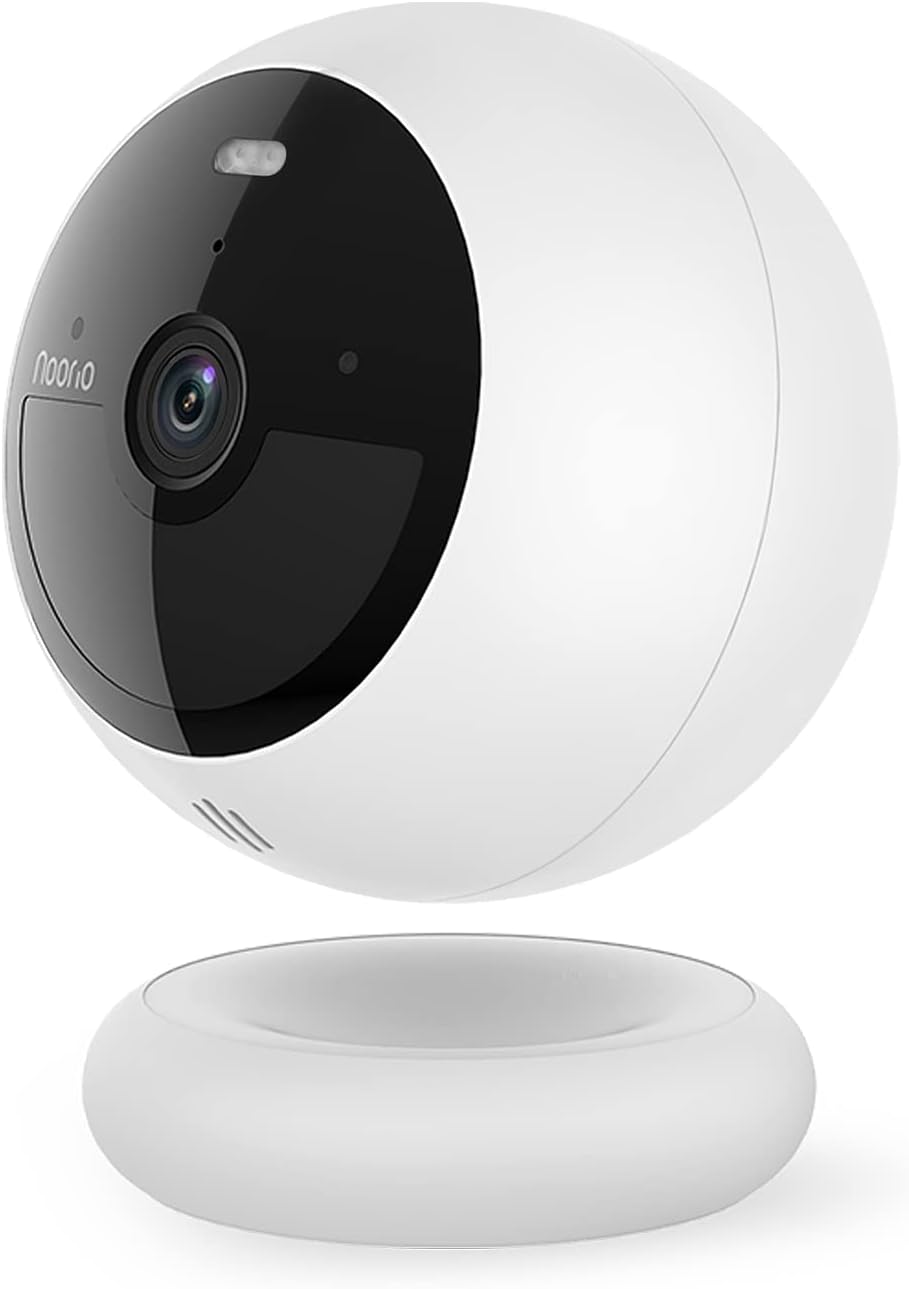
Obrázek 1: Bezpečnostní kamera Noorio B200
2. Co je v krabici
- Bezpečnostní kamera x 1
- Magnetický držák x 1
- Šroubovací upevnění x 1
- Nabíjecí kabel x 1
- Balení šroubů x 2
- 2x samolepka s umístěním
- Výstražná nálepka x 2
- Stručný průvodce x 1
3. Klíčové vlastnosti

3.1 1080p HD Jasnost obrazu
Zažijte křišťálově čisté video v rozlišení 1080p Full HD, které vám umožní vidět i ty nejmenší detaily vašeho okolí.

3.2 Pokročilá detekce pohybu s umělou inteligencí
Kamera disponuje pokročilou umělou inteligencí, která rozlišuje lidský pohyb od pohybu jiných objektů, jako jsou zvířata nebo auta, minimalizuje tak falešné poplachy a zajišťuje, že budete dostávat pouze relevantní upozornění.

3.3 Barevné noční vidění s vestavěným reflektorem
Kamera je vybavena bodovým světlem aktivovaným pohybem a osvětluje oblast při detekci pohybu, čímž poskytuje jasné barevné noční vidění a odrazuje nežádoucí návštěvníky.

3.4 Obousměrný zvuk
Komunikujte s návštěvníky nebo odstrašujte vetřelce pomocí vestavěného mikrofonu a reproduktoru, které jsou přístupné prostřednictvím mobilní aplikace.

3.5 100% bezdrátové připojení a dlouhá výdrž baterie
Využijte flexibilní možnosti umístění bez kabelů. Vestavěná dobíjecí baterie poskytuje až 180 dní provozu na jedno nabití v závislosti na používání.

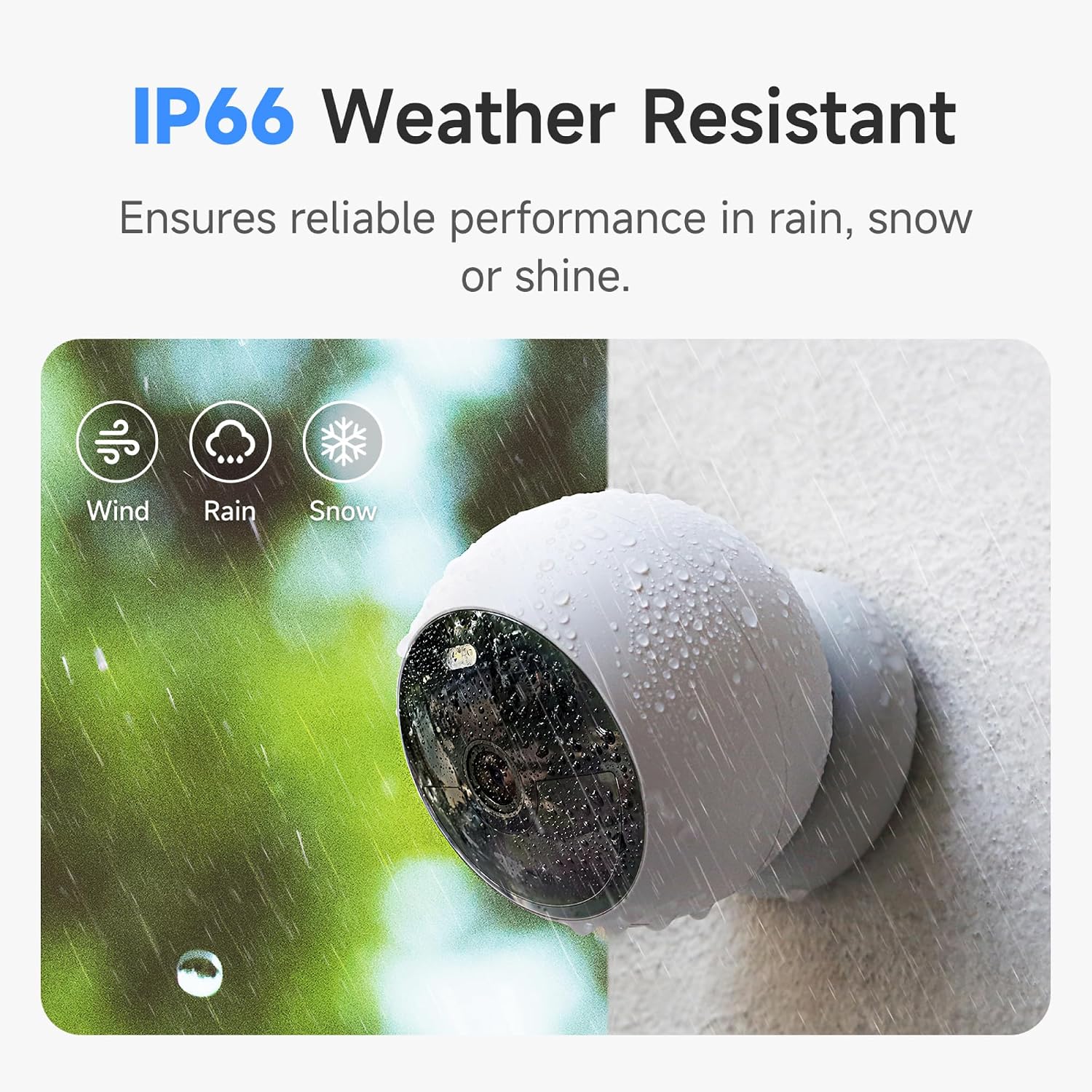
3.6 Odolnost proti povětrnostním vlivům IP66
Je navržen tak, aby odolal různým povětrnostním podmínkám, a jeho stupeň krytí IP66 zajišťuje spolehlivý výkon v dešti, sněhu i slunci.
3.7 8GB lokální úložiště a cloudová možnost
Uložte až 3000 kusů potravintagpřímo na vestavěné 8GB lokální úložiště kamery bez jakýchkoli poplatků za předplatné. K dispozici je také volitelná cloudová služba.
4. Nastavení a instalace
Noorio B200 nabízí flexibilní možnosti instalace. Před zahájením instalace se ujistěte, že je fotoaparát plně nabitý pomocí dodaného kabelu USB-C.
4.1 Nastavení mobilní aplikace
Stáhněte si aplikaci „Noorio“ z obchodu s aplikacemi pro vaše zařízení (k dispozici pro Android a iOS). Postupujte podle pokynů v aplikaci a vytvořte si účet, přidejte své zařízení naskenováním QR kódu na zadní straně fotoaparátu a připojte jej k síti Wi-Fi 2.4 GHz.
Video 1: Podrobné nastavení a funkce nahořeview kamery Noorio B200 prostřednictvím mobilní aplikace.
4.2 Možnosti montáže
Kamera podporuje magnetické i šroubové upevnění pro všestranné umístění.
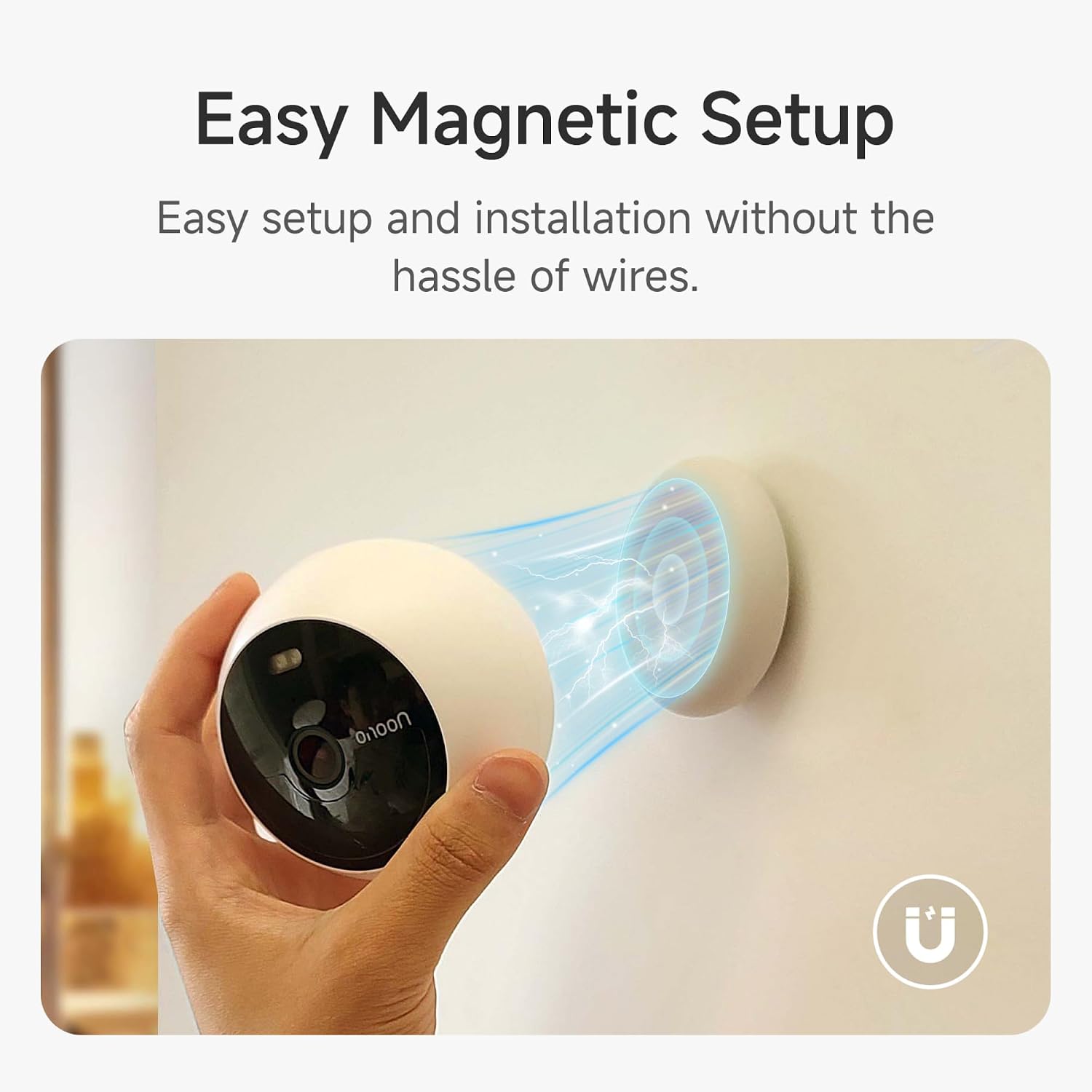
Magnetická montáž
Magnetický držák umožňuje snadné připevnění k jakémukoli kovovému povrchu. Jednoduše umístěte kameru na magnetickou základnu. Tato metoda je ideální pro dočasné umístění nebo časté přemisťování.
Šroubová montáž
Pro trvalejší instalaci použijte dodaný šroubovací držák. Připevněte držák na požadovaný povrch pomocí sady šroubů a poté k držáku zajistěte kameru. Držák je vhodný pro vnitřní i venkovní použití.
Video 2: Ukazuje magnetické uchycení a obecné použití bezpečnostní kamery Noorio.
5. Ovládání fotoaparátu
Aplikace Noorio poskytuje plnou kontrolu nad funkcemi vašeho fotoaparátu.
5.1 Živě View
Získejte přístup k živému přenosu z kamery kdykoli a kdekoli prostřednictvím aplikace. Jednoduše klepněte na název kamery. view stream videa v reálném čase.
Video 3: Zobrazuje živý obraz z kamery view a funkce obousměrného zvuku v akci.
5.2 Obousměrný zvuk
Z živého vysílání view, klepněte na ikonu telefonu pro zahájení obousměrné komunikace. Mluvte do telefonu a váš hlas bude promítán reproduktorem kamery, což vám umožní komunikovat s kýmkoli na druhém konci.
5.3 Detekce pohybu a upozornění
Nakonfigurujte nastavení detekce pohybu, včetně citlivosti a zón aktivity, abyste dostávali okamžitá upozornění na telefon, když je detekován pohyb osoby. Detekci osob můžete také povolit nebo zakázat.
5.4 Noční vidění a ovládání bodového světla
Přepínejte mezi režimem plnobarevného nočního vidění a infračerveného nočního vidění. Vestavěný reflektor můžete ručně zapnout nebo vypnout pomocí aplikace.
5.5 Ukládání a přehrávání videa
Kamera nepřetržitě nahrává a ukládá jídlotagna 8GB vestavěnou paměť. Získejte přístup k nahraným událostem a přehrávejte videoklipy přímo z aplikace. Můžete si přetočit a podívat se na jakýkoli okamžik z minulých dnů.
6. Specifikace
| Funkce | Detail |
|---|---|
| Název modelu | B200 |
| Rozlišení záznamu videa | 1080p |
| Technologie připojení | Bezdrátové připojení (Wi-Fi 2.4 GHz) |
| Zdroj napájení | Napájení z baterie |
| Životnost baterie | Až 180 dní (na jedno nabití) |
| Místní úložiště | 8GB vestavěná eMMC |
| Odolnost vůči povětrnostním vlivům | IP66 |
| Pole View | 140 stupňů |
| Rozsah nočního vidění | 26.25 stop |
| Rozměry (D x Š x V) | 3.35 x 3.35 x 2.98 palce |
| Hmotnost položky | 1.3 libry |
7. Údržba
- Nabíjení: Pokud je baterie téměř vybitá, nabijte ji pomocí dodaného kabelu USB-C.
- Čištění: Jemně otřete objektiv a tělo fotoaparátu měkkým hadříkemamp hadříkem odstraňte prach a nečistoty. Vyhněte se agresivním chemikáliím.
- Aktualizace firmwaru: Pravidelně kontrolujte aplikaci Noorio, zda nejsou k dispozici aktualizace firmwaru, abyste zajistili optimální výkon a zabezpečení.
8. Řešení problémů
- Fotoaparát offline: Ujistěte se, že je kamera v dosahu vaší sítě Wi-Fi 2.4 GHz. Restartujte router a kameru.
- Upozornění na falešný pohyb: Upravte nastavení citlivosti na pohyb v aplikaci. Definujte specifické zóny aktivity pro snížení nežádoucích upozornění.
- Špatné noční vidění: Ujistěte se, že je objektiv kamery čistý. Zkontrolujte, zda nejsou nějaké překážky blokující reflektor nebo infračervené senzory.
- Rychlé vybíjení baterie: Časté živé vystoupení view Nedostatečný přístup, vysoká citlivost detekce pohybu a nepřetržité používání reflektoru mohou zkrátit životnost baterie. Upravte nastavení podle potřeby.
- Žádné obousměrné audio: Zkontrolujte nastavení mikrofonu a reproduktoru v aplikaci. Ujistěte se, že máte nastavenou hlasitost telefonu.
9. Záruka a podpora
Podrobné informace o záruce naleznete v průvodci rychlým spuštěním nebo v uživatelské příručce (PDF) dodané s vaším produktem. Můžete také navštívit oficiální webové stránky Noorio. webmísto pro zdroje podpory.
Služby zákazníkům:
- Telefon: 800-642-5905 (9:00 - 18:00 ET, pracovní den)
- E-mail: podpora@nooriolife.com


