1. Úvod
This manual provides detailed instructions for the safe and effective use of your OPPO Enco X2 Wireless Headphones. Please read this manual thoroughly before using the product and retain it for future reference.

Image 1.1: OPPO Enco X2 Wireless Headphones in their charging case.
2. Obsah balení
Ujistěte se, že v balení jsou přítomny všechny položky:
- OPPO Enco X2 Wireless Headphones (Left and Right earbuds)
- Nabíjecí pouzdro
- Nabíjecí kabel USB-C
- Uživatelská příručka (tento dokument)
- Záruční list
- Různé velikosti ušních nástavců
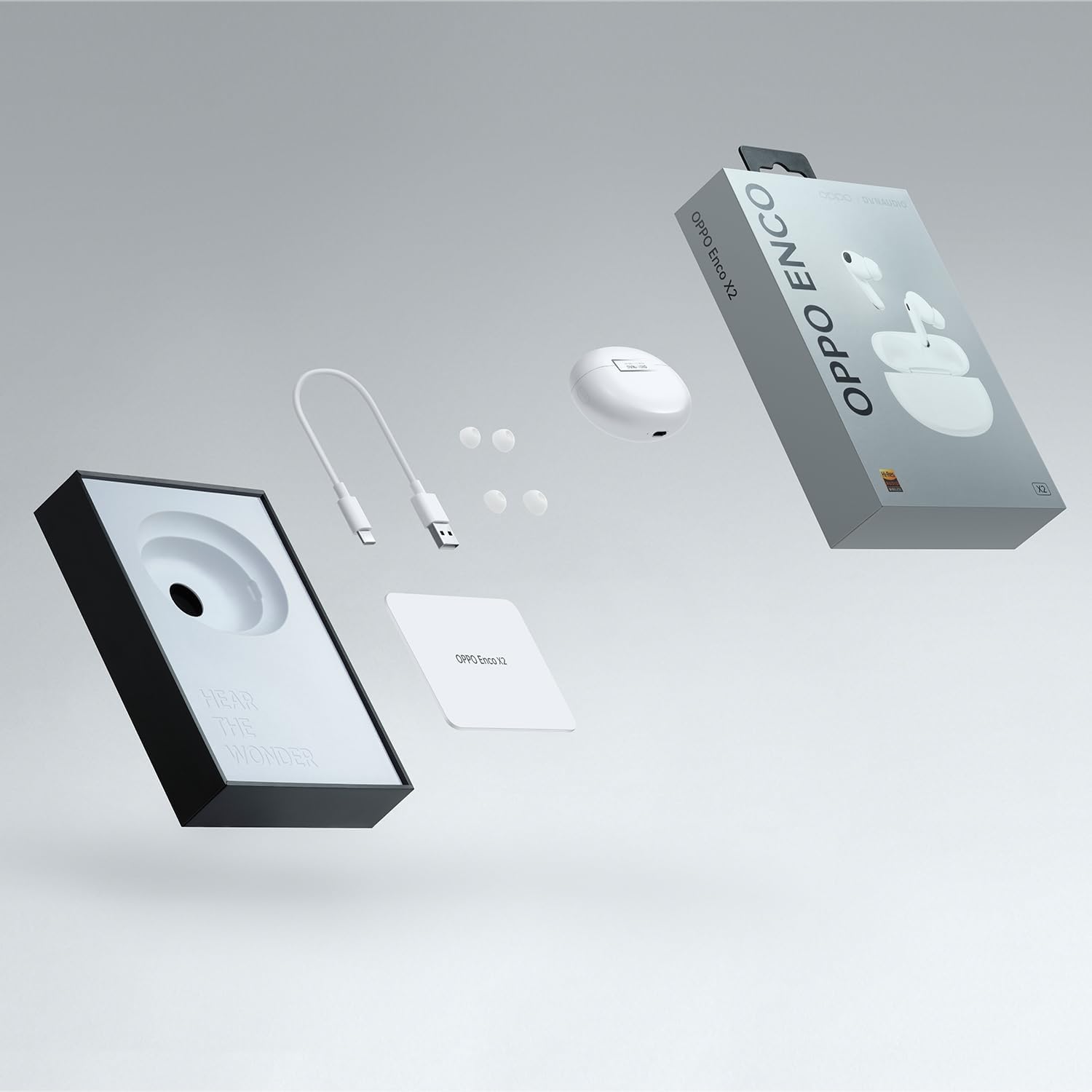
Image 2.1: Contents of the OPPO Enco X2 retail package.
3. Konec produktuview
The OPPO Enco X2 headphones are designed for high-fidelity audio and comfort. They feature advanced audio technology developed in collaboration with Dynaudio.

Image 3.1: OPPO Enco X2 earbuds and charging case, emphasizing the collaboration with Dynaudio for audio engineering.
3.1 Součásti sluchátek
- Ovladače reproduktorů: Ultra-light diaphragms for deep bass and flat four-magnet tweeters for detailed highs.
- Mikrofony: Built-in microphones for calls and active noise cancellation.
- Oblast dotykového ovládání: Located on the stem of each earbud for various functions.
- Tipy do uší: Silicone ear tips for a secure and comfortable fit.

Obrázek 3.2: Rozložený view of an OPPO Enco X2 earbud, illustrating its internal acoustic components for enhanced sound clarity with Hi-Res Wireless-certified LHDC 4.0.
3.2 Nabíjecí pouzdro
- Nabíjecí port: USB-C port for wired charging.
- Kontrolka: Zobrazuje stav nabíjení a stav párování.
- Funkční tlačítko: Používá se pro párování a resetování.
- Wireless Charging Coil: Podporuje bezdrátové nabíjení.

Obrázek 3.3: Nahoře view of the OPPO Enco X2 charging case, showing its sleek design.
4. Nastavení
4.1 Nabíjení sluchátek
Před prvním použitím sluchátka a nabíjecí pouzdro plně nabijte.
- Vložte sluchátka do nabíjecího pouzdra.
- Connect the USB-C charging cable to the charging port on the case and to a power adapter.
- Alternatively, place the charging case on a compatible wireless charging pad.
- Kontrolka na pouzdře bude ukazovat stav nabíjení.
4.2 Spárování se zařízením
To pair your OPPO Enco X2 headphones with a new device:
- Ujistěte se, že jsou sluchátka v nabíjecím pouzdře a že je otevřené víko.
- Press and hold the function button on the charging case for 2 seconds until the indicator light flashes white. This indicates pairing mode.
- On your device (e.g., smartphone), enable Bluetooth and search for "OPPO Enco X2" in the list of available devices.
- Select "OPPO Enco X2" to complete the pairing process.
For OPPO smartphones, simply open the charging case near the phone, and a pop-up window will guide you through the pairing process.
5. Návod k obsluze
5.1 Nošení sluchátek
Insert the earbuds into your ears and rotate them slightly to find a comfortable and secure fit. Choose the ear tips that provide the best seal for optimal sound quality and noise cancellation.

Image 5.1: An OPPO Enco X2 earbud being worn, demonstrating the ergonomic design and the personalized "Golden Sound" experience.
5.2 Dotykové ovládání
The OPPO Enco X2 features touch-sensitive controls on the earbud stems. Default functions are:
- Dvojí poklepání: Přehrát/Pozastavit hudbu, Přijmout/Ukončit hovor.
- Trojité klepnutí: Další skladba.
- Stiskněte a podržte: Switch between Noise Cancellation modes (Active Noise Cancellation, Transparency Mode, Off).
- Posunout nahoru/dolů: Upravte hlasitost.
These controls can be customized via the HeyMelody app (available for Android and iOS).
5.3 Aktivní potlačení hluku (ANC)
The Enco X2 headphones feature active noise cancellation to reduce ambient noise. Press and hold an earbud stem to cycle through ANC modes.
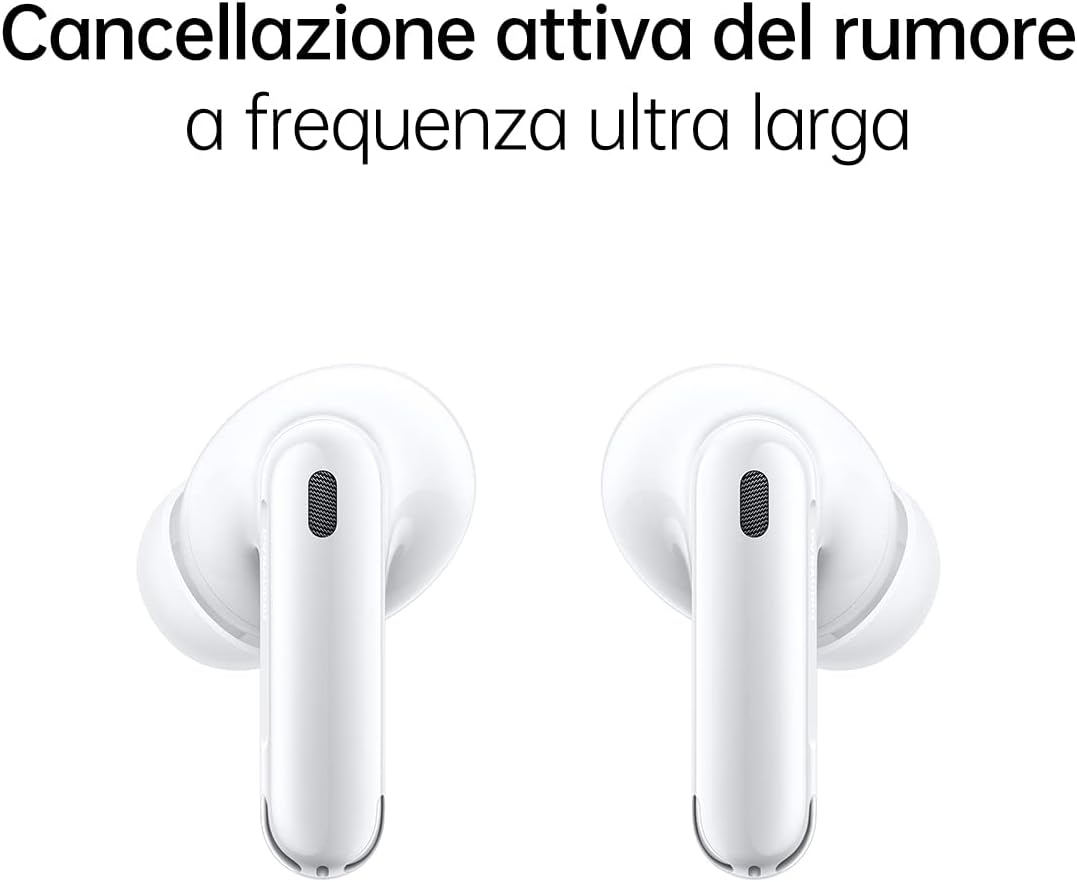
Image 5.2: Two OPPO Enco X2 earbuds, representing their ultra-wide frequency active noise cancellation capability.
5.4 Připojení dvou zařízení
The headphones support simultaneous connection to two devices, allowing for seamless switching between them.

Image 5.3: A user wearing OPPO Enco X2 earbuds and interacting with a smartphone, demonstrating the dual connection feature for easy switching between devices.
6. Údržba
6.1 Čištění
Regularly clean your headphones and charging case to maintain performance and hygiene.
- K otření sluchátek a nabíjecího pouzdra použijte měkký, suchý hadřík, který nepouští vlákna.
- Sejměte ušní nástavce a omyjte je jemným mýdlem a vodou, poté je před opětovným nasazením důkladně osušte.
- Gently clean the mesh and charging contacts with a dry cotton swab.
6.2 Odolnost proti vodě a prachu
The OPPO Enco X2 earbuds are rated IP54 for dust and water resistance. This means they are protected against limited dust ingress and water splashes from any direction. The charging case is not water-resistant.
Důležité: IP54 rating does not mean waterproof. Do not submerge the earbuds in water or expose them to heavy rain. Water and dust resistance may decrease over time with normal use.
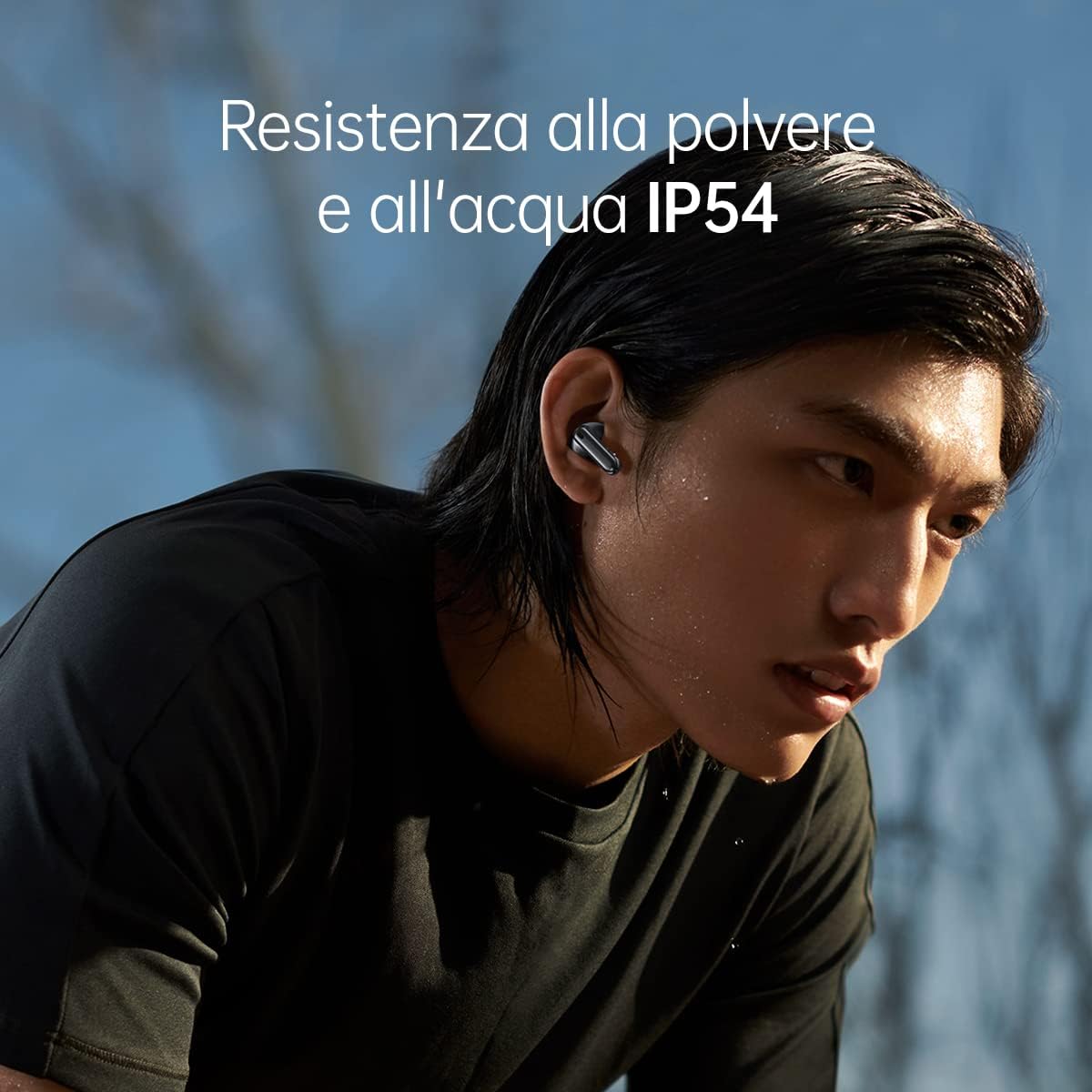
Image 6.1: A user wearing OPPO Enco X2 earbuds, demonstrating their IP54 dust and water resistance during light physical activity.
7. Řešení problémů
| Problém | Řešení |
|---|---|
| Sluchátka se nespárují |
|
| Žádný zvuk z jednoho sluchátka |
|
| Špatná kvalita zvuku |
|
| Active Noise Cancellation not working effectively |
|
7.1 Obnovení továrního nastavení
If issues persist, you may need to perform a factory reset:
- Place both earbuds into the charging case and keep the lid open.
- Press and hold the function button on the charging case for 15 seconds until the indicator light flashes red three times.
- The headphones will reset to factory settings and enter pairing mode.
- You will need to re-pair them with your devices.
8. Specifikace
| Název modelu | OPPO Enco X2 |
| Číslo modelu | ENCOX2WHT |
| Konektivita | Bluetooth 5.2 |
| Kontrola hluku | Aktivní potlačení hluku |
| Nabíjení | USB-C, bezdrátové nabíjení |
| Voděodolnost | IP54 (pouze sluchátka do uší) |
| Typ baterie | Lithium Ion |
| Hmotnost položky | 52 gramů (celkem) |
| Materiál | Plast |
| Kompatibilní zařízení | Android Devices, OPPO Find X5, OPPO Find X5 Lite, OPPO Find X5 Pro, OPPO Smartphones |
9. Záruka a podpora
Your OPPO Enco X2 Wireless Headphones come with a limited warranty. Please refer to the included warranty card for specific terms and conditions, including warranty period and coverage.
Pro technickou podporu, servis nebo další dotazy navštivte oficiální stránky podpory OPPO. website or contact your local OPPO customer service center. Contact information can typically be found on the OPPO webna webu nebo v záruční dokumentaci.


