1. Úvod
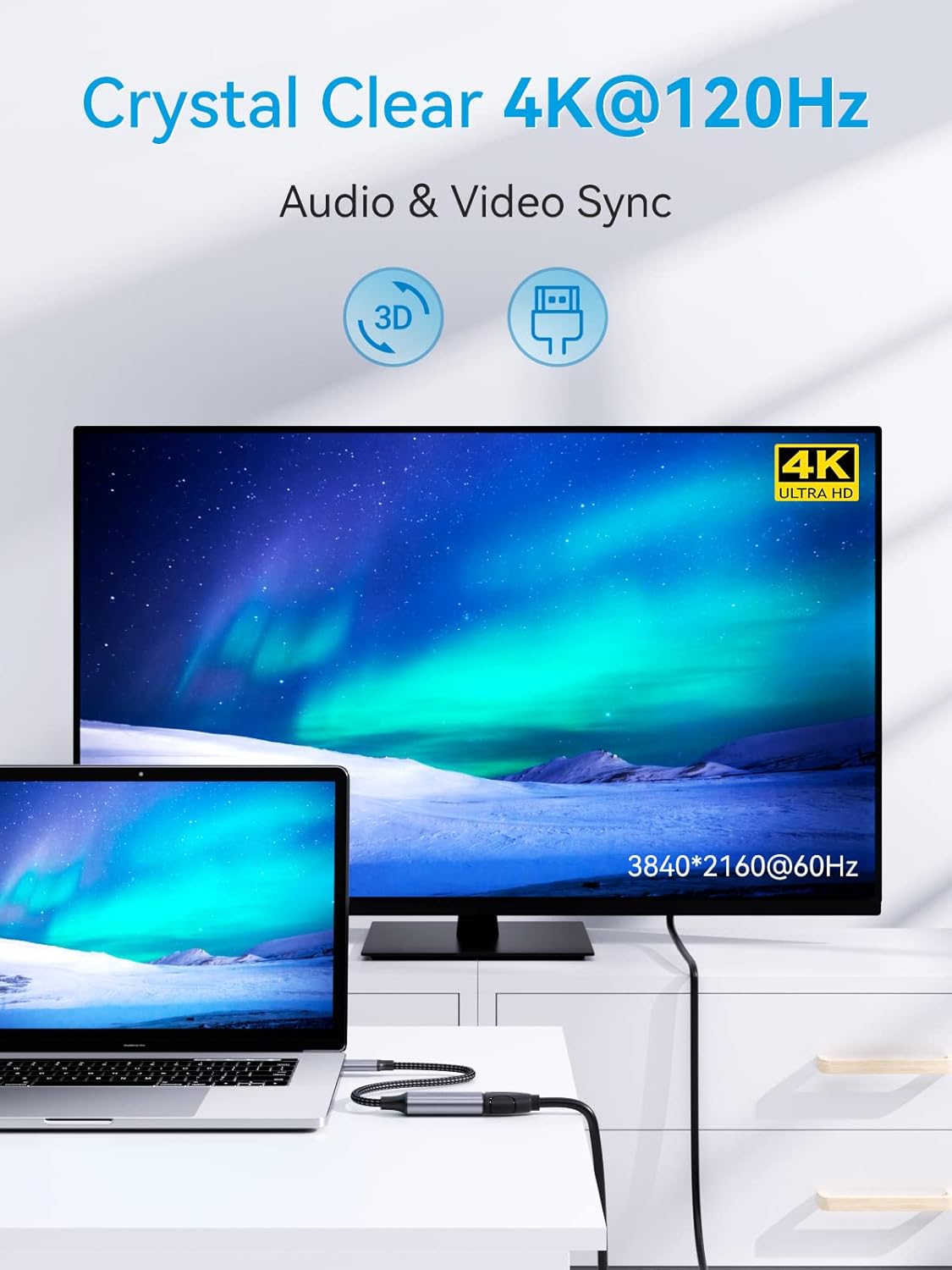
This manual provides instructions for the SOOMFON USB-C to HDMI 4K 120Hz Adapter (Model SF-VA002). This adapter allows you to connect a USB-C enabled device to an HDMI display, projector, or TV, enabling high-definition video and audio transmission. It supports resolutions up to 4K at 120Hz, 2K at 144Hz, and 1080p at 240Hz, offering a smooth visual experience for various applications.

2. Klíčové vlastnosti
- Výstup s vysokým rozlišením: Supports resolutions up to 3840 x 2160 @ 120Hz, including 4K @ 60Hz, 2K @ 144Hz, and 1080p @ 240Hz.
- Dynamic HDR and 3D Support: Enhances visual quality with dynamic HDR and 3D video capabilities.
- Audio and Video Synchronization: Delivers synchronized high-definition audio and video.
- Plug and Play: No drivers or additional software required for operation.
- Režimy zobrazení: Supports both mirror mode (duplicate screen) and extended mode (expand desktop).
- Odolná konstrukce: Features a premium aluminum alloy casing for heat dissipation and a reinforced braided nylon cable for enhanced durability.
- Kompaktní design: Portable and easy to carry for on-the-go use.


3. Kompatibilita
The SOOMFON USB-C to HDMI adapter is designed for wide compatibility with various devices and operating systems that support USB-C video output (DisplayPort Alternate Mode).
3.1 Kompatibilní zařízení (zdroj USB-C)
- Notebooky:
- Microsoft: Surface Book, Surface Pro X / Pro 7, Surface Go
- Huawei: Matebook Series
- Google: Chromebook Pixel
- Lenovo: Lenovo Yoga, Thinkpad T470 / T480
- HP: HP Spectre, HP ZBook, HP ENVY 13
- Dell: XPS 12/13/15, Precision 15, Inspiron 15 7000, 13 5390, Vostro 5390
- MacBook: MacBook 2015 or later, MacBook Pro 2016 or later, MacBook Air 2018 or later, iMac Pro, iMac (2017 or later), Mac Mini 2018 2020
- Tablety:
- Apple: iPad Pro 2018 2020 2021, iPad Air 4th generation, iPad Mini 6
- Samsung: Samsung Galaxy Tab S4 / Tab S5e / Tab S6, Tab Pro S
- Fujitsu: ARROWS Tab Q509 / V, ARROWS Tab F-02
- chytré telefony:
- HTC: HTC 10 / U11 / U11+ / U12+
- Aqua: R5G (Note: Other Aqua models may not be compatible)
- LG: G5 / G7 / G7+ / G8S ThinQ / Q8 / V20 / V30 / V35 / V35+ / V40
- Samsung: Galaxy S9+ / S10 / S10+ / S20 / S20+ / S21 / S21 Ultra / S22 / S22+ / S22 Ultra / Note 9 / Note10+ (Note: Many Samsung models may not be compatible; please verify device support for DisplayPort Alternate Mode over USB-C.)
- Huawei: P20 / P20 Pro / P30 / P30 Pro / P40 / P40 Pro / Huawei Mate Series (Note: Lite versions are not supported.)
3.2 Kompatibilní operační systémy
- Mac OS X 10.6 nebo novější
- Windows 10, 8, 7, Vista, XP
- Chrome OS
- Linux 2.6.14 nebo novější
- iPadOS
- Android (pro kompatibilní zařízení)

4. Pokyny k nastavení
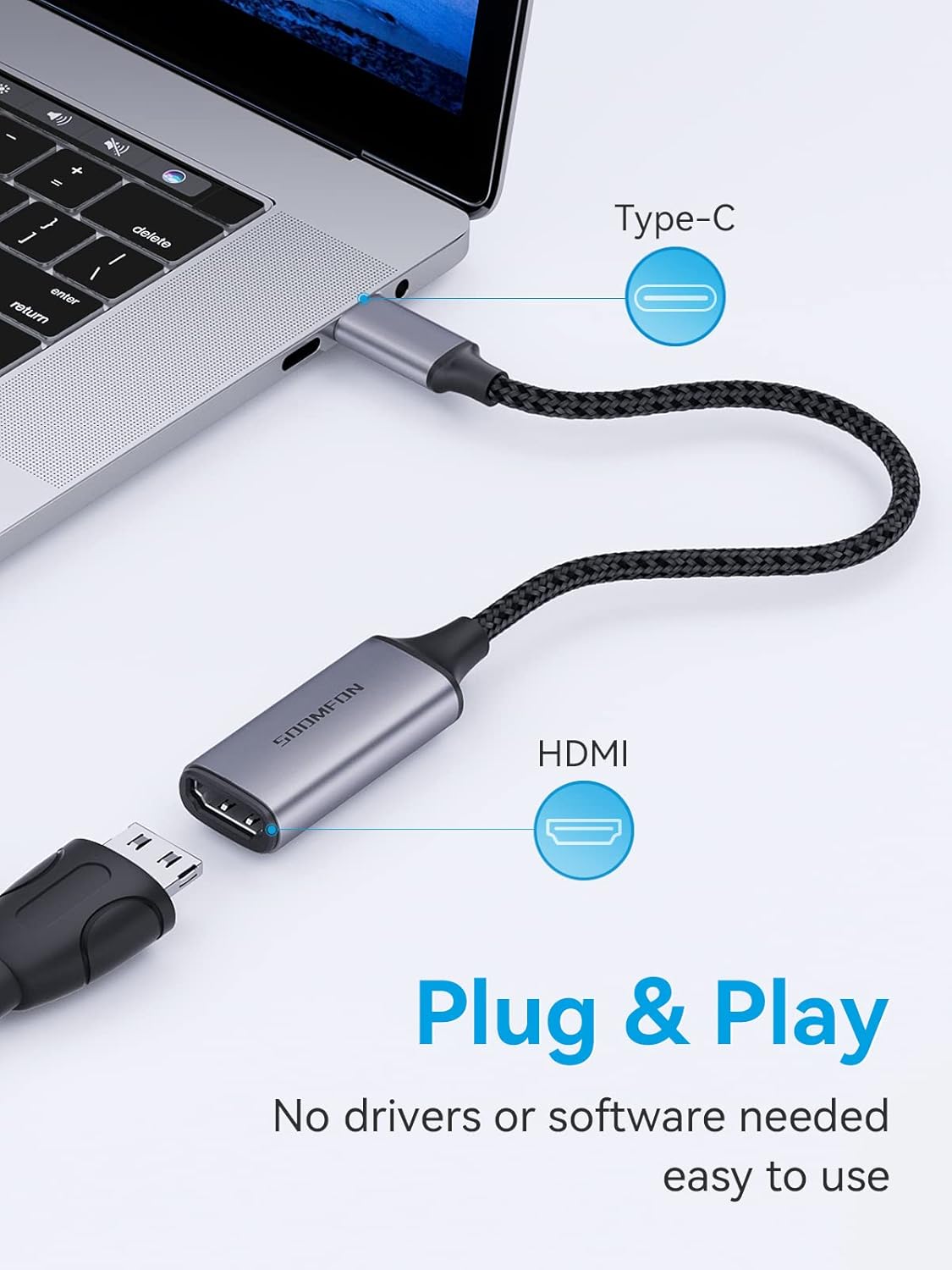
The SOOMFON USB-C to HDMI adapter is designed for simple plug-and-play operation. Follow these steps to connect your device to an HDMI display:
- Připojení k displeji: Plug the HDMI end of the adapter into an available HDMI port on your monitor, projector, or TV.
- Připojení ke zdrojovému zařízení: Insert the USB-C connector of the adapter into the USB-C port of your compatible laptop, tablet, or smartphone. Ensure the USB-C port on your device supports video output (DisplayPort Alternate Mode).
- Zapnutí zařízení: Ensure both your source device and the HDMI display are powered on.
- Vyberte vstup: On your HDMI display, select the correct HDMI input source that the adapter is connected to.
5. Návod k obsluze
Once connected, your device should automatically detect the external display. You can configure the display settings on your operating system.
5.1 Režimy zobrazení
- Zrcadlový režim (duplikát): The external display shows the same content as your primary screen. This is useful for presentations or sharing content.
- Rozšířený režim: The external display acts as an extension of your primary screen, providing more desktop space. This is ideal for multitasking.
To switch between display modes:
- Windows: Stiskněte klíč Windows + P and select your desired display option (Duplicate, Extend, Second screen only).
- MacOS: Go to System Settings (or System Preferences) > Displays. You can arrange displays and choose mirroring options.

6. Řešení problémů
If you encounter issues while using the SOOMFON USB-C to HDMI adapter, consider the following common solutions:
- Žádný displej/signál:
- Ujistěte se, že jsou připojení USB-C i HDMI bezpečná.
- Ověřte, zda port USB-C vašeho zdrojového zařízení podporuje video výstup (alternativní režim DisplayPort). Ne všechny porty USB-C tuto funkci podporují.
- Check the input source selection on your HDMI display.
- Zkuste restartovat zdrojové zařízení.
- Test with a different HDMI cable or display if possible.
- Blikání nebo nestabilní zobrazení:
- Ensure the HDMI cable is of good quality and securely connected.
- Reduce the resolution or refresh rate in your device's display settings to see if stability improves.
- Check for any potential interference from other electronic devices.
- Žádný zvuk:
- Verify that the audio output is set to the HDMI display in your device's sound settings.
- Ensure the HDMI display has working speakers or is connected to external audio.
- Rozlišení/obnovovací frekvence neodpovídá očekávání:
- Confirm that both your source device and HDMI display support the desired resolution and refresh rate.
- Update graphics drivers on your source device.
7. Specifikace
| Funkce | Detail |
|---|---|
| Značka | SOOMFON |
| Číslo modelu | SF-VA002 |
| Barva | Šedá |
| Typ konektoru | USB Type-C (Male) to HDMI (Female) |
| Maximální rozlišení | 3840 x 2160 @ 120 Hz |
| Podporovaná rozlišení | 4K @ 60Hz, 2K @ 144Hz, 1080p @ 240Hz |
| Vlastnosti | Dynamic HDR, 3D, Audio & Video Sync, Plug & Play |
| Materiál bydlení | Hliníková slitina |
| Materiál kabelu | Pletený nylon |
| Počet portů | 1 (HDMI output) |
8. Údržba
To ensure the longevity and optimal performance of your SOOMFON USB-C to HDMI adapter, please follow these maintenance guidelines:
- Čištění: Use a soft, dry cloth to wipe the adapter. Avoid using liquid cleaners or solvents.
- Skladování: Adaptér skladujte na chladném a suchém místě mimo dosah přímého slunečního záření a extrémních teplot.
- Zacházení: Avoid bending or twisting the cable excessively, especially near the connectors, to prevent internal damage. Do not pull the cable to disconnect; always grasp the connector housing.
- Ochrana: Chraňte adaptér před vodou, vlhkostí a korozivními látkami.
9. Záruka a podpora
SOOMFON provides a 2-letá záruka for this product. For technical assistance or warranty claims, please contact SOOMFON customer support. We offer 7x24 hour support to help resolve any issues you may encounter in a timely manner.
Please refer to the contact information provided with your product packaging or visit the official SOOMFON webstránky pro podrobnosti o podpoře.


