Konec produktuview
The Phomemo 241BT Bluetooth Thermal Printer is an advanced, inkless label printer designed for efficiency and convenience in small business and personal use. It offers versatile connectivity options, supporting both wireless Bluetooth and wired USB connections across various operating systems. This manual provides detailed instructions for setup, operation, and maintenance to ensure optimal performance of your printer.

Figure 1: Phomemo 241BT Bluetooth Thermal Printer in a typical use environment.
Co je v krabici
Upon unboxing your Phomemo 241BT printer, please ensure all the following components are present:
- 1 x Phomemo 241BT Bluetooth Shipping Label printer
- 1 x Power Cord & Adapter for shipping label printer
- 1 x USB-C adapter for MAC OS
- 20 x 4x6 shipping labels for print test
- 1 x PM-241BT quick start guide
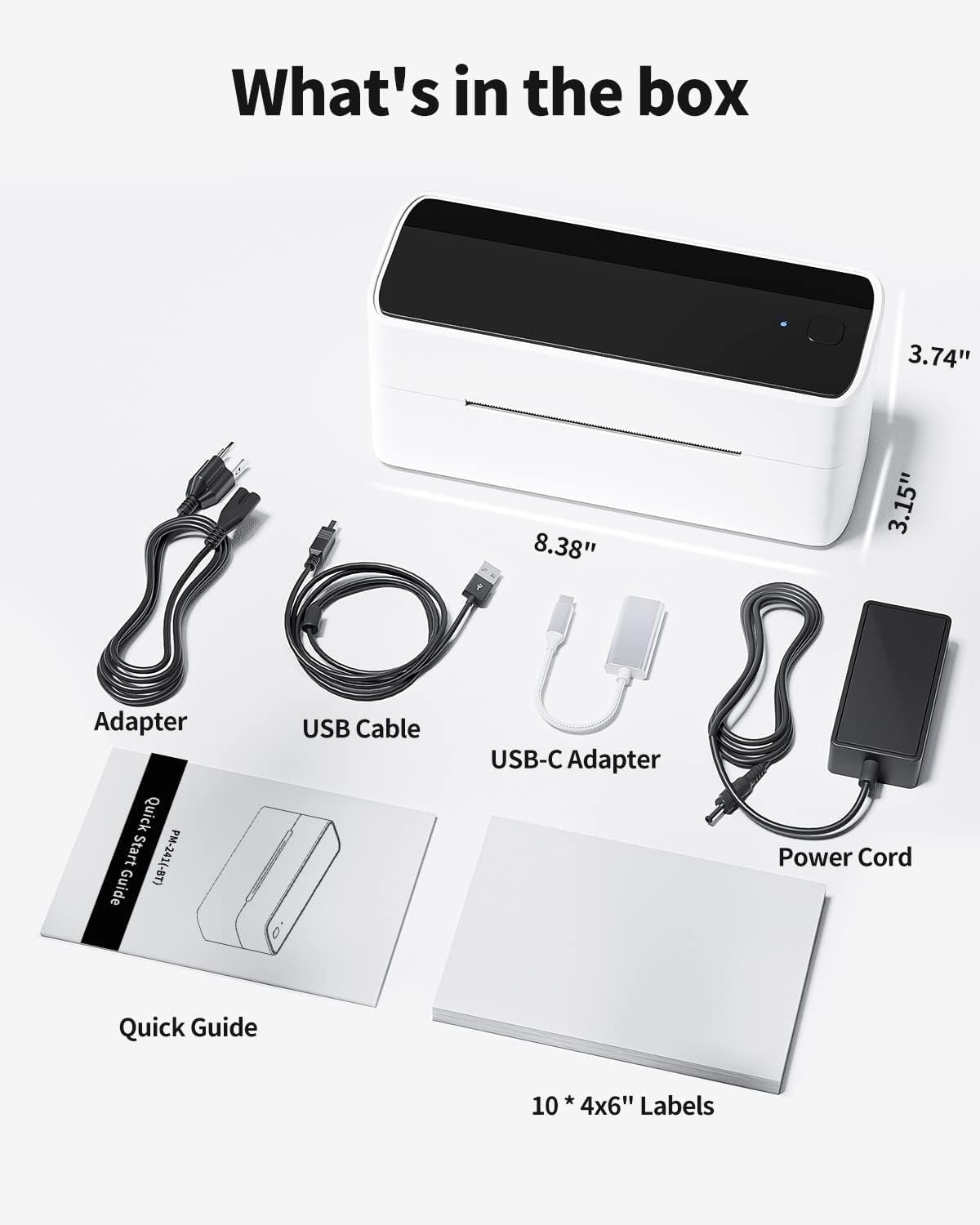
Figure 2: All components included in the Phomemo 241BT package.
Průvodce nastavením
1. Fyzické nastavení
- Připojte napájecí adaptér k tiskárně a zapojte jej do elektrické zásuvky.
- Open the printer cover by pressing the button on the side.
- Load the thermal labels into the printer. Ensure the labels are facing up and aligned correctly between the adjustable guides.
- Close the printer cover. The printer will automatically calibrate and feed a small portion of the label.
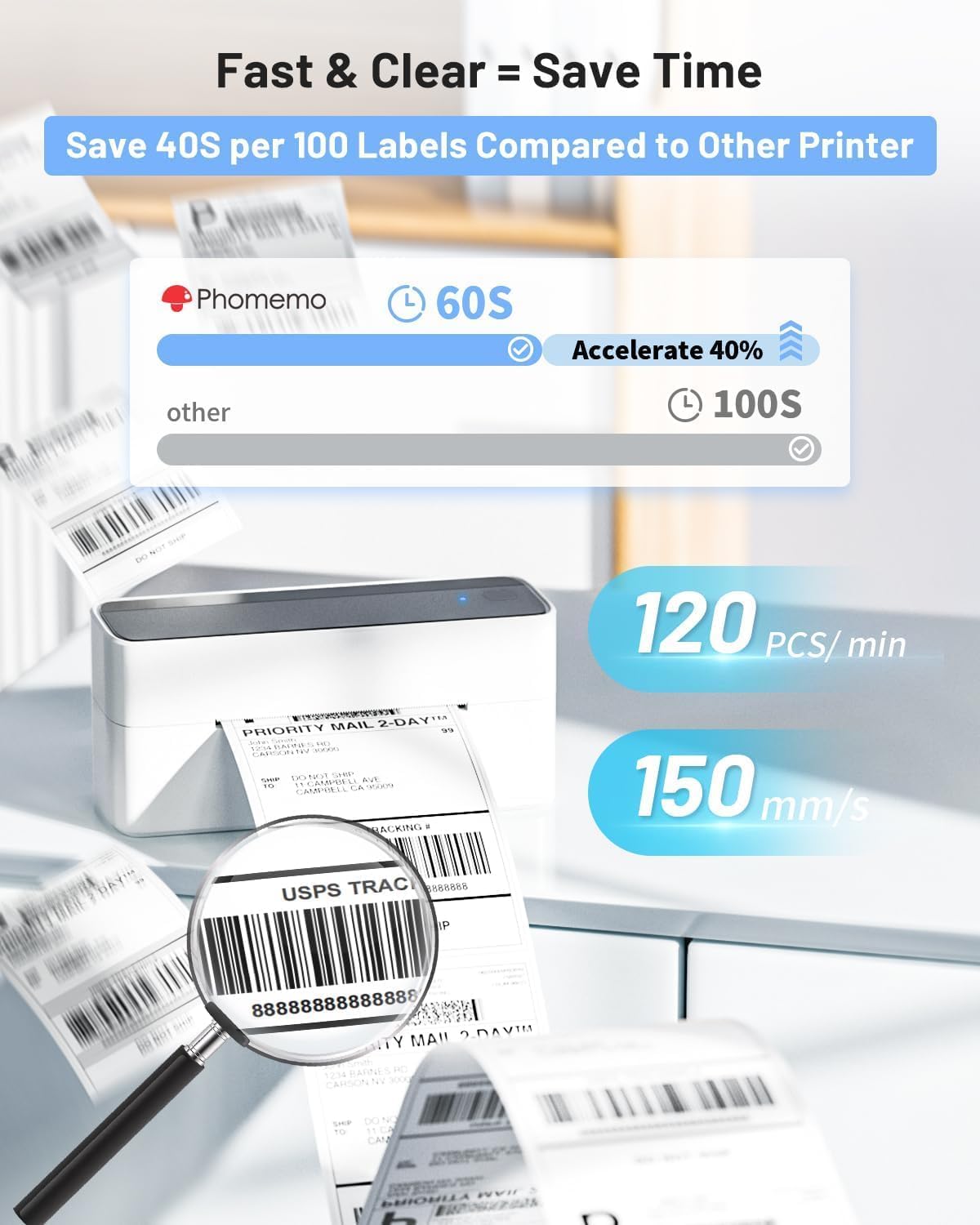
Figure 3: Proper label loading and automatic calibration.
2. Software & Connectivity
The Phomemo 241BT supports various connection methods:
Mobile (Phone/Tablet) via Bluetooth
- Download the 'Labelife' app from Google Play Store (Android) or Apple App Store (iOS).
- Open the 'Labelife' app and navigate to the device connection section.
- Hledat your printer (PM-241BT) and click to connect. Důležité: Hledat the printer within the 'Labelife' app, not your phone's system Bluetooth settings.
Video 1: Step-by-step guide to connecting the 241BT printer to your phone or tablet via Bluetooth using the Labelife app.
Video 2: Demonstrates connecting the thermal label printer to a cell phone via Bluetooth.
PC (Windows/Mac/Linux/ChromeOS) via Bluetooth or USB
- Install the 'Labelife' software from www.labelife.net.
- For Bluetooth connection, ensure your PC supports Bluetooth or has a Bluetooth driver installed. Hledat the printer within the 'Labelife' software.
- For wired printing, connect the printer to your PC using the provided USB cable. A USB flash drive with printer drivers and instruction videos is included for quick setup.
Video 3: Bluetooth connection guide for PC (Windows, Mac, ChromeOS).
Video 4: Tutorial on installing the Chrome extension for printing.
Návod k obsluze
The Phomemo 241BT printer is designed for fast and clear label printing, saving you time and resources.
1. Tisk štítků
- Once connected, open your desired label file (PDF, image, or use a template) in the 'Labelife' app/software.
- Adjust label dimensions as needed. The printer supports label widths from 1 to 4.6 inches.
- Initiate the print command from the software/app. The printer can achieve speeds of up to 72 labels per minute (or 120 pieces per minute).

Figure 4: Wireless and wired printing options for the Phomemo 241BT.

Obrázek 5: Přamples of labels printed with varying sizes and purposes.
2. Podporované platformy
The Phomemo 241BT is compatible with a wide range of e-commerce and shipping platforms, making it ideal for small businesses:
- USPS
- Shopify
- UPS
- Etsy
- eBay
- Amazonka
- Poshmark
- Lodní stanice
- Shippo
- Ordoro
- Temu
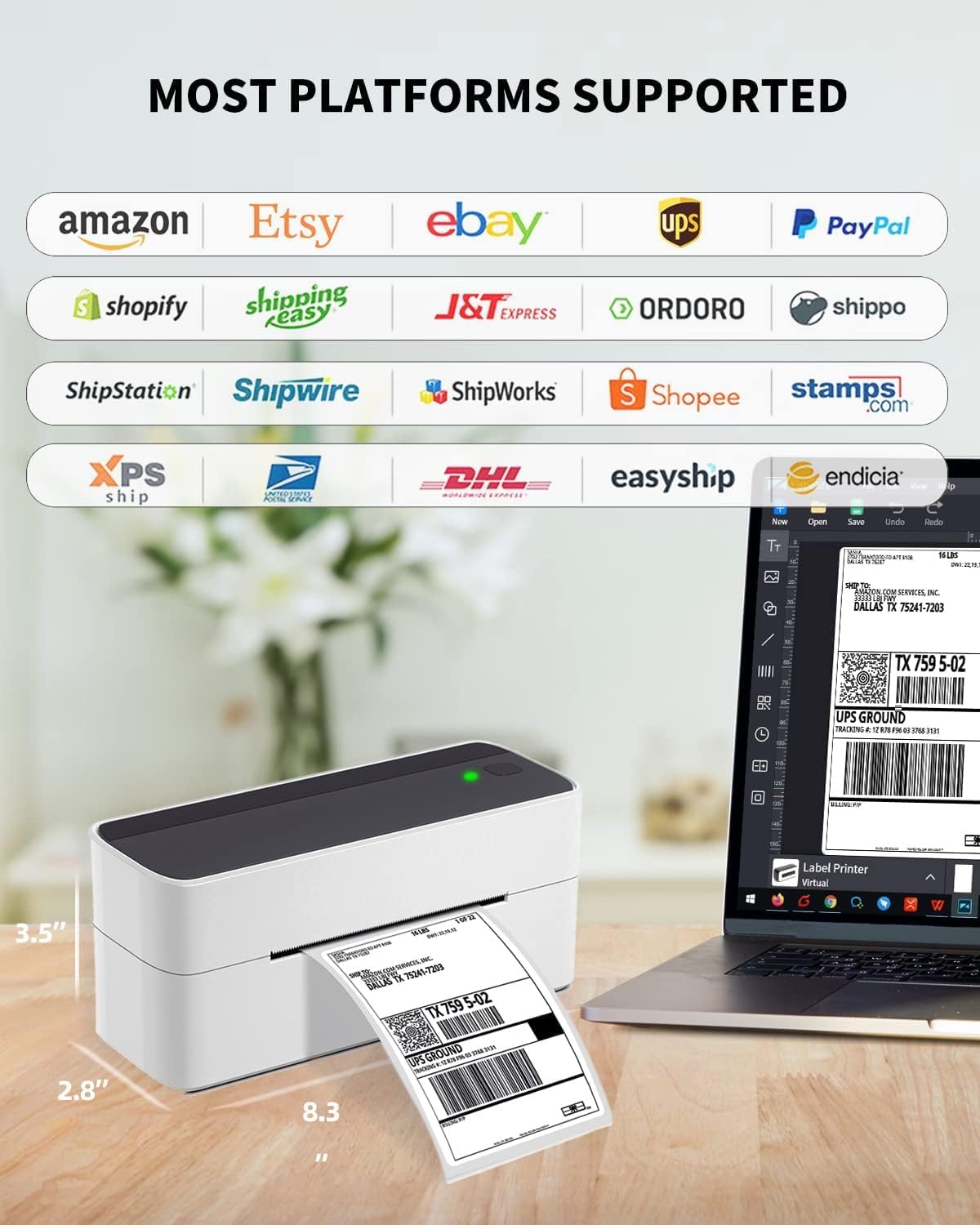
Figure 6: The printer supports a wide array of popular shipping platforms.
Video 5: Konecview of the 241BT Bluetooth Shipping Label Printer's features.
Video 6: Demonstrates the Phomemo label printer's use for small businesses.
Údržba
To ensure the longevity and optimal performance of your thermal printer, regular maintenance is recommended:
- Keep the printer clean and free from dust and debris. Use a soft, dry cloth to wipe the exterior.
- Periodically clean the print head with an alcohol wipe or a specialized thermal printer cleaning pen to prevent print quality issues.
- Store labels in a cool, dry place away from direct sunlight to maintain their quality.
Odstraňování problémů
For common issues and solutions, please refer to the comprehensive Průvodce řešením problémů (PDF) provided by Phomemo. Additionally, if you encounter Bluetooth connection issues, remember to search for the printer within the 'Labelife' software or app, not your device's system settings.
Specifikace
| Funkce | Detail |
|---|---|
| Název modelu | 241BT |
| Rozměry produktu | 3.5"H x 7.5"Š x 5.5"V |
| Hmotnost položky | 1.59 libry |
| Technologie tisku | Tepelný |
| Technologie připojení | Bluetooth, USB |
| Maximální velikost média tiskárny | 4 x 6 inch labels (supports 1" to 4.6" width) |
| Maximální rozlišení černobílého tisku | 203 DPI |
| Maximální rychlost kopírování (černobíle) | 81 ppm (72 labels/min) |
| Kompatibilní zařízení | Smartphones, IOS & Android Phone/Pad, PC, Laptops (Windows, Mac OS, Chrome OS, Linux) |
Záruka a podpora
Phomemo offers a free replacement service for up to 24 months from the date of purchase. For any technical assistance or inquiries, please contact the Phomemo technical team. Contact information is clearly visible on the printer's label and in the included instructions.
Support options include:
- Živý chat
- Phone Calls (from 9:00 AM to 6:00 PM, Working days)
- e-maily
- Remote-desktop operations support
Telefon: +1 833 940 3818

Figure 7: Phomemo's dedicated customer service and technical support team.


