Zavedení
The Xoopar Pokket Eco Wireless Mouse XP81002.21WT is an ultra-slim, rechargeable optical mouse designed for comfortable and efficient use with your computer. This manual provides essential information for setting up, operating, maintaining, and troubleshooting your device.
Obsah balení
Zkontrolujte prosím balení, zda neobsahuje následující položky:
- Xoopar Pokket Eco Wireless Mouse
- USB 2.4G přijímač
- USB nabíjecí kabel
- Cork Storage Pouch
- Uživatelská příručka (tento dokument)
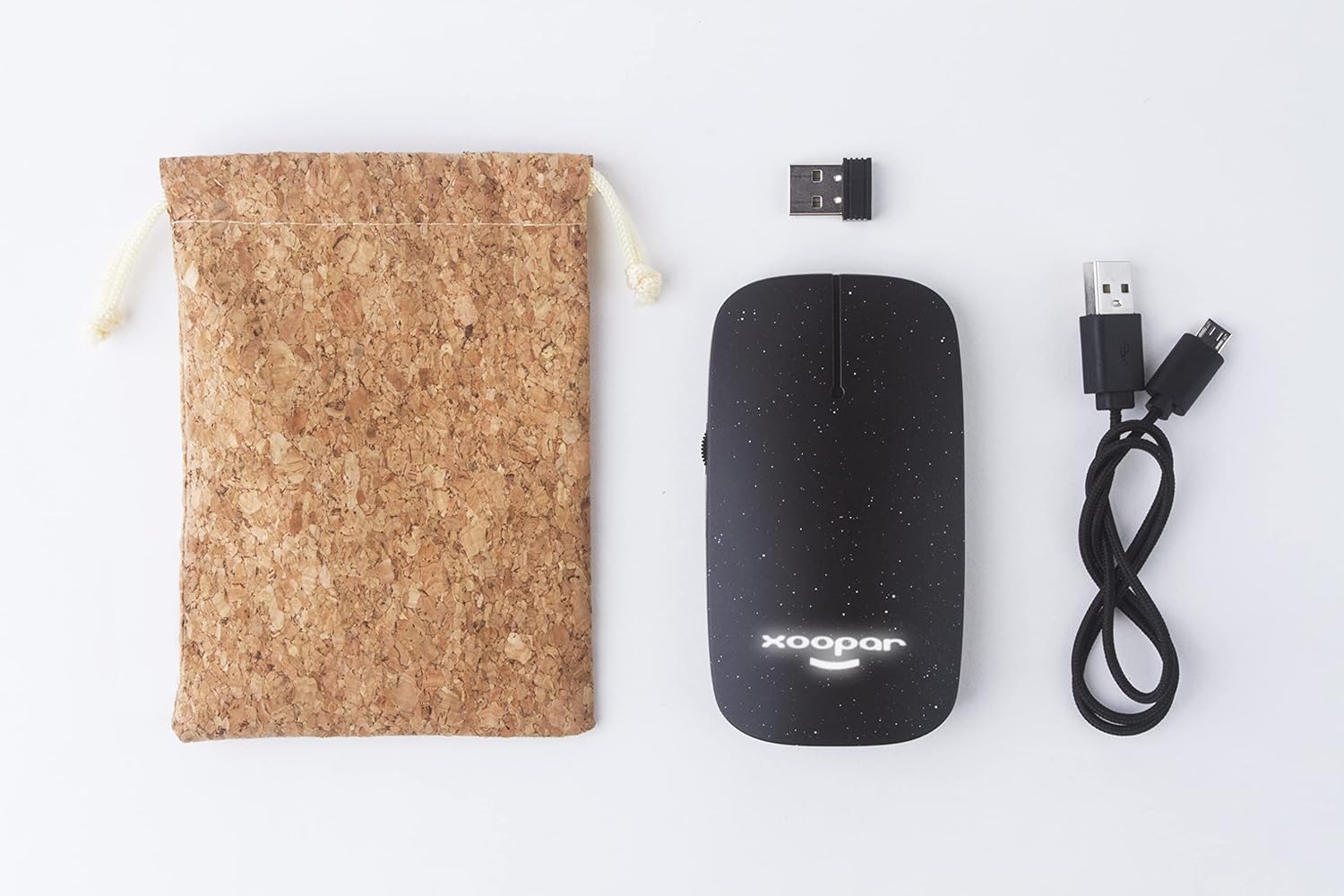
Image: Contents of the Xoopar Pokket Eco Wireless Mouse package, including the mouse, USB receiver, charging cable, and cork pouch.
Nastavení
1. Nabíjení myši
Before first use, it is recommended to fully charge the mouse. Connect the provided USB charging cable to the charging port on the mouse and the other end to a USB power source (e.g., computer USB port, USB wall adapter).
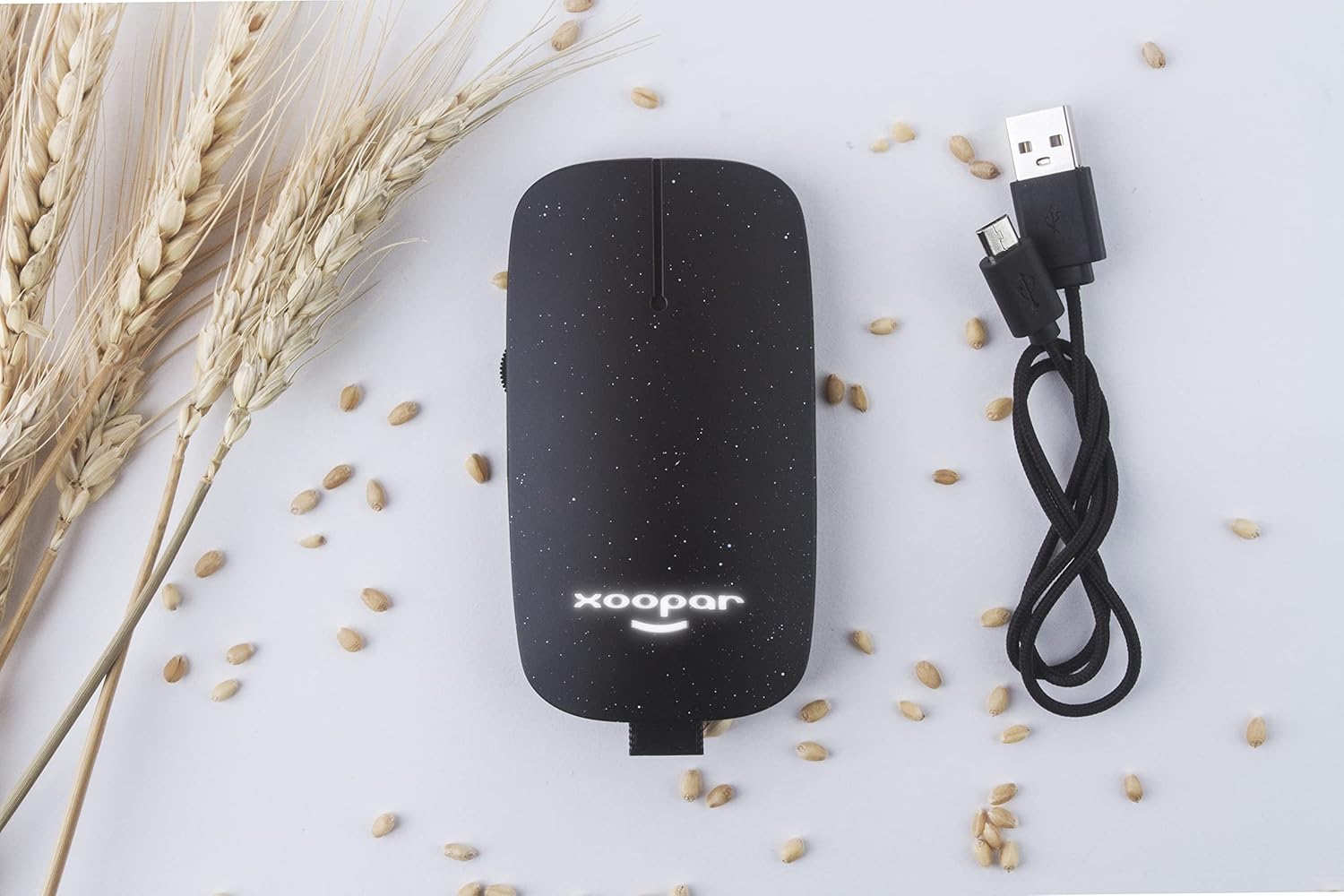
Image: The Xoopar Pokket Eco Wireless Mouse connected to its USB charging cable.
2. Připojení USB přijímače
- Locate the USB 2.4G receiver, typically stored within the mouse itself or included separately in the package.
- Zapojte USB přijímač do volného USB portu na vašem počítači.
- Váš počítač by měl automaticky detekovat a nainstalovat potřebné ovladače. Může to chvíli trvat.

Image: The USB 2.4G receiver inserted into a laptop's USB port.
3. Zapnutí myši
Locate the power switch on the bottom of the mouse and slide it to the "ON" position. The mouse should now be ready for use.
Návod k obsluze
The Xoopar Pokket Eco Wireless Mouse features standard mouse functionality:
- Levé kliknutí: Primární akce, výběr.
- Klikněte pravým tlačítkem myši: Secondary action, context menus.
- Rolovací kolečko: Scroll up or down in documents and web stránky. Rolovací kolečko funguje také jako prostřední tlačítko.
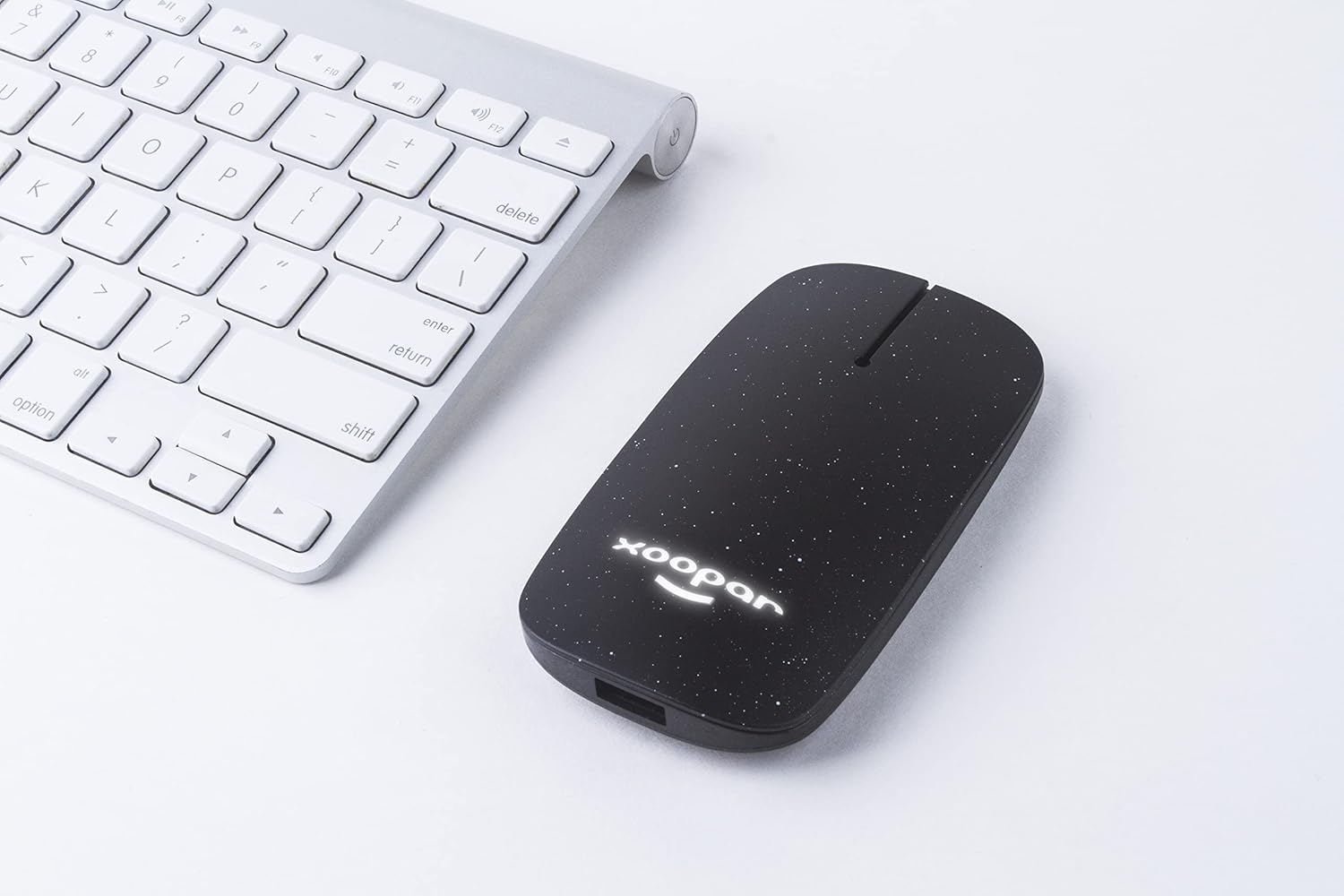
Image: The Xoopar Pokket Eco Wireless Mouse positioned next to a computer keyboard, ready for use.
Údržba
- Čištění: K čištění myši používejte měkký, suchý hadřík. Nepoužívejte agresivní chemikálie ani abrazivní materiály.
- Skladování: When not in use, store the mouse in its cork pouch to protect it from dust and scratches.
- Péče o baterie: Chcete-li prodloužit životnost baterie, vyhněte se častému úplnému vybíjení myši. Nabíjejte ji, když je indikátor baterie nízký.
Odstraňování problémů
| Problém | Řešení |
|---|---|
| Mouse is unresponsive or not moving. |
|
| Mouse movement is erratic. |
|
| Mouse does not charge. |
|
Specifikace
| Značka | Xoopar |
| Číslo modelu | XP81002.21WT |
| Technologie připojení | Bezdrátové 2.4G (USB přijímač) |
| Detekce pohybu | Optický |
| Počet tlačítek | 3 |
| Orientace rukou | Ambidextrous design (Note: Product specifications may list "Left" but the design is symmetrical.) |
| Kompatibilní operační systémy | Windows, macOS, Linux |
| Kompatibilní zařízení | Notebooky, stolní počítače |
| Hmotnost položky | 50 gramů |
| Barva | Černý |
Záruka a podpora
For warranty information or technical support, please refer to the official Xoopar website or contact Xoopar customer service directly. Keep your purchase receipt as proof of purchase for any warranty claims.
Xoopar Europe Seller ID: A3PFMQ8HI1NEP8
Poznámka: Konkrétní záruční podmínky se mohou lišit v závislosti na regionu.


