1. Úvod
This user manual provides comprehensive instructions for the Surfola SD310 Mini Dash Cam. This dual car camera system records in 2K (front) and 720P (rear) resolution, featuring a 3-inch IPS screen, 170° wide-angle lens, parking mode, WDR technology, and accident record capabilities. Please read this manual thoroughly before operation to ensure proper use and optimal performance.

Figure 1: Surfola SD310 Mini Dash Cam and components.
2. Obsah balení a nastavení
2.1 Obsah balení
Ověřte, zda jsou v balení přítomny všechny položky:
- Surfola SD310 Front Dash Cam
- Zadní kamera
- Nabíječka do auta
- Držák přísavky
- Crowbar (for cable management)
- Uživatelská příručka
- Pin & USB Cable

Figure 2: Included components of the Surfola SD310 Dash Cam.
2.2 Instalační příručka
- Prepare the TF Card: Insert a Class 10, SDHC TF card (32GB to 128GB max supported, 64GB not recommended) into the card slot. It is crucial to format the TF card on your computer as FAT32 64KB, and then format it again within the dash cam's settings upon first use.
- Montáž přední palubní kamery: Attach the suction cup mount to your car's windshield. Ensure the mounting location does not obstruct your view nebo rušit funkci airbagů.
- Připojte napájení: Připojte autonabíječku k palubní kameře a zapojte ji do zásuvky zapalovače cigaret ve vozidle.
- Instalace zadní kamery (volitelné): If using the rear camera, connect it to the main unit and route the cable discreetly. The crowbar can assist in tucking cables under trim.
- Zapnutí: The dash cam will automatically turn on and begin recording when you start the engine.

Figure 3: Easy installation steps for the dash cam.
3. Návod k obsluze
3.1 Klíčové vlastnosti a funkce
- 2K (Front) & 720P (Rear) Dual Recording: The SD310 captures crystal-clear video from both the front (2560x1440P) and rear (720P) of your vehicle, providing comprehensive coverage.
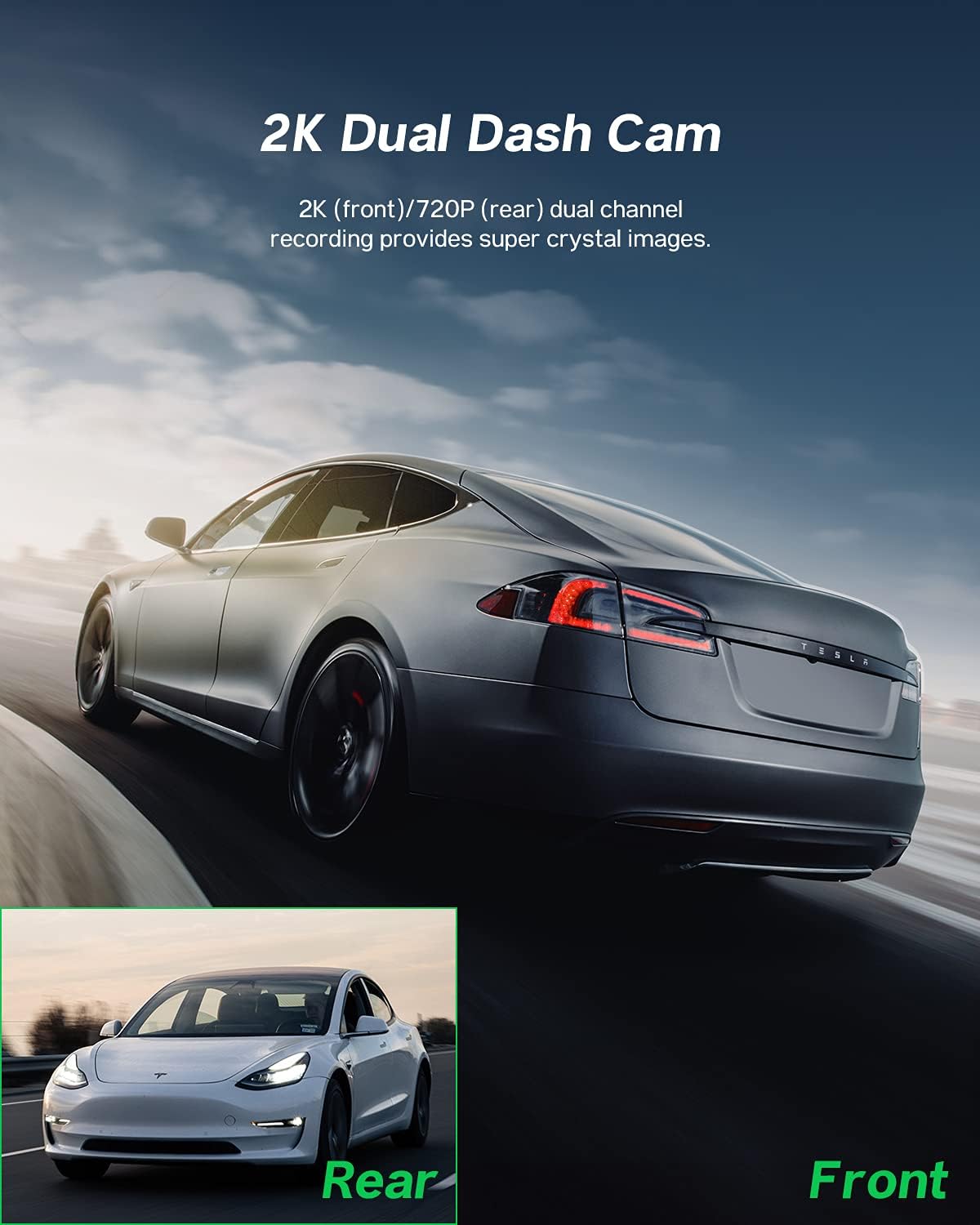
Figure 4: Dual channel recording capabilities.
- Super noční vidění: Equipped with a high-performance chip, F1.8 aperture, and WDR technology, the dash cam enhances clarity in low-light conditions, making night shots brighter and preventing overexposure.
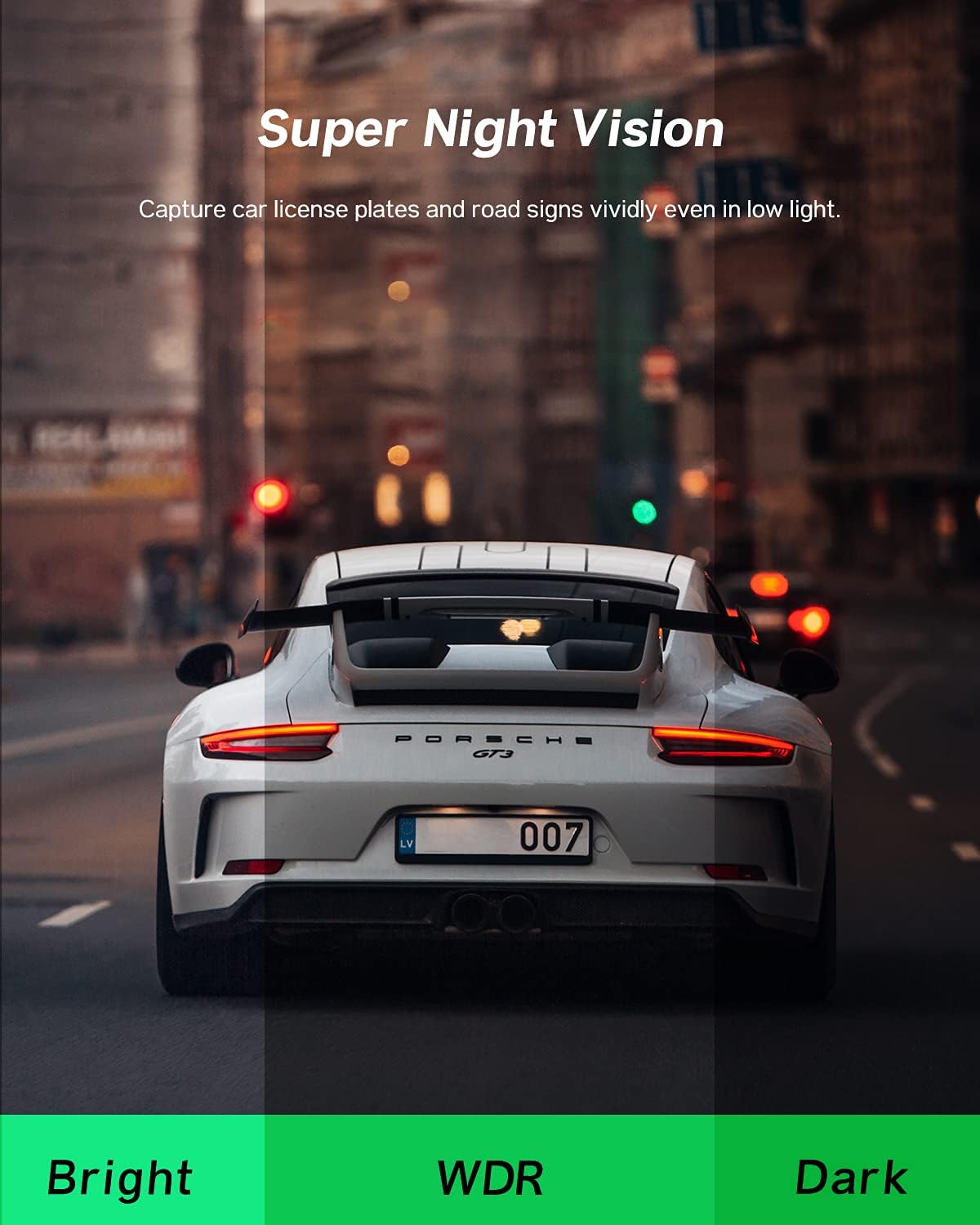
Figure 5: Enhanced night vision for clear recordings.
- 24hodinový monitor parkování: The car recorder automatically activates and locks the current video to save evidence if a collision is detected while the car is parked, even without charging. The internal battery provides 24/7 monitoring.
Figure 6: Continuous parking surveillance.
- Loop Recording & Emergency Lock: When the TF card reaches full capacity, loop recording overwrites the oldest footage with new recordings. However, videos locked by the built-in G-sensor (due to sudden shake/collision) or recorded under parking mode will not be overwritten, ensuring critical evidence is preserved.
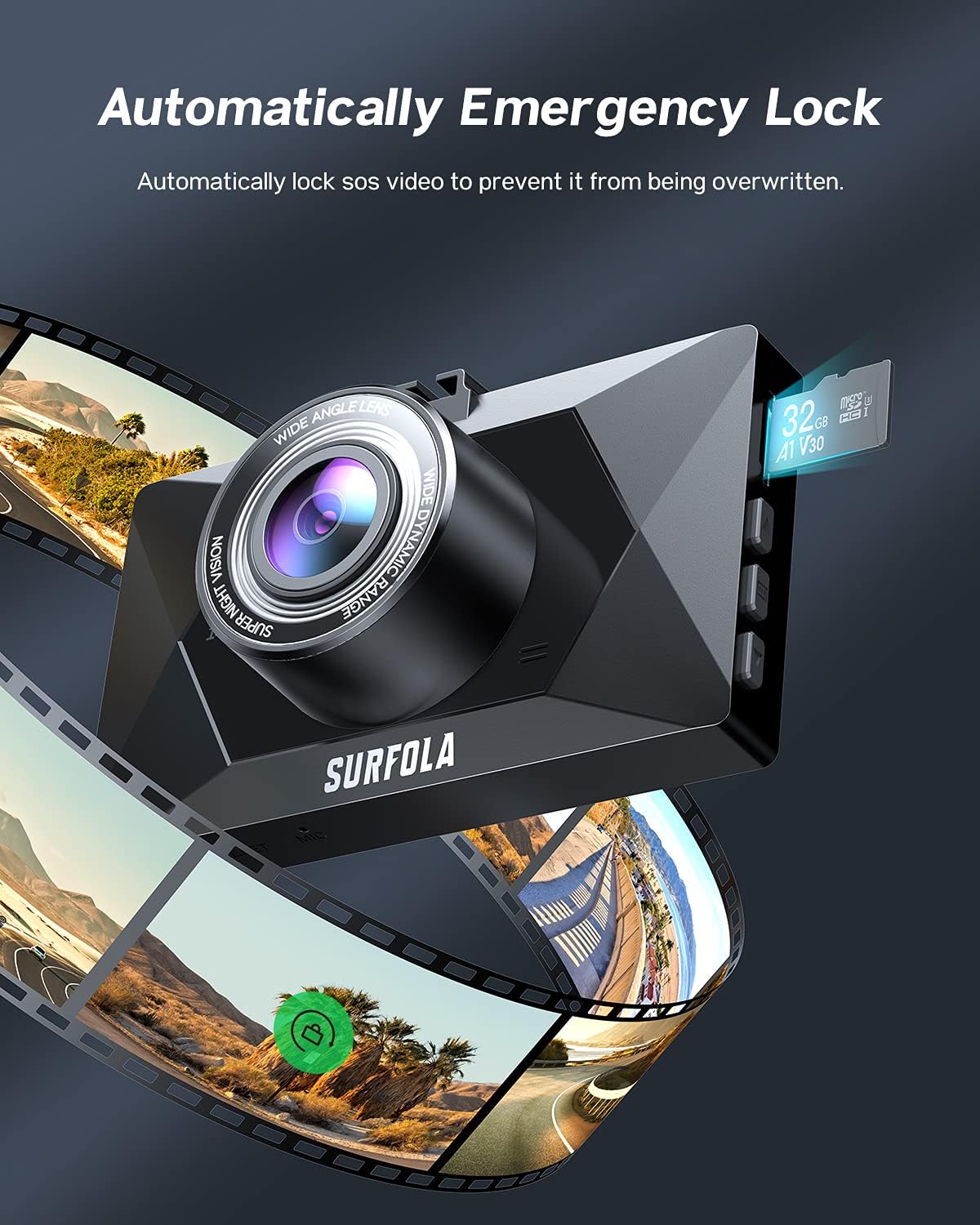
Figure 7: Automatic emergency lock for accident records.
- Širokoúhlý objektiv 170°: The front camera features a 170° ultra-wide-angle lens, capable of monitoring up to three lanes without distortion, providing a broader view silnice.
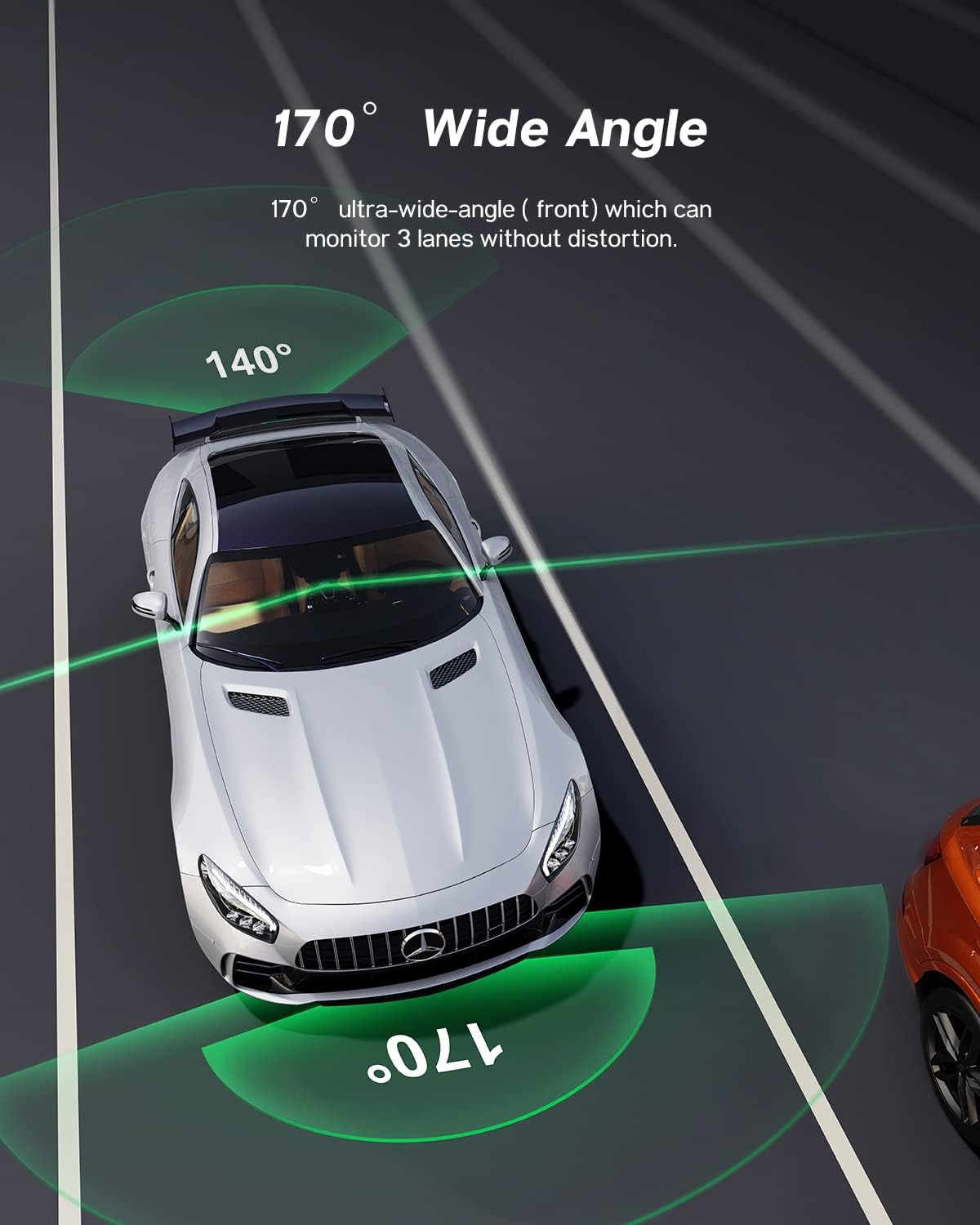
Figure 8: Wide-angle coverage.
- 3palcová IPS obrazovka: The dash cam features a 3-inch IPS screen for easy operation and viewpořizování nahrávek.

Figure 9: 3-inch IPS Touch Screen for easy operation.
- Režim spořiče obrazovky: The screen may automatically turn off during recording. This is a normal power-saving feature. To keep the screen on, disable "screen saver" in the settings.
3.2 Oficiální video produktu
Video 1: Official product video demonstrating the Surfola QHD 1440P Dual Dash Cam SD310 features, including dual recording, loop recording, emergency locks, night vision, and parking mode.
4. Údržba
- Formátování TF karty: Regularly format your TF card to ensure optimal performance and prevent storage issues due to accumulated locked videos. Set the G-sensor sensitivity to a lower value if you find too many videos are being locked unnecessarily.
- Čištění: K čištění objektivu a obrazovky fotoaparátu používejte měkký, suchý hadřík. Nepoužívejte abrazivní čisticí prostředky ani rozpouštědla.
- Skladování: Pokud palubní kameru delší dobu nepoužíváte, skladujte ji na chladném a suchém místě mimo dosah přímého slunečního záření.
5. Řešení problémů
| Problém | Možná příčina / řešení |
|---|---|
| Dash cam does not turn on or record automatically. |
|
| "Motion sensor" or Parking Mode not working. |
|
| Rear camera keeps falling down. |
|
| Videos are not saving or being overwritten. |
|
| Screen turns off during recording. |
|
6. Specifikace
| Funkce | Detail |
|---|---|
| Rozměry produktu | 3.5 x 2.17 x 1.16 palce |
| Hmotnost položky | 13.1 unce |
| Název modelu | SD310 |
| Značka | Surfola |
| Technologie připojení | USB |
| Rozlišení záznamu videa | 1440p (přední) |
| Speciální funkce | 1440P Resolution, Emergency Locks, Loop Recording, Night Vision, Parking Monitor |
| Typ montáže | Sací držák |
| Velikost obrazovky | 3 inches (IPS) |
| Široký úhel | 170° |
7. Záruka a podpora
Surfola is committed to providing high-quality products and customer satisfaction. If you encounter any problems during your use of the SD310 Dash Cam, please do not hesitate to contact our professional after-sales team for assistance.
For more detailed operation instructions and video tutorials, please follow the official Surfola YouTube channel. Our support team will provide the best solution without delay.
Kontaktní údaje: Please refer to the contact details provided on the product packaging or the official Surfola webweb s nejaktuálnějšími informacemi o podpoře.


