1. Úvod
The cellularline Core Pro Bluetooth Earphones are designed to provide a high-quality audio experience with advanced features for communication and entertainment. These earphones incorporate Environmental Noise Cancelling (ENC) technology with four built-in microphones for clear calls, multipoint connectivity for simultaneous device pairing, and an LED display for battery status monitoring. This manual provides instructions for setup, operation, and maintenance of your Core Pro earphones.

Image 1.1: cellularline Core Pro Earphones in their charging case, displaying battery levels.
2. Obsah balení
Prosím, ověřte, zda jsou v balení přítomny všechny položky:
- cellularline Core Pro Bluetooth Earphones (Left and Right)
- Bezdrátové nabíjecí pouzdro
- USB nabíjecí kabel
- Uživatelská příručka
3. Nastavení
3.1 Počáteční nabíjení
- Před prvním použitím vložte obě sluchátka do nabíjecího pouzdra.
- Připojte nabíjecí pouzdro ke zdroji napájení USB pomocí dodaného kabelu USB.
- The LED display on the charging case will indicate the charging status. Allow the earphones and case to fully charge.
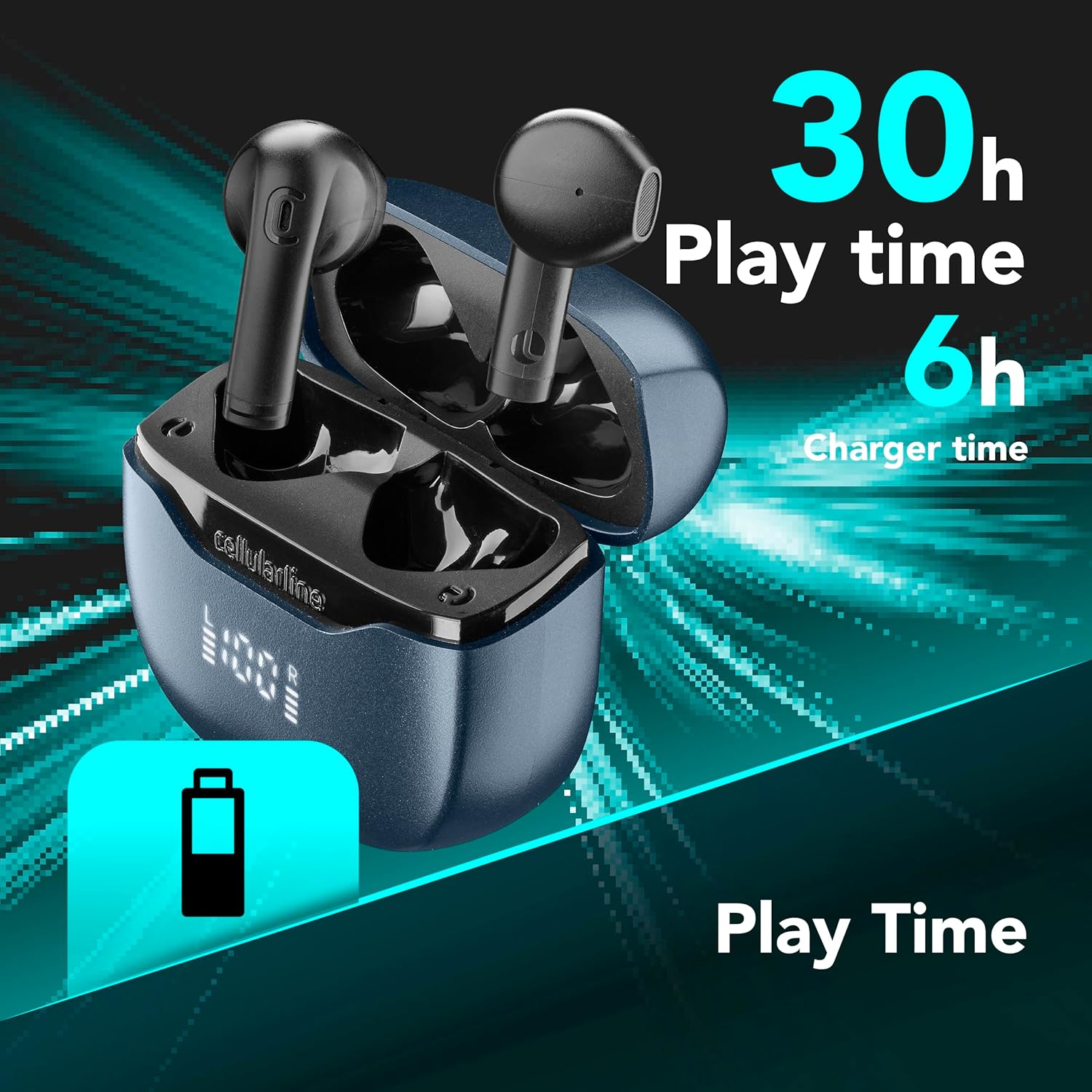
Image 3.1: Earphones and case indicating total play time and charging capacity.
3.2 Automatické párování
- Ujistěte se, že jsou sluchátka nabitá.
- Otevřete nabíjecí pouzdro. Sluchátka se automaticky zapnou a přejdou do režimu párování.
- Na svém zařízení (chytrém telefonu, tabletu atd.) povolte Bluetooth a vyhledejte dostupná zařízení.
- Select "cellularline Core Pro" from the list of detected devices to connect.
- Once connected, a confirmation sound or message may be heard.
4. Návod k obsluze
4.1 Zapnutí/vypnutí
- Zapnutí: Open the charging case, or press and hold the touch control area on both earphones for 3 seconds.
- Vypnout: Place the earphones back into the charging case and close the lid, or press and hold the touch control area on both earphones for 5 seconds.
4.2 Dotykové ovládání
The Core Pro earphones feature intuitive touch controls on each earbud. Refer to the following table for common functions:

Image 4.1: Visual representation of touch control functions on an earbud.
| Akce | Funkce |
|---|---|
| Jedno klepnutí (vlevo/vpravo) | Přehrát/Pozastavit hudbu, Přijmout/Ukončit hovor |
| Dvojité klepnutí (vpravo) | Další stopa |
| Dvojité klepnutí (vlevo) | Předchozí stopa |
| Trojité klepnutí (vpravo) | Zvýšení hlasitosti |
| Trojité klepnutí (vlevo) | Snížit hlasitost |
| Stiskněte a podržte (2s) | Aktivujte hlasového asistenta (Siri, Google Assistant) |
| Press and Hold (2s during call) | Odmítnout příchozí hovor |
4.3 Nabíjení sluchátek a pouzdra
- Sluchátka: Place the earphones into the charging case. They will automatically begin charging. The LED display on the case shows the individual earbud battery levels (L and R).
- Nabíjecí pouzdro: Connect the USB charging cable to the case's charging port and a power source. The central percentage on the LED display indicates the case's battery level.
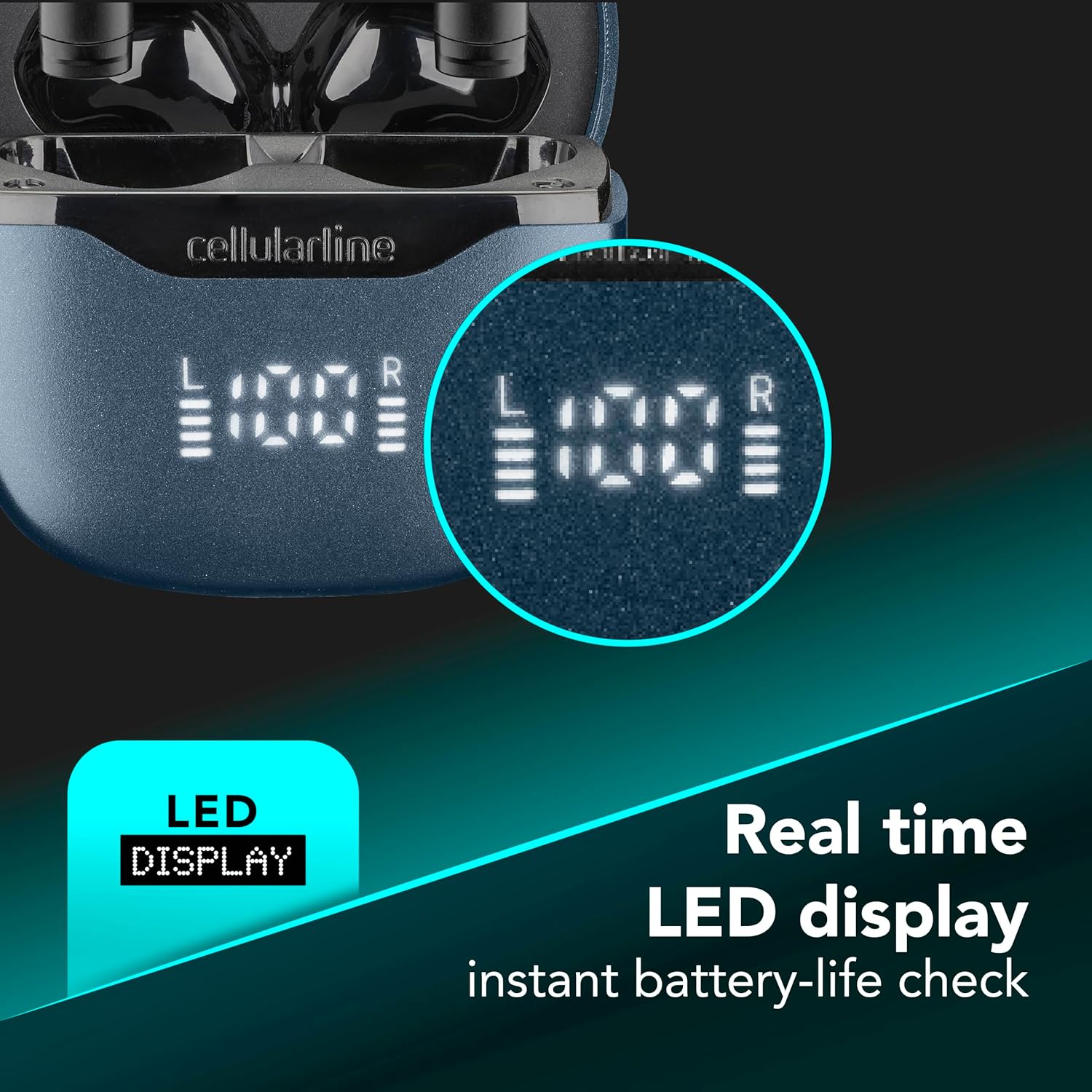
Image 4.2: Real-time LED display for instant battery life check of the case and individual earbuds.
4.4 Vícebodové připojení
The Core Pro earphones support multipoint technology, allowing connection to two Bluetooth devices simultaneously.
- Spárujte sluchátka s prvním zařízením, jak je popsáno v části 3.2.
- Disable Bluetooth on the first device temporarily. The earphones will re-enter pairing mode.
- Spárujte sluchátka s druhým zařízením.
- Znovu povolte Bluetooth na prvním zařízení. Sluchátka by se měla automaticky připojit k oběma zařízením.
- Audio will switch between devices based on active playback or incoming calls.

Image 4.3: Earphones connected to multiple devices simultaneously.
5. Údržba
- Čištění: K čištění sluchátek a nabíjecího pouzdra používejte měkký, suchý hadřík, který nepouští vlákna. Nepoužívejte abrazivní čisticí prostředky ani rozpouštědla.
- Skladování: Pokud sluchátka nepoužíváte, uložte je do nabíjecího pouzdra, abyste je chránili a zajistili, že zůstanou nabitá.
- Vystavení vodě: Avoid exposing the earphones or charging case to water or excessive moisture.
- Teplota: Nevystavujte zařízení extrémním teplotám.
6. Řešení problémů
| Problém | Možné řešení |
|---|---|
| Sluchátka se nezapínají. | Ensure earphones and charging case are fully charged. |
| Nelze spárovat se zařízením. | Make sure Bluetooth is enabled on your device. Place earphones back in case, close, then reopen to re-enter pairing mode. Forget previous pairings on your device and try again. |
| Ze sluchátek není slyšet žádný zvuk. | Check device volume. Ensure earphones are properly connected. Try re-pairing. |
| Poor call quality / Excessive background noise. | Ensure earphones are properly seated in your ears. Move to a quieter environment if possible. The ENC technology works to reduce environmental noise, but extreme noise may still affect clarity. |
| Charging case LED display is off. | Connect the charging case to a power source. If still off, the case battery may be completely depleted or there may be a charging cable issue. |
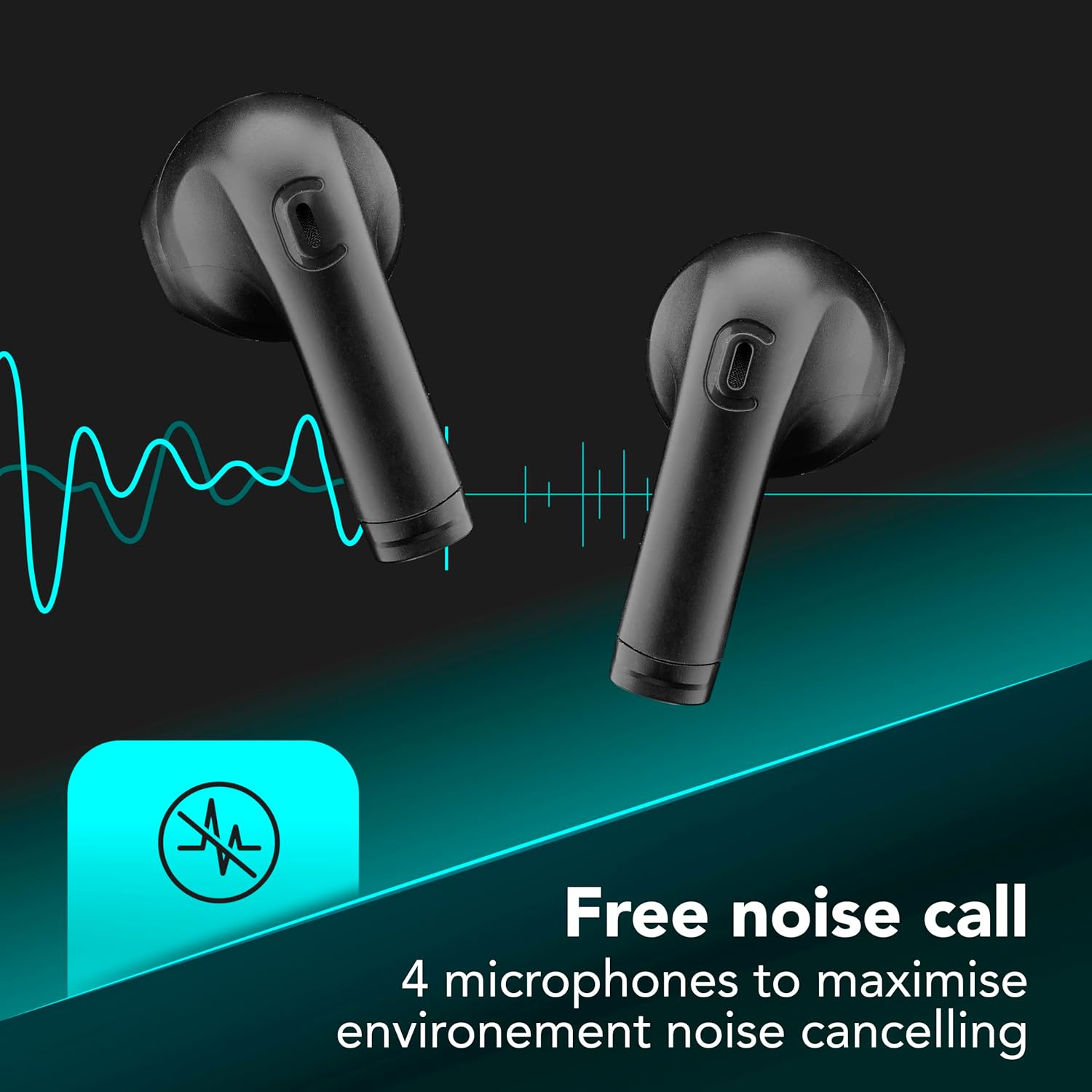
Image 6.1: Illustration of Environmental Noise Cancelling (ENC) technology for clear calls.
7. Specifikace
| Funkce | Detail |
|---|---|
| Model | BTCOREPROTWSK |
| Značka | celulární linka |
| Konektivita | Bluetooth |
| Kontrola hluku | Potlačení okolního hluku (ENC) |
| Mikrofony | 4 (2 na sluchátko) |
| Kontrolní metoda | Dotek |
| Výdrž baterie (celková) | Až 30 hodin (s nabíjecím pouzdrem) |
| Speciální funkce | Multipoint Pairing, LED Display, Auto Pairing |
| Materiál | Plast |
| Hmotnost položky | 0.1 kg |
8. Záruka a podpora
For warranty information and customer support, please refer to the warranty card included in your product packaging or visit the official cellularline webUschovejte si doklad o koupi pro případ reklamace.
Oficiální Webmísto: www.cellularline.com


