1. Úvod
This manual provides essential instructions for the installation, operation, and maintenance of your Lorex Fusion 4K Metal Bullet Camera (Model E841CA-E). This Power over Ethernet (PoE) wired camera is designed for both indoor and outdoor surveillance, offering 4K Ultra HD resolution, color night vision, and robust weatherproof construction. Please read this manual thoroughly before using the product to ensure proper setup and functionality.
2. Bezpečnostní informace
- Zdroj napájení: Use only the specified power adapter or PoE connection compatible with your Lorex NVR system. Incorrect power sources can damage the camera and void the warranty.
- Instalace: Ensure the camera is securely mounted to prevent falls. For outdoor installations, use appropriate mounting hardware and ensure all connections are waterproofed.
- Provozní teplota: Pro zajištění optimálního výkonu a dlouhé životnosti fotoaparátu jej provozujte v určeném teplotním rozsahu.
- Čištění: Před čištěním odpojte napájení. Použijte měkký, suchý hadřík. Nepoužívejte agresivní chemikálie ani abrazivní čisticí prostředky.
- Demontáž: Nepokoušejte se kameru rozebírat ani upravovat. Zrušíte tím záruku a můžete způsobit poškození nebo zranění.
3. Obsah balení
Please refer to the product packaging for a complete list of included items. Typically, the package contains:
- Lorex Fusion 4K Metal Bullet Camera (Model E841CA-E)
- Montážní sada (šrouby, hmoždinky)
- Ethernetový kabel (pro připojení PoE)
- Rychlý průvodce
4. Nastavení
4.1 Montáž fotoaparátu
The camera can be mounted on a wall or ceiling. Choose a location that provides the desired field of view and is within reach of your Ethernet cable run.

Obrázek: Boční view of the Lorex Fusion 4K Metal Bullet Camera, illustrating its mounting bracket for wall or ceiling installation.
- Připravte povrch: Mark the screw holes using the mounting template (if provided) or the camera base.
- Vrtací otvory: Drill pilot holes for the mounting screws. Insert wall plugs if mounting into drywall or masonry.
- Zabezpečte kameru: Attach the camera base to the mounting surface using the provided screws. Adjust the camera angle as needed.
4.2 Připojení kamery (PoE)
This camera utilizes Power over Ethernet (PoE) for both power and video transmission, simplifying installation.
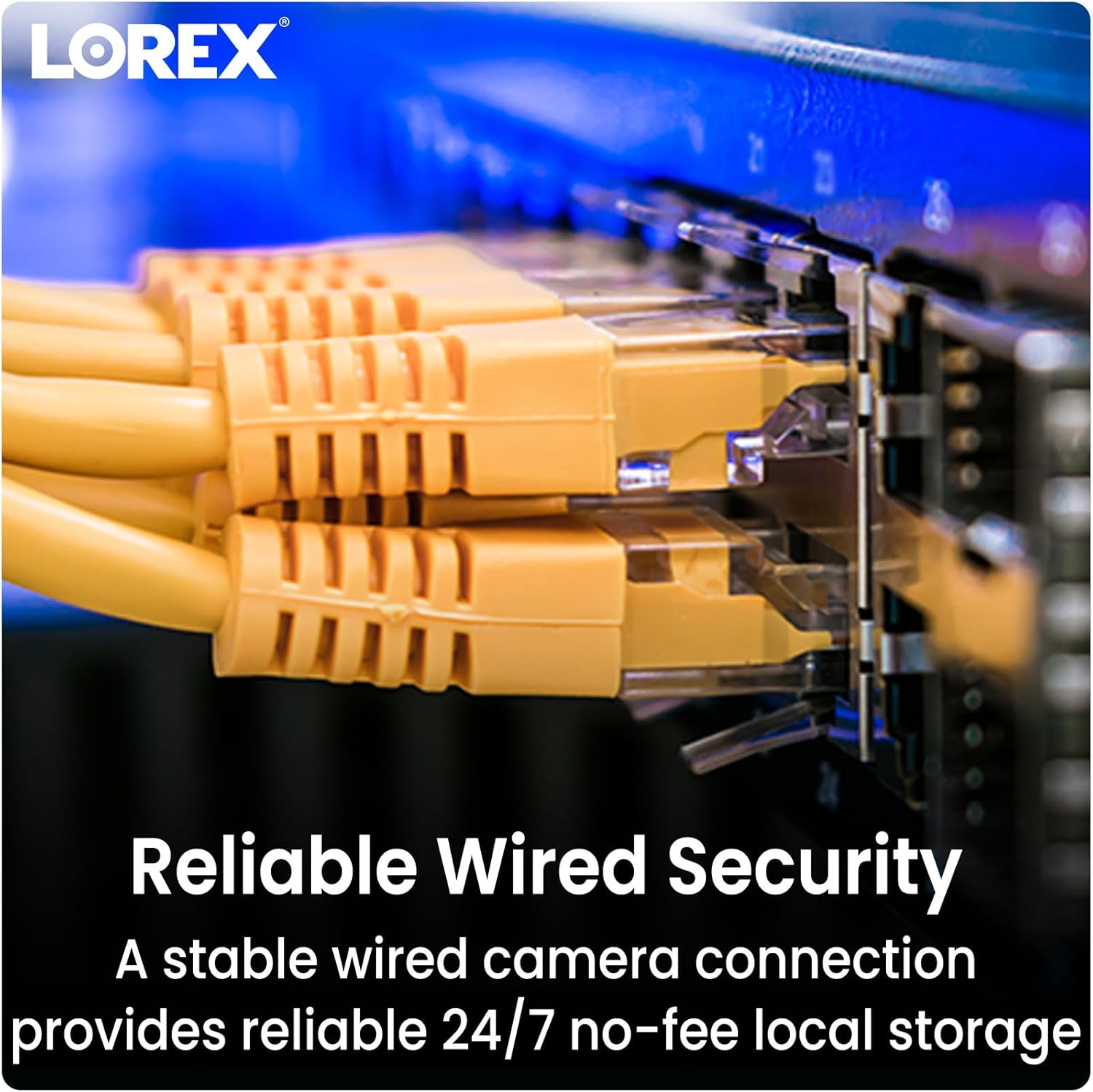
Image: Close-up of multiple yellow Ethernet cables connected to a network switch, representing a wired security setup.
- Připojení ethernetového kabelu: Plug one end of an Ethernet cable into the camera's Ethernet port.
- Připojení k NVR/PoE přepínači: Plug the other end of the Ethernet cable into an available PoE port on your Lorex Network Video Recorder (NVR) or a separate PoE switch.
- Zapnutí: Ensure your NVR or PoE switch is powered on. The camera will automatically power up and connect to the system.
4.3 Integrace systému
The Lorex Fusion system allows integration of wired and Wi-Fi cameras. Your 4K Metal Bullet Camera will connect to your Lorex NVR.

Image: A diagram illustrating the Lorex Fusion NVR as a central hub, connecting to both wired bullet cameras and various Wi-Fi cameras, demonstrating system integration.
Once connected, access your NVR's interface or the Lorex Connect mobile application to view live feeds, configure settings, and manage recordings.
5. Návod k obsluze
5.1 4K Ultra HD Video
The camera captures video at 4K (8MP) resolution, providing detailed and clear images. This high resolution is beneficial for digital zooming into recorded footage without significant loss of detail.

Image: A side-by-side comparison showing the difference in clarity between 1080p HD and 4K Ultra HD video, highlighting the enhanced detail of 4K.
5.2 Noční vidění
The camera features both Color Night Vision and Long Range Infrared (IR) night vision for clear surveillance in low-light conditions.

Image: A split image demonstrating the difference between traditional Infrared Night Vision (monochrome) and Color Night Vision, showing a backyard scene with more detail and color in the latter.
- Barevné noční vidění: In environments with ambient light (e.g., streetlights), the camera can maintain color images at night.
- Infračervené (IR) noční vidění: In complete darkness, the camera automatically switches to IR mode, providing clear black and white video.
5.3 Detekce pohybu
Configure motion detection settings via your NVR or the Lorex Connect app. You can define detection zones, sensitivity levels, and set up alerts for motion events.
5.4 Odolnost vůči povětrnostním vlivům
The camera features a robust metal housing with an IP65 international protection rating, making it suitable for outdoor use in various weather conditions.
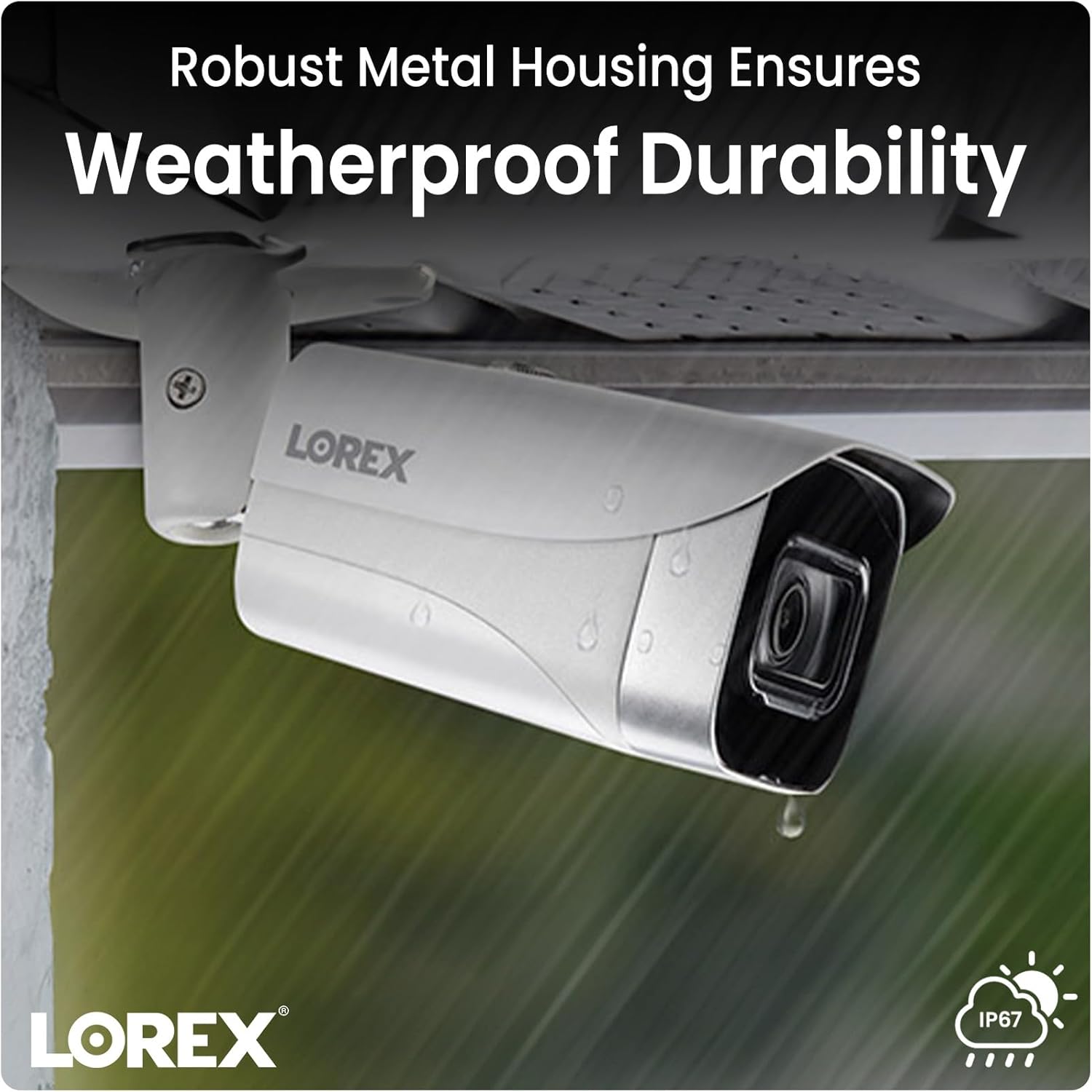
Image: A Lorex camera mounted under an eave outdoors, with raindrops visible on its surface, illustrating its weatherproof durability.
6. Údržba
- Čištění objektivu: Periodically clean the camera lens with a soft, lint-free cloth to ensure clear image quality. Avoid touching the lens directly with fingers.
- Úklid bytů: Otřete kryt fotoaparátuamp hadříkem odstraňte nečistoty a úlomky. Nepoužívejte agresivní chemikálie.
- Kontrola kabelů: Regularly check all cable connections for signs of wear, damage, or corrosion, especially for outdoor installations.
- Aktualizace firmwaru: Zkontrolujte Lorex website or your NVR system for available firmware updates to ensure optimal performance and access to new features.
7. Řešení problémů
7.1 No Video/Offline Camera
- Zkontrolujte napájení: Ensure the Ethernet cable is securely connected to both the camera and a powered PoE port on your NVR or PoE switch.
- Integrita kabelu: Inspect the Ethernet cable for any damage. Try a different cable if available.
- Port NVR: Verify that the NVR port is functioning correctly. Try connecting the camera to a different PoE port on the NVR.
- Restartovat systém: Power cycle your NVR and the camera (if possible) to refresh the connection.
7.2 Špatná kvalita obrazu
- Čistá čočka: Ujistěte se, že objektiv fotoaparátu je čistý a bez nečistot, prachu nebo šmouh.
- Osvětlení: Verify that there is adequate lighting in the area, especially for color night vision. Adjust camera position if glare or reflections are an issue.
- Nastavení rozlišení: Check the camera's resolution settings on your NVR to ensure it is set to 4K (8MP).
7.3 Detekce pohybu nefunguje
- Povolit detekci pohybu: Confirm that motion detection is enabled in your NVR or app settings for the specific camera.
- Detekční zóny: Ensure that the detection zones are correctly configured and cover the desired areas.
- Citlivost: Adjust the motion detection sensitivity. Too low may miss events, too high may trigger false alarms.
8. Specifikace
| Funkce | Specifikace |
|---|---|
| Číslo modelu | E841CA-E |
| Rozlišení záznamu videa | 4K (8MP) |
| Technologie připojení | Ethernet (PoE) |
| Vnitřní/venkovní použití | Uvnitř, venku |
| Hodnocení mezinárodní ochrany | IP65 |
| Technologie nízkého osvětlení | Noční barva |
| Typ světelného zdroje | Infračervený |
| Materiál | Kov |
| Typ montáže | Stropní držák |
| Rozměry produktu | 16.6 x 8.2 x 6.7 palce |
| Hmotnost položky | 2.97 libry |
| UPC | 695529028491 |
9. Záruka a podpora
Informace o záruce a technickou podporu získáte od oficiálního prodejce Lorex. webnebo se obraťte přímo na zákaznický servis Lorex. Uschovejte si účtenku jako doklad o koupi pro případ reklamace.
lorex Webmísto: www.lorex.com


