Zavedení
This manual provides essential information for setting up, operating, maintaining, and troubleshooting your ASUS TUF Dash 15 (2021) Ultra Slim Gaming Laptop. Please read this guide thoroughly to ensure optimal performance and longevity of your device.
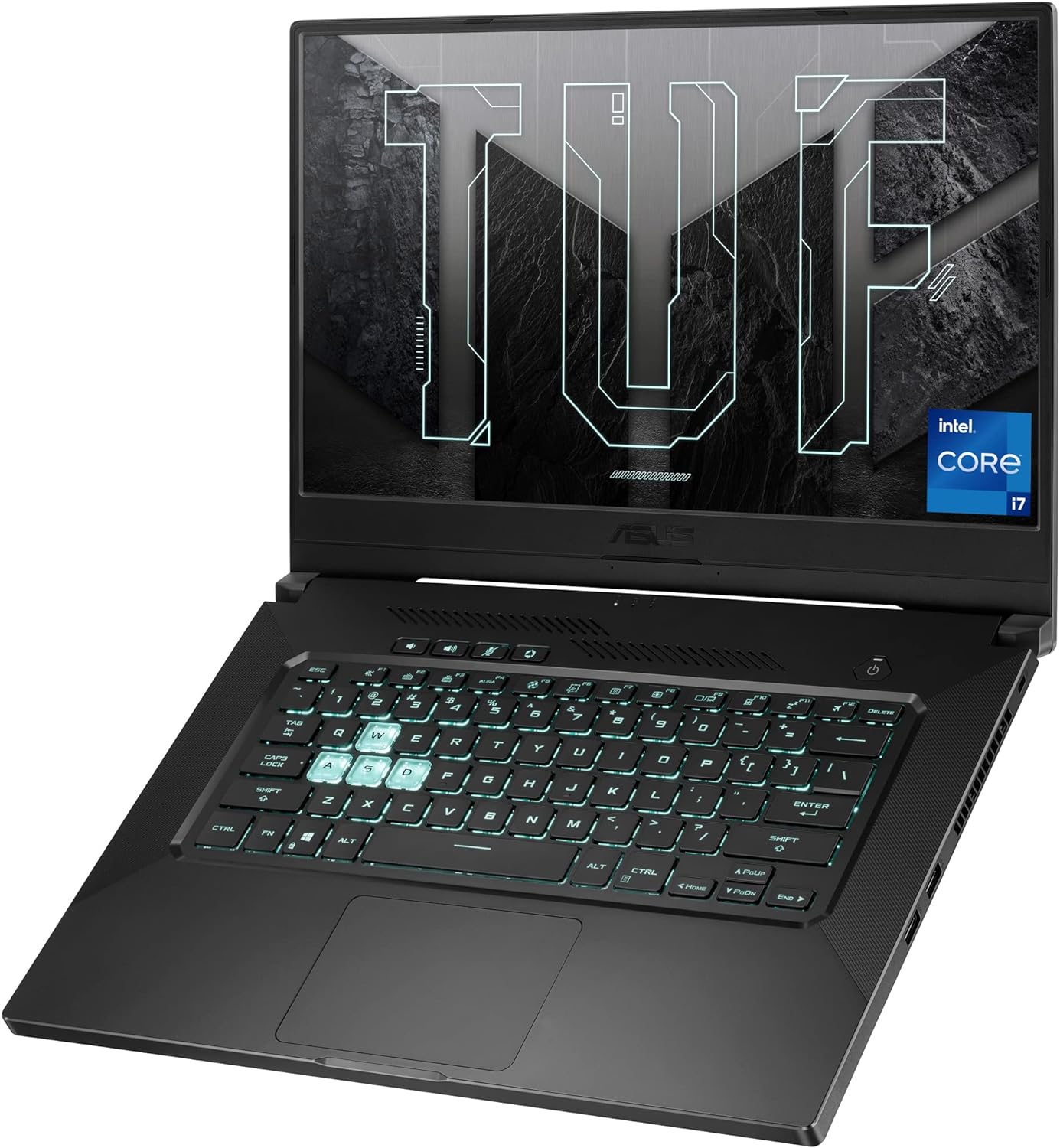
Image: The ASUS TUF Dash 15 (2021) laptop, showcasing its design and backlit keyboard.
Co je v krabici
Ověřte, zda jsou v balení přítomny všechny položky:
- ASUS TUF Dash 15 (2021) Laptop (Model: TUF516PE-AB73)
- Napájecí adaptér a kabel
- Uživatelská příručka (tento dokument)
- Záruční list
Nastavení
1. Počáteční zapnutí
- Připojte napájecí adaptér k napájecímu portu notebooku a poté do elektrické zásuvky.
- Otevřete víko notebooku.
- Stiskněte tlačítko napájení, které se obvykle nachází v pravém horním rohu klávesnice.
- Follow the on-screen instructions to complete the Windows 10 setup process.
2. Připojení periferií
Your laptop features various ports for connecting external devices:
- USB porty: 3.0 For connecting USB devices like mice, keyboards, and external storage.
- Port HDMI: Pro připojení k externím displejům nebo projektorům.
- Thunderbolt 4 (USB-C) Port: Pro vysokorychlostní přenos dat, zobrazovací výstup a napájení.
- Kombinovaný audio konektor: For connecting headphones or headsets.
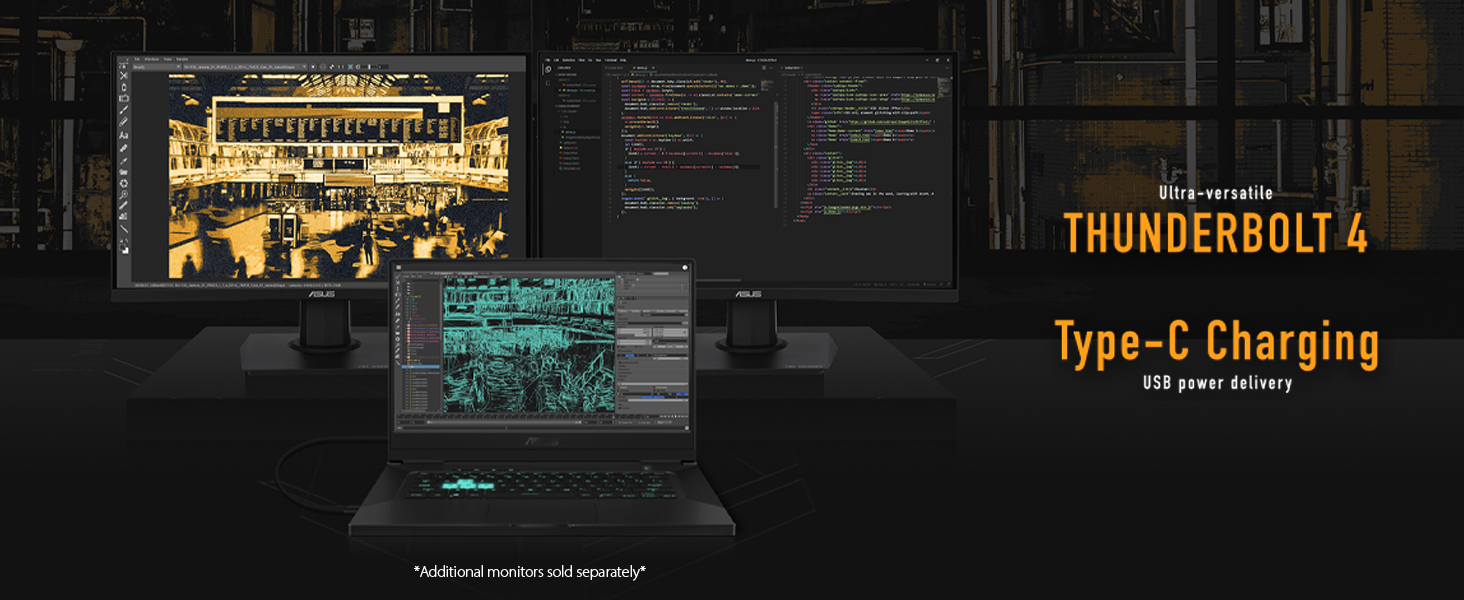
Image: The ASUS TUF Dash 15 connected to multiple external monitors, demonstrating its versatile connectivity options including Thunderbolt 4 and Type-C charging.
Ovládání notebooku
Funkce displeje
The laptop features a 15.6-inch 144Hz IPS-Type Full HD (1920x1080) display with Adaptive Sync technology for smooth visuals.
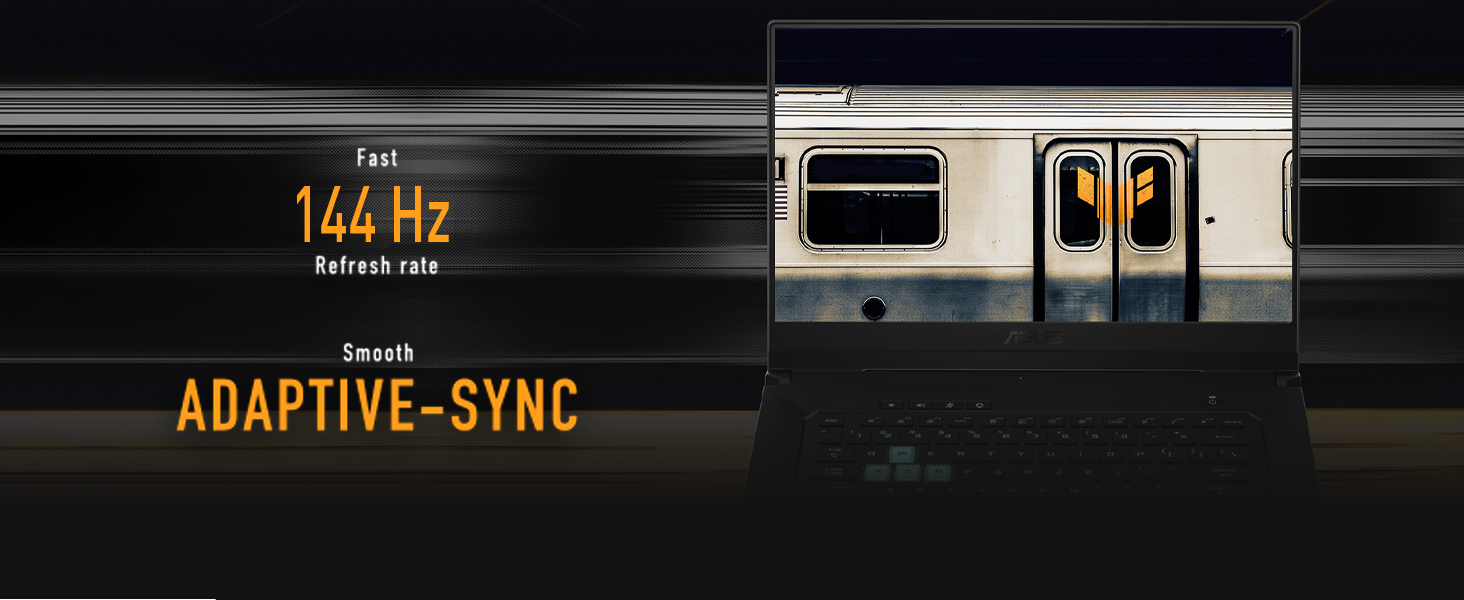
Image: The laptop screen highlighting its 144Hz refresh rate and Adaptive-Sync feature for fluid motion.
Klávesnice a touchpad
The backlit precision gaming keyboard offers a comfortable typing experience. Utilize the touchpad for navigation and gestures.

Obrázek: Pohled shora dolů view of the ASUS TUF Dash 15 keyboard, showing the layout and highlighted WASD keys for gaming.
Zvuk
The laptop incorporates two-way AI Noise Cancellation technology for clear audio communication.

Image: The laptop screen showing audio settings, emphasizing the AI Noise Cancellation feature.
Údržba
Chladicí systém
The TUF Dash 15 features an advanced cooling system with 4 fan outlets, 83-blade fans, enhanced self-cleaning cooling, and 5 heat pipes to manage CPU, GPU, VRM, and VRAM temperatures.

Image: An illustration of the laptop's underside, highlighting the cooling system with fan outlets and heat dissipation.
Storage and Memory Upgrades
The laptop is designed for easy upgrades, featuring a pop-open screw for access to an additional M.2 SSD slot and SO-DIMM slots for memory expansion.

Image: The bottom panel of the laptop removed, revealing the additional M.2 SSD slot and SO-DIMM slot for memory upgrades.
Odstraňování problémů
Běžné problémy a řešení
- Bez napájení: Ujistěte se, že je napájecí adaptér bezpečně připojen k notebooku i k funkční zásuvce. Zkontrolujte kontrolku napájení.
- Problémy se zobrazením: If the screen is blank, try connecting an external monitor to verify if the issue is with the laptop's display or graphics output. Ensure display drivers are updated.
- Zpomalení výkonu: Close unnecessary applications. Check for background processes consuming high CPU or RAM. Ensure cooling vents are clear and not obstructed.
- Baterie se nenabíjí: Verify the power adapter is functioning correctly. Try a different power outlet.
- Problémy s připojením Wi-Fi: Ensure Wi-Fi is enabled in Windows settings. Restart your router and the laptop. Update wireless drivers.
Pro podrobnější informace o řešení problémů se obraťte na oficiální podporu ASUS. webnebo kontaktujte zákaznický servis.
Specifikace
| Funkce | Detail |
|---|---|
| Název modelu | TUF516PE-AB73 |
| Procesor | Intel Core i7-11370H (up to 4.8GHz) |
| Grafika | NVIDIA GeForce RTX 3050 Ti 4GB GDDR6 |
| Zobrazit | 15.6-inch FHD (1920x1080) IPS-Type, 144Hz, Adaptive Sync |
| BERAN | 8GB DDR4 3200 MHz |
| Skladování | 512GB PCIe NVMe M.2 SSD |
| Operační systém | Windows 10 Home (Free upgrade to Windows 11 eligible) |
| Bezdrátové připojení | Wi-Fi 6 (802.11ax), Bluetooth |
| Porty | 4x USB 3.0, HDMI, Thunderbolt 4 (USB-C), Audio Combo Jack |
| Životnost baterie | Až 16.6 hodin (přehrávání videa) |
| Rozměry (DxŠxV) | 9.9 x 14.2 x 0.78 palce |
| Hmotnost | 4.41 libry |
| Barva | Šedá zatmění |
Záruka a podpora
Standardní záruka
Every ASUS TUF laptop includes a 12-month warranty as standard. This warranty covers expert support, thorough diagnostics, and genuine parts if a repair is needed. A 90-day warranty is also provided on all warranty replacement parts.
Ochrana proti náhodnému poškození (ADP)
ASUS provides one year of free Accidental Damage Protection (ADP) against liquid spills, drops, and electrical surges on new laptops registered within 60 days of purchase. This protection ensures coverage for common accidents.

Image: Visual representation of accidental damage protection covering liquid spills, electrical surges, and accidental drops.
For warranty claims or technical assistance, please visit the official ASUS support webnebo kontaktujte jejich zákaznický servis.


