1. Úvod
This manual provides detailed instructions for the installation, operation, and maintenance of your BOIFUN DD202 2K Wi-Fi Outdoor Security Camera. Please read this manual thoroughly before using the product to ensure proper functionality and safety. The BOIFUN DD202 is a battery-powered outdoor camera designed for reliable surveillance, featuring 2K Full HD resolution, color night vision, and intelligent motion detection.

Image 1.1: BOIFUN DD202 2K Wi-Fi Outdoor Security Camera
2. Obsah balení
Po obdržení zkontrolujte obsah balení. Pokud některé položky chybí nebo jsou poškozené, kontaktujte zákaznickou podporu.
- 1 × BOIFUN DD202 Battery Camera
- 1 × Fixed Mounting Bracket
- 4 × montážní šrouby
- 4 × Wall Plugs (Nuts)
- 1 × nabíjecí kabel USB
- 1 × Uživatelská příručka
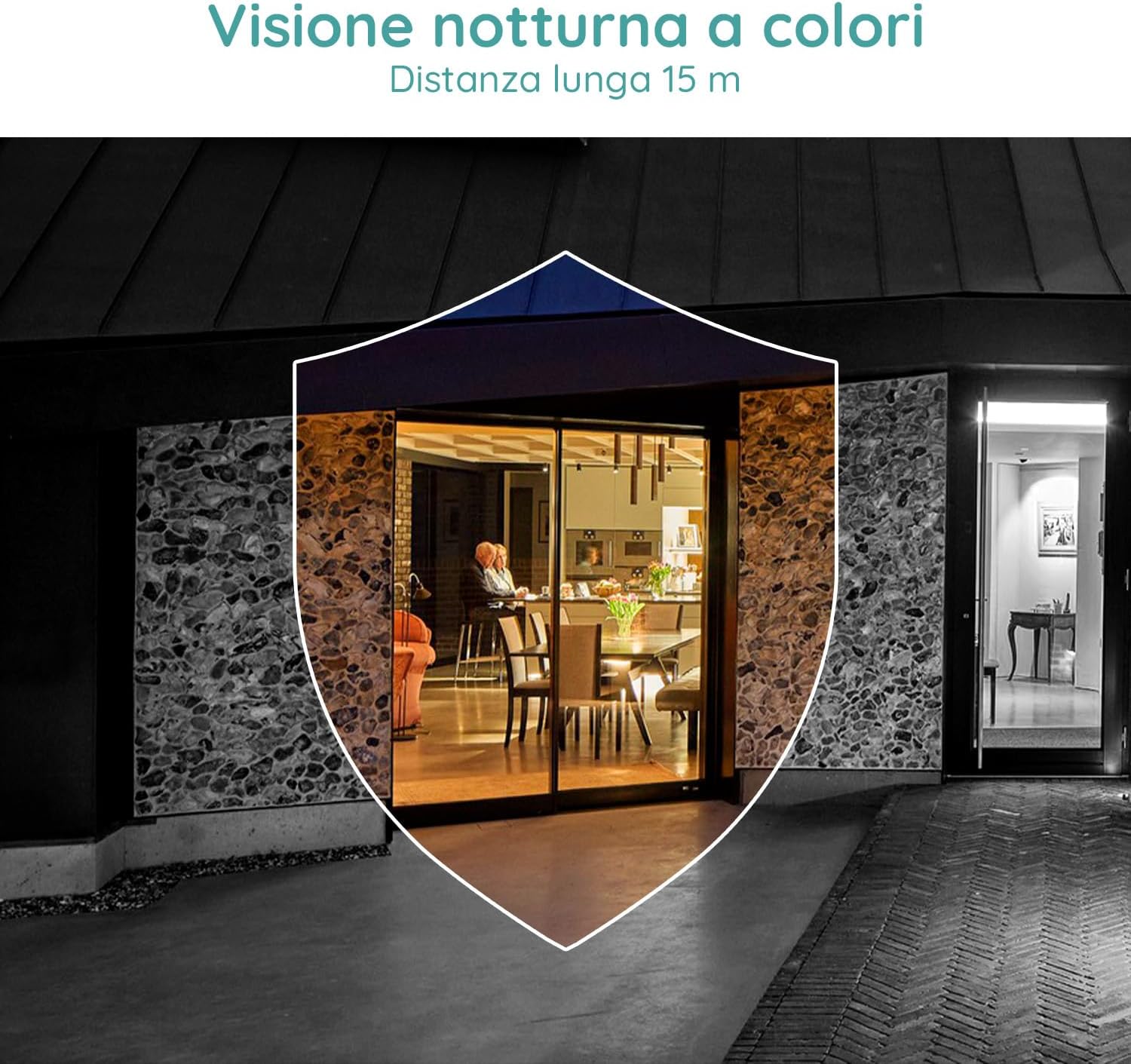
Image 2.1: Included components for the BOIFUN DD202 camera.
3. Konec produktuview
The BOIFUN DD202 camera is designed for outdoor security with several key features:
- Rozlišení 2K Full HD: Zachycuje jasné a podrobné video footage.
- Barevné noční vidění: Provides full-color video even in low-light conditions up to 20 meters.
- Detekce pohybu PIR: Advanced AI algorithm for accurate human motion detection, reducing false alarms.
- Acoustic Alarm & Spotlight: Deters intruders with a 110 dB siren and bright spotlight.
- 120denní výdrž baterie: Long-lasting 10400 mAh battery (based on 10 wake-ups/day).
- Obousměrný zvuk: Communicate with visitors or deter unwanted guests remotely.
- IP66 Odolnost proti povětrnostním vlivům: Navrženo tak, aby odolalo různým venkovním povětrnostním podmínkám.
- 2.4 GHz Wi-Fi připojení: Ensures stable wireless connection.

Image 3.1: The camera continues to function and record even if the main power supply is interrupted, thanks to its internal battery.
4. Nastavení
4.1 Nabíjení fotoaparátu
Before initial use, fully charge the camera using the provided USB cable. Connect the cable to the camera's charging port and a standard USB power adapter (not included).
4.2 Instalace aplikace a vytvoření účtu
- Download the official BOIFUN app from your smartphone's app store (iOS or Android).
- Otevřete aplikaci a postupujte podle pokynů na obrazovce a vytvořte si nový účet, nebo se přihlaste, pokud již nějaký máte.
4.3 Wi-Fi připojení
The camera supports 2.4 GHz Wi-Fi networks only. Ensure your smartphone is connected to a 2.4 GHz Wi-Fi network during the setup process.
- In the app, select 'Add Device' and choose your camera model.
- Follow the app's instructions to connect the camera to your Wi-Fi network. This typically involves scanning a QR code displayed on your phone with the camera.

Image 4.1: The camera supports 2.4 GHz Wi-Fi, offering better penetration and range compared to 5 GHz networks.
4.4 Fyzická instalace
Kamera je určena k montáži na zeď. Vyberte si místo, které poskytuje požadovaný viewúhlu a je v dosahu vaší sítě Wi-Fi 2.4 GHz.
- Označte si na zdi body pro vrtání pomocí montážního držáku jako šablony.
- Vyvrtejte otvory a vložte do nich hmoždinky.
- Upevněte montážní držák na stěnu pomocí šroubů.
- Secure the camera to the mounting bracket. Adjust the angle as needed.
5. Návod k obsluze
5.1 Živě View a Nahrávání
Access the live feed of your camera through the BOIFUN app. You can manually record video or take screenshots from the live view.
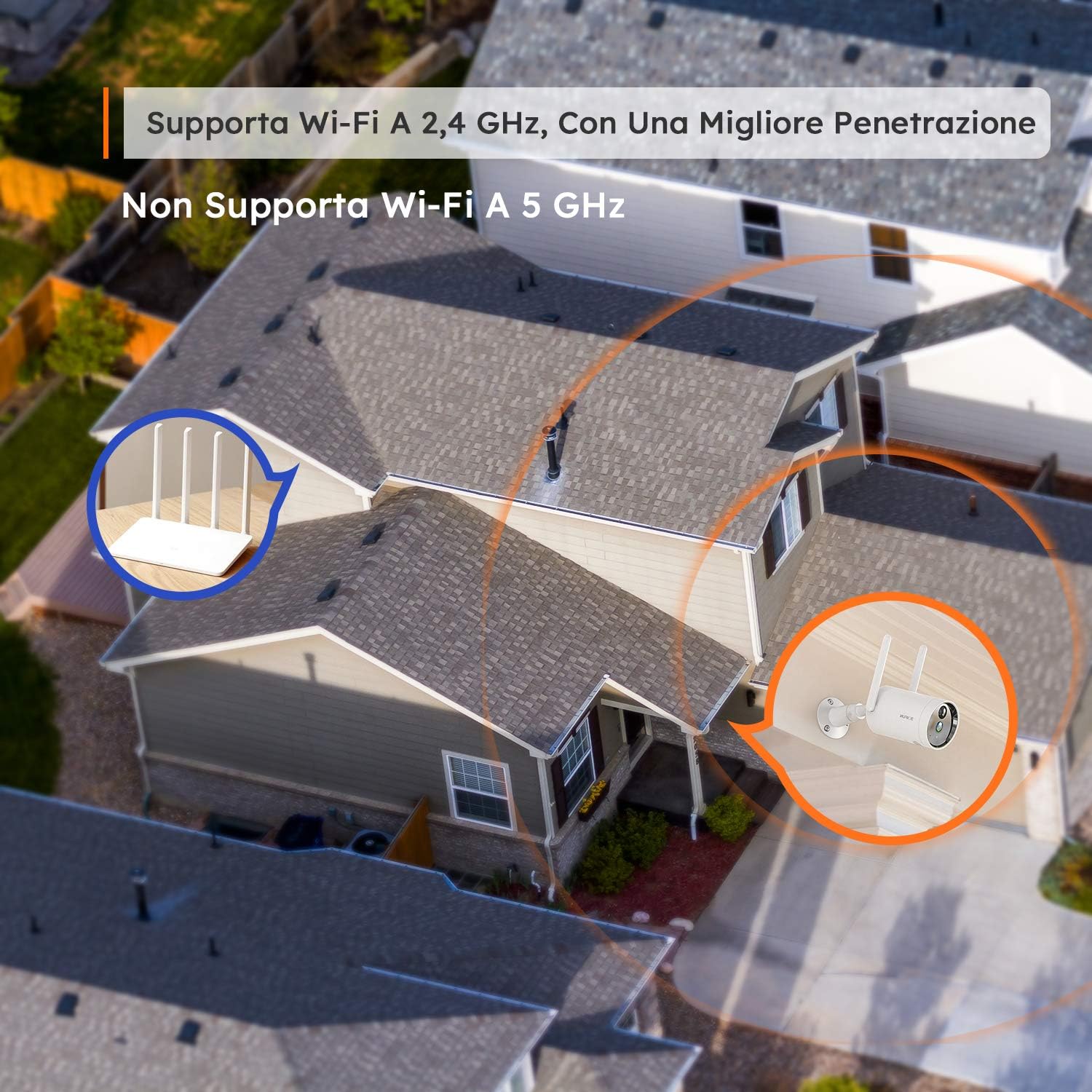
Image 5.1: Monitor multiple camera feeds simultaneously through the BOIFUN app on your smartphone.
5.2 Detekce pohybu
The camera features PIR (Passive Infrared) motion detection combined with an advanced AI algorithm to distinguish between humans and other moving objects, minimizing false alarms.
- Detekce člověka: Configure the camera to only alert you when a human figure is detected.
- Nastavitelná citlivost: Customize the detection sensitivity (levels 1-10) to suit your environment.
- Custom Alarm Zone: Definujte specifické oblasti v záběru kamery view kde by měla být aktivní detekce pohybu.
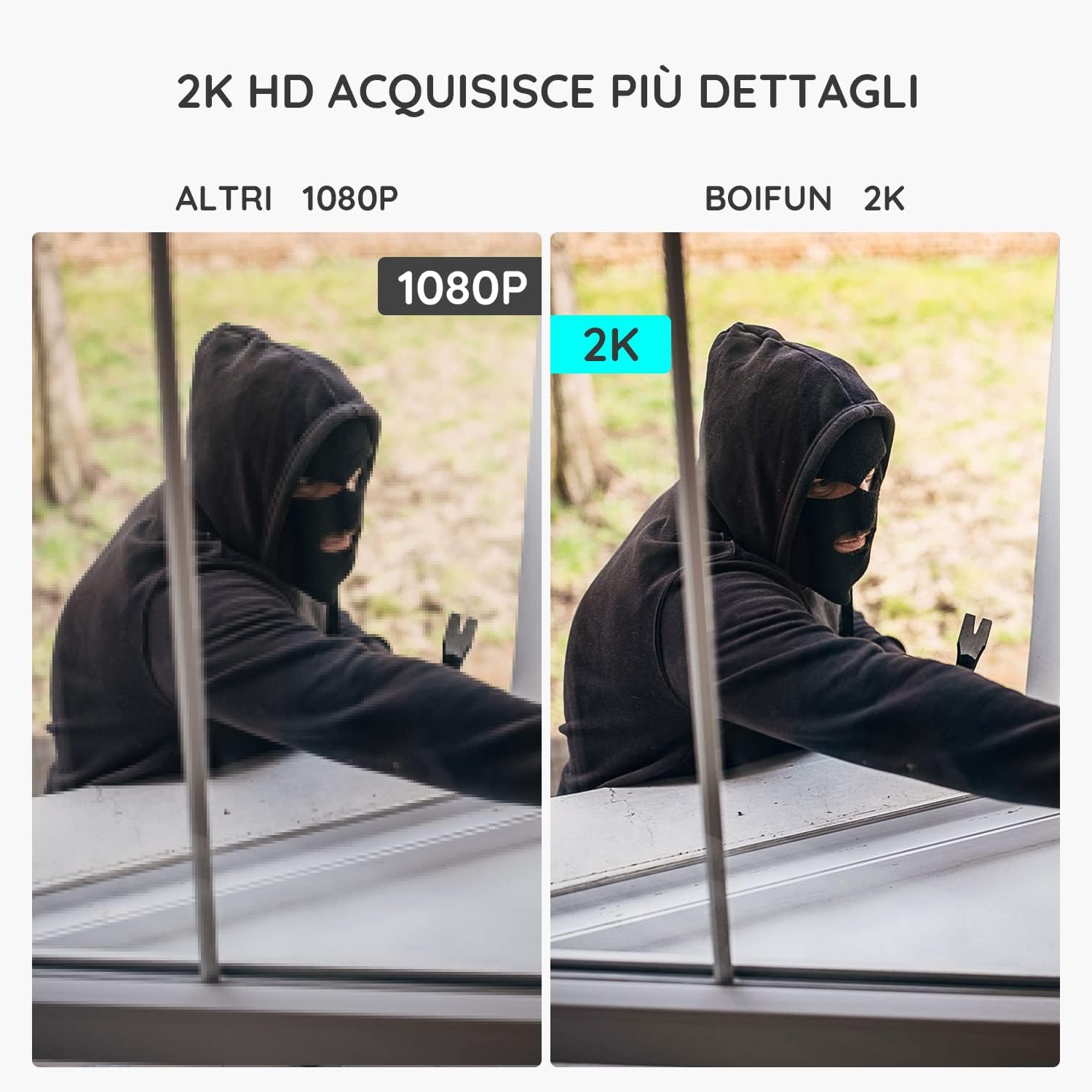
Image 5.2: The camera's PIR human detection accurately identifies people while ignoring other movements like pets or falling leaves, reducing unnecessary alerts.
5.3 Noční vidění
The BOIFUN DD202 offers 2K Full HD color night vision, allowing you to see clear, detailed, and color images even in complete darkness up to 20 meters. When a human is detected at night, the fill lights automatically activate to provide color footage.

Obrázek 5.3: Příkladample of the camera's color night vision capability, providing clear visibility in low-light conditions.
5.4 Funkce alarmu
Upon detecting motion, the camera can trigger an acoustic alarm (up to 110 dB) and activate its spotlight to deter intruders. You will also receive real-time notifications on your smartphone.

Image 5.4: The camera's real-time alert system, featuring a siren and spotlight to deter potential threats.
5.5 Obousměrný zvuk
The integrated microphone and speaker allow for two-way communication. You can speak through the camera to interact with visitors or warn off unwanted individuals.
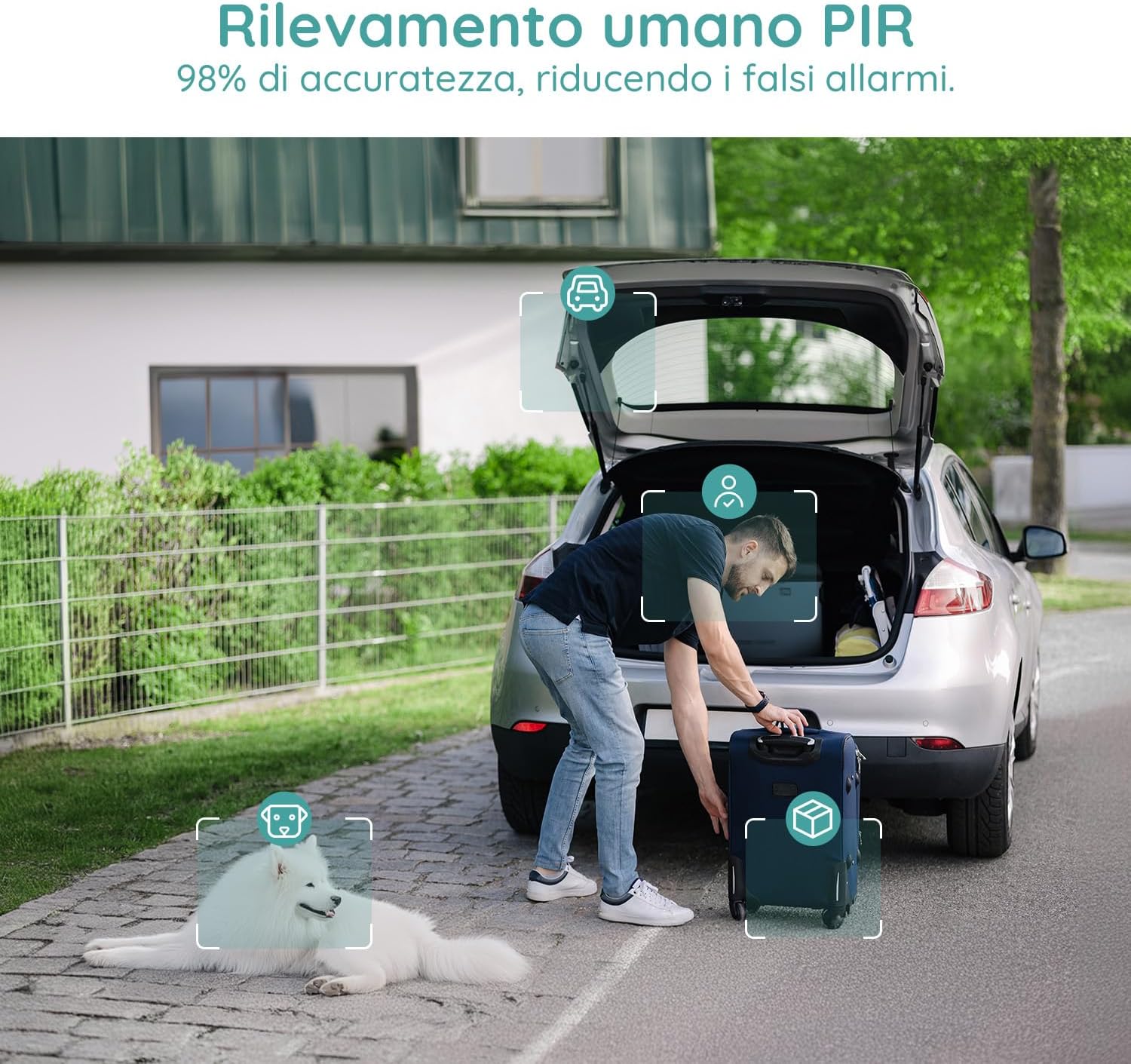
Image 5.5: Use the two-way audio feature to communicate with people near your camera.
5.6 Možnosti úložiště
- Micro SD karta: Supports up to 128GB Micro SD card (not included) for local storage. When the card is full, older footage bude automaticky přepsáno.
- Cloudové úložiště: Offers a 7-day free trial for cloud storage. Subsequent cloud storage requires a subscription. All video files are encrypted for privacy.
6. Údržba
- Čištění: Regularly wipe the camera lens and body with a soft, dry cloth to ensure clear image quality. Avoid using harsh chemicals.
- Nabíjení baterie: Monitor the battery level via the app and recharge the camera when necessary to ensure continuous operation.
- Aktualizace firmwaru: Pravidelně kontrolujte aplikaci, zda nejsou k dispozici aktualizace firmwaru, abyste zajistili optimální výkon a zabezpečení.
7. Řešení problémů
7.1 Kamera se nepřipojuje k Wi-Fi
- Ujistěte se, že vaše Wi-Fi síť pracuje na frekvenci 2.4 GHz. Kamera nepodporuje Wi-Fi na frekvenci 5 GHz.
- Zkontrolujte, zda je kamera v dosahu vašeho Wi-Fi routeru.
- Ověřte, zda je v aplikaci zadáno správně heslo k Wi-Fi.
- Restartujte router a kameru a zkuste se znovu připojit.
7.2 Časté falešné poplachy
- Adjust the motion detection sensitivity in the app to a lower level.
- Utilize the 'Human Detection' feature to filter out non-human movements.
- Set up a 'Custom Alarm Zone' to exclude areas with frequent irrelevant motion (e.g., busy roads, swaying trees).
7.3 Špatná kvalita obrazu
- Ujistěte se, že objektiv fotoaparátu je čistý a bez prachu nebo šmouh.
- Zkontrolujte sílu signálu Wi-Fi. Slabý signál může ovlivnit kvalitu streamovaného videa.
- Verify the video resolution setting in the app is set to 2K (HD).
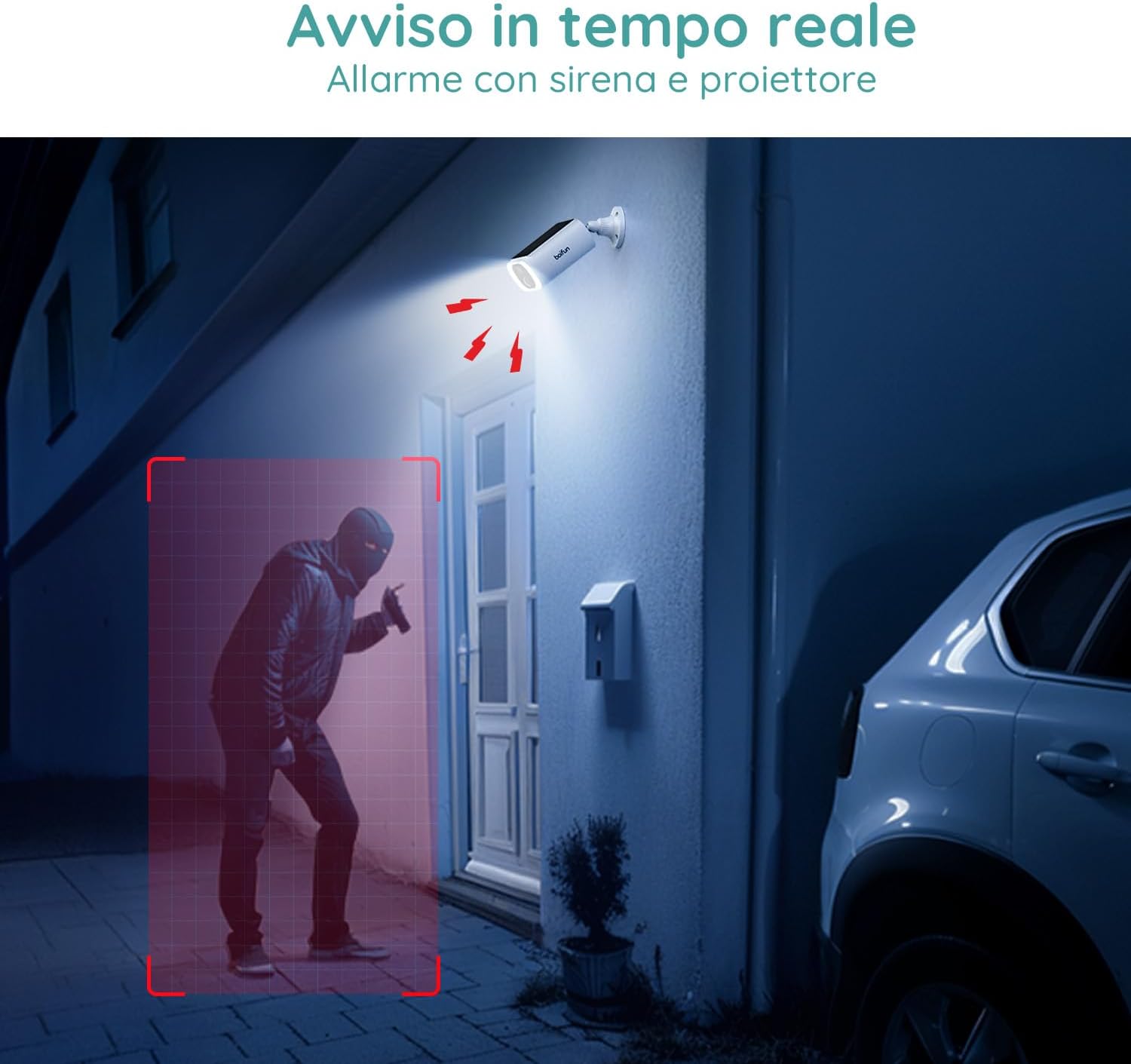
Image 7.1: Comparison illustrating the enhanced detail provided by 2K resolution compared to 1080p.
8. Specifikace
| Název modelu | DD202 |
| Značka | BOIFUN |
| Rozlišení videa | 2K (1296p) |
| Viewúhel | 130 stupňů |
| Rozsah nočního vidění | 20 metrů |
| Bezdrátová technologie | Wi-Fi (2.4 GHz) |
| Zdroj napájení | Napájení z baterie (10400 mAh lithium-iontová) |
| Voděodolnost | IP66 (vodotěsný) |
| Materiál | Plast |
| Rozměry (D x Š x V) | 12 x 8.5 x 20 cm |
| Hmotnost | 710 gramů |
| Kompatibilní zařízení | Smartphone, Tablet (Android & iOS) |
9. Záruka a podpora
BOIFUN is committed to providing advanced intelligent protection solutions and excellent customer service.
- Záruka: Na tento produkt se vztahuje 3letá záruka.
- Zásady vrácení: Využijte 30denní lhůtu pro bezplatné vrácení.
- Zákaznická podpora: 24/7 after-sales support is available.
For any questions or assistance, please contact us at: admin@boifun.net

Image 9.1: BOIFUN offers 9 years of focus, a 3-year warranty, and timely support within 24 hours.


