Konec produktuview
The omthing True Wireless Earbuds are designed to provide a high-quality audio experience with convenience and portability. Featuring Bluetooth 5.0, a 13mm dynamic driver, and cVc 8.0 noise cancellation, these earbuds are suitable for various activities including exercise, driving, and home office use.

Figure 1: The omthing True Wireless Earbuds come with a compact charging case and a convenient strap for portability.
Nastavení
1. Počáteční nabíjení
Before first use, fully charge the earbuds and the charging case. Connect the provided Type-C charging cable to the charging port on the case and a power source. The indicator lights on the case will show the charging status. The case also supports Qi wireless charging.

Figure 2: The charging case supports both USB-C and Qi wireless charging, providing up to 25 hours of total playtime.
2. Párování s vaším zařízením
- Ujistěte se, že jsou sluchátka nabitá.
- Otevřete nabíjecí pouzdro. Sluchátka se automaticky přepnou do režimu párování.
- Na svém zařízení (chytrém telefonu, tabletu atd.) povolte Bluetooth.
- Hledat "omthing AirFree Pods" in the list of available Bluetooth devices and select it to connect.
- Po připojení uslyšíte zvukové potvrzení.
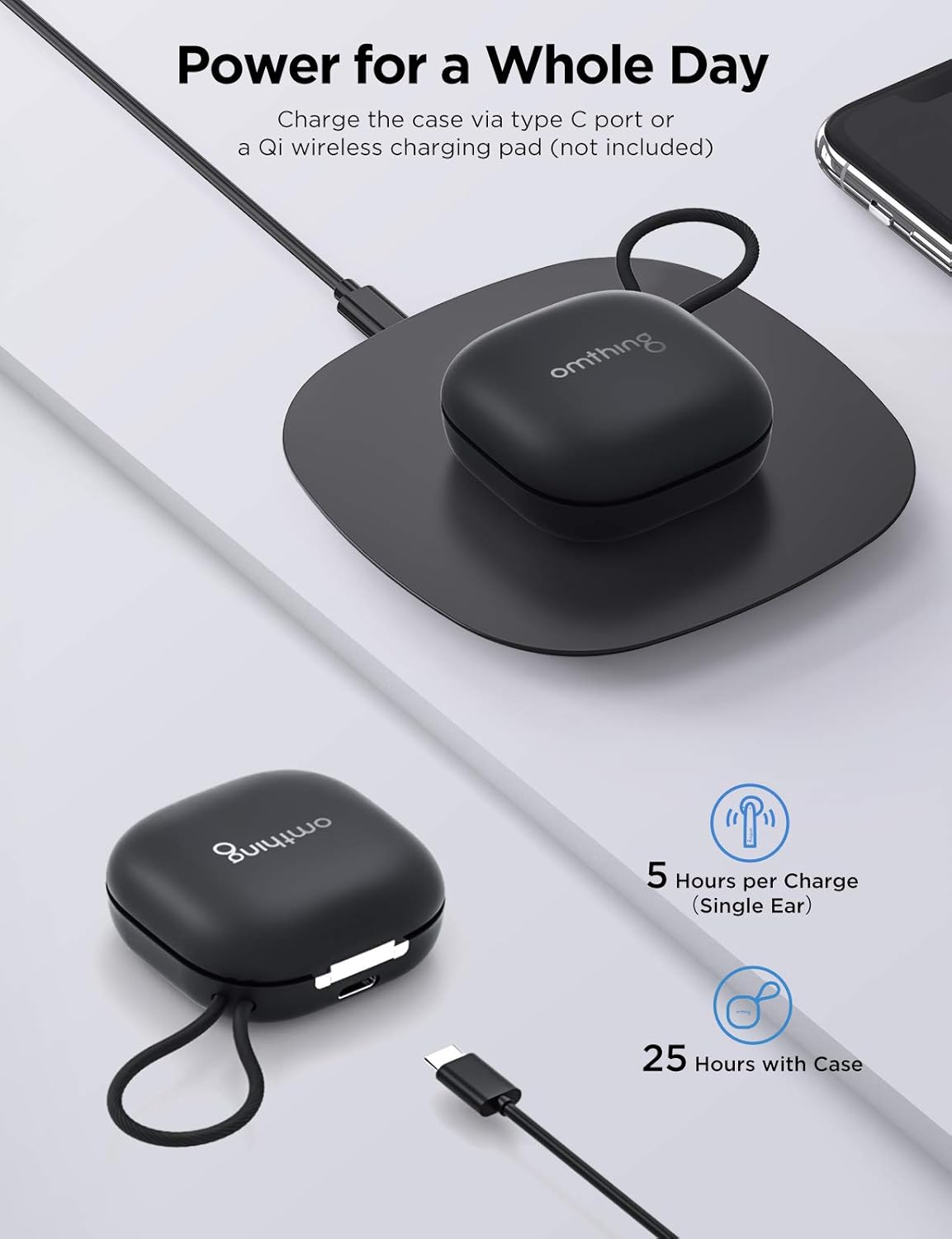
Figure 3: Easily power on and connect your earbuds to your device via Bluetooth.
Video 1: Oficiální video s produktemasing the features and design of the omthing AirFree Pods.
Návod k obsluze
Dotykové ovládání
The omthing True Wireless Earbuds feature intuitive touch controls on each earbud for easy management of audio and calls.

Figure 4: The earbuds feature intuitive touch controls for managing calls, music, and voice assistant.
- Answer Phone Call / Pause Music: Jednou klepněte na kterékoli sluchátko.
- Hang up / Decline Phone Call: Dvakrát klepněte na kterékoli ze sluchátek.
- Hlasitost +: Dvakrát klepněte na levé sluchátko.
- Objem -: Dvakrát klepněte na pravé sluchátko.
- Předchozí skladba: Tap and hold the left earbud for 1 second.
- Další skladba: Tap and hold the right earbud for 1 second.
- Aktivovat Voice Assistant: Tap either earbud three times.
- Zapnout / vypnout: Tap and hold the touch control for 5 seconds.
Note: Custom operations may be modified in the "omthing" APP.
Správa hovorů
The earbuds are equipped with 4 ENC microphones (2 per earbud) and Qualcomm cVc 8.0 noise cancelling technology to ensure clear phone calls by suppressing environmental noise.

Figure 5: The built-in microphones with cVc 8.0 noise cancellation ensure clear phone calls by suppressing environmental noise.
Kvalita zvuku
A 13mm dynamic driver reproduces authentic sound with fine details. aptX and AAC compatibility ensures optimal Bluetooth sound for both Android and iOS devices.

Figure 6: Equipped with a 13mm dynamic driver, these earbuds deliver clear sound with rich details.
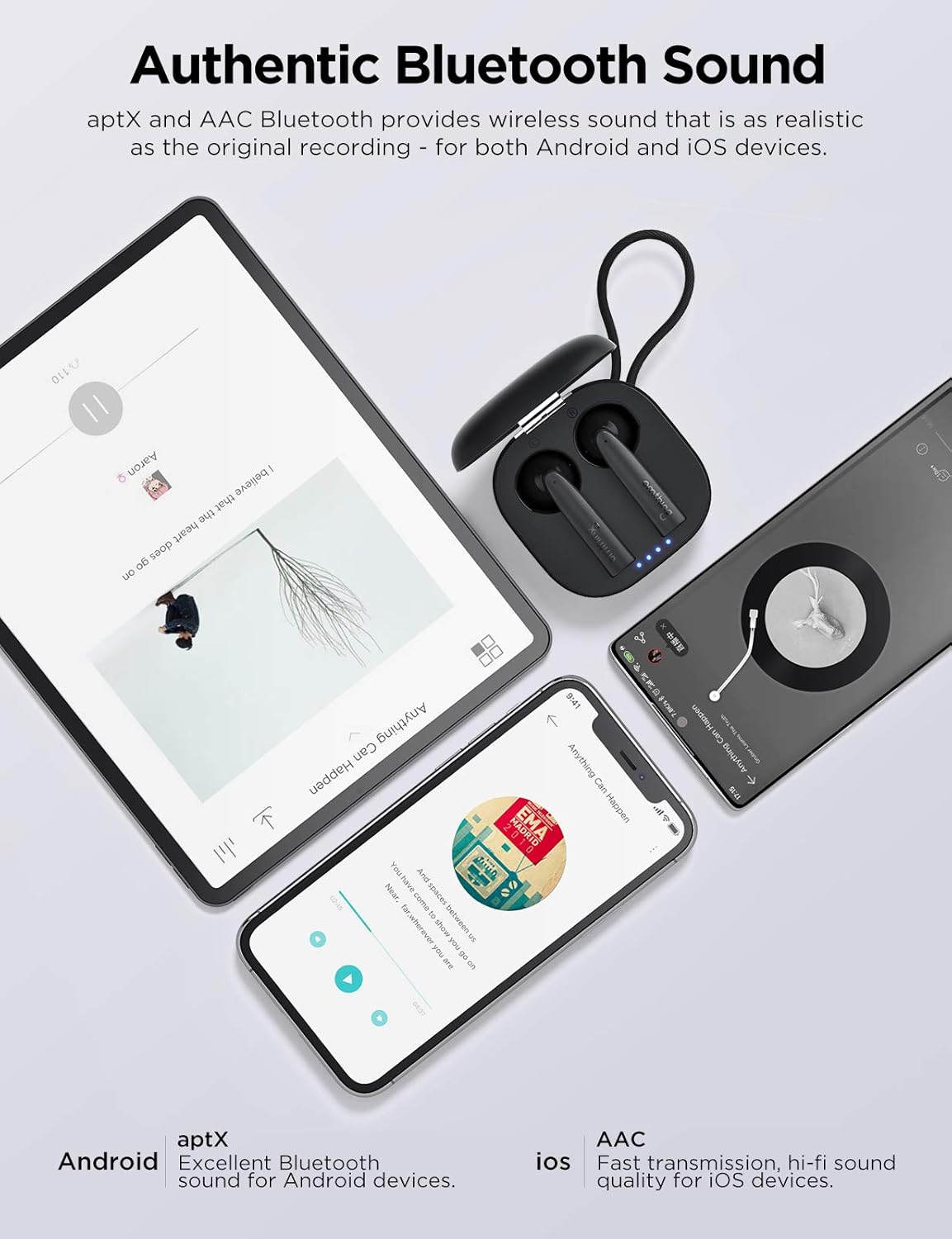
Figure 7: Enjoy authentic Bluetooth sound with aptX and AAC compatibility for both Android and iOS devices.
Pohodlí a fit
The ergonomically crafted semi in-ear design ensures a snug and secure fit, providing comfort during extended listening sessions and physical activities.

Figure 8: The semi in-ear design ensures a comfortable and secure fit for extended wear.
Údržba
Čištění sluchátek
- Pravidelně čistěte sluchátka, zejména nástavce do uší a nabíjecí kontakty, měkkým, suchým hadříkem, který nepouští vlákna.
- Nepoužívejte abrazivní čisticí prostředky, alkohol ani chemická rozpouštědla.
- Zajistěte, aby se do otvorů nedostala vlhkost.
Skladování
- Pokud sluchátka nepoužíváte, uložte je do nabíjecího pouzdra, aby byla chráněna a zůstávala nabitá.
- Skladujte na chladném a suchém místě mimo dosah extrémních teplot a přímého slunečního záření.
Péče o baterie
- Chcete-li prodloužit životnost baterie, vyhněte se častému úplnému vybíjení sluchátek a nabíjecího pouzdra.
- Zařízení pravidelně nabíjejte, i když jej nepoužíváte často.
Odstraňování problémů
| Problém | Možná příčina | Řešení |
|---|---|---|
| Sluchátka se nezapínají. | Slabá baterie. | Vložte sluchátka do nabíjecího pouzdra a plně je nabijte. |
| Nelze spárovat se zařízením. | Sluchátka nejsou v režimu párování; Bluetooth na zařízení vypnuté; dříve spárované zařízení ruší. |
|
| Žádný zvuk z jednoho sluchátka. | Low battery; connection issue; earbud not properly seated in ear. |
|
| Špatná kvalita hovoru. | Hluk prostředí; zablokování mikrofonu. |
|
Resetování sluchátek
If you experience persistent issues, a factory reset may resolve them. Refer to the official omthing app or webkonkrétní pokyny k resetování naleznete na webu, protože postupy se mohou lišit.
Specifikace
| Funkce | Detail |
|---|---|
| Název modelu | EO005-Black |
| Technologie připojení | Bezdrátové připojení (Bluetooth 5.0) |
| Typ zvukového ovladače | 13mm dynamický ovladač |
| Mikrofony | 4 ENC Microphones (with Qualcomm cVc 8.0 Noise Cancellation) |
| Doba hraní (sluchátka) | Až 5 hodin na jedno nabití |
| Celková doba přehrávání (s pouzdrem) | Až 25 hodin |
| Nabíjecí pouzdro | Type-C and Qi Wireless Charging compatible |
| Typ ovládání | Dotykové ovládání (ovládání médií) |
| Úroveň odolnosti proti vodě | Vodě odolný |
| Hmotnost položky | 0.15 Kilograms (earbuds + case) / 5.3 ounces |
| Rozměry produktu | 3.98 x 4.72 x 1.54 palce |
| UPC | 190280000040 |
Záruka a podpora
This product is covered by a manufacturer's warranty. For detailed warranty information, including terms, conditions, and duration, please refer to the warranty card included in your product packaging or visit the official 1MORE webmísto.
Zákaznická podpora
For technical assistance, troubleshooting, or warranty claims, please contact 1MORE customer support through their official webwebu nebo kontaktních informací uvedených v dokumentaci k produktu.
Webmísto: www.1more.com (Note: This is a general placeholder. Please refer to your product's specific support contact.)


