Zavedení
The NexHT 1080P Pan/Tilt/Zoom Indoor Smart Camera is designed for versatile indoor monitoring, providing Wi-Fi viewing for baby, elderly, or pet surveillance. It features night vision, motion detection, and two-way audio to keep you connected and informed about your home environment.
This manual provides detailed instructions for setting up, operating, and maintaining your camera to ensure optimal performance and security.
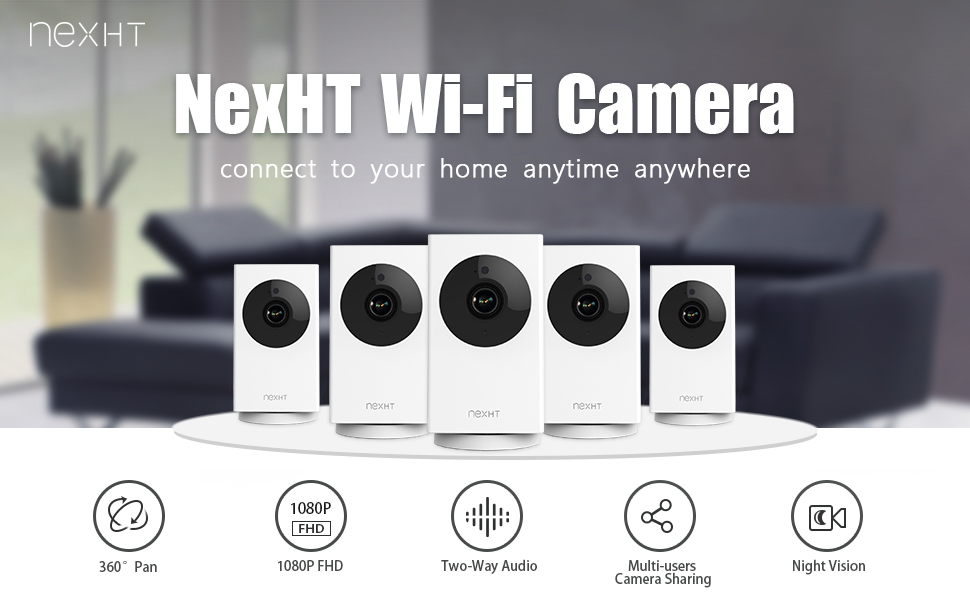
Nadview of the NexHT Wi-Fi Camera's key features including 360° Pan, 1080P FHD, Two-Way Audio, Multi-users Camera Sharing, and Night Vision.
Co je v krabici
- NexHT 1080P Pan/Tilt/Zoom Indoor Smart Camera (Model: 86336)
- Napájecí adaptér (s kabelem)
- Mounting Accessories (for adjustable angle installation)
- Uživatelská příručka (tento dokument)
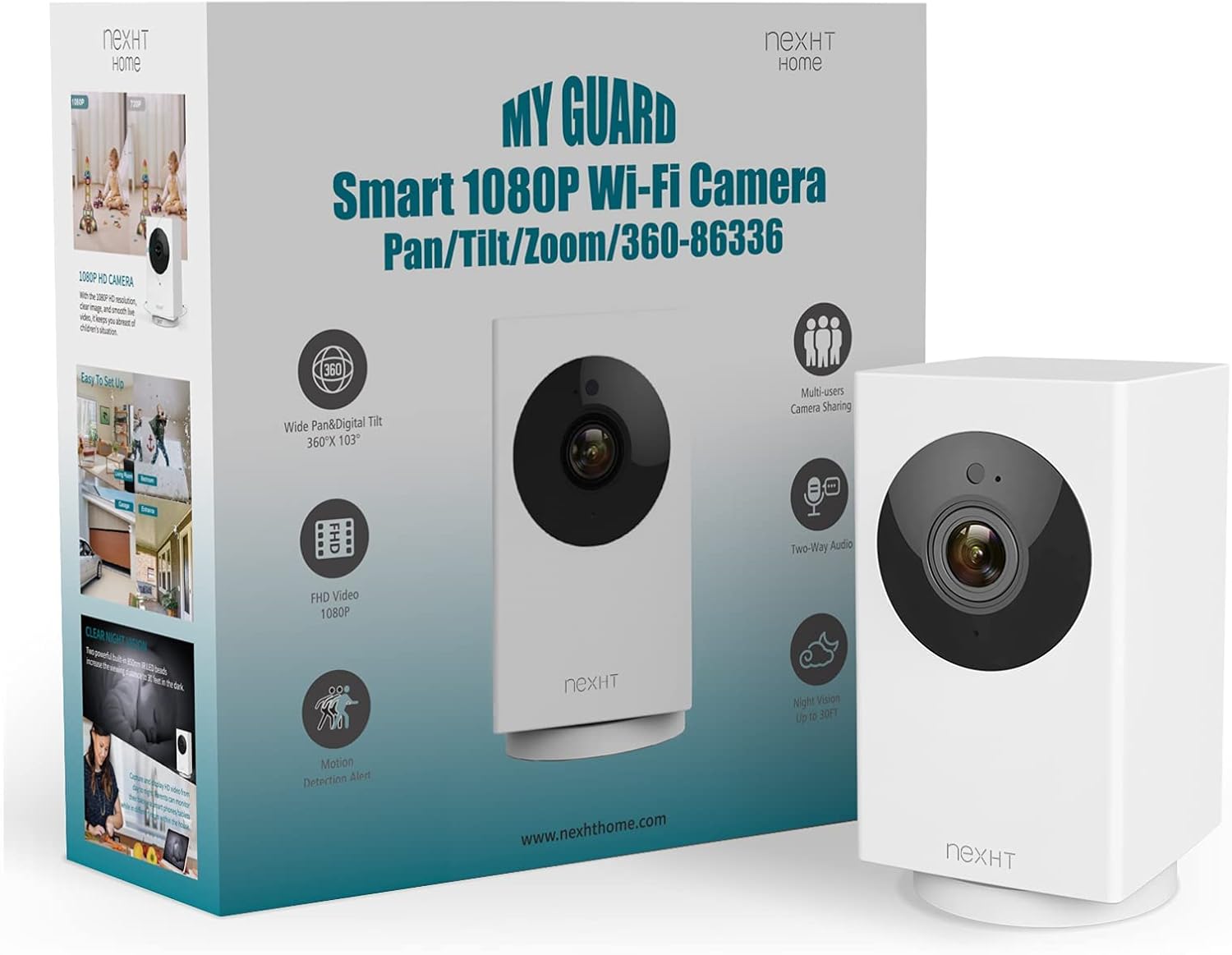
The NexHT Smart Camera and its retail packaging, highlighting key features.
Průvodce nastavením
1. Zapnutí
Připojte kameru ke zdroji napájení pomocí dodaného napájecího adaptéru. Kamera spustí spouštěcí sekvenci.
2. Stažení aplikace a vytvoření účtu
Download the "NexHT Home" app from your smartphone's app store (available for iOS and Android). Follow the in-app instructions to create an account or log in if you already have one.
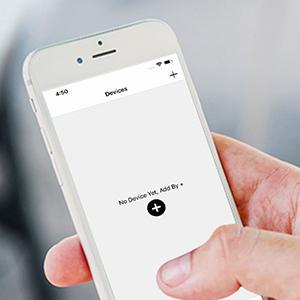
The NexHT Home app interface, showing the option to add a new device.
3. Připojení k Wi-Fi
Ensure your smartphone is connected to a 2.4GHz Wi-Fi network. The camera supports 802.11b/g/n 2.4GHz Wi-Fi bands for configuration. 5GHz networks are not supported for initial setup, though they can be used for viewing once configured.
In the NexHT Home app, select "Add Device" and follow the prompts to connect your camera to your Wi-Fi network. This typically involves scanning a QR code displayed on your phone with the camera lens.
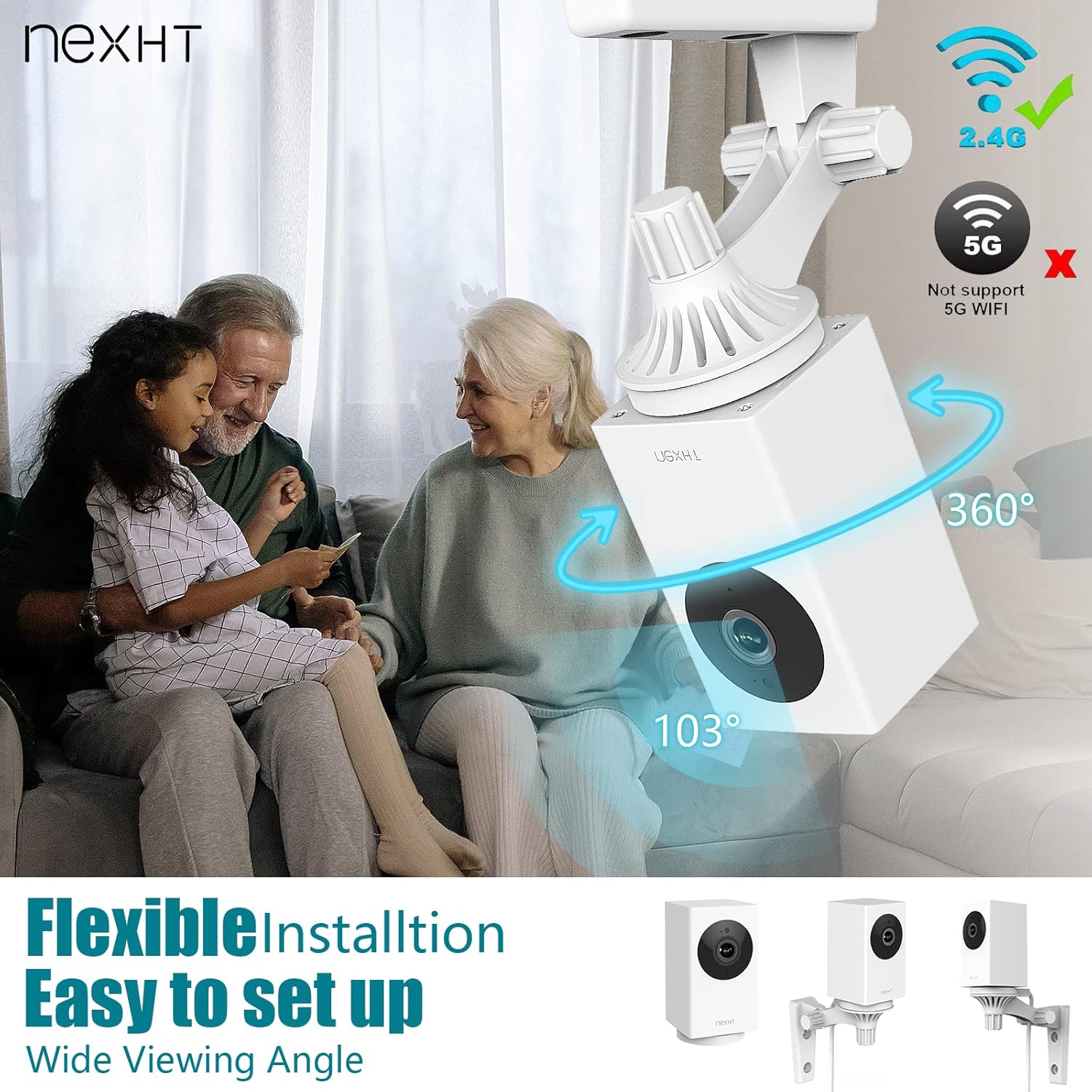
The camera indicating support for 2.4GHz Wi-Fi networks, with a visual cue for 5GHz non-support during setup.
4. Montáž kamery
The camera is designed for flexible installation and can be mounted almost anywhere indoors. Use the included mounting accessories to secure the camera to a wall or ceiling. The adjustable angle feature allows you to position the camera for optimal viewIng.
Návod k obsluze
Žít Viewing and Pan/Tilt/Zoom
Once connected, open the NexHT Home app to view a live stream in Full HD (1080p). Use the on-screen controls to pan (360°), tilt (103°), and zoom the camera's view, allowing you to monitor a wide area.
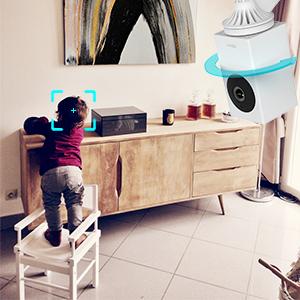
The camera's pan/tilt/zoom functionality allows it to track movement, such as a child playing.
Obousměrný zvuk
The camera features a built-in microphone and speaker, enabling two-way audio communication. You can listen to the environment around the camera and speak through the camera using the app, perfect for interacting with pets or family members.

Illustration of the two-way audio feature, allowing communication through the camera.
Noční vidění
Equipped with 850nm IR LED beads, the camera provides clear night vision up to 30 feet in the dark, ensuring 24/7 monitoring capabilities.
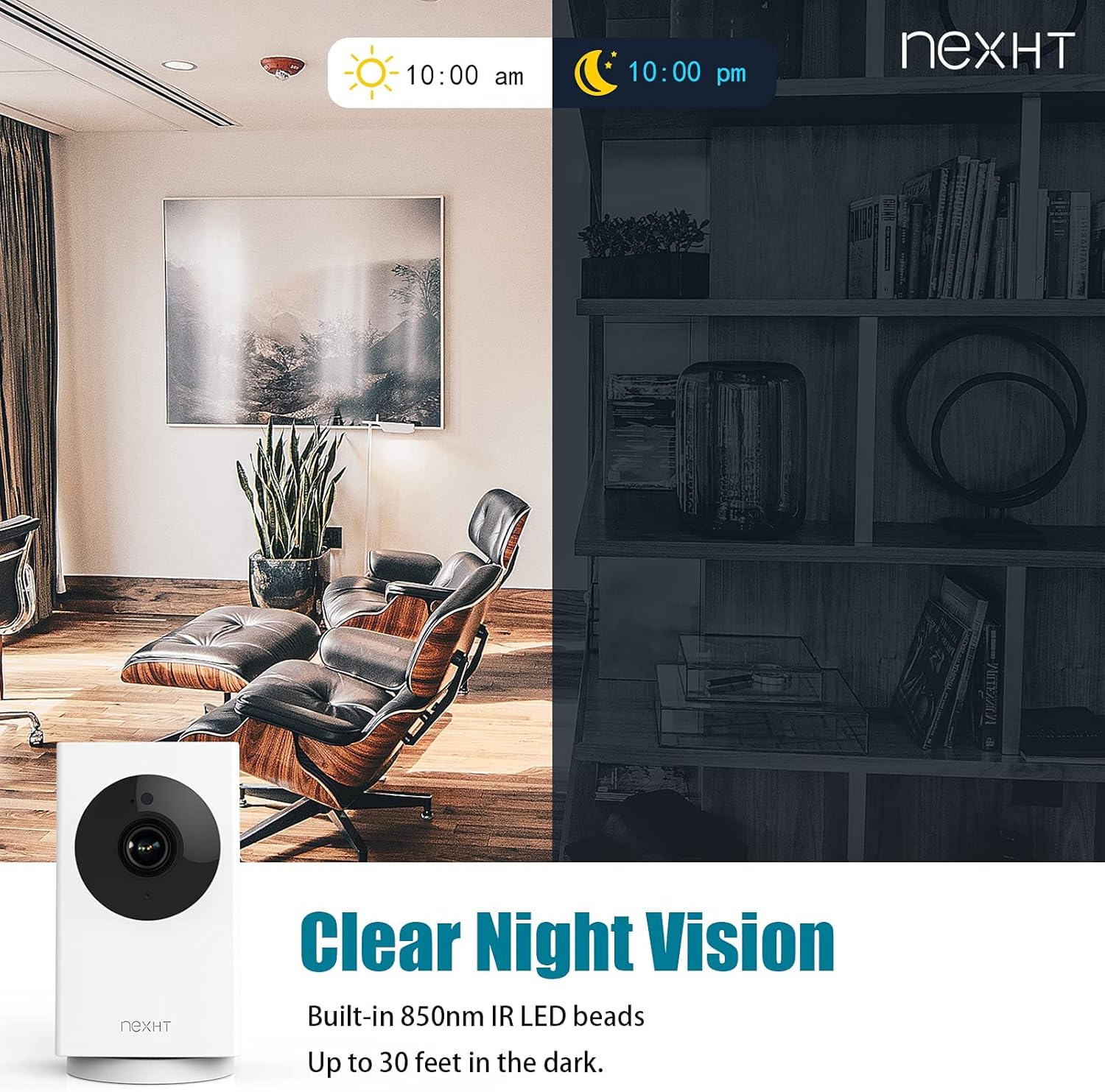
A visual comparison demonstrating the camera's clear night vision capabilities.
Upozornění detekce pohybu
The camera offers 24/7 motion detection. When motion is detected, you will receive instant alert notifications on your smartphone, allowing you to quickly check the live feed and respond as needed.

A smartphone displaying a motion detection alert from the NexHT Home app.
Násobek Viewing Options & Storage
View live streams and recorded footage directly from the NexHT Home app on your smartphone or tablet. The camera supports local storage via a microSD card (not included), allowing you to record and review footage without a cloud subscription. Cloud storage options may also be available.
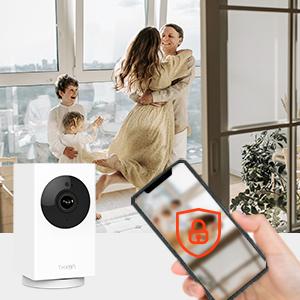
Může více uživatelů view the camera feed simultaneously on their smartphones.
Údržba
- Čištění: Jemně otřete objektiv a tělo fotoaparátu měkkým, suchým hadříkem. Nepoužívejte agresivní chemikálie ani abrazivní čisticí prostředky.
- Aktualizace firmwaru: Regularly check the NexHT Home app for available firmware updates to ensure your camera has the latest features and security enhancements.
- Cyklus napájení: Pokud se s kamerou vyskytnou problémy, zkuste ji na 10 sekund odpojit od zdroje napájení a poté ji znovu zapojit.
Odstraňování problémů
Camera Not Connecting to Wi-Fi / App
- Ensure your Wi-Fi network is 2.4GHz. The camera does not support 5GHz networks for initial setup.
- Ověřte, zda je vaše heslo k Wi-Fi správné.
- Place the camera closer to your Wi-Fi router during setup to ensure a strong signal.
- Restartujte Wi-Fi router a kameru.
- Ensure the NexHT Home app is updated to the latest version.
- If using a QR code for setup, ensure the camera lens is clean and the QR code is well-lit and clearly visible on your phone screen.
Špatná kvalita videa nebo zpoždění
- Check your internet connection speed. A stable and fast internet connection is crucial for optimal video streaming.
- Ensure the camera is within good range of your Wi-Fi router. Obstacles like thick walls can interfere with the signal.
- Reduce the video quality setting in the app if your internet speed is limited.
Problémy s nočním viděním
- Ensure there are no reflective surfaces directly in front of the camera that could cause glare with the IR lights.
- Verify that the night vision feature is enabled in the app settings if it's not automatically activating in low light.
Two-Way Audio Problems
- Check the volume settings on your smartphone and within the NexHT Home app.
- Ensure there is no obstruction covering the microphone or speaker on the camera.
- Minimize background noise in your environment for clearer audio.
Specifikace
| Funkce | Detail |
|---|---|
| Název modelu | 1080P Pan/Tilt/Zoom Indoor Smart Camera |
| Značka | NexHT |
| Vnitřní/venkovní použití | Krytý |
| Protokol připojení | Wi-Fi (2.4GHz for setup, 5GHz for viewing) |
| Rozlišení záznamu videa | 1080p |
| Rozsah otáčení/naklánění | Panoráma 360°, náklon 103° |
| Noční vidění | Up to 30 feet (850nm IR LED) |
| Zvuk | 2-pásmový zvuk |
| Detekce pohybu | 24/7 Alerts |
| Zdroj napájení | Corded Electric (5 Volts, 4 Watt-hours) |
| Rozměry (D x Š x V) | 1.92 x 1.86 x 3.36 palce |
| Hmotnost položky | 4 uncí |
| Materiál | Akrylonitrilbutadienstyren (ABS) |
| Kontrolní metoda | App (NexHT Home) |

The compact and slim design of the NexHT Smart Camera.
Záruka a podpora
Specific warranty information is not provided in this manual. Please refer to the product packaging or the official NexHT webpodrobné záruční podmínky naleznete na webu.
For technical support or further assistance, please visit the NexHT Store on Amazon or contact NexHT customer service directly.
